Meet BoldSign HelpBot: Your AI Support Assistant for eSignature Questions
 Rayronald Ochola Otieno
TL;DR: BoldSign HelpBot is our artificial intelligence (AI) assistant, and it answers questions about BoldSign 24 hours a day, 7 days a week. For a problem it cannot solve, our people offer chat and email support 24 hours a day, five days a week. HelpBot is one of the features on our AI data use page.
You are about to send a contract, and you cannot find where to add a second signer. Searching a help center takes time, and the deadline stays where it is.
We built HelpBot for that moment and released it in June 2025. This guide shows how to ask it questions, and when to reach a person on our team instead.
What is BoldSign HelpBot?
BoldSign HelpBot is a chat assistant that answers questions about using BoldSign. You type a question in plain words, and it writes back an answer.
Think of a shop assistant who tells you which aisle to visit. You skip walking every aisle, because you describe what you need and get pointed to it.
People sometimes call a tool like this a signature bot. HelpBot does not sign documents for you. Instead, it explains how to do each task in BoldSign.
Does BoldSign offer 24/7 live support?
HelpBot answers questions 24/7, but it is an AI assistant, not a person. Our human support team works 24 hours a day, five days a week, as our service level agreement states.
So the two work together. Ask HelpBot first at any hour. Contact a person when an answer misses the problem or your account needs a closer look.
How do you use the BoldSign HelpBot?
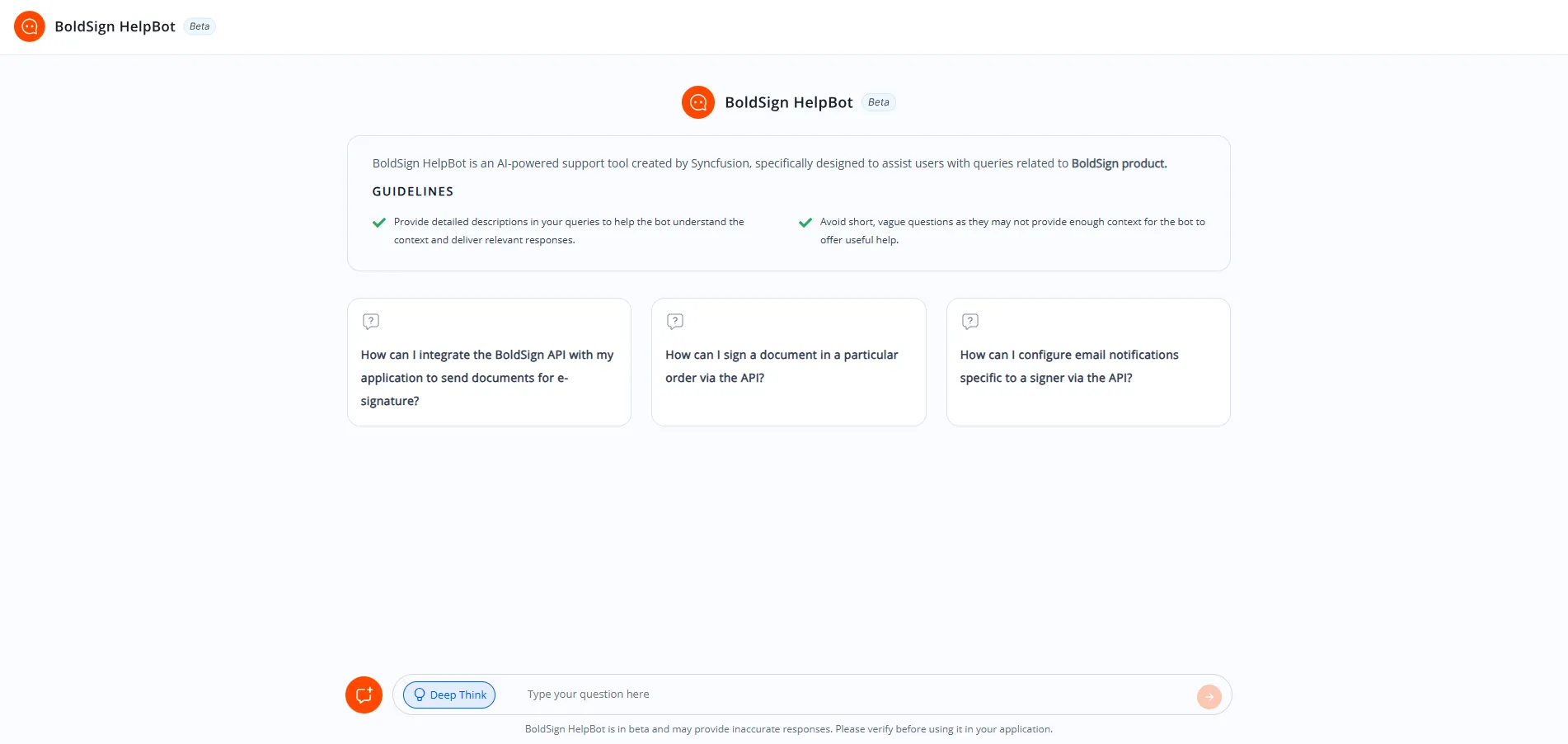
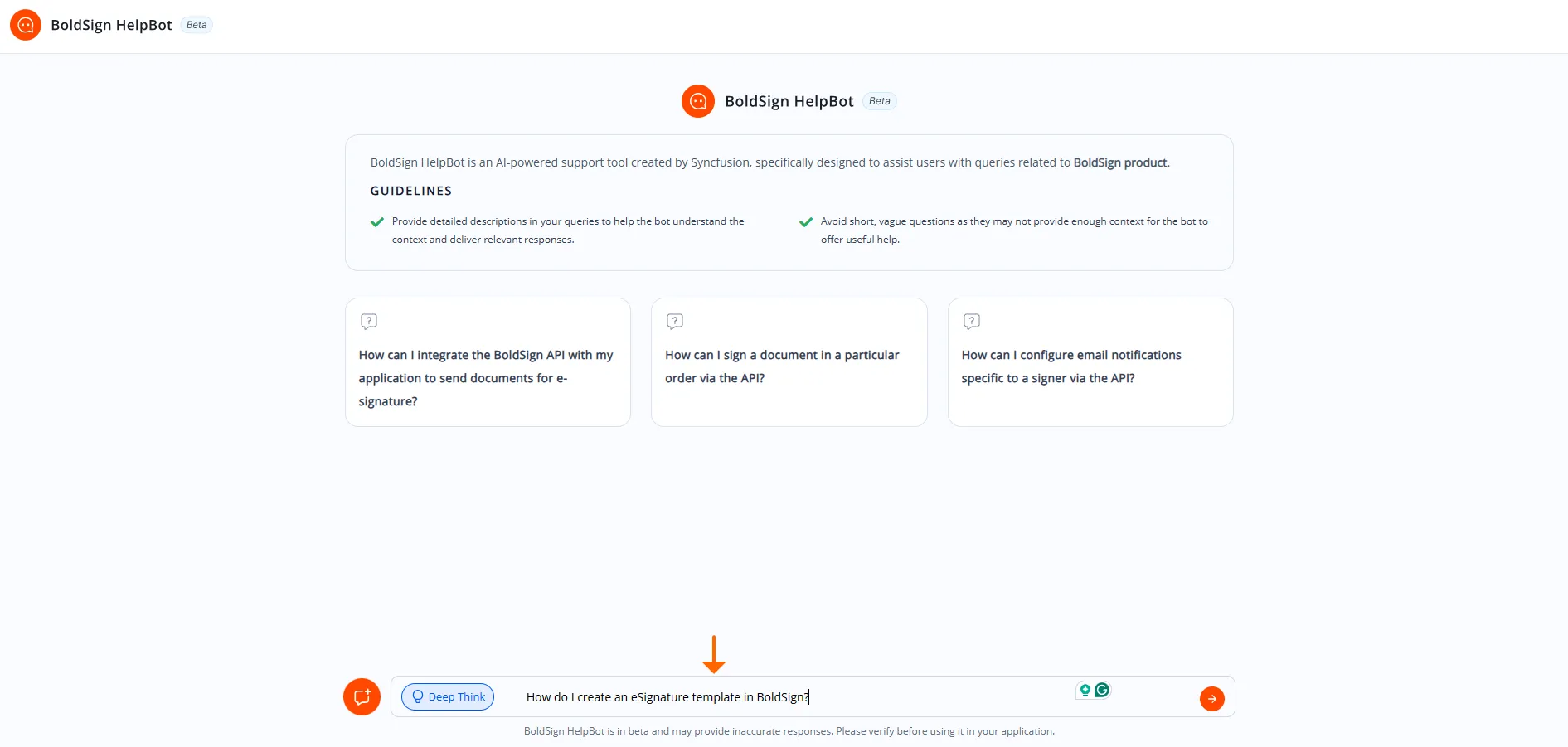
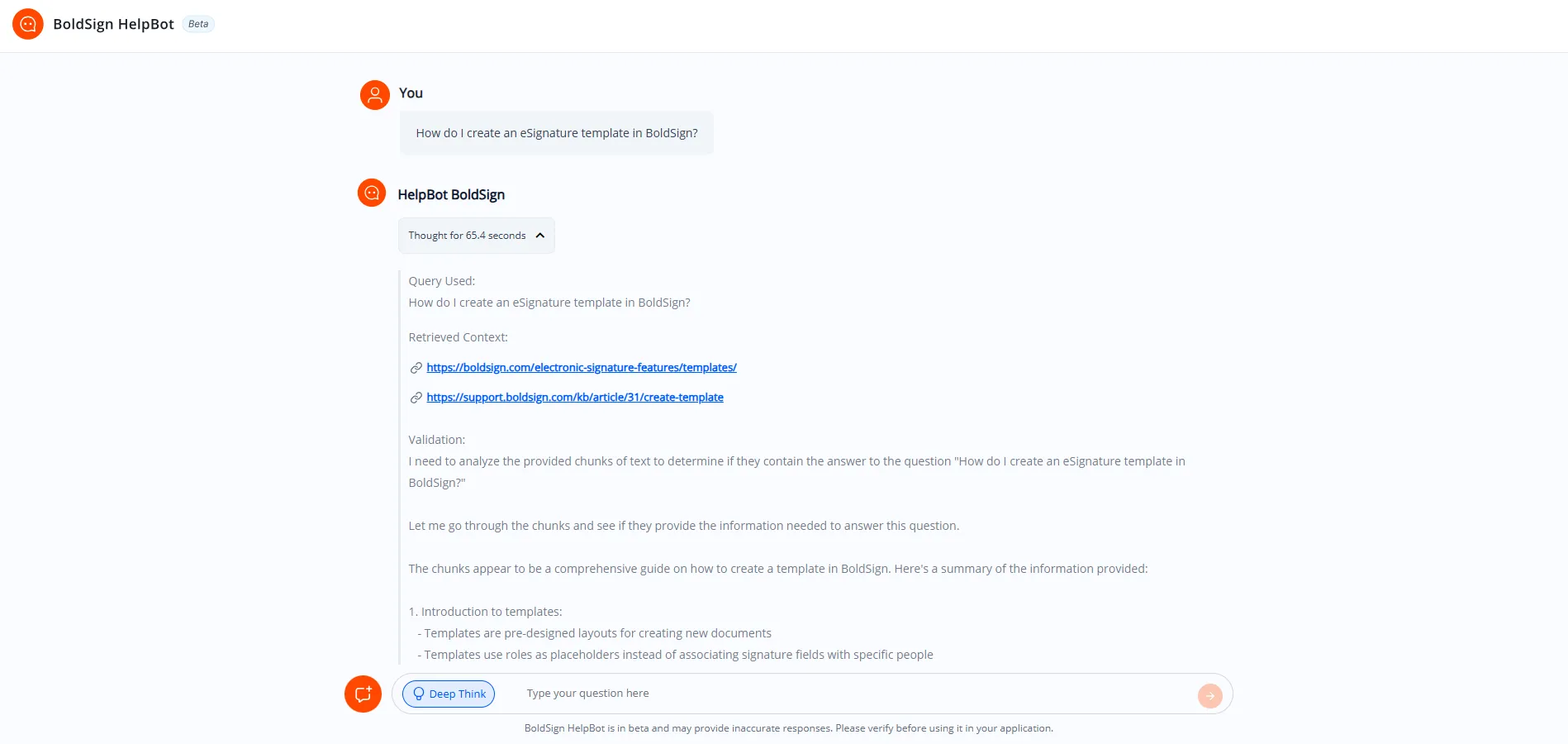
Open BoldSign HelpBot in your browser and type a question. The answer appears in the chat.
- Open HelpBot in your browser.
- Type one specific question, such as “How do I add a second signer to a document?”
- Read the answer, which can include steps, code samples or links to help articles.
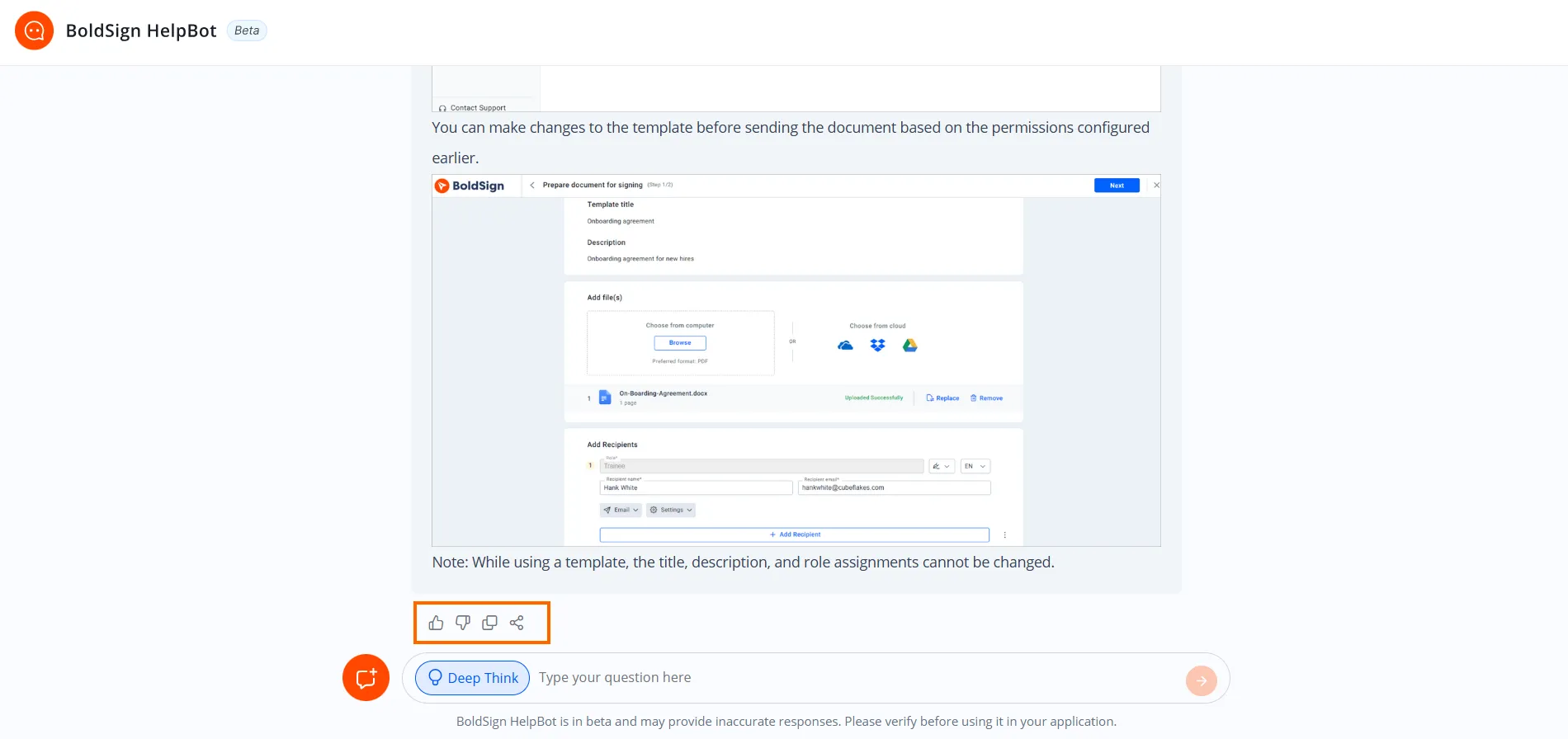
- Use the options under the answer to rate it, copy it or share it with your team.
How do you get better answers from HelpBot?
Ask one clear question about one task, and name the BoldSign feature you mean. The more detail you give, the closer the answer fits your problem.
- Name the task, such as sending a document or adding a reminder.
- Say where you are stuck, for example which page or step.
- Start a new chat when you move to a different topic.
- Swap a one-word question like “Help” for a full sentence.
When should you contact a person instead?
Contact our team about your own account, billing or a document that will not send. HelpBot answers general questions, and a person can look into your specific case.
- Start a live chat from the chat icon on our contact page.
- Email our support team at support@boldsign.com.
- Raise a ticket on the BoldSign support site.
The BoldSign Help Center also holds step-by-step help articles that you can search yourself.
How can you help us improve HelpBot?
Send your thoughts through the BoldSign HelpBot feedback form. We read what works and what falls short, and use it to improve later answers.
Which BoldSign plan includes support, and what does it cost?
Every plan includes chat and email support, so even the free plan gets help from a person. The Business plan and the plans above it add a dedicated account manager.
Those details come from the BoldSign pricing page in November 2026. The Essential plan is free. The Growth plan costs $5 per user a month, and the Business plan costs $15 per user a month.
The Premium plan costs $99 a month for unlimited users. All prices are in USD and billed yearly.
Where do you go next with BoldSign support?
Pick the step that fits where you are today.
- Start a 30-day free trial and ask HelpBot as you send your first document.
- Book a demo to see how signing works for your team.
- Ask BoldSign HelpBot about a task you are stuck on.
Frequently asked questions
What is BoldSign HelpBot?
HelpBot is our artificial intelligence (AI) assistant for questions about BoldSign. You type a question in plain words and it replies in the chat, at any hour.
Is BoldSign HelpBot available 24/7?
Yes. HelpBot answers questions 24 hours a day, 7 days a week. Our human support team works 24 hours a day, five days a week.
Can you recommend digital signature services with 24/7 live support?
We can speak for our own service. We pair HelpBot, which answers at any hour, with live chat and email support from people 24 hours a day, five days a week.
What questions can I ask the BoldSign HelpBot?
Ask about any BoldSign task, such as sending a document, adding a signer or setting a reminder. One clear question about one task gets the most useful reply.
How do I get document signing support from a person?
Start a live chat from the chat icon on our contact page, email support@boldsign.com or raise a ticket on our support site. Every plan includes chat and email support from our team.
What should I do when HelpBot gives a wrong answer?
Check the step against our help articles, then contact our support team. Tell us about it through the HelpBot feedback form too, so we can improve later answers.
Does BoldSign use my data to train AI models?
No. Our AI data use page states that we do not use customer data to train AI models. We also keep it away from third parties and other customers.
Which BoldSign plan includes a dedicated account manager?
The Business plan and the plans above it include a dedicated account manager. Every plan, including the free Essential plan, includes chat and email support.

Rayronald Ochola Otieno
Rayronald Ochola Otieno is a content specialist at BoldSign, specializing in video content and help articles within the eSignature domain. As a blog author, he creates well-researched, insightful content that simplifies complex eSignature topics like digital signatures, compliance, and workflow automation for businesses and professionals. With expertise in creating educational videos and articles, Ray helps users understand and adopt secure, efficient signing solutions. Beyond writing and video creation, Ray enjoys exploring new technologies, reading about the latest industry trends, and continually refining his skills.
More posts by Rayronald Ochola Otieno