

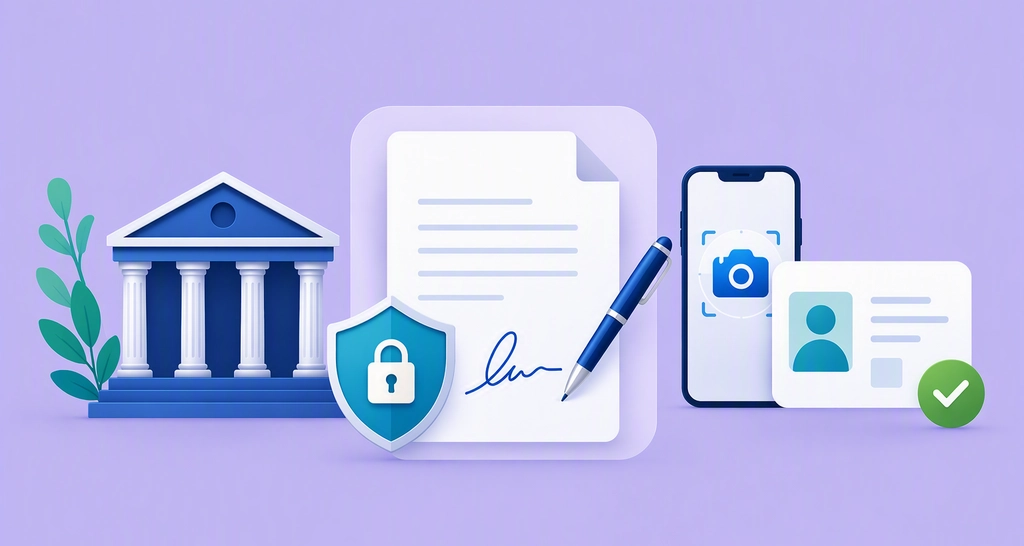
How to Create a Secure Digital Signature for Banking With ID Verification
Learn how banks can build secure digital signature workflows with ID verification, audit trails, and stronger signer authentication for remote signing.
 Discover our mission, commitment to our customers, and leadership team.
 Stay updated with our latest news and announcements.
 Learn about the latest BoldSign products and company news.
 Earn ongoing referral fees by embedding and referring BoldSign to clients.
 Connect with us if you have any questions or need help.
 Your business is protected with BoldSign.
 Earn commission by promoting BoldSign via your site, blog, or socials.
 Join our team and build innovative software solutions.
 See the love for BoldSign from users about their experience.
Rayronald Ochola Otieno is a content specialist at BoldSign, specializing in video content and help articles within the eSignature domain. As a blog author, he creates well-researched, insightful content that simplifies complex eSignature topics like digital signatures, compliance, and workflow automation for businesses and professionals. With expertise in creating educational videos and articles, Ray helps users understand and adopt secure, efficient signing solutions. Beyond writing and video creation, Ray enjoys exploring new technologies, reading about the latest industry trends, and continually refining his skills.
Learn how banks can build secure digital signature workflows with ID verification, audit trails, and stronger signer authentication for remote signing.
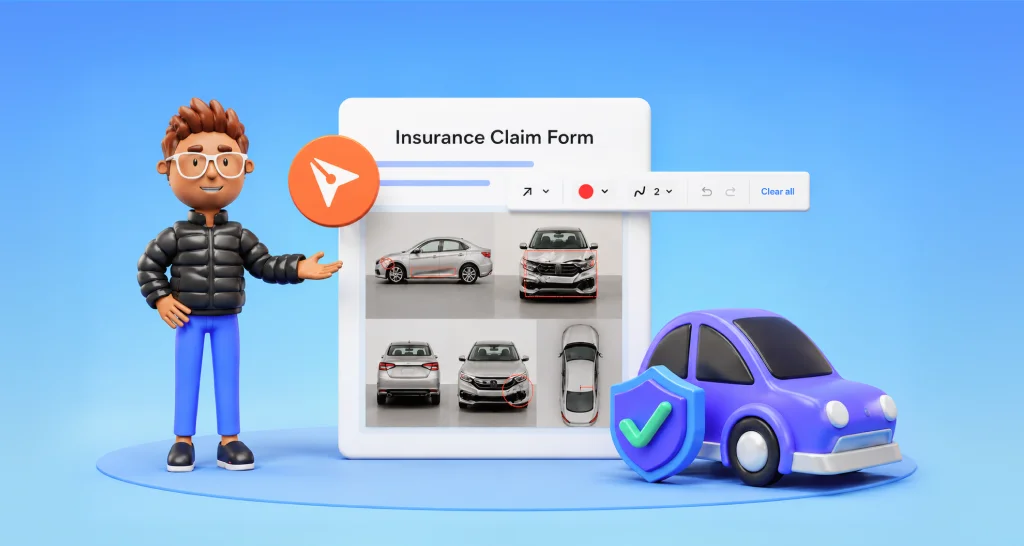
Show accident damage in an insurance claim form with clear photos and marks drawn on the form, so the adjuster sees each damaged spot before you submit.
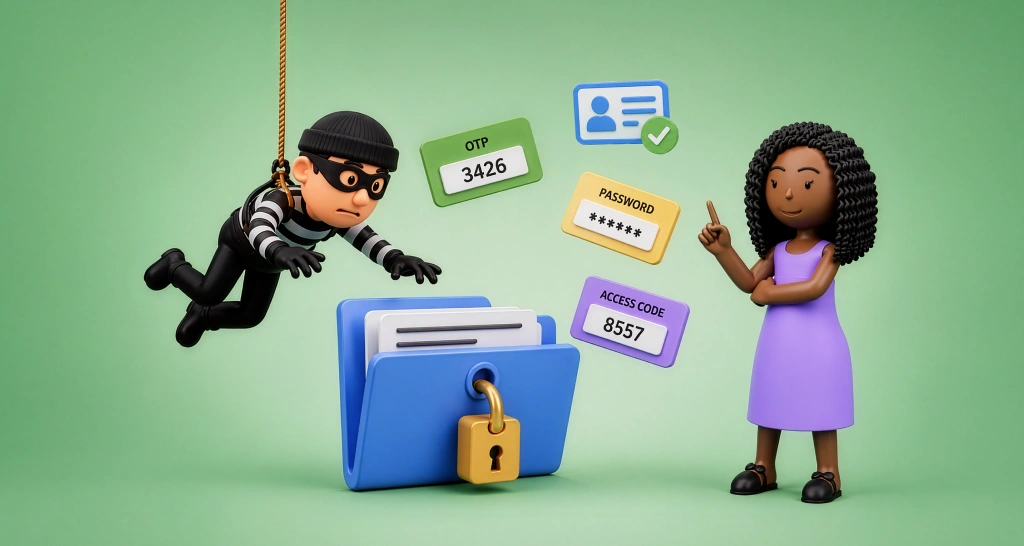
Match signer authentication to document risk in BoldSign: email codes for routine forms, SMS or access codes for more, KBA or ID checks for the most risk.
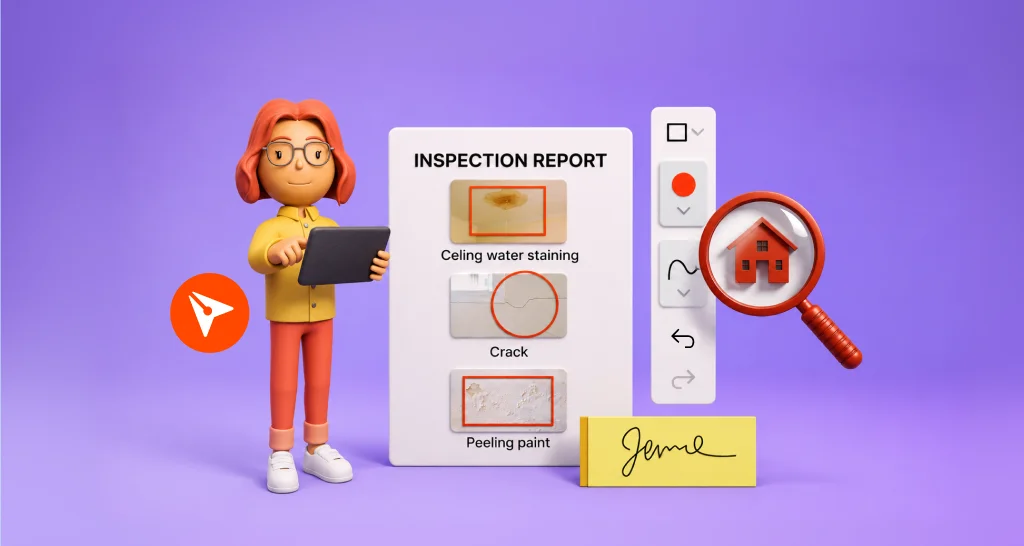
Mark issues in a property inspection report before signing: circle each problem on the photo, add a label and an owner, and all sign one shared record.
Explore BoldSign’s 2025 highlights: industry awards, rapid growth, customer wins, and powerful AI, security, API, and mobile innovations.
Learn how to lock a contract template in BoldSign so senders keep its files, recipients, message and fields as you set them, and which plans include it.

Explore BoldSign’s October 2025 updates: template field locking, API downloads, team transfers, AI field detection, and mobile scheduling for smarter workflows.

See which teams and documents suit bulk send in eSignature, from HR offer letters to vendor renewals and policy sign-offs, with an example for each job.

Use e-sign to build trust with customers: brand each request, write clear notes, show every step in an audit trail and follow up on time with BoldSign.
Bulk links let many people sign their own copy of one document from a single URL. See when to use them, how to set one up, and what bulk signing costs.
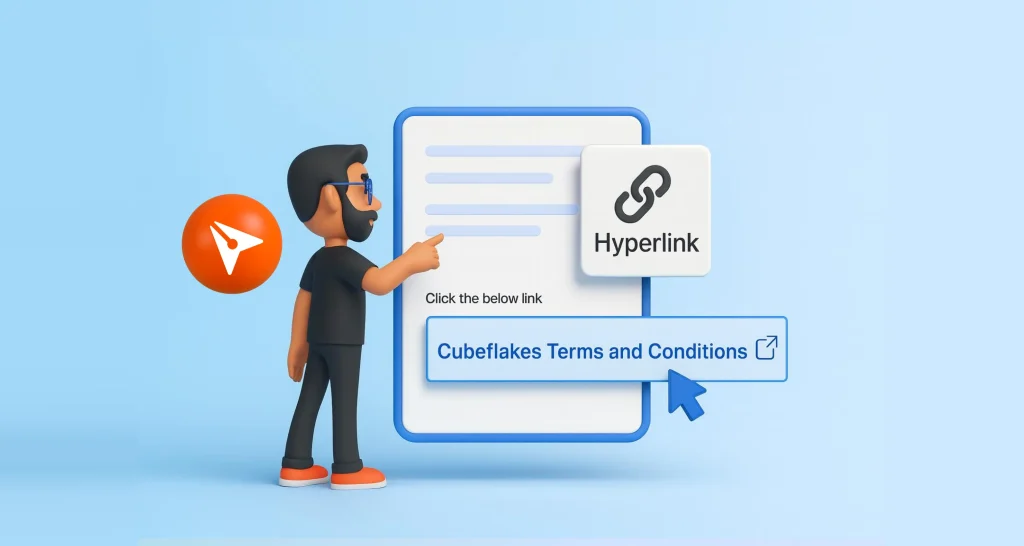
Learn how to add a hyperlink field to a document before you send it for signature, which link types it supports, and which BoldSign plans have the field.
Set up the BoldSign Document Deletion Policy: pick which document statuses to clear, keep files 14 to 1,827 days, then track or cancel scheduled deletions.