Digital Patient Intake Workflow for Clinics: How to Move Check-In Online
 BoldSign Team
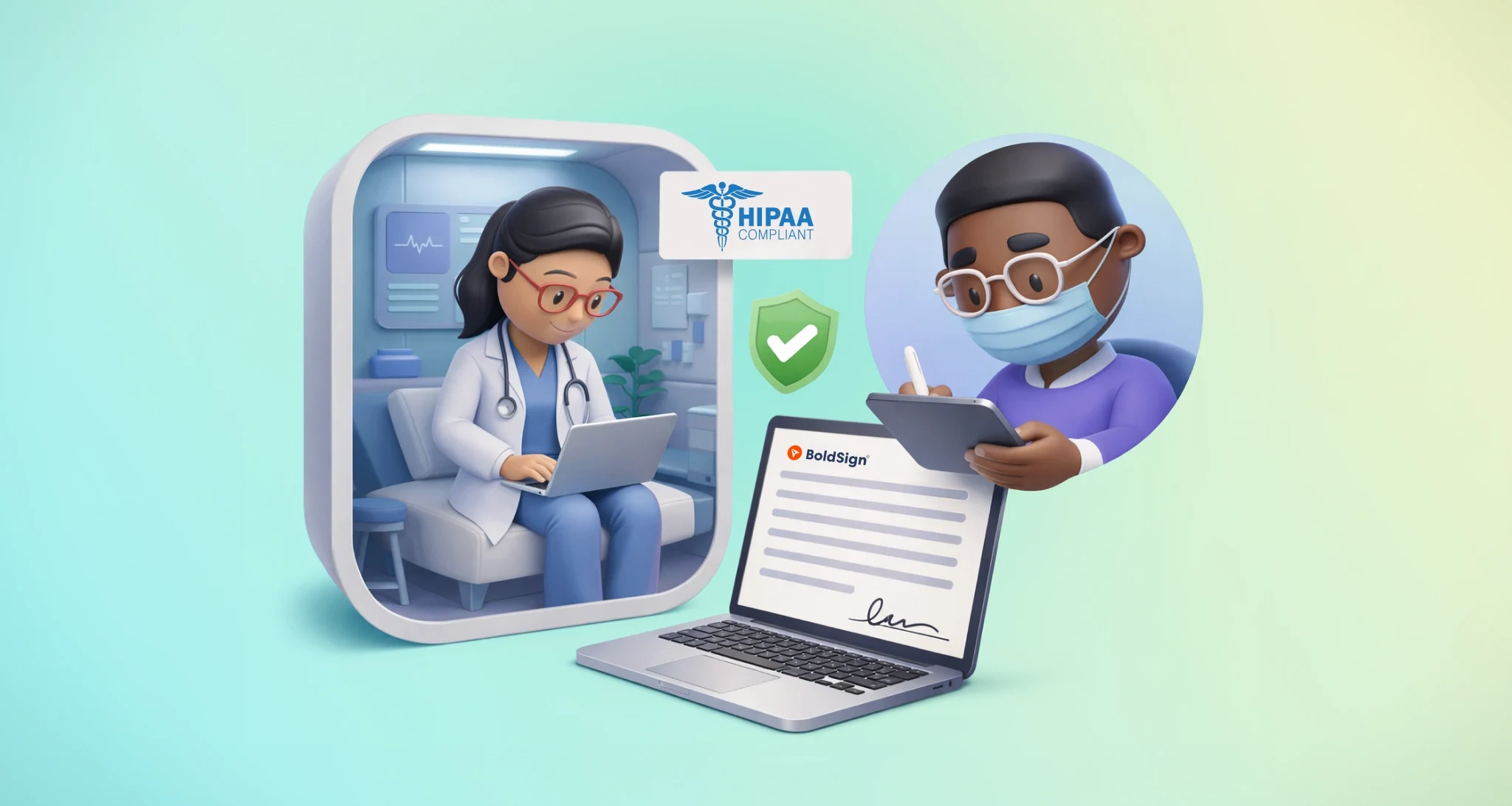
TL;DR: A digital patient intake workflow sends patients a link before the visit, so they fill in forms, upload insurance photos and sign consents by phone. Staff check the finished packet in minutes instead of retyping paper. Our electronic signatures for healthcare cover the signing and consent part of that workflow.
Busy mornings at a clinic follow a pattern. Patients line up at the desk and staff hand out clipboards. Someone asks for a pen, and someone else squints at handwriting.
Most of that wait comes from paperwork the patient could have finished at home the night before. This guide shows how to move intake online, step by step, and where we fit in.
What is a digital patient intake workflow?
A digital patient intake workflow collects a patient’s details, consents and documents online before the visit. The front desk confirms the packet instead of building it from paper.
Think of it like online check-in for a flight. You enter your details and choose a seat at home, so the airport desk only checks your ID. Digital intake does the same for a clinic visit.
Why does digital patient intake matter for clinics?
Paper intake puts the most work on the busiest part of the day. Each form a patient fills in at the desk delays the next appointment.
- Patients wait longer in the lobby.
- Forms come back with blanks and hard-to-read answers.
- Staff retype the same details into the records system.
- Paper forms get lost or filed in the wrong chart.
Online intake moves that work to the patient’s own time. Staff spend their morning helping patients instead of chasing missing pages.
What does a better intake morning look like?
A better morning starts the evening before, when patients finish their forms at home. Picture a pediatric clinic that texts parents an intake link.
A parent fills in the child’s history and medication list, then signs the consent while packing school bags.
The next morning, the front desk confirms a few details and sends the family through. The nurse already has clean answers, and nobody retypes anything.
Why isn’t emailing a PDF the same as digital intake?
Emailing a PDF moves the paper problem into an inbox. The patient still prints, writes and scans, and your staff still retype.
- The patient prints the form and fills it in by hand.
- They photograph or scan each page.
- Blurry images arrive by email, often with pages missing.
- Staff retype every answer into your system.
A simple test helps here. Any step that needs a printer or a scanner is still a paper step.
How do you set up a digital patient intake workflow?
Build the workflow in six steps, from the first link to the final check. Each step removes one reason a patient waits at the desk.
- Send a pre-visit intake link by email or text message, one or two days before the appointment.
- Let the patient fill in demographics, history and symptoms on their phone.
- Mark the answers you need as required, so nobody skips them.
- Collect signatures on general, telehealth, privacy and imaging consents.
- Ask for photos of the insurance card and ID, plus earlier reports if you need them.
- Have the front desk review the finished packet and confirm it at check-in.
Steps 1 and 4 often decide whether patients finish. A short message and a link that opens on a phone keep completion high.
How does BoldSign support digital patient intake?
We handle the signing part of intake. You send a consent form, the patient signs on any device, and you get back a sealed PDF with an audit trail.
The link opens in the phone’s browser, so patients need no app or account. Our Health Insurance Portability and Accountability Act (HIPAA) overview explains how we protect patient data, including encryption at rest and in transit.
Which form fields help with intake?
Our form fields cover most of what an intake packet asks for.
- Attachment lets the patient upload an insurance card photo, limited to image, PDF or Word files.
- Editable Date collects a date of birth or last visit, within a date range you set.
- Checkbox and Radio collect yes or no answers and allergy lists.
- Date signed records the signing date, and the patient cannot change it.
Can patients get the link by text message?
Yes. You can choose text message delivery for a signer, and we send a secure link to their phone.
Text message signers get no automatic reminders, so send a manual reminder when a form stays unsigned.
How do you send intake consents with BoldSign templates?
Templates turn each consent form into a packet you set up once and reuse. No coding is needed.
- Upload your consent form to BoldSign.
- Drag signature, date and attachment fields onto the form.
- Save it as a template.
- For each patient, enter their name and email or phone number, then send.
- The patient signs on their phone, and the signed copy comes back to you.
You can skip automation on day one. Start with templates, and add more once your intake steps stay the same each week.
When should a clinic add integrations to intake?
Add integrations once the manual flow runs the same way every week. Before that, each change to the form means rework in two places.
Some clinics hire digital agencies. Intake form integrations for clinics usually connect a form tool, an eSignature tool and the records system. Ask any agency how it will protect patient data and who signs a business associate agreement (BAA).
Which clinics gain the most from digital intake?
Any clinic with repeat consent forms gains time, but some forms suit online intake well. Here is how a few specialties use it.
- Family medicine collects health history and general consent before the first visit.
- Eye clinics send imaging and lens-fitting consents for patients to read at home.
- Dermatology completes photo consent and treatment agreements before the patient arrives.
- Pediatrics lets parents sign guardian authorization and vaccination consent from home.
- Telehealth collects video-visit consent and an ID photo before the call.
What should you watch out for with online intake?
Most intake problems come from long forms and unclear wording. A few habits keep completion rates up.
- Ask only what you need for this visit.
- Design for a phone first, with large fields and short pages.
- Use one template for each recurring consent type.
- Send a reminder the day before the appointment.
- Review the wording each year with your privacy or legal team.
What does HIPAA ask of your intake vendor?
A vendor that stores or sends protected health information (PHI) for you is a business associate. The Code of Federal Regulations (CFR) covers this at 45 CFR 164.502(e). You need the vendor’s written assurance that it will protect that data.
Check that every tool in your intake workflow will sign a BAA before patient data goes into it. Our guide on how electronic signatures in healthcare work covers the rest of the HIPAA picture.
Which BoldSign plan do you need for patient intake, and what does it cost?
For patient intake, choose a Business or Premium plan billed yearly. Both include HIPAA support, unlimited templates and text message delivery.
Our Business plan costs $15 per user a month, billed yearly. Our Premium plan costs $99 a month for unlimited users, billed yearly. Prices are in USD.
Each text message costs $0.20, as listed on our text message delivery page. The free Essential plan includes 2 templates and the Growth plan at $5 per user a month includes 10, but neither includes HIPAA support.
How do you start moving patient intake online?
Pick your most-used consent form and turn it into a template this week. Then choose the next step that fits your clinic.
- Start a 30-day free trial and send your first intake consent.
- Request a demo to walk through your intake packet with our team.
- Have a question? Open a ticket on our Support Portal.
Frequently asked questions
What is digital patient intake?
Digital patient intake means patients fill in their forms, sign consents and upload insurance photos online before a visit. Staff review the finished packet instead of typing from paper.
Is an electronic signature on a patient consent form legally valid?
Yes, when the patient agrees to sign electronically and the clinic keeps the signed record. In the US, the Electronic Signatures in Global and National Commerce (ESIGN) Act and state laws based on the Uniform Electronic Transactions Act give electronic signatures the same effect as ink.
Do I need a business associate agreement for online intake forms?
Yes, when a vendor stores or sends protected health information for your clinic. Health Insurance Portability and Accountability Act (HIPAA) rules ask for written assurances from that vendor, usually a business associate agreement (BAA).
Can patients sign intake forms on their phone?
Yes. Patients open the signing link in their phone's browser, fill in the fields and sign with a finger. They need no app or account.
Can patients upload a photo of their insurance card?
Yes, with an Attachment field on the form. You can limit uploads to images, PDFs or Word documents, so the photo arrives with the signed packet.
How far ahead should clinics send intake forms?
Many clinics send them one or two days before the appointment. That gives patients an evening to finish, and gives staff time to follow up on anything missing.
Should a small clinic use templates or automation for intake?
Start with templates. A template turns each consent form into a reusable packet, and you can add automation later once your intake steps stay the same.
How much does BoldSign cost for a clinic?
Our Business plan costs $15 per user a month and our Premium plan $99 a month for unlimited users, both billed yearly. Both include HIPAA support and text message delivery.

BoldSign Team
The official team behind BoldSign—the simple, secure eSignature solution trusted by businesses worldwide. Our platform helps individuals and teams create, sign, and manage documents effortlessly while maintaining full compliance. Experience BoldSign yourself with a free trial or request a personalized demo to see it in action.
More posts by BoldSign Team