How to Manage Payroll Documents with Secure eSignatures
 Evans Omondi Otieno
TL;DR: Secure payroll document management means each pay change, deduction or direct deposit form is signed by the right person, stored encrypted and logged. With BoldSign, you send these forms from a template, check each signer’s identity and keep an audit trail for every file. Our eSignature for HR teams page shows the wider HR setup.
A new pay rate needs a manager’s approval and the employee’s signature before the next pay run. On paper, the form waits in an inbox, gets scanned, and sometimes goes missing. Each lost page leaves a gap in the record of who agreed to what.
Signed payroll documents prove that an employee saw and accepted their pay details. This guide explains what secure payroll paperwork involves, then walks through sending, signing and storing it with us.
What does secure payroll document management mean?
Secure payroll document management means every payroll form reaches the right person, gets a verified signature and stays protected afterwards. The record should also show who did what, and when.
Think of the difference between a pay slip in a sealed envelope and one written on a postcard. Both carry the same numbers. Only the sealed envelope keeps them private and shows if someone opened it.
Which payroll documents need a signature?
Any form that changes what an employee is paid, or where the money goes, needs a signature. The signature is your proof of consent.
- Pay rate and salary change forms
- Direct deposit authorizations
- Deduction and benefits enrollment forms
- Tax withholding forms
- Bonus and commission agreements
Why do signed payroll records matter for audits?
Auditors ask you to show that each pay change was approved and accepted. A signed form with a full history answers that question directly.
Paper forms rarely carry that history. You see the ink, but you cannot see when the form was opened, by whom or from where.
How do you send payroll documents for eSignature with BoldSign?
Build each recurring form once as a template, then send it with the right people and deadlines. The steps below cover a typical pay change form.
- Select Create New, then Create New Template, and upload the form.
- Add a role for each person who must act, such as the employee and the payroll manager.
- Place the signature, date and text fields, then save the template.
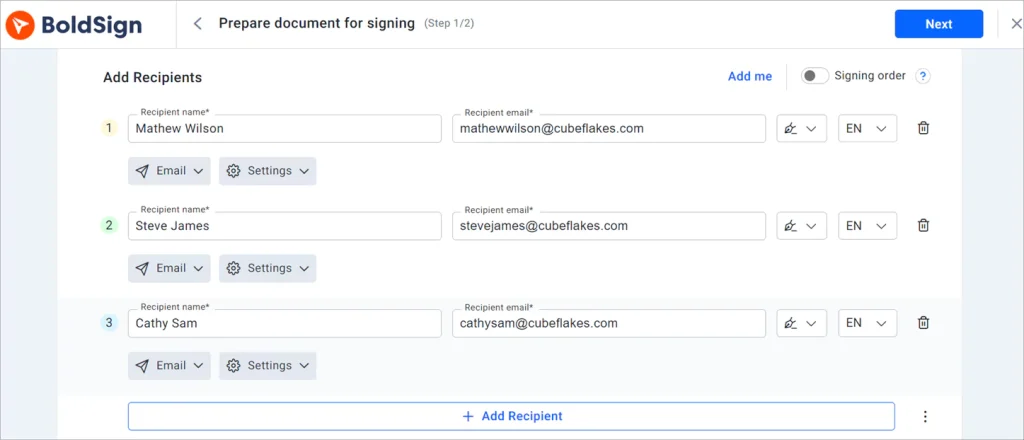
- Send the template, filling in the names and email addresses for this pay change.
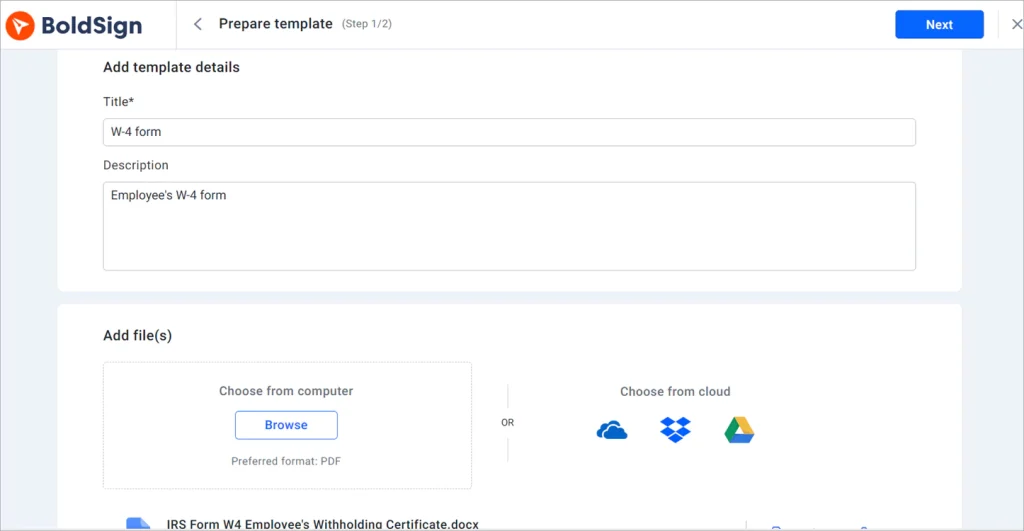
Our help article on how to create templates covers each option. You can also add more recipients and set the order in which they sign.
How do you keep payroll forms from going unsigned?
Turn on Auto reminder under Document settings when you send. Set Remind every to the days between reminders and Max. reminders to as many as five.
The Expires in field sets how long the request stays open, with 60 days as the default. Our help articles explain how to set reminders and expiration dates.
How do you add your company brand?
Add your logo and colors to the signing page so employees know the request comes from you. A familiar look also helps people spot fake requests.
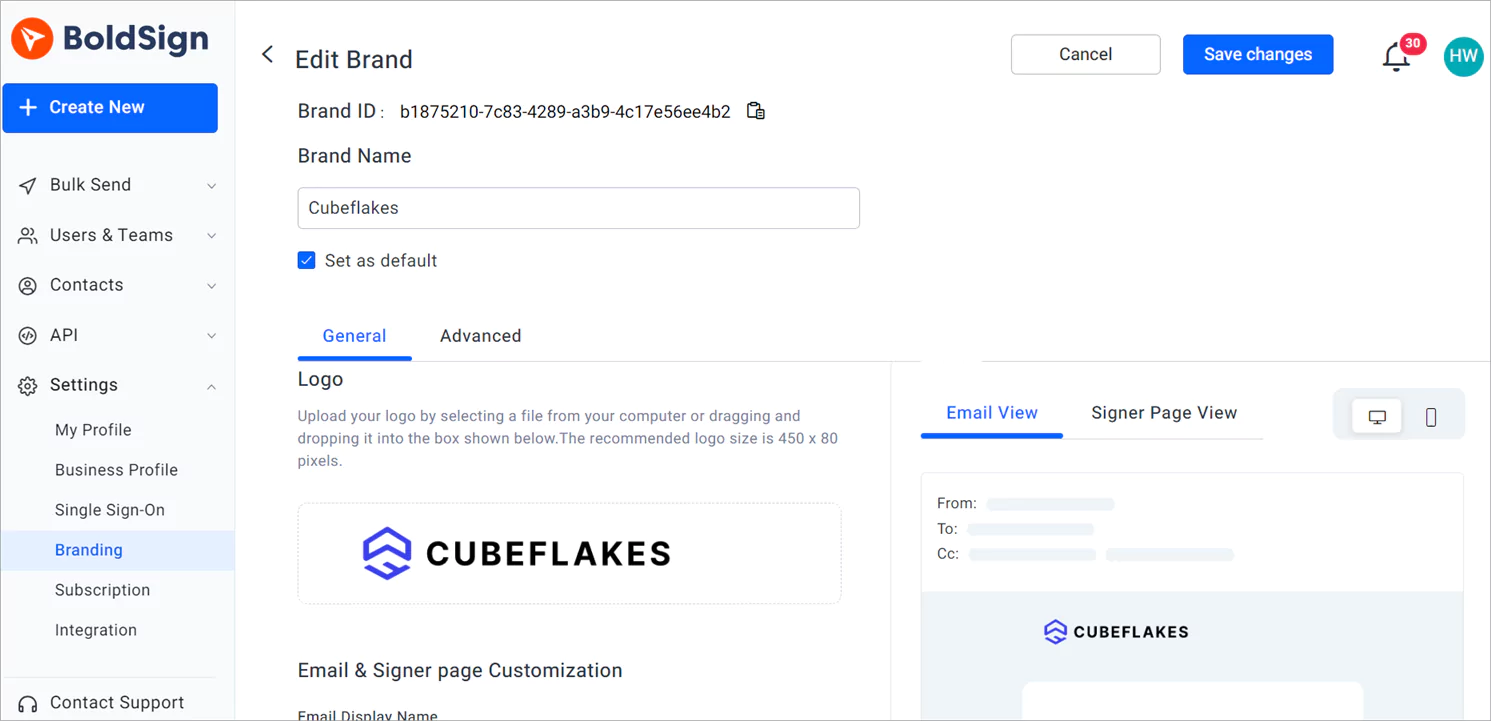
Our branding page lists what you can change, and our help article shows how to create a brand in BoldSign.
How do sign request options differ for reviewing and collecting signatures on sensitive employee documents?
A Reviewer reads and approves a document but does not sign it. A Signer fills in the fields and signs.
Use both on a pay change. The payroll manager reviews the new figures first, and then the employee signs. Our help article on the Reviewer role in templates shows the setup, and every template needs at least one Signer.
How do you confirm the right person signs?
Add a signer check before the document opens. Pick the level that fits how sensitive the form is.
- An access code you share with the employee
- A one-time code sent by email or SMS
- Knowledge-based authentication (KBA) for signers in the US
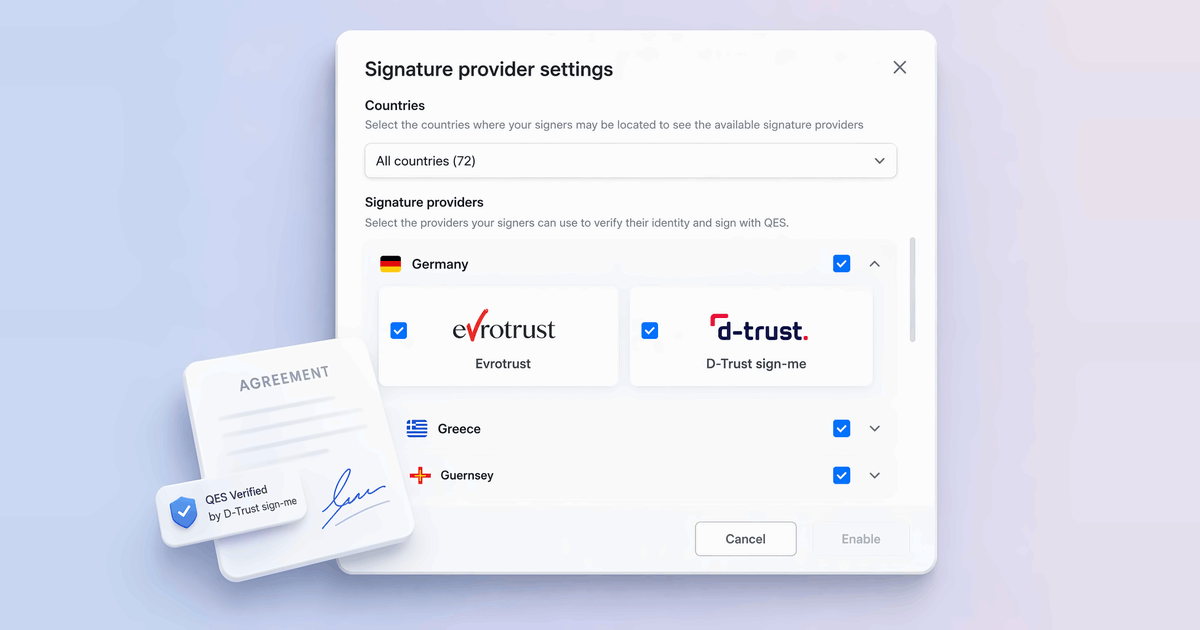
- Identity verification with a passport, driver’s license or national ID
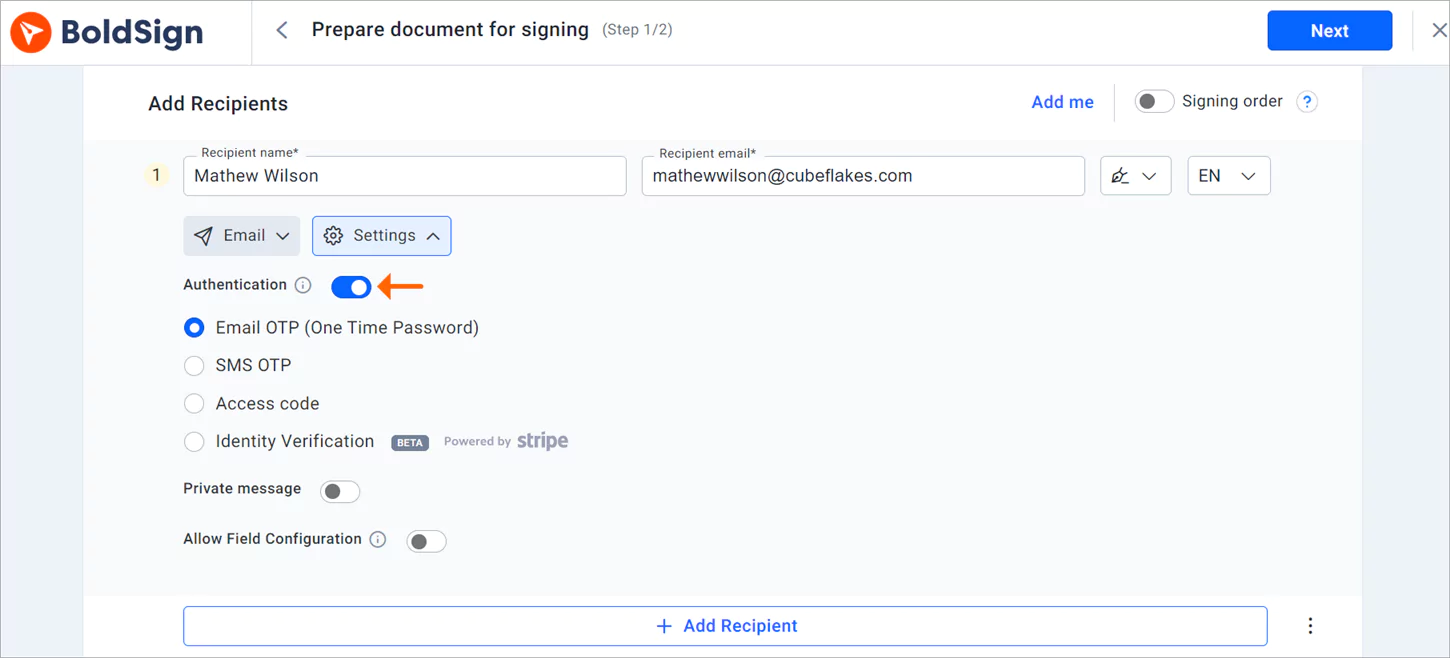
Identity verification can also match the ID to a selfie. The result goes into the audit trail.
How do employees sign payroll documents?
Employees sign from the link in their email, on a computer or a phone. They do not need an account.
- Click Review and Sign in the email to open the document.
- Read and accept the disclosure terms, then click Continue.
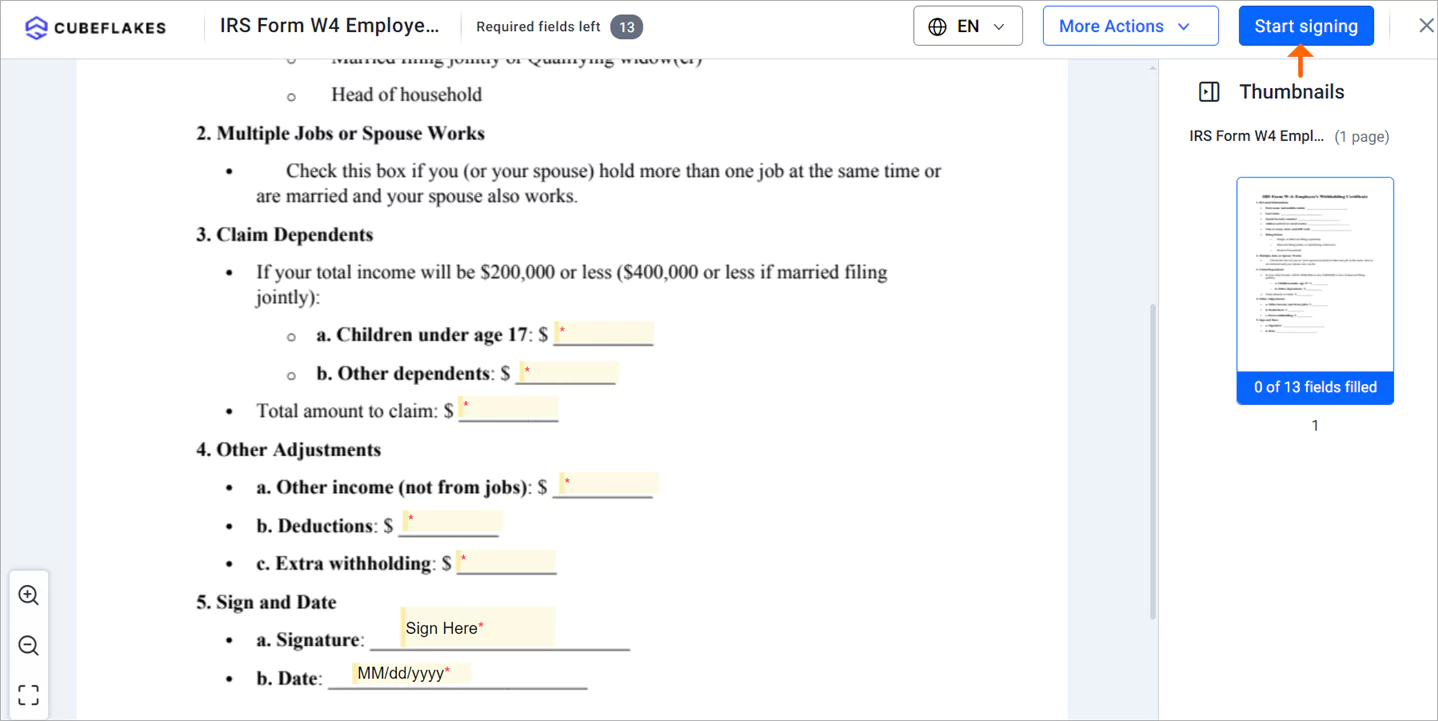
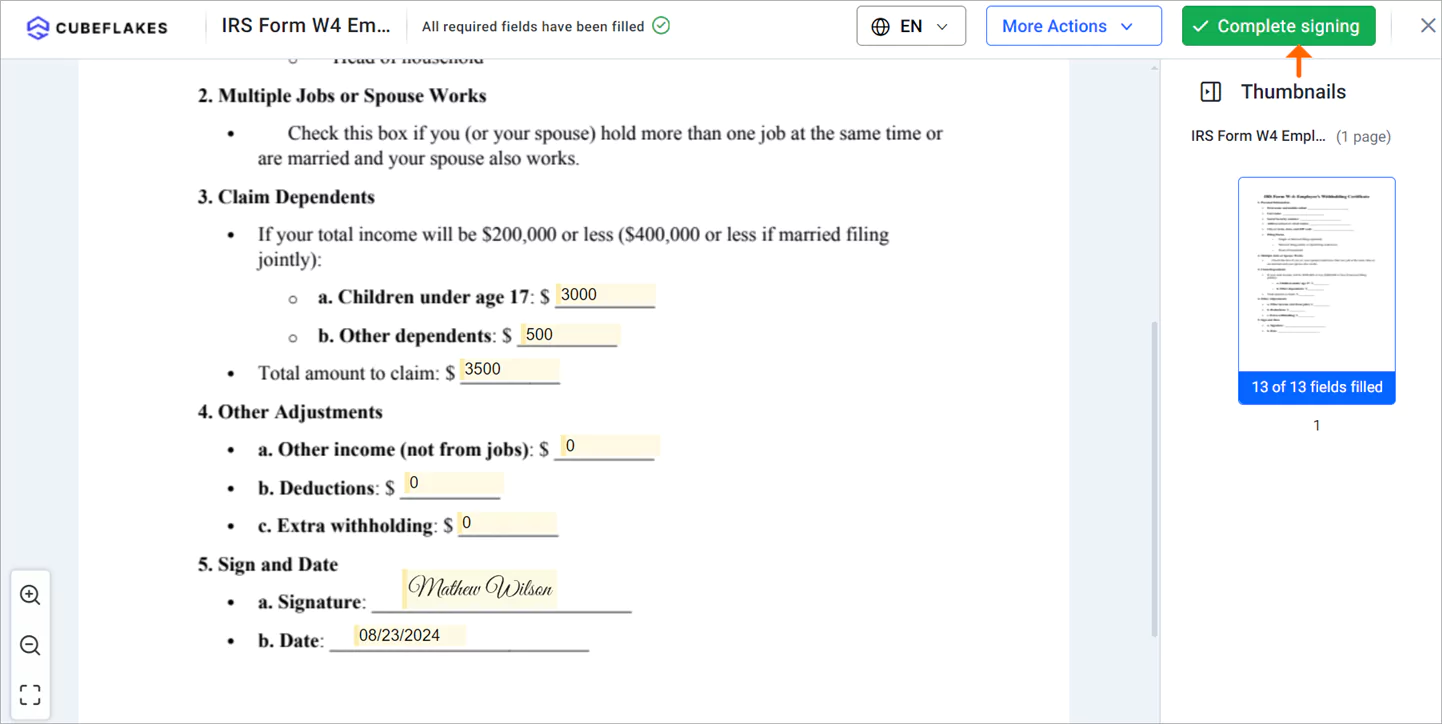
- Click Start Signing, and use Next Field to move between fields.
- Click Complete signing after filling in every field.
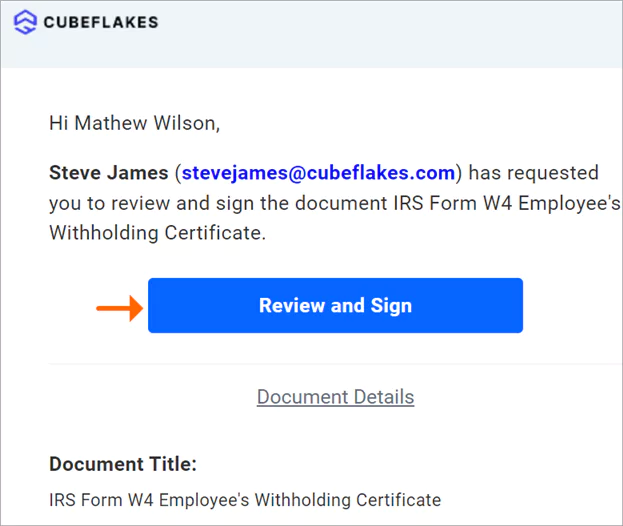
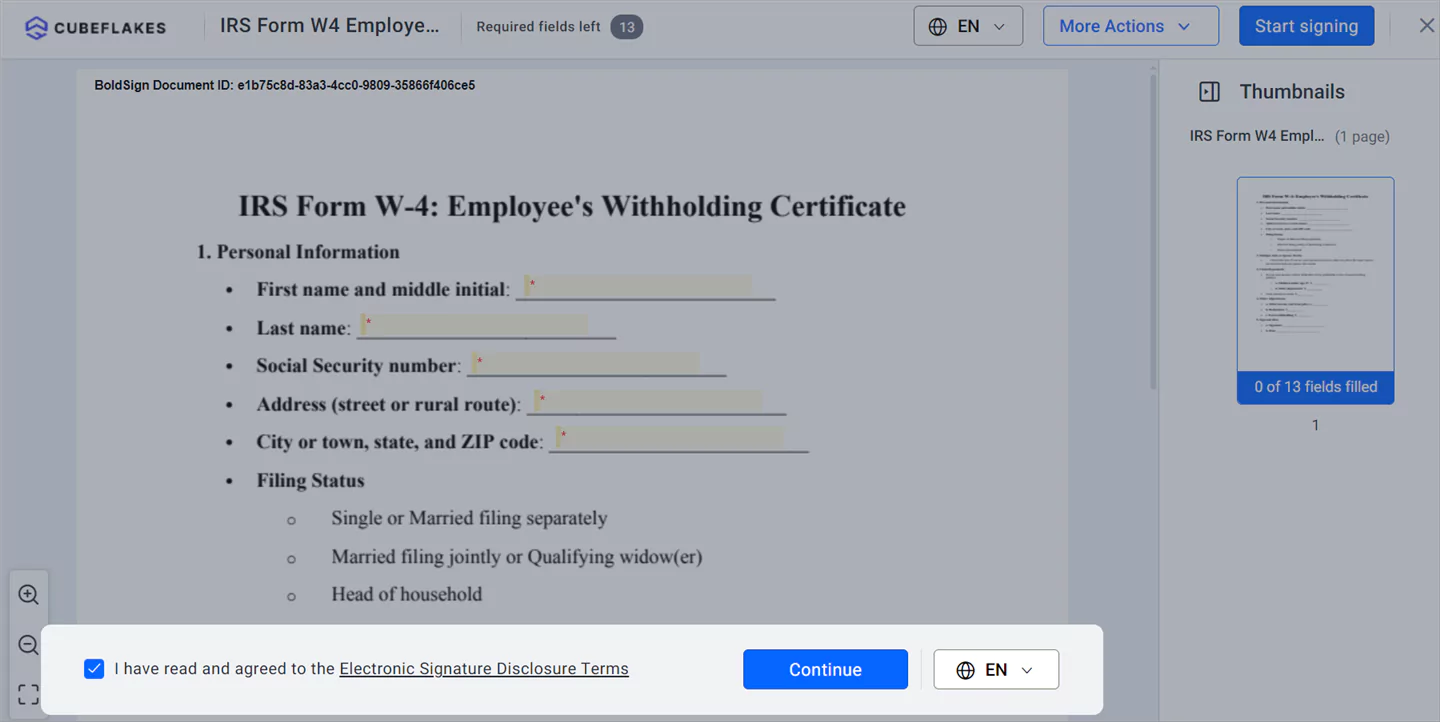
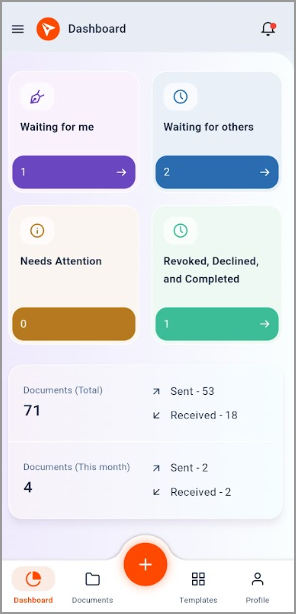
Employees on the move can sign in a phone browser. Our mobile app for iOS and Android lets HR staff send and track documents too.
What is a safe way to store signed contracts and payroll docs online?
Store them where files are encrypted, access is limited and every action is logged. We encrypt stored documents with Advanced Encryption Standard (AES) 256-bit keys, at both the service and the infrastructure level.
We host data in the US East, the EU, Canada and Australia. Our security policy page has the details, and our compliance pages cover each standard.
- System and Organization Controls (SOC): our SOC 2 Type 2 audit
- General Data Protection Regulation (GDPR): our GDPR overview
- Health Insurance Portability and Accountability Act (HIPAA): our HIPAA overview
What does the audit trail record?
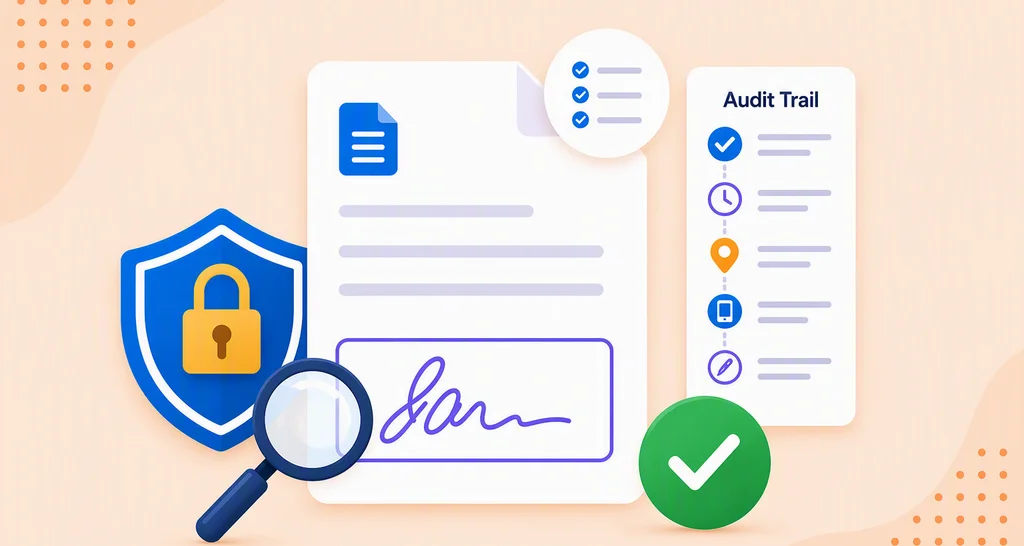
Each signed document gets an audit trail at the end. It lists each recipient’s name, email, internet protocol (IP) address, device and authentication method, with the time of each view and signature.
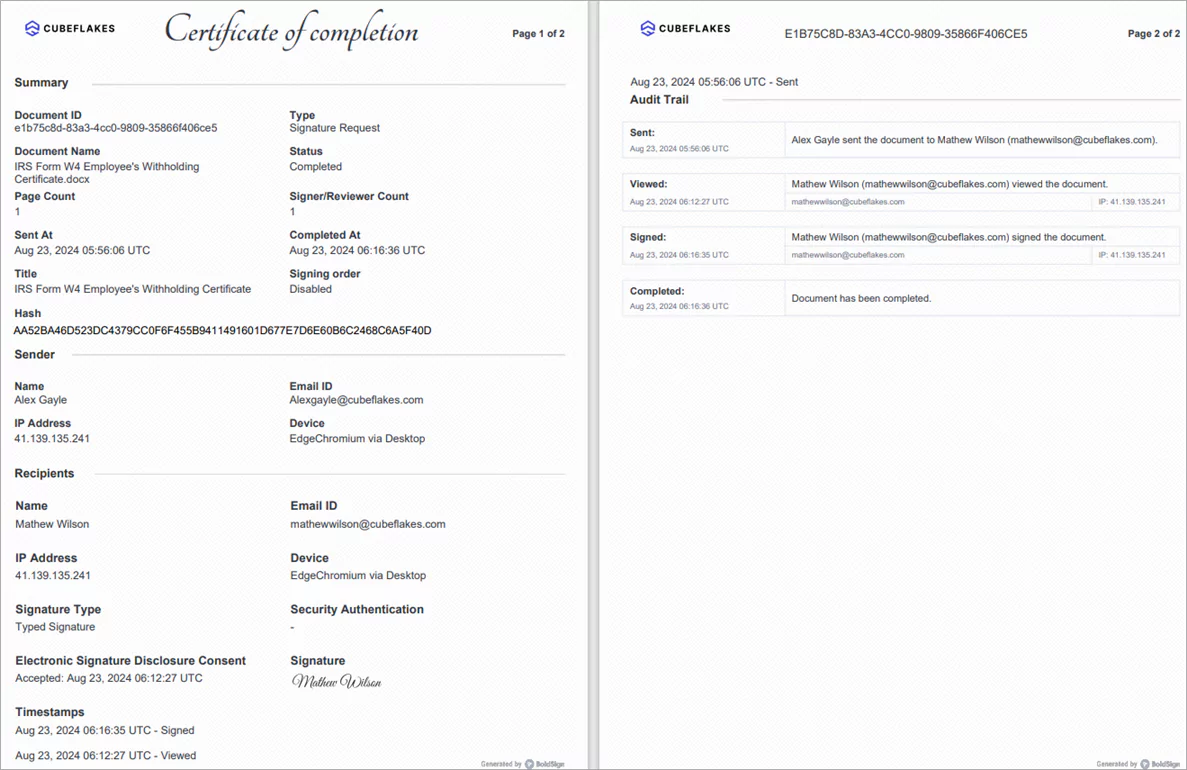
Our guide on why eSignature audit trails matter explains each field.
What are the top options when your HR team processes hundreds of employment documents monthly?
Look for an e-signature solution that integrates with your document API and maintains compliance records for audits. Check these points before you choose.
- Templates for each recurring form, so nobody retypes them
- Signer checks that match each form’s risk
- An audit trail on every signed document
- An API or webhooks to connect your HR or payroll system
Where can you get help setting it up?
We support you while you set up and after you go live.
- Read our help articles for each feature.
- Watch our video tutorials on YouTube.
- Raise a support ticket or send us an email.
Which BoldSign plan fits payroll documents, and what does it cost?
The Business plan fits most payroll work, at $15 per user a month billed yearly. It includes unlimited templates and brands, SMS authentication and ID verification.
The free Essential plan gives you 2 templates and 1 brand. The Growth plan, at $5 per user a month, gives you 10 templates and 2 brands. HIPAA mode comes with yearly Business and Premium plans.
The Premium plan costs $99 a month for unlimited users. The Enterprise API plan adds the API and webhooks to connect your document system. It starts at $30 a month with 40 envelopes.
All prices are in USD and billed yearly, as listed on our pricing page in November 2026.
Where do you start with eSignatures for payroll?
Start with one form you send often, such as a direct deposit authorization. Build it as a template and send it to a colleague first.
- Start a 30-day free trial and send your first payroll form.
- Book a demo to see payroll signing set up for your team.
- Contact us with questions about your payroll setup.
Frequently asked questions
What is a safe way to store signed contracts and payroll docs online?
Keep them in a system that encrypts files at rest, limits who can open them and logs every action. We store documents with AES-256 encryption and attach an audit trail to each signed file.
How do sign request options differ for reviewing and collecting signatures on sensitive employee documents?
A Reviewer checks and approves the document but does not sign it. A Signer fills in fields and signs. You can set the order, so a payroll manager reviews a pay change before the employee signs.
Are electronic signatures on payroll forms legally binding?
Yes, when the signer agrees to sign electronically and the record is kept. Our eSignatures follow the US Electronic Signatures in Global and National Commerce (ESIGN) Act and the EU electronic identification and trust services (eIDAS) rules. Check any extra rules for your form type and country.
Can employees sign payroll documents on a phone?
Yes. Employees open the request from their email and sign in a phone browser, with no app needed. Our mobile app for iOS and Android also lets HR staff send and track documents.
How do I stop payroll forms from sitting unsigned?
Turn on automatic reminders when you send the document. You choose the days between reminders and up to five reminders in total, and you can set an expiry date.
Can I check who signed a payroll document and when?
Yes. Each completed document has an audit trail. It lists every recipient's name, email, IP address, device, authentication method and the time of each view and signature.
Is BoldSign fund admin software with document generation and esignature?
No. We handle the signing step, with templates, signer checks and audit trails. Your fund administration or payroll software keeps the accounts and creates the figures.
Does BoldSign support HIPAA for payroll files that hold health plan details?
Yes, on yearly Business and Premium plans. An account admin accepts the business associate agreement (BAA) under Settings, which turns on HIPAA mode for the whole organization.

Evans Omondi Otieno
Evans Omondi Otieno is a customer support representative and writer at BoldSign, specializing in creating clear, insightful content to help users navigate eSignature solutions. As a blog author, Evans writes well-researched articles that simplify technical concepts, helping businesses and professionals understand how to use BoldSign effectively. With expertise in technical support and content creation, he ensures users have a seamless experience and gain valuable knowledge from his articles.
More posts by Evans Omondi Otieno