How to Choose an Electronic Signature Tool in 2026: A Buyer's Checklist
 Yvone Atieno Odhiambo
TL;DR: Here is what to compare when selecting an e-signature tool: signing, legal records, workflow fit, branding, cost and support. Test each one with real documents during a free trial. Our pricing page shows which features come with each plan.
You need contracts, offer letters or approvals signed, and a search turns up dozens of tools. Each one claims to be easy and secure. The real differences hide in plan tables, signer screens and support hours.
This guide gives you a checklist to compare new signature options available online. We use BoldSign as the worked example, so you can see what a good answer to each question looks like.
Why does the choice of eSignature tool matter?
The tool you pick shapes how fast deals close and how easy signing feels for your clients. A poor fit costs you twice: once in slow approvals, and again when you switch tools later.
Problems usually show up as you grow. A plan that suits 5 documents a month may cap you at 50, or charge extra for a second user. Check these limits before you commit.
What should you compare when selecting an e-signature tool?
Compare six things: the signer’s experience, legal records, workflow fit, branding, cost and support. Use the questions under each heading as your checklist for every tool on your shortlist.
How will your signers sign?
Your signers are often clients who have never used the tool. Signing should take a minute on any device.
- Can signers sign in a browser, with no app or account?
- Does the signing page work well on a phone?
- Can you send the link by email, text message or WhatsApp?
- Can signers read the page in their own language?
Will the signed record hold up?
In the US, the Electronic Signatures in Global and National Commerce (ESIGN) Act says a signature cannot lose legal effect just because it is electronic. You still need proof of who signed, and when.
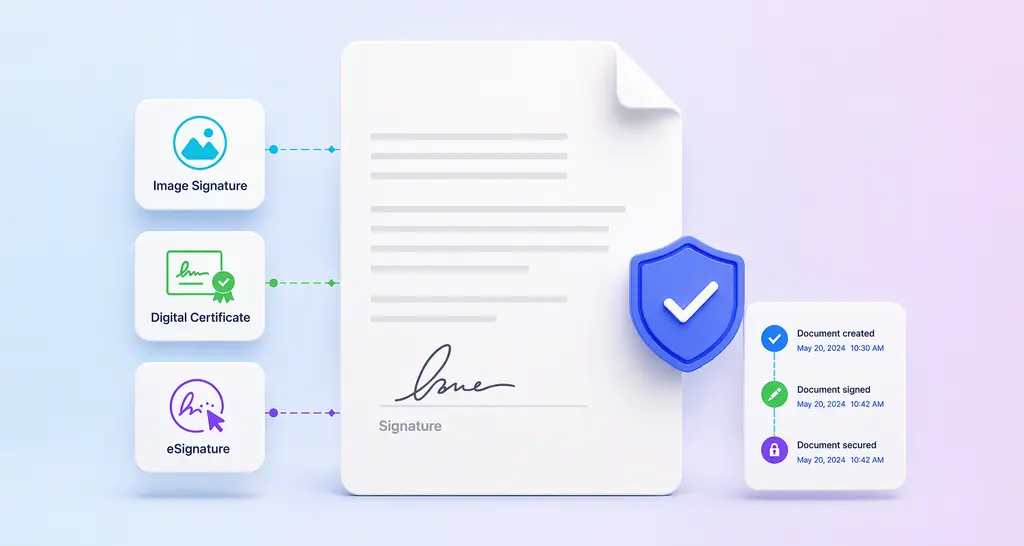
- Does every document come with an audit trail of views and signatures?
- Is the signed file sealed so later changes show?
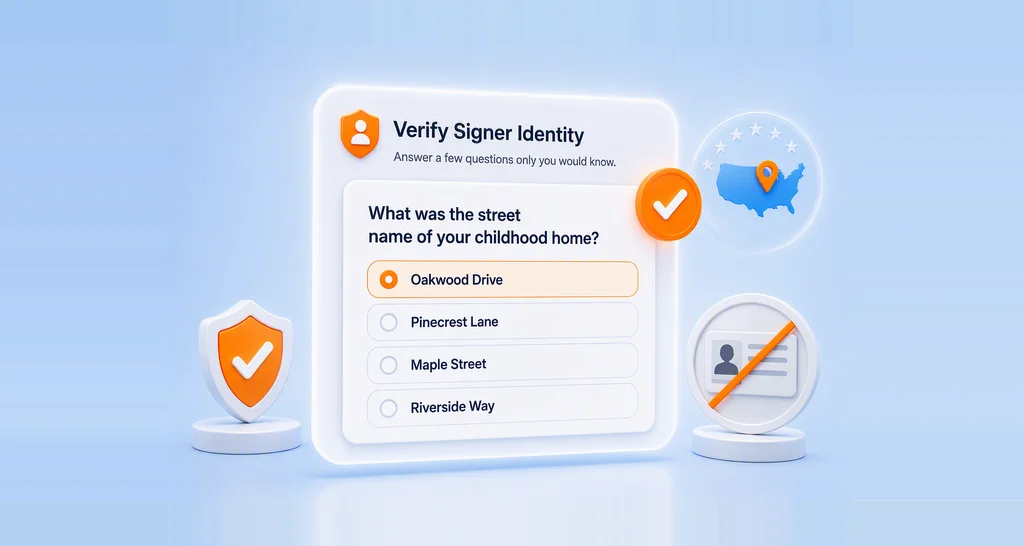
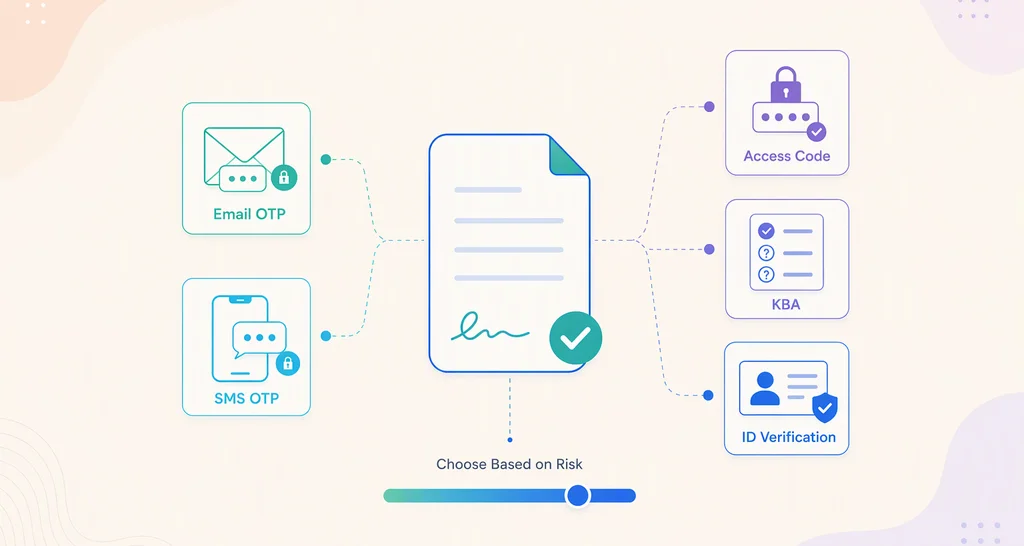
- Can you ask signers to confirm a code or show an ID?
Does it fit how your team works?
Look at the documents you send most. Then check how much setup each one takes.
- Can you save a document as a template and reuse it?
- Can you send one document to many people at once?
- Does it connect with your customer relationship management (CRM) app or cloud storage?
- Can teammates share templates and see each other’s documents?
Can it carry your brand?
Signers trust a request that looks like it came from you. Your logo and colors on the email and signing page help.
Multi-brand support matters when you send for more than one business or client. Check how many brands each plan allows, and whether you can pick a brand for each document.
What will it cost as you grow?
The headline price rarely tells the full story. Read the plan table line by line.
- Does the free plan include branding and an audit trail?
- Is there a cap on documents each month?
- What does each extra user cost?
- Which features need a higher tier?
Do the artificial intelligence (AI) features save real work?
Useful AI features cut setup time. One kind finds the signature and date fields in a contract and places them for you. Another lets you search your documents by describing them in plain words.
Ask for a demo of each AI feature on your own documents, and check which plan includes it.
What help will you get when something breaks?
A stuck contract costs money. Check which support channels each plan includes, such as email, chat or phone. Look for a help center with clear, current articles too.
How to choose an e-signature tool for document workflows
Turn the checklist into a short trial that takes about two weeks. Use the same real documents for every tool.
- Write down your monthly document count, your users and your top 3 document types.
- Cross off any tool whose plan table fails your must-have items.
- Start a free trial with 2 or 3 tools on your shortlist.
- Send each tool’s test documents to a colleague and a friendly client.
- Ask them which signing step felt slowest, then compare the full cost for a year.
How does BoldSign measure up on this checklist?
Here is how we answer each part of the checklist. Our plan section below shows which plan includes each feature.
Signing and legal records
Signers open the link in a browser, with no app to install. They need no BoldSign account.
You can send the link by email on every plan, or by text message or WhatsApp on higher plans. Our mobile app for Android and iOS comes with the free plan too.
Every document comes with an audit trail with the complete document history. We seal signed documents so later changes show.
Workflow, branding and AI
You can save templates, share them with your team and send one document to many people with bulk send. We connect with HubSpot and Salesforce, and with Dropbox, Google Drive and OneDrive, as listed on our integrations page.
You can add your logo and colors on every plan, and set up several brands in one account. Our AI field detection places fields while you build a template, and you review them before you save. AI search finds documents from a plain description.
AI assistants can also send documents from your approved templates through our Model Context Protocol (MCP) server.
Support
Our pricing page lists the support channels for each plan. Our support portal holds step-by-step articles for each feature.
What are the top e-signature solutions for small business?
The top tool for a small business is the one that passes your checklist at a price you can keep paying. Look for a free plan, a low price per user and branding without an upgrade.
A sole trader may need only a free plan with a few templates. A team of five usually needs shared templates, reminders and a second brand. See how we serve eSignature software for small business for examples.
How do you get electronic signature software running in your team?
Picking a tool is the first step. Rolling it out well decides whether people use it.
- Turn your 3 most used documents into templates first.
- Show each user how to send one document and check its status.
- Connect the tool to the app where your contracts start, such as your CRM.
- After a month, ask users and signers what slowed them down.
For a deeper guide, read our free electronic signature ebook.
Which BoldSign plan fits, and what does it cost?
Our Essential plan is free, with 25 envelopes a month, 2 templates and 1 brand. Paid plans start at $5 per user a month, billed yearly, as shown on the BoldSign pricing page in November 2026.
Prices are in USD.
- Growth costs $5 per user a month, with 50 envelopes a month, 10 templates and 2 brands.
- Business costs $15 per user a month, with unlimited envelopes, templates and brands.
- Premium costs $99 a month for unlimited users, with 250 envelopes a month.
- Enterprise API starts at $30 a month with 40 envelopes, for live API and MCP use.
You can try paid features with a 30-day free trial. Nonprofits get the Growth plan free, and 50% off Business and Premium.
Which features need the Business plan?
These features come with the Business and Premium plans, and are absent from Essential and Growth.
- Bulk send and team collaboration
- Signing links by SMS text message or WhatsApp
- AI field detection and AI search
- Custom fields, plus the HubSpot and Salesforce integrations
How do you start comparing tools today?
Take the checklist above into your first trial. These links help you get going.
- Start a 30-day free trial and send your own documents.
- Request a demo to see the features on your checklist.
- Read 6 questions to ask before you invest in an eSignature platform, or see what BoldSign offers.
Frequently asked questions
What are the current pricing options and features for signature products available on the web in 2026?
Most tools offer a free plan or trial, then charge per user each month. Higher tiers add bulk sending, text message delivery and integrations. Our paid plans start at $5 per user a month, billed yearly, and our free plan sends 25 envelopes a month.
What are the pricing options for signature features available in apps launching in 2026?
Read the plan table on the app's pricing page, not the headline price. Note which tier first includes each feature you need, any monthly document cap, and the price for extra users.
How important is multi-brand template support when choosing a signature tool?
It matters when you send for more than one business, client or product line. Each brand needs its own logo and colors on emails and signing pages. We include 1 brand on our free plan, 2 on Growth and unlimited brands on Business and up.
How important is disclaimer de-duplication when choosing a signature tool?
It matters for email signature tools, not for eSignature tools. In an email signature tool, it stops a legal disclaimer from repeating in every reply of a thread. For an eSignature tool, check the audit trail and signer checks instead.
What are the top free trial alternatives to signature on the web?
Pick a trial that lets you send real documents to real signers. We offer a 30-day free trial, and a free plan you can keep after it ends.
What are the free web-based signature solutions available in 2026?
Several eSignature tools have a free plan that runs in the browser. Our free Essential plan sends 25 envelopes a month, with 2 templates, custom branding and an audit trail on every document.
What are the new sign request options available in the market?
Besides email, many tools now send signing links by text message or WhatsApp. Some also use artificial intelligence (AI) to place form fields for you. We offer both on our Business plan and up.
Are electronic signatures legally binding?
Yes, when the signer agrees to sign electronically and the record is kept. In the US, the Electronic Signatures in Global and National Commerce (ESIGN) Act says a signature cannot lose legal effect only because it is electronic. A full audit trail helps you prove who signed and when.

Yvone Atieno Odhiambo
Yvone is a Technical Assistant at BoldSign who specializes in creating clear documentation and engaging videos. She combines her technical skills and creativity to deliver user-focused solutions. Connect with her on LinkedIn.
More posts by Yvone Atieno Odhiambo