


How to Use Group Checkbox Fields in the BoldSign API
Group checkbox fields in the BoldSign API set how many boxes a signer must tick. See the four validation rules, sample code in five languages and the plan.
 Discover our mission, commitment to our customers, and leadership team.
 Stay updated with our latest news and announcements.
 Learn about the latest BoldSign products and company news.
 Earn ongoing referral fees by embedding and referring BoldSign to clients.
 Connect with us if you have any questions or need help.
 Your business is protected with BoldSign.
 Earn commission by promoting BoldSign via your site, blog, or socials.
 Join our team and build innovative software solutions.
 See the love for BoldSign from users about their experience.
Starvritsa is a Technical Assistant at BoldSign, channelling her passion into crafting top-tier content for users through meticulous documentation. She creates content across various formats, including API tutorials, help articles, and comprehensive guides.
Group checkbox fields in the BoldSign API set how many boxes a signer must tick. See the four validation rules, sample code in five languages and the plan.

Send one document built from several templates with a single API call. Learn the mergeAndSend endpoint, role index rules and code samples in six languages.

Add an email code, SMS code, access code or ID check to a signer after the document is sent. One PATCH request in our API secures a request already out.

Learn how to edit templates via API with one PUT request: change a template's title, message, signer roles and form fields, with code in five languages.

Send eSignature requests through SMS with the BoldSign API: set the signer's delivery mode to SMS, add a phone number, and confirm the send by webhook.
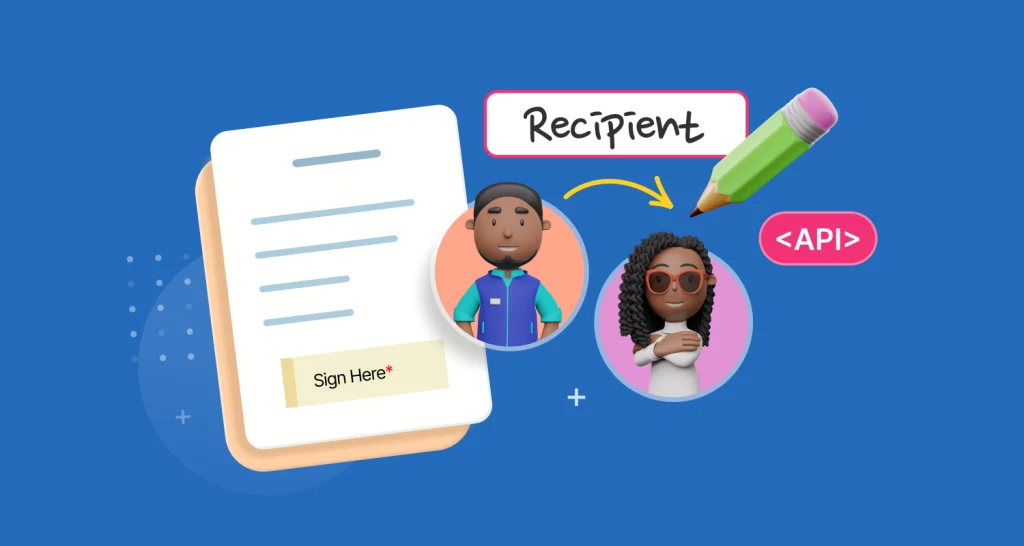
Change the recipient of a sent eSignature document via API. Call the change recipient endpoint with the document ID, new signer details and your reason.

Automate signature reminders with the BoldSign API: turn on reminderSettings, set the days between reminders and send up to 5. Code samples in 6 languages.
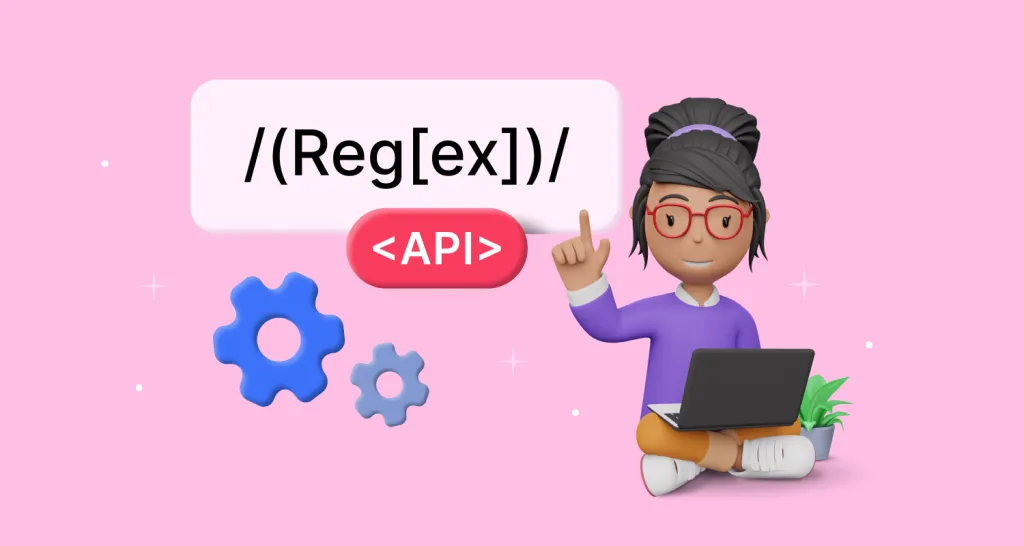
Learn how to add regex validation to text box fields with the BoldSign API, with code samples in five languages, common patterns and tips for testing them.

Set an expiration date on eSignature requests through the BoldSign API: pick days, hours or an exact date and time, and see what happens when it runs out.