

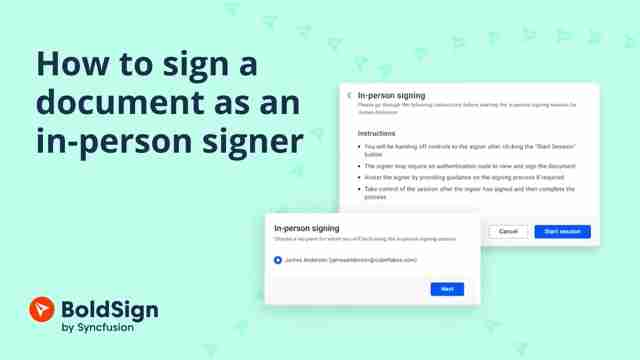
In-Store Customer Signatures: How to Get Counter Forms Signed on a Tablet
In-store customer signatures on a tablet: how a store manager hosts the signing, what the customer needs, what it costs, and the record your store keeps.
 Discover our mission, commitment to our customers, and leadership team.
 Stay updated with our latest news and announcements.
 Learn about the latest BoldSign products and company news.
 Earn ongoing referral fees by embedding and referring BoldSign to clients.
 Connect with us if you have any questions or need help.
 Your business is protected with BoldSign.
 Earn commission by promoting BoldSign via your site, blog, or socials.
 Join our team and build innovative software solutions.
 See the love for BoldSign from users about their experience.
Securely send, sign, and manage documents from your smartphone or tablet. Access BoldSign’s mobile features for effortless eSigning anytime, anywhere.
In-store customer signatures on a tablet: how a store manager hosts the signing, what the customer needs, what it costs, and the record your store keeps.
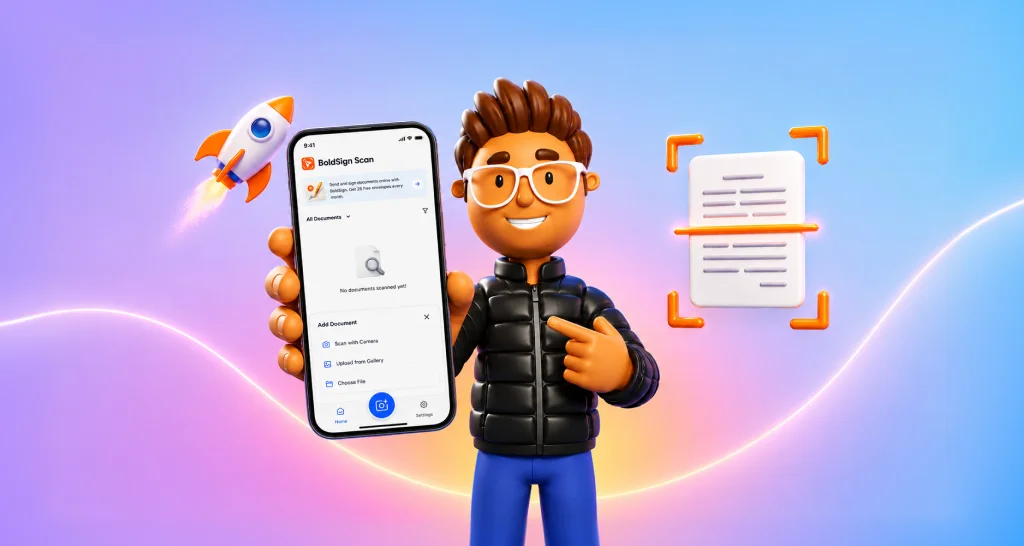
Scan receipts, contracts and IDs on iPhone or Android with the free BoldSign Document Scanner app. It works offline and keeps every file on your phone.
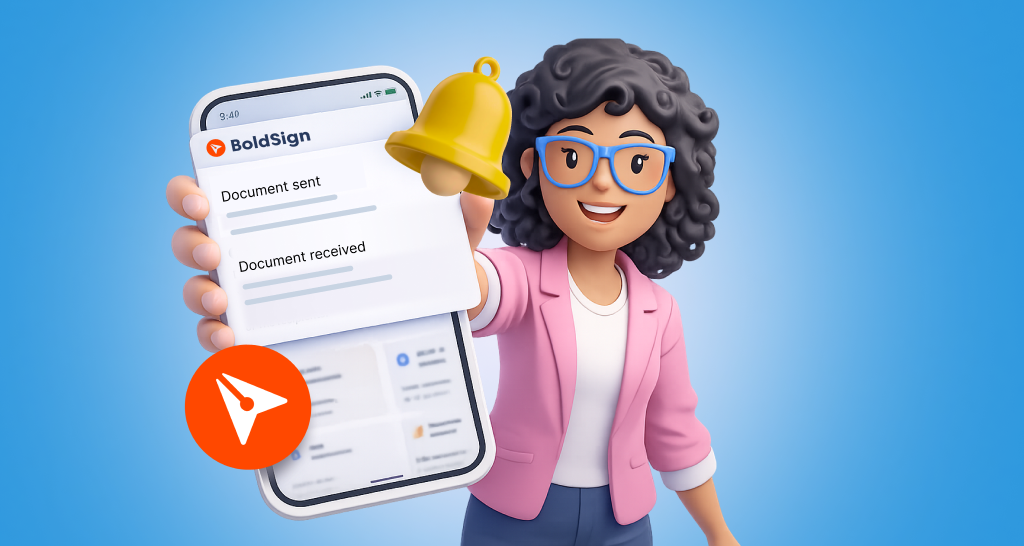
See how push notifications in the BoldSign mobile app send real-time alerts on iOS and Android, which events trigger them, and how to change each one.
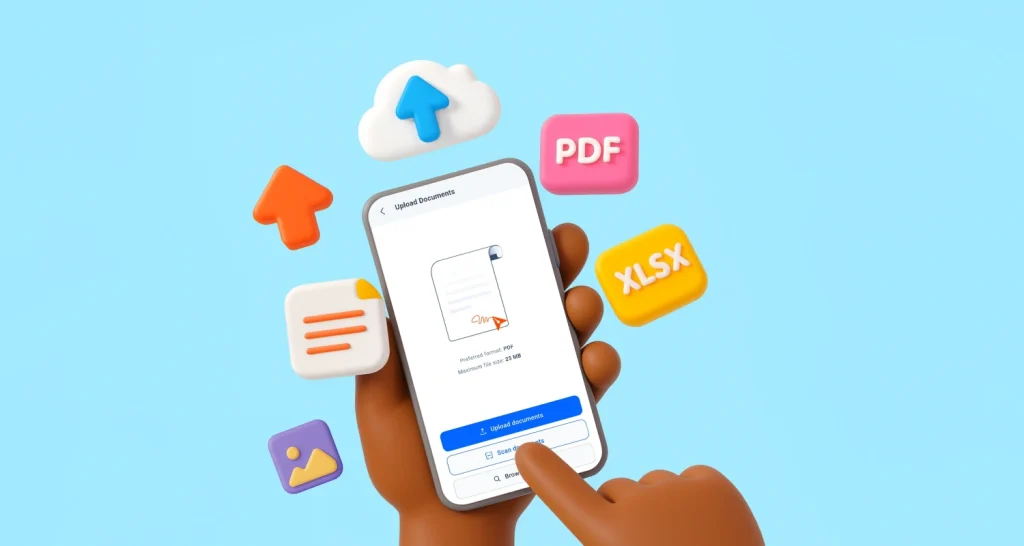
Upload files to the BoldSign mobile app from your phone, a cloud drive or the camera scanner, then rename, reorder or replace them before you send to sign.
Learn how to sign documents on Android: sign a PDF, a Word file or an email attachment from your phone with our app, plus what each plan costs per month.
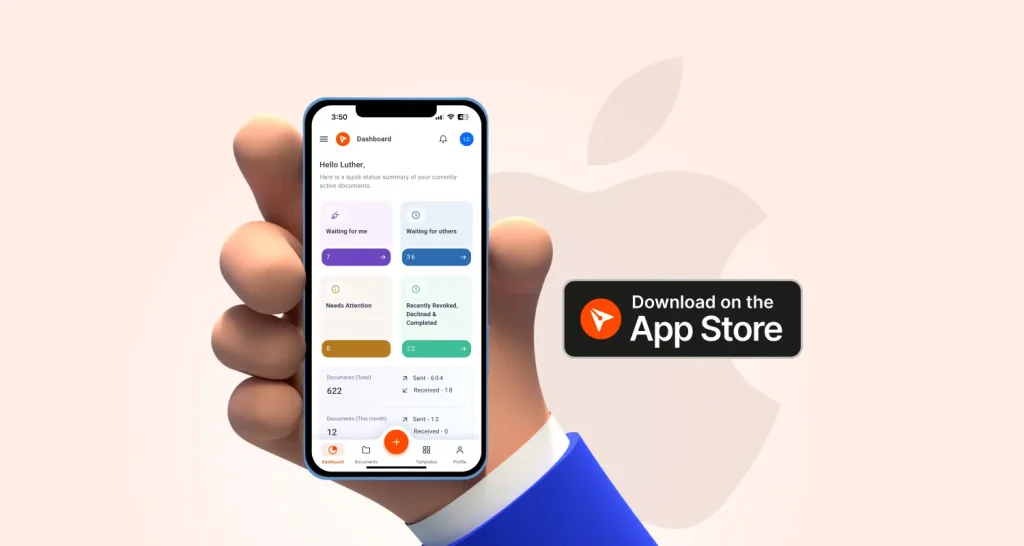
Our iOS signature app left TestFlight beta in April 2025. See what shipped, how to install BoldSign from the App Store, and which plans include the app.
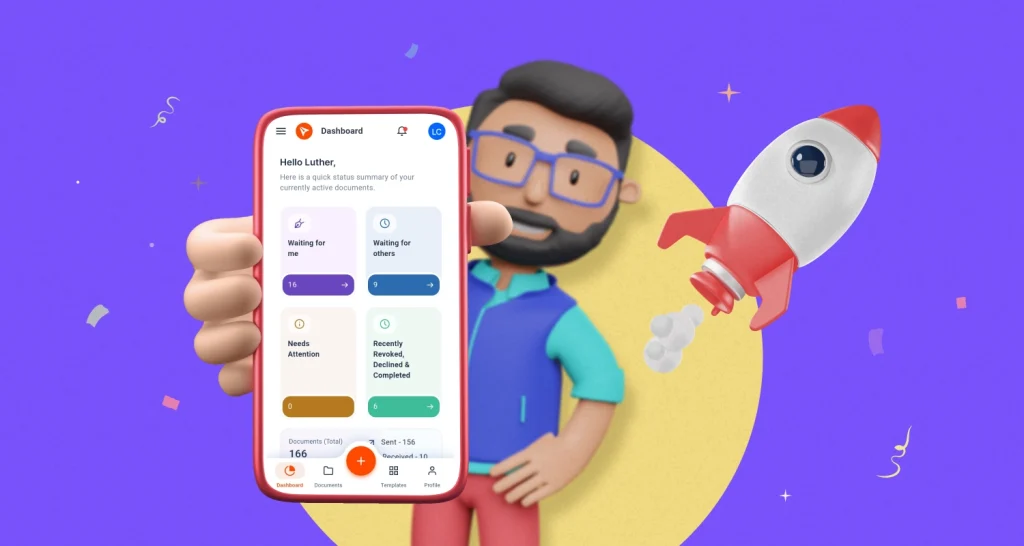
Our Android signature app left beta in December 2024. See what shipped, how to install the BoldSign app from Google Play, and which plans include the app.
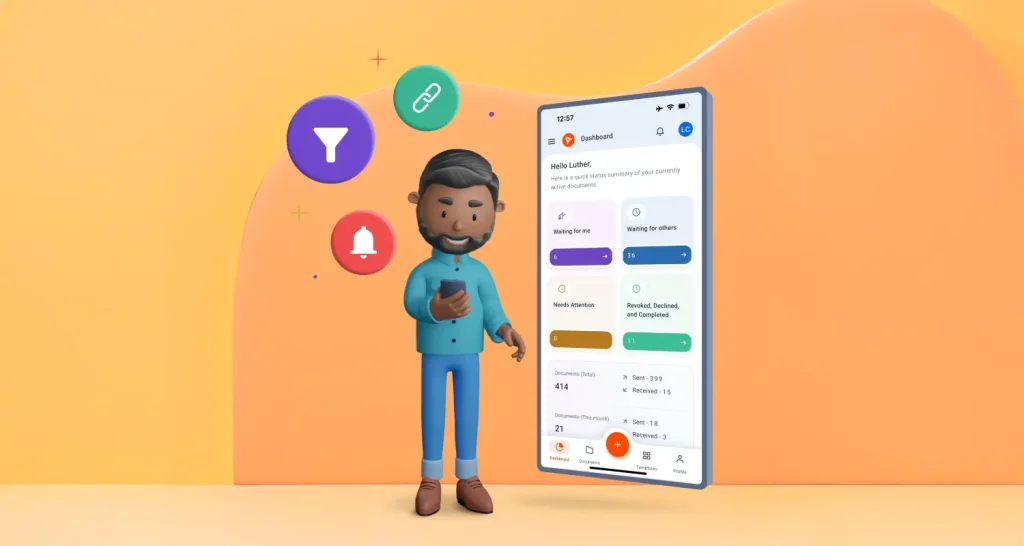
See how the BoldSign mobile app speeds up sending from your phone: reuse templates, clone documents, preview before you send and remind signers in one tap.
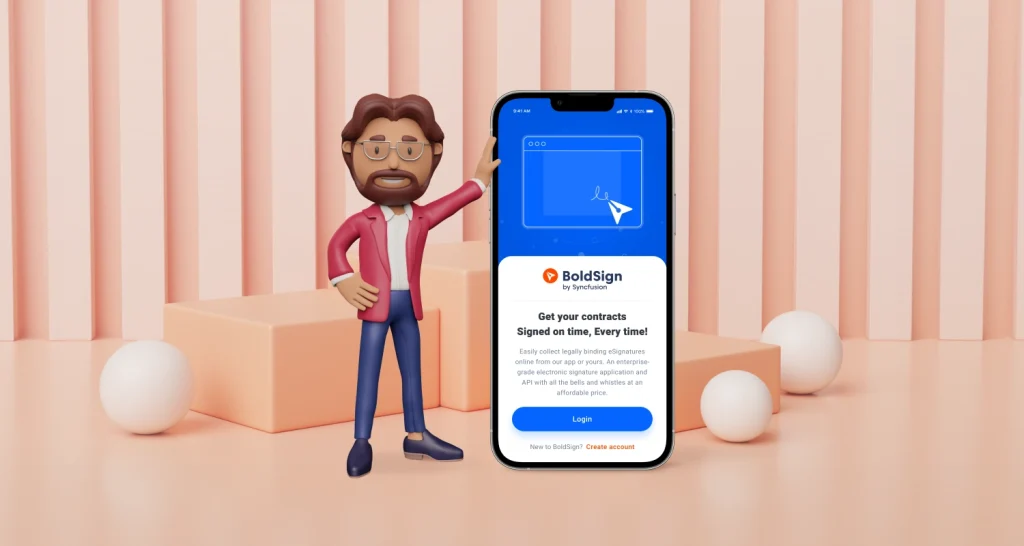
Learn how to use the BoldSign mobile app on iPhone and Android: install it, sign and send documents, self-sign, download signed copies and find files fast.
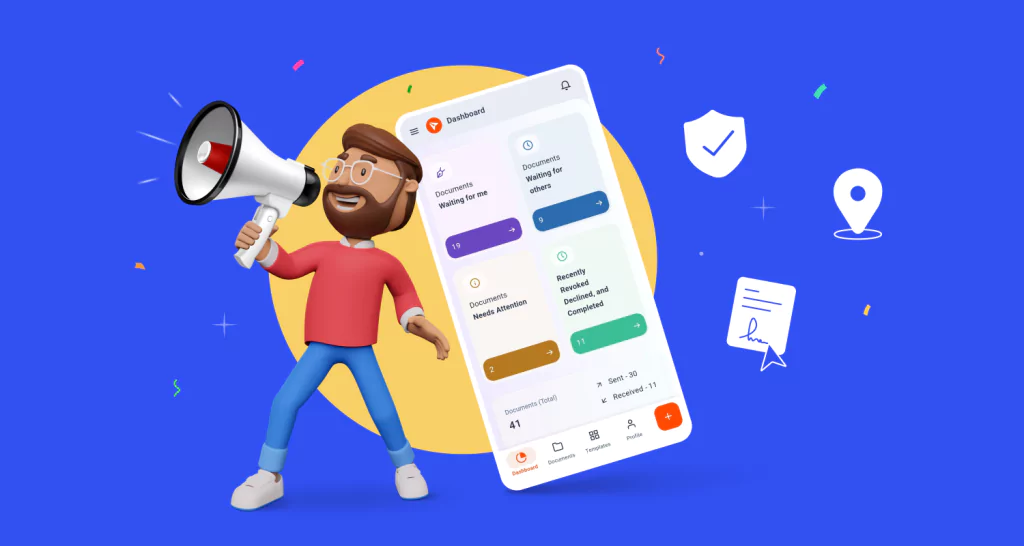
See what the BoldSign mobile app does on iPhone and Android: sign and send documents, track every request and collect signatures in person from your phone.