

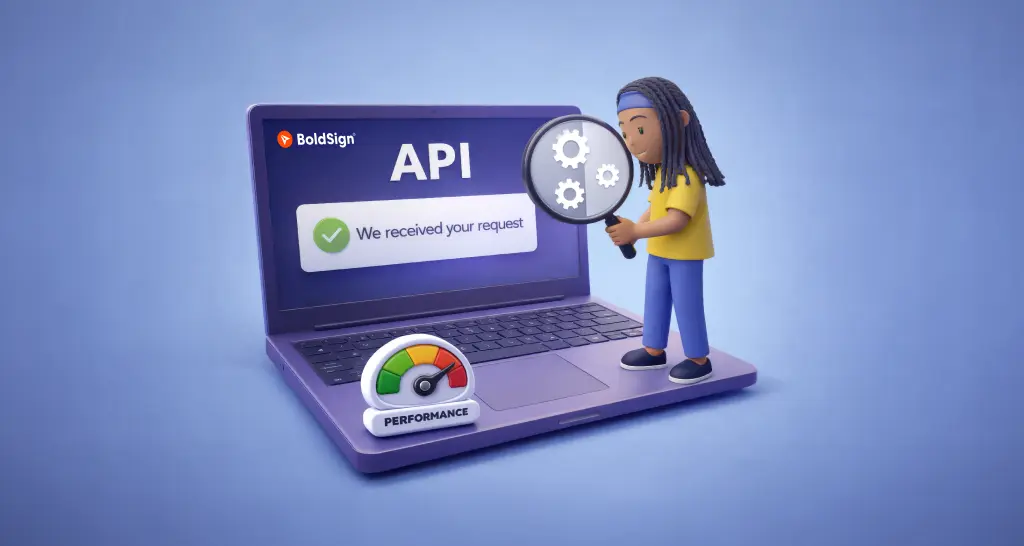
Async API Architecture: Using Queues to Scale REST and gRPC Services
Learn how async API architecture uses message queues to keep REST and gRPC services fast: return early, move slow work to workers, and retry failed jobs.
 Discover our mission, commitment to our customers, and leadership team.
 Stay updated with our latest news and announcements.
 Learn about the latest BoldSign products and company news.
 Earn ongoing referral fees by embedding and referring BoldSign to clients.
 Connect with us if you have any questions or need help.
 Your business is protected with BoldSign.
 Earn commission by promoting BoldSign via your site, blog, or socials.
 Join our team and build innovative software solutions.
 See the love for BoldSign from users about their experience.
Learn how async API architecture uses message queues to keep REST and gRPC services fast: return early, move slow work to workers, and retry failed jobs.

Compare app-level and account-level BoldSign webhooks: what each one sends, when to use which, how to set them up, and how to keep your handler reliable.

Secure your BoldSign webhook endpoint with IP whitelisting: the IP address for each region, setup steps, a Node.js check and the signature check to add.
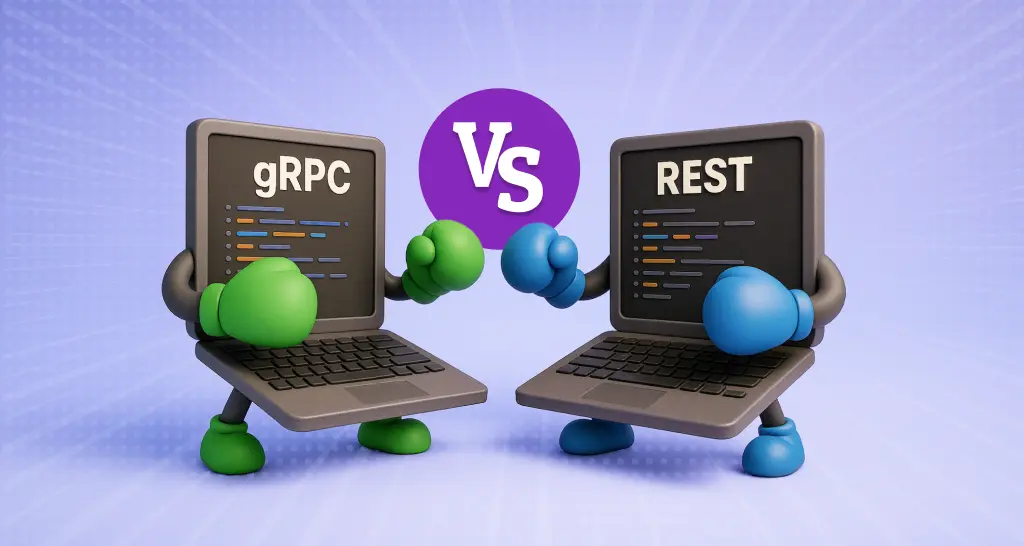
Compare gRPC and REST APIs: how each one sends data, where gRPC suits internal services, where REST suits public APIs, and how to run both in one system.

Compare .NET background jobs in hosted services, Hangfire and Quartz.NET, with setup code, retries, scheduling and scaling, and pick a tool for your app.

Extend document expiry with the BoldSign API: read the expiry type, send a later date in the same format, and keep an unsigned document open for signing.

Learn how to add hyperlink fields to documents you send for signature with the BoldSign API, which link types work, and see code samples in six languages.
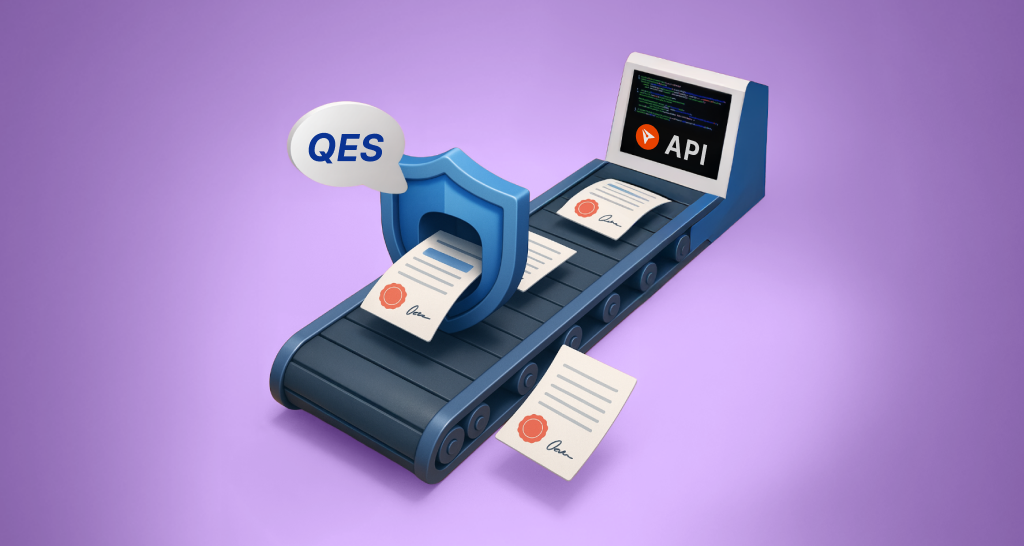
Use the BoldSign qualified electronic signature API to send QES documents: turn QES on, set EnableQes to true on a signer, and track each signed file.

Learn how to embed BoldSign eSignature workflows in .NET apps to deliver smooth, secure, branded document sending, signing, & real‑time tracking for your users.
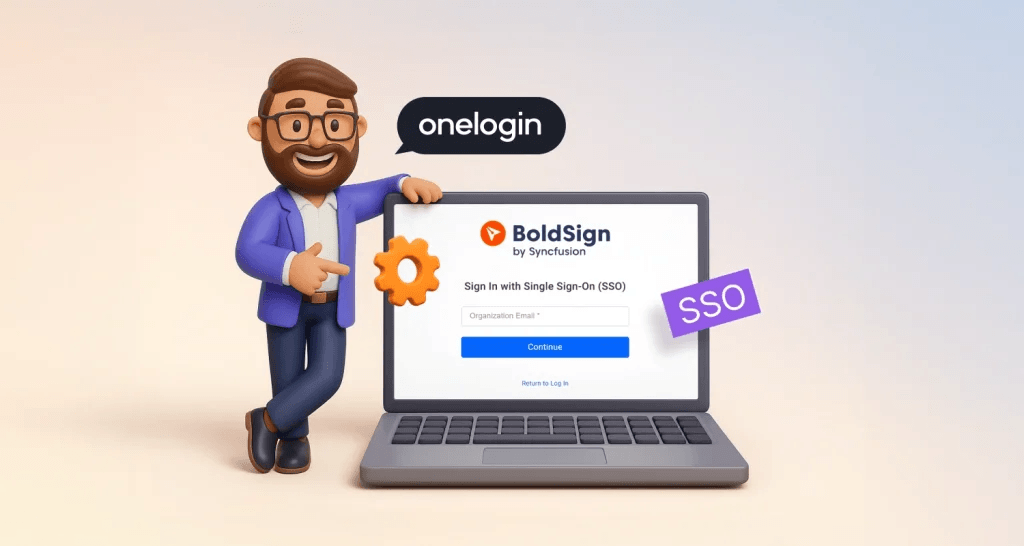
Set up OneLogin SSO for BoldSign: create an OpenID Connect app in OneLogin, add its details to our SSO settings, then invite your team to sign in with it.

This webinar recap shows how to use BoldSign text tags with .NET SDK to automate form fields, reduce manual mapping, and enhance contract signing efficiency.
Set up Google SSO for BoldSign: create an OAuth client in Google Cloud, add its details to our SSO settings, then invite your team to sign in with Google.