UETA Compliance for Electronic Signatures: What the Law Asks and How BoldSign Meets It
 Lavender Anyango Otieno
TL;DR: Under the Uniform Electronic Transactions Act (UETA), an electronic signature counts when four conditions hold. The signer means to sign, everyone agrees to work electronically, the signature is tied to the record, and the record is kept. See how we meet each one on our UETA compliance page.
A customer signs a loan form on a phone. A new hire signs an offer letter from home. Months later, someone asks if those signatures will hold up.
In the US, the answer starts with two laws: UETA, a state law, and the federal Electronic Signatures in Global and National Commerce (ESIGN) Act. Here we explain what they ask for and how BoldSign covers each part.
What is UETA, and how does it work with the ESIGN Act?
UETA is a uniform law for electronic records and signatures that 49 US states have adopted for deals within a state. The ESIGN Act, a federal law from 2000, covers deals across state lines or national borders.
Think of UETA as a model rule book that each state adapts into its own law. The National Conference of Commissioners on Uniform State Laws approved the Uniform Electronic Transactions Act in 1999.
The Electronic Signatures in Global and National Commerce Act fills the federal gap. A state that enacts UETA as approved in 1999 may apply it in place of the federal rule, under section 7002 of the ESIGN Act.
What does eSignature compliance mean under UETA?
eSignature compliance under UETA means your signing process meets four conditions. Our UETA and ESIGN Act page lists them.
- The signer must intend to sign.
- All parties must agree to do business electronically.
- The signature must be logically linked to the signed record.
- The signed record must be kept and open for later reference.
Both laws rest on one promise. Under section 7001 of the ESIGN Act, a signature or contract keeps its legal effect even though it is in electronic form.
Is BoldSign UETA compliant?
We designed our platform to meet all four conditions, as our UETA and ESIGN Act page states. The parts below show how each condition works when you send a document with us.
Intent to sign
A signer has to act on purpose. Each signer opens the document, reviews it and places a signature in the fields you assign. The audit trail then logs each view and signature with a timestamp.
Consent to do business electronically
Signers can read our electronic signature disclosure before they sign. By going ahead and signing, they consent to do business electronically and to use electronic signatures instead of paper.
Signers can ask the sender for paper copies. They can also withdraw consent by contacting the sender directly.
Association of signature with the record
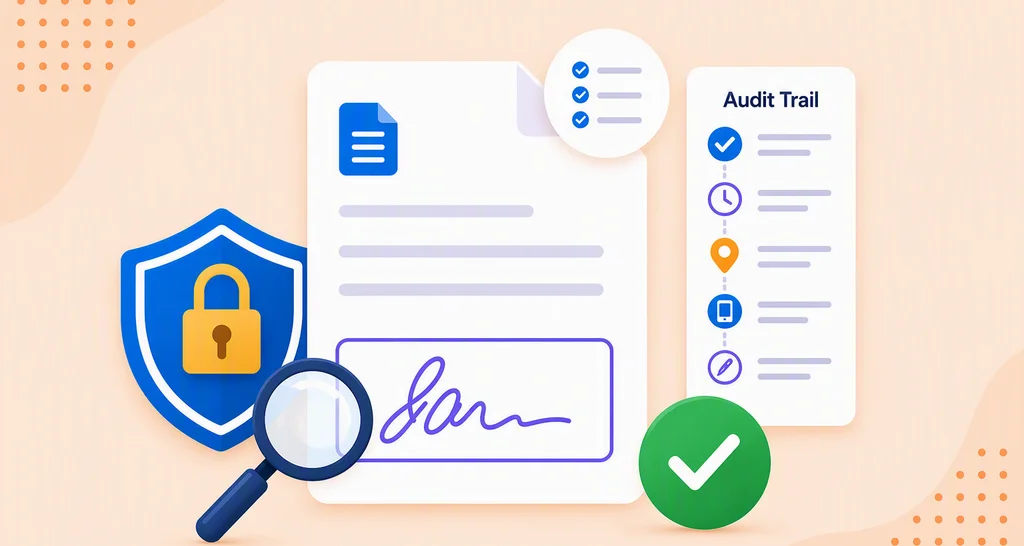
The audit trail ties each signature to its document. It lists the document ID, name, sender, signers, internet protocol (IP) addresses and timestamps. Our audit trail help article explains how to download it.
We also seal the finished PDF with a cryptographic hash. Any edit made after signing then shows, as our audit trail page explains.
Retention of records
You and your signers can download the signed PDF and print it. You can download the audit trail from My Documents once every signer has signed.
You also choose where we store your documents and audit trails: the US, the EU, Canada or Australia.
Signer authentication
Checking who signs adds proof on top of the four conditions. We offer email one-time passcode (OTP), SMS OTP, access codes and ID verification. Our guide to eSignature authentication methods compares them.
Which documents does the ESIGN Act leave out?
Some records still follow paper rules. Section 7003 of the ESIGN Act leaves out the documents below.
- Wills, codicils and testamentary trusts
- Adoption, divorce and other family law matters
- Court orders, notices and official court documents
- Notices of utility shutoff, foreclosure, eviction or insurance cancellation
- Product recall notices and papers that travel with hazardous materials
Ask your lawyer before you send one of these document types for eSignature.
What should you look for in eSignature software for compliance documents?
Look for proof you can show later about each signature: the signer, the time, the identity check and any change to the file. Check these points when you compare eSignature software for compliance documents.
- An audit trail with names, IP addresses and timestamps
- A seal that shows any change after signing
- Signer checks, such as a passcode or an ID check
- Encryption for stored documents
We encrypt your data twice, once at the service level and again at the infrastructure level. Our security policy covers this, along with our System and Organization Controls (SOC) 2 Type 2 audit.
What should you check in e-signature tools for international subsidiaries?
Check two things: whether each country accepts electronic signatures for your documents, and where your data lives. Laws differ by country, and the EU follows its own regulation.
Our electronic signature legality guide covers the rules country by country. For the EU, read our page on electronic signatures in the European Union.
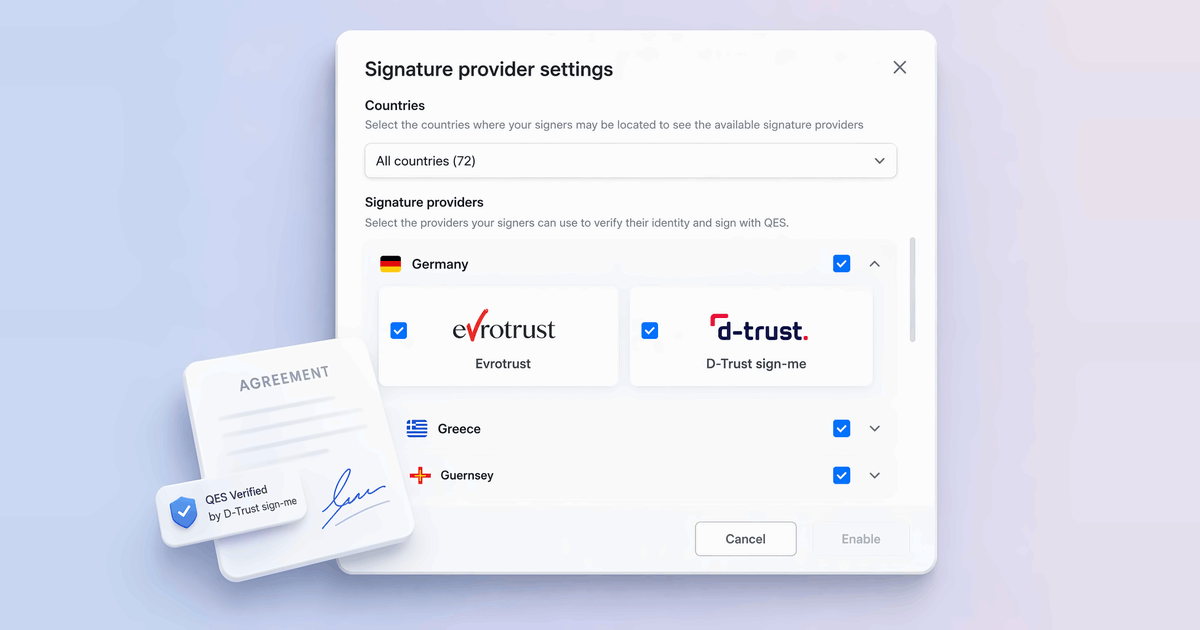
You can keep each account’s data in the US, the EU, Canada or Australia, as our data residency page explains. See our QES overview for EU deals that need a qualified electronic signature (QES).
Which BoldSign plan do you need, and what does it cost?
Every plan, including the free Essential plan, includes the audit trail, tamper-proof documents, email authentication and data residency. SMS OTP, ID verification and qualified electronic signature (QES) need the Business or Premium plan.
The Essential plan is free. The Growth plan costs $5 per user a month and the Business plan $15 per user a month.
The Premium plan costs $99 a month for unlimited users. All prices are in USD and billed yearly, as the BoldSign pricing page lists.
How do you start sending UETA-compliant eSignatures?
You can test the full signing flow, audit trail included, before you pick a plan.
- Start a 30-day free trial and send your first document.
- Book a demo to walk through audit trails and signer checks.
- Read why eSignature audit trails matter for a closer look at the record.
Frequently asked questions
What eSignature tools have strong compliance/security?
Look for a tool with a detailed audit trail, a seal that shows later edits, signer checks and encrypted storage. We include the audit trail and tamper-proof documents on every plan, and we encrypt your data twice.
I'm interested in an e-signature solution that complies with international signing laws. What should I consider?
Check which signature type each country expects for your documents, and where the vendor stores your data. We let you store data in the US, the EU, Canada or Australia, and we offer qualified electronic signatures for EU needs.
What software should a bank use to enable legally binding digital signatures for customers?
A bank needs eSignature software that checks who signs, records every step and keeps the file sealed. We offer ID verification, text message passcodes, a full audit trail and encrypted storage, so the bank can show how each customer signed.
Where can I sign a PDF with legal compliance features?
You can sign a PDF in BoldSign, even on our free Essential plan. Every plan adds an audit trail, email passcodes and a seal that shows any change after signing.
Is an electronic signature legally binding under UETA?
Yes, when four conditions hold. The signer means to sign, all parties agree to do business electronically, the signature is tied to the record, and the record is kept.
Is BoldSign UETA compliant?
Yes, when your signers agree to sign electronically. We designed our platform to meet the four conditions in UETA and the ESIGN Act, with a consent step, an audit trail and stored records.
Which documents does the ESIGN Act leave out?
The federal law leaves out wills, family law matters such as adoption and divorce, and court orders and official court papers. Some notices are left out too, such as eviction, foreclosure and utility shutoff notices.
What is the difference between UETA and the ESIGN Act?
UETA is a state law, adopted by 49 US states, for deals within one state. The ESIGN Act is a federal law from 2000 for deals that cross state lines or national borders.

Lavender Anyango Otieno
Anyango Otieno works on the Regulatory Compliance Team at Syncfusion. She is interested in and enjoys writing about security compliance topics.
More posts by Lavender Anyango Otieno