Identity Verification for eSignatures: What It Is and How to Add It to Your Signing Workflow
 Meikanda Nayanar
TL;DR: Identity verification for eSignatures asks a signer to show a government ID, and usually a live selfie, before the document opens. The check proves the right person signed, and the result goes into the audit trail. See how it works on our signer identity verification page.
Most of the time, you show who you are with a card. A bank teller looks at your driver’s license. An airline checks your passport at the gate.
Online, nobody can hold the card in their hand. This guide explains how user identity verification works when someone signs from far away, and how to add it to your own requests.
What is identity verification for esignatures?
Identity verification for eSignatures checks that the signer is the person named on the document, before they sign. The signer shows a photo of a government ID, and the system compares it with the details you gave.
Think of a hotel front desk. The clerk matches your passport to the name on the booking before handing over a key. Esignature identity verification does the same thing, with the document as the room.
Why does electronic signature identity verification matter?
An email link proves that someone can open an inbox. It does not prove who that person is.
For a loan, a lease or a job offer, that gap matters. A fraudster with access to a shared or stolen inbox could sign in someone else’s name.
An ID check closes the gap. If a signature is ever disputed, the audit trail shows the check ran and the signer passed it.
Which other checks can confirm who a signer is?
ID verification is one form of authentication, which means any way of proving who someone is. Lighter options work well for lower-risk documents.
- An email one-time passcode (OTP) proves the signer can open their inbox.
- An SMS OTP proves the signer holds the phone number you entered.
- An access code is a short code you share with the signer yourself.
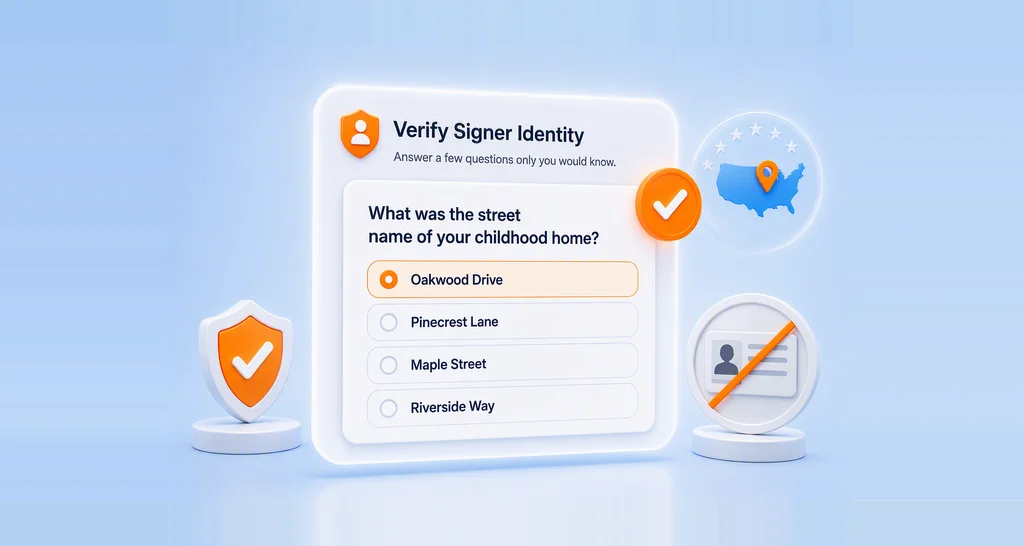
- Knowledge-based authentication (KBA) asks US signers questions built from public records.
Our guide to knowledge-based authentication explains how KBA compares with an ID check. A related idea is authorization, which decides what a verified signer may do, such as edit a field.
How can remote identity verification be used during contract signing?
The signer verifies their ID on their own device, right before the contract opens. Nobody needs to meet in person.
- Lending and banking: confirm that the borrower named on a loan agreement is the one who signs.
- Renting a home: check each applicant before they sign a lease.
- Remote hiring: confirm a new hire’s identity before they sign the offer.
- Legal papers: check the signer on a power of attorney or a similar form.
For a landlord’s view, read how ID verification protects rental applications.
How does a scanned ID get checked?
The system reads the name and other fields from the photo of the ID. Then it compares them with the name you entered for the signer.
By default, the signer also takes a live selfie, and the system compares that face with the ID photo. A live capture of the ID is on by default too, which helps rule out photocopies and screenshots.
You choose how close the names must match:
- Strict, the default, allows very small differences.
- Moderate allows differences in middle names, prefixes and suffixes.
- Lenient allows small spelling differences.
How can identity verification be added to an electronic signature workflow?
You add it per signer when you prepare the document. Each signer can use a different check.
- Add the recipient’s name and their email address or phone number.
- In that recipient’s row, expand Settings.
- Turn on Authentication, then select Identity Verification as the method.
- Send the document as usual.
The signer can start on the same device, or move to a phone through a link sent by email or text message. Our help article on ID verification lists every setting.
What should I look for in an e-signature platform if I need the signer to upload an ID or attachment before signing?
Look for e-signature tools with built-in identity verification capabilities. The ID check should include these parts:
- A live selfie matched to the ID photo
- Live capture of the ID, beyond a plain file upload
- A limit on tries, with a way to reset it
- A way for you to approve or reject an upload by hand
The audit trail should show the method, the time and the result of each check. For other files, such as a pay slip, make sure the signer can attach them in the same request.
How can I combine identity verification and e-signatures using one vendor?
Pick a platform that runs the ID check inside the signing request. Then the signer verifies and signs in one visit, and one audit trail holds both steps.
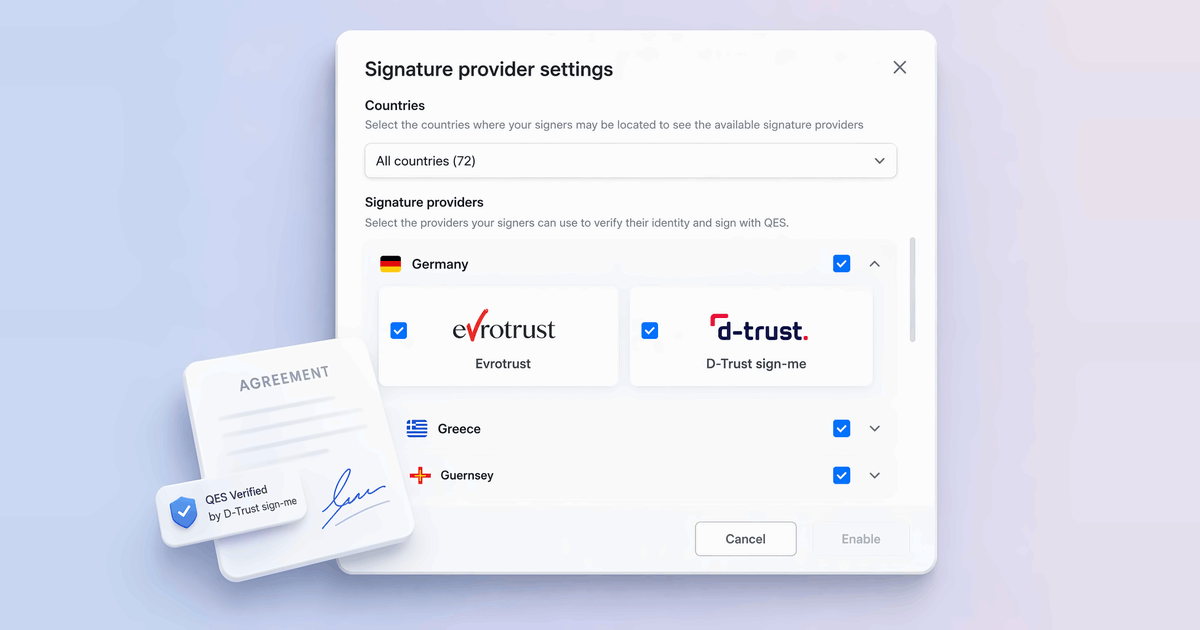
An enterprise e-signature with identity verification also needs admin controls for a larger team. In our business profile settings, you can limit which countries’ IDs you accept.
Which BoldSign plans include ID verification, and what does it cost?
ID verification is an add-on on our Business, Premium and Enterprise API plans. Each successful check costs $2 (USD), as listed on the BoldSign pricing page in November 2026.
The Business plan costs $15 per user a month and the Premium plan costs $99 a month for unlimited users, both billed yearly. The Enterprise API plan starts at $30 a month. These plans also cover sending by text message and SMS passcodes.
A new check after a failed try, or a repeat check that you schedule, costs another $2. Setting a low number of tries keeps costs in check.
How do you start verifying signers with BoldSign?
You can read about every feature on the BoldSign home page. When you are ready, pick a next step.
- Start a 30-day free trial and send your first document.
- Schedule a live demo to see ID verification on your own documents.
- Read how knowledge-based authentication checks US signers without an ID photo.
Frequently asked questions
What is esignature identity verification?
It is a check that the signer is the person named on the document. The signer shows a government ID and, in most setups, takes a selfie. The document opens only after the check passes.
Is a document signed after ID verification legally binding?
Yes, when it meets the usual rules for an electronic signature, such as the signer's consent and a kept record. ID verification adds proof of who signed. It does not change those rules.
Which IDs can a signer use in BoldSign?
A signer can use a passport, a driver's license or a national ID card. Field reading does not work for some scripts, such as Arabic, Chinese or Japanese.
Does the signer need a BoldSign account to verify their ID?
No. The signer opens the link from the signing email or text and follows the steps in the browser. They can move to a phone to take the photos.
How many tries does a signer get?
Three by default. You can set any number from 1 to 10, and you can reset the count for a signer who runs out of tries.
Can I check an uploaded ID myself?
Yes. You can review the uploaded document and approve or reject it by hand. That helps when a good ID fails the automatic check.
Which esignature platforms include identity verification?
Many eSignature tools offer an ID check, often as a paid add-on. We offer it on Business, Premium and Enterprise API plans for $2 per successful check.
Can I use ID verification for in-person signing?
No. ID verification works for signers and document reviewers who sign on their own device. For an in-person signer, you can check the ID face to face.

Meikanda Nayanar
A veteran product manager at BoldSign, boasting a decade-long journey as a .NET developer. With a rich history of leading product development across diverse technologies like Windows Forms, WPF, UWP, Xamarin.Forms, Flutter, and MAUI, Meikandan brings a unique blend of technical expertise and strategic insight to the table. Connect with him on LinkedIn.
More posts by Meikanda Nayanar