How ID Verification Protects Your Rental Applications from Fraud
 BoldSign Team
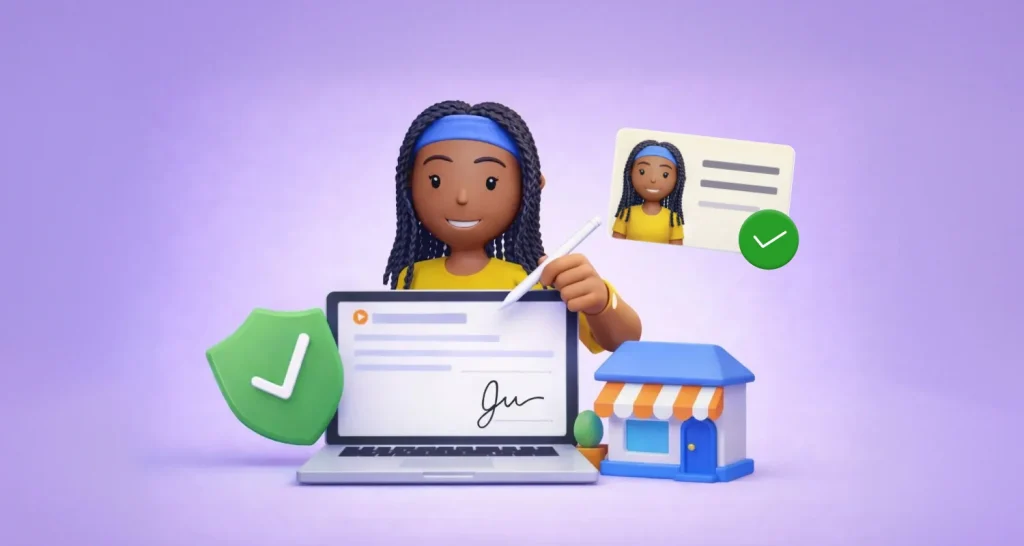
TL;DR: ID verification asks each rental applicant to show a government photo ID and take a selfie before they can open and sign the application. That stops someone from applying under another person’s name, and the check stays in your audit trail. Our signer identity verification page shows how it works.
A new applicant sends in a form for your two-bedroom unit late on a Friday. The name, job and references all look fine. On move-in day, the real person behind that name has never heard of your property.
Fraud like this wastes your time and delays move-ins. Worse, a scammer may get keys under someone else’s name. This guide shows where ID checks fit in your rental process and how to set them up.
Why are rental applications a target for fraud?
Most of the rental process now happens online, from listing to lease. That speed helps genuine renters, and it also gives scammers more room to act.
Common tricks include:
- applying and signing with a stolen identity
- applying for a unit they never plan to rent
- pushing owners or agents to skip steps
- relying on urgency and remote payments, as the Federal Trade Commission (FTC) warns in its guide to rental listing scams
What does applicant identification mean for a rental?
In plain terms, the applicant identification meaning is proof that the person applying is the person named on the form. You check it before you trust anything else on the application.
Think of a hotel desk asking for your ID at check-in. The clerk does not ask about your salary. They only want to know that the guest is the person on the booking.
ID verification does the same job online. The applicant shows a government photo ID and a selfie, and the system compares the two.
What do top renter identity verification tools for apartments check?
A good check confirms that the ID is real and that it belongs to the person signing. Look for these checks in any tool you compare.
- The ID is a real passport, driver’s license or national ID card.
- A live selfie matches the photo on the ID.
- The applicant photographs the ID with a camera, so a photocopy will not pass.
- The name on the ID matches the name on the application.
Our identity verification runs these checks with Stripe Identity, as our ID verification FAQ explains. Signing opens only after the check passes.
What can ID checks not prove?
ID verification confirms who the applicant is. It does not confirm that the papers they attach are true.
For example, it cannot tell you whether:
- the income on the form is real
- the employment letter is genuine
- someone edited the bank statement
Treat ID checks as proof of identity, not proof of income. Pair them with your usual screening, such as payroll checks, a call to the employer or a tenant screening report.
How does an ID check work inside an e-signature?
The applicant verifies first and signs second. You send the documents as usual, and the check sits in front of the signing page.
- You send the rental application package for signature.
- The applicant opens the link and completes ID verification.
- The applicant signs once the check passes.
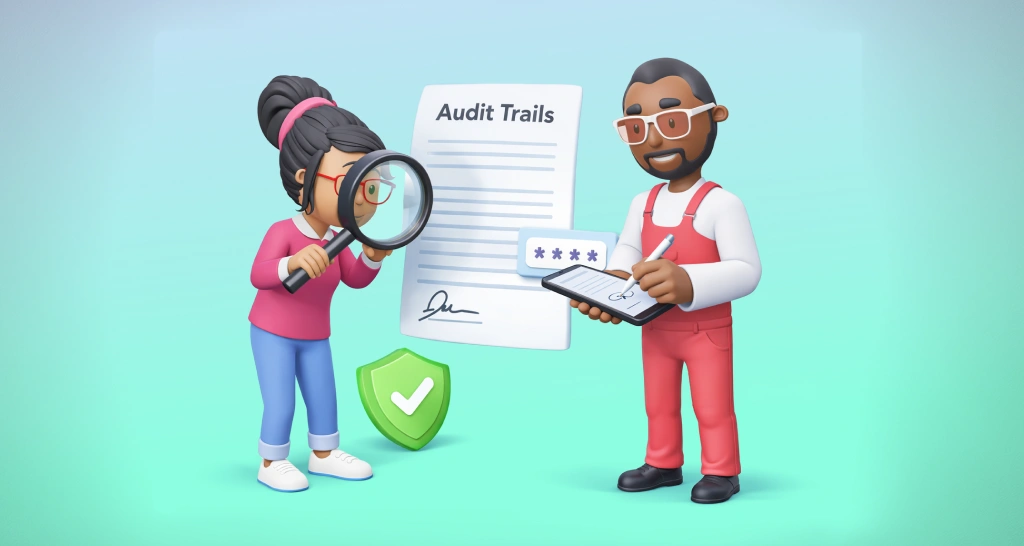
- You keep the audit trail with each event, time and signer action.
You also choose how often a signer must verify, how many attempts they get and which IDs you accept. Our help article on identity verification settings lists every option.
How do you run an application-to-lease signing flow?
Use ID checks at the two points where a wrong signer costs you most: the application and the lease. The four steps below keep the flow simple and repeatable.
Step 1: Send the application package with ID checks on
Put the forms each applicant signs into one package:
- the rental application
- consent to tenant screening, if you use it
- any disclosures your location requires
Send the package with ID verification turned on for each applicant.
Step 2: Review and screen the applicant
This step happens outside the signing tool. Once the signed application comes back, check references, review screening reports and confirm income.
The Consumer Financial Protection Bureau (CFPB) explains your duties when you use tenant screening reports. Follow those rules and check that each report is accurate.
Step 3: Sign the lease with ID checks on again
Turn ID verification on again for the lease. It matters most when weeks pass between approval and signing.
Save your lease as one of our reusable eSignature templates. Each new lease then starts from the same layout and fields.
Step 4: Sign inside your own website or portal
Embed signing in your property portal so applicants never leave your site. Our embedded signatures let applicants fill in and sign forms in a branded page you control.
How do property managers handle identity verification at scale?
Property managers handle identity verification at scale by setting the rules once and reusing them. Templates, account settings and the API do most of the work.
- Keep each form pack as a template, so every send starts the same way.
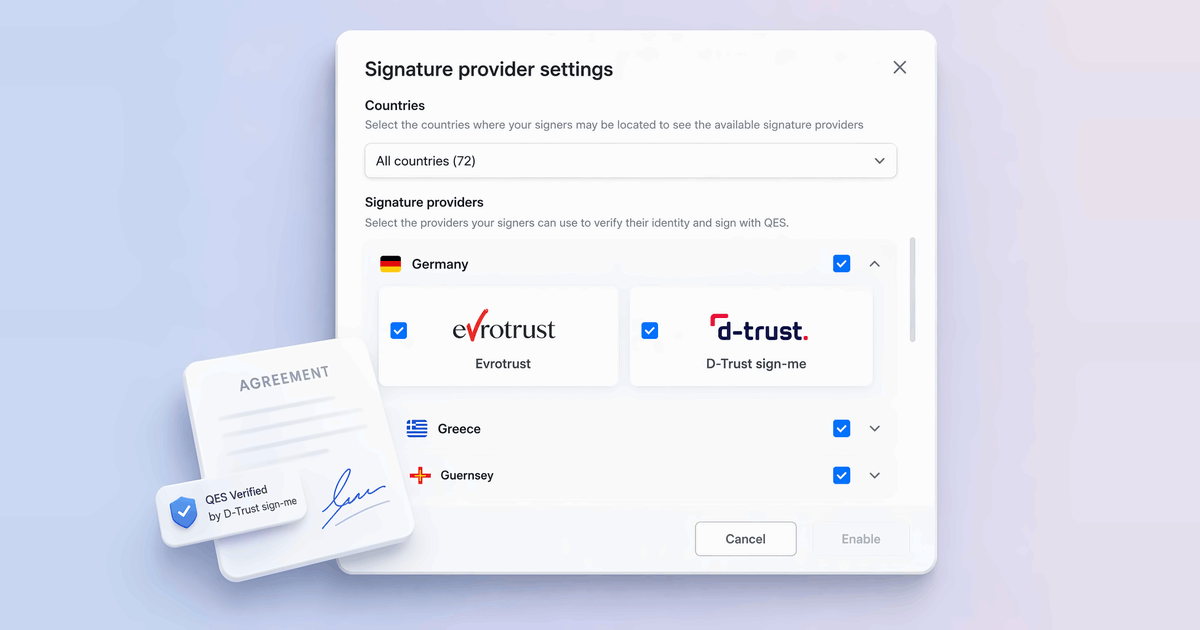
- Set the countries you accept once in your Business Profile settings.
- Set one attempt limit and one verification frequency for every applicant.
- Connect your portal through the API so checks start without manual sends.
Our guide to embedded lease signing for real estate apps shows the portal route in more detail.
What records should you keep, and why do they matter?
Keep proof of who signed, what they signed and when. That proof helps you answer an “it was not me” dispute.
In the US, the Electronic Signatures in Global and National Commerce (ESIGN) Act gives an e-signature the same effect as ink. You can read it in 15 U.S. Code 7001.
Most states follow the Uniform Electronic Transactions Act (UETA), which works the same way.
With us, you can keep:
- an audit trail with events, times, signer actions and internet protocol (IP) addresses
- an identity verification audit trail that records each check
- one file that merges the signed document with its audit trail
How do you keep ID verification friendly for tenants?
Explain the check up front and keep the rules fair. Genuine renters accept a check they understand.
- Tell applicants why, for example: “We verify identity to reduce rental fraud and protect applicants.”
- Ask only signers to verify, and skip people who get a CC (carbon copy) of the form.
- Set an attempt limit that leaves room for honest mistakes, such as the default of 3.
- Pick allowed ID documents that suit your applicants.
How do you set up ID verification in BoldSign?
You can turn it on in the web app for each send, or add it to your own app through the API. Both routes use the same checks.
In the BoldSign web app
- Upload your rental application package.
- Add each applicant as a signer.
- Turn on identity verification for each signer who must verify.
- Set the attempts, selfie check and allowed IDs, then send.
Through the BoldSign API
Developers can add ID checks to an app or portal with the Identity Verification API. For signing inside your portal, create an embedded signing link through the API.
Our real estate eSignature solution shows other forms property teams send this way.
Which BoldSign plan do you need for ID verification, and what does it cost?
ID verification is part of the Business, Premium and Enterprise API plans, as listed on our pricing page in November 2026. It is an add-on at $2 per verification, on top of the plan price.
The Business plan costs $15 per user a month and the Premium plan costs $99 a month for unlimited users, both billed yearly. Prices are in USD.
Embedded signing and live access to the API need the Enterprise API plan, from $30 a month with 40 envelopes. You can test the API first in a free sandbox. Each retry or repeat check costs another $2, so a fair attempt limit also keeps your costs in check.
How do you start checking renter identity?
Start with one application package and one test applicant. You will see the check from the renter’s side before you roll it out.
- Start a 30-day free trial and send a test application.
- Book a demo to see ID checks set up for your rental forms.
- Open a support ticket with a question about your setup.
Frequently asked questions
What does applicant identification mean?
Applicant identification means confirming that the person who applies for a rental is the person named on the form. With ID verification, the applicant shows a government photo ID and a selfie before they can sign.
What types of ID can rental applicants use?
Applicants can use a passport or a driver's license, and you can also allow a national ID card. Our help article lists the supported documents for identity verification.
Can I require ID verification only for certain signers?
Yes. You turn identity verification on for each signer, so you can ask applicants to verify and leave it off for people who only get a copy.
What happens if an applicant fails ID verification?
Access to the document is blocked once the applicant uses all their attempts. You set the limit from 1 to 10, and you can reset their attempts or approve or reject the upload yourself.
How much does ID verification cost in BoldSign?
ID verification is an add-on at $2 per verification, as listed on our pricing page in November 2026. Each extra verification from a retry or a repeat check costs another $2.
Does ID verification check an applicant's income or credit?
No. It confirms who the applicant is, and you still check income, references and screening reports through your usual steps.
Is an e-signed rental application legally valid?
Yes, when the applicant agrees to sign electronically and you keep an accurate record of the signed form. US federal law gives such a signature the same effect as ink. Check any local rules for your property.
Can I add ID verification to my own rental portal?
Yes. Developers can add ID checks to a portal or app through our Identity Verification API, and a free API sandbox account lets you test it first.

BoldSign Team
The official team behind BoldSign—the simple, secure eSignature solution trusted by businesses worldwide. Our platform helps individuals and teams create, sign, and manage documents effortlessly while maintaining full compliance. Experience BoldSign yourself with a free trial or request a personalized demo to see it in action.
More posts by BoldSign Team