BoldSign Document Scanner: A Free Scanner App Without Ads, Sign-Up or Cloud Uploads
 Jayavigneshwaran
TL;DR: BoldSign Document Scanner is a free app for iOS and Android phones and tablets. It turns paper into PDF, JPG (Joint Photographic Experts Group) or PNG (Portable Network Graphics) files. It works offline without an account and keeps every scan on your phone. Our free document scanner app page has the download links.
You need a copy of a receipt for an expense claim, and the office scanner is across town. So you install a scanner app on your phone. Then it asks you to create an account, shows an ad, and puts a watermark on the file unless you subscribe.
We built BoldSign Document Scanner to skip all of that. You open it, scan the page and save the file to your phone.
What is the BoldSign Document Scanner app?
BoldSign Document Scanner is a free mobile app that uses your phone camera to turn paper into digital files. It finds the edges of the page, cleans up the image and saves it as a PDF or image file.
Think of it as a photocopier in your pocket. The copies go straight into your own drawer, not into a shared filing cabinet somewhere else.
Why use a scanner app without ads, sign-up or cloud uploads?
Your scans stay private, and you can start in seconds. A scan of an ID card or a signed contract holds personal details, so where the file goes matters.
Here is what the app leaves out:
- No account, login or sign-up before your first scan.
- No ads or subscription fees.
- No upload of your scans to external servers.
- No internet connection needed to scan, edit or save.
Your files live on your device, like the photos in your camera roll. You decide where they go next.
What can you scan with it?
You can scan most paper documents that fit in front of your camera. The app handles single pages and documents with many pages.
- Receipts and invoices for expense claims or tax records
- Contracts and forms that need a signature
- IDs for an application or a rental
- Notes and handwritten pages you want to keep
You can also import photos you already took. The app treats them like a fresh scan.
How do you download the Bold Scanner app?
Scan the QR (quick response) code below with your phone camera, or tap the store link for your device. The app is on the App Store for iPhone and iPad and on Google Play for Android.
Download it from the App Store or the Google Play Store. You can also search for “BoldSign Document Scanner” in your app store.
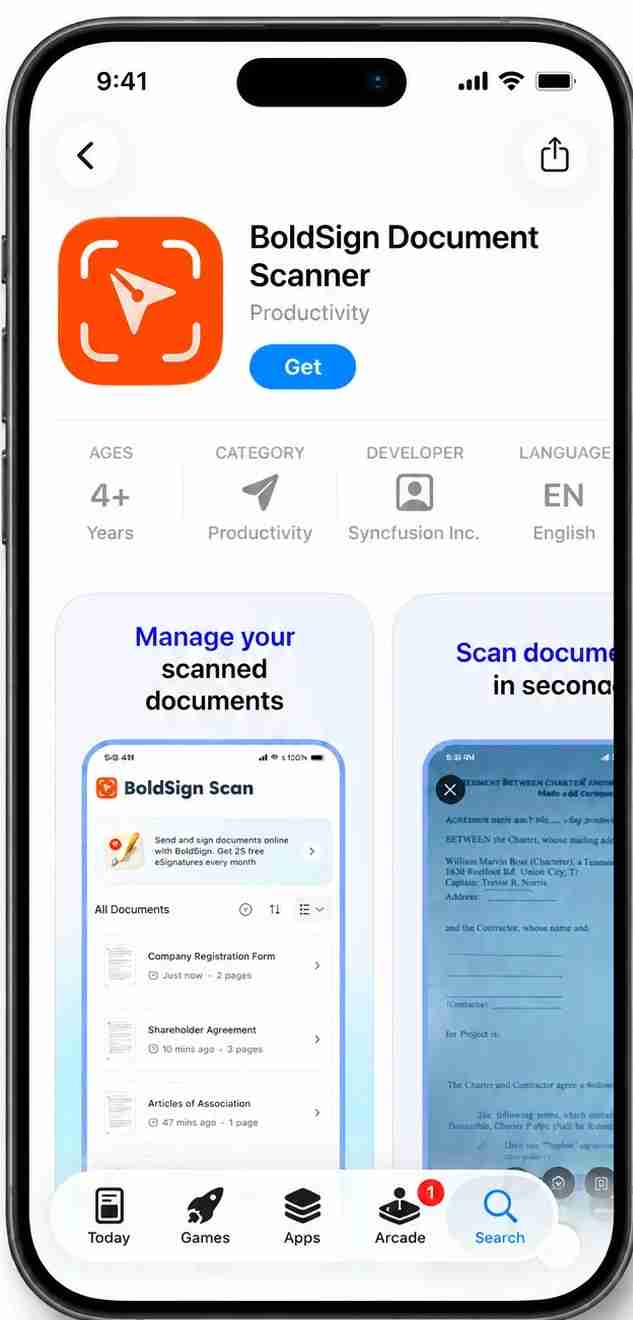
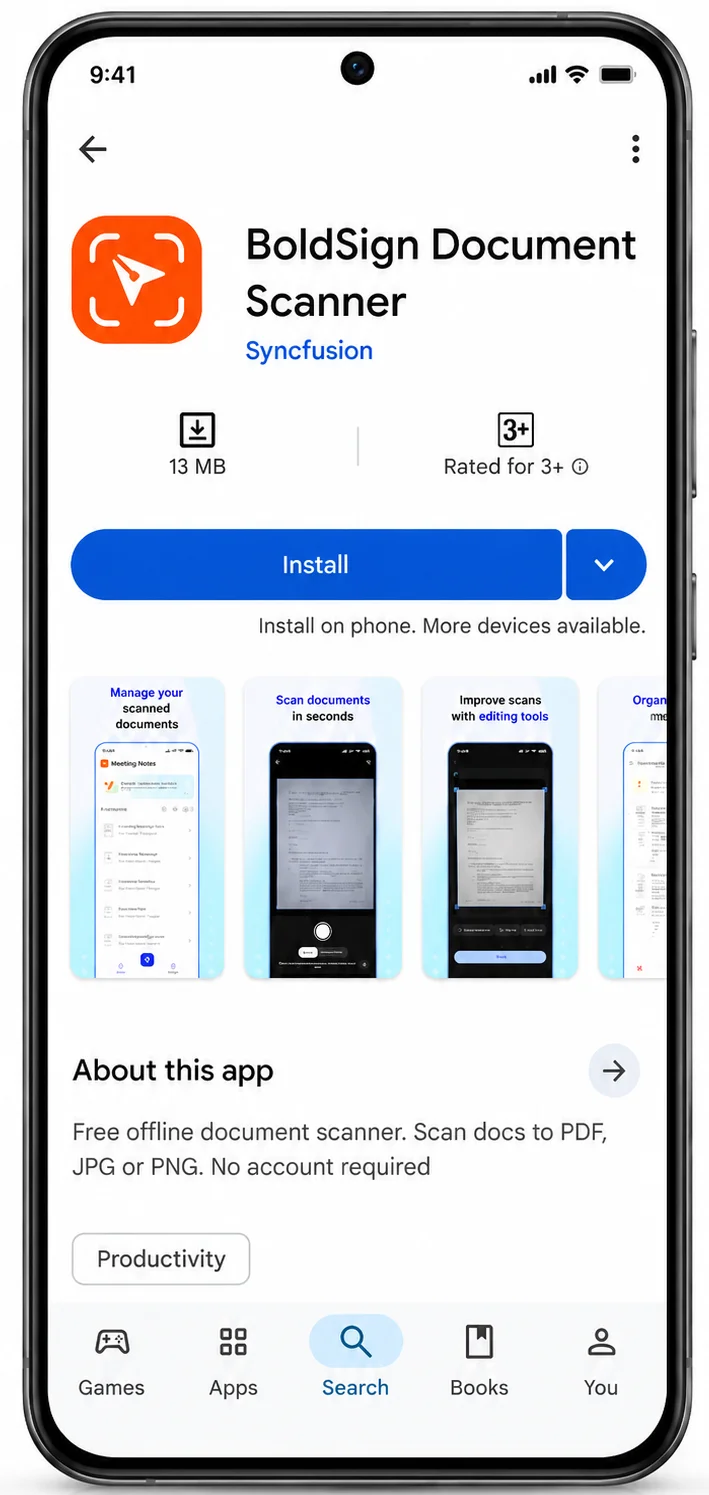
Once the app is installed, you can scan straight away with no sign-up.
How do you scan a document with your phone?
Scanning takes three steps: add a page, capture it, then clean it up. Place the paper on a flat, plain surface in good light for the clearest result.
Step 1: Add a page
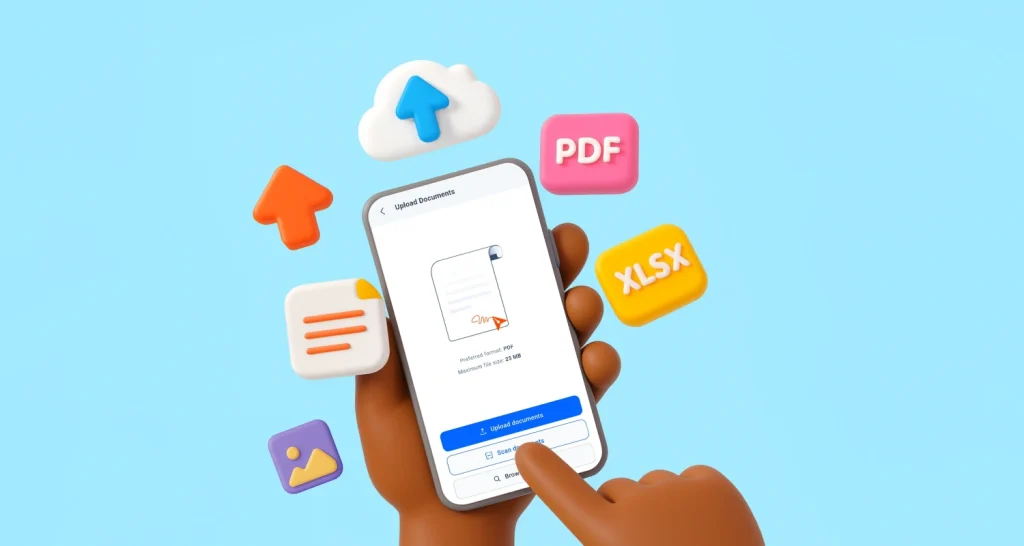
Tap the Add image button on the home screen. Select Scan to use your camera, or pick an image already on your device.
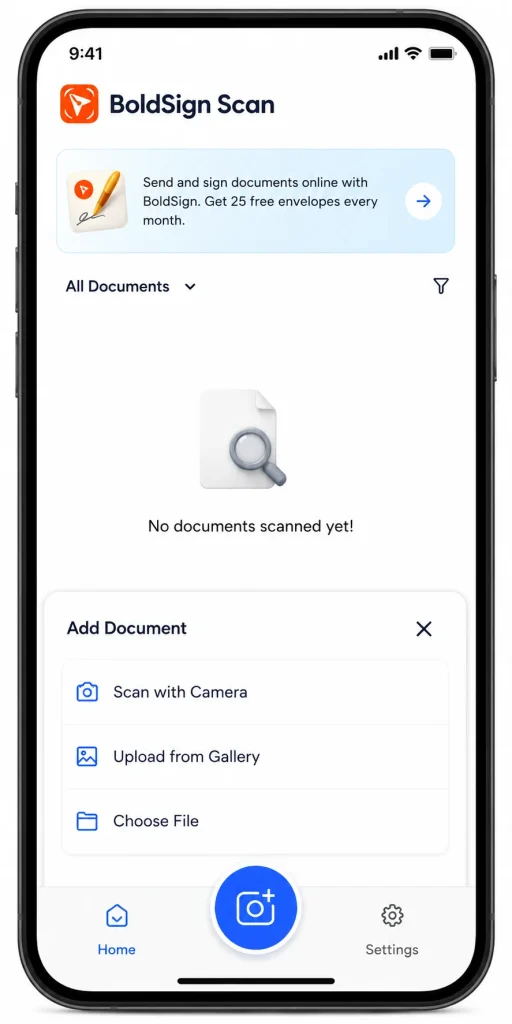
Step 2: Capture the page
Hold your phone over the page. The app finds the edges and outlines them for you.
In Auto mode, the app takes the picture once the page is steady. Switch to Manual mode to take it yourself with the shutter button. Scan one page at a time to build a document with many pages.
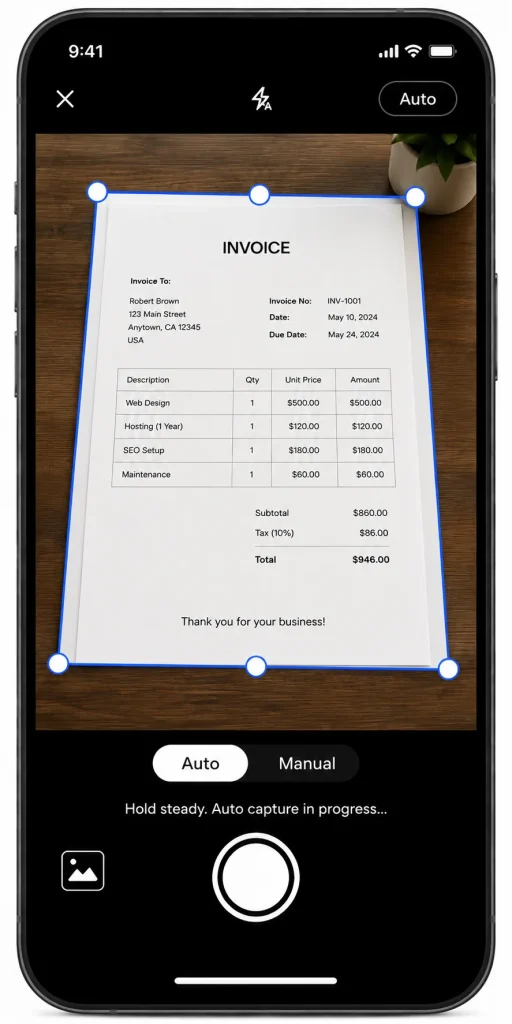
Step 3: Clean up the scan
Drag the crop borders to trim the background, and rotate the page when it is sideways. Then pick a filter: Color, Grayscale or Black & White.
Grayscale and black and white suit pages of plain text. Color suits receipts with logos, photos and stamps.
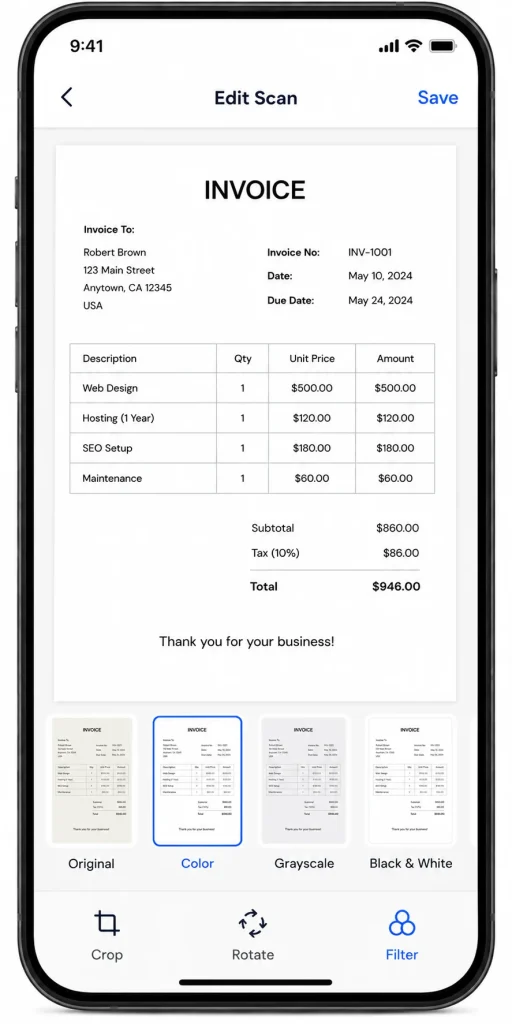
Our help article on how to scan and export documents with the Document Scanner app shows each screen in more detail.
How do you export, share or print a scan?
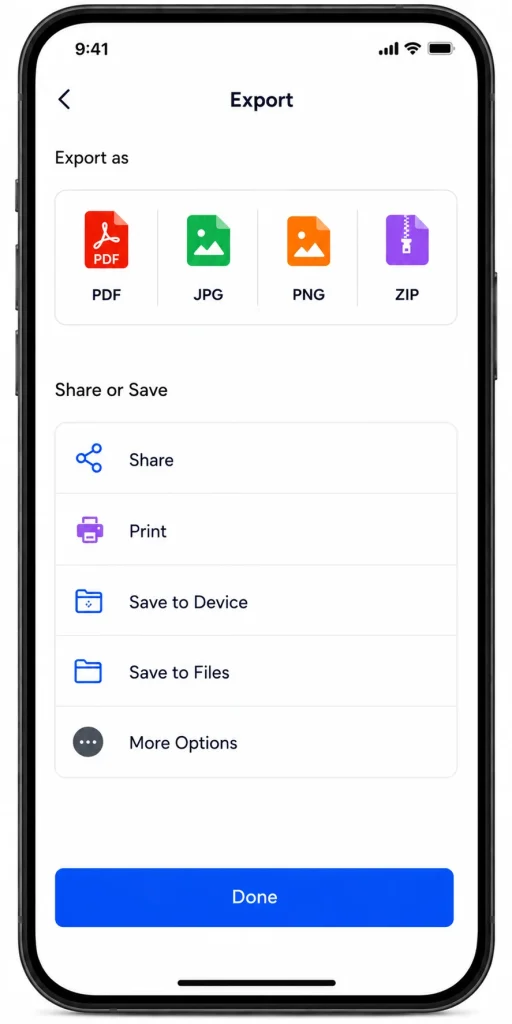
Use the share, download or print buttons at the bottom of the preview screen. Pick the format that fits where the file is going next.
- PDF puts every page in one file, ready to email or upload.
- The Images option saves each page as its own picture file.
- A compressed folder (ZIP) holds each page as a separate image in one file.
Image files use JPG by default. You can switch to PNG in the app settings when you need sharper text.
To send one page only, tap it in the grid to open it full screen. From there you can download, share or print it, or select Retake to scan it again.
How do you manage scanned files on your phone?
Every scan appears on the home screen of the app, stored on your device. You can view your files as a list or as a grid.
From there you can rename a document, reorder its pages or merge scans into one file. To act on several documents at once, long press one or tap the selection option, then pick the others.
Is there an app to scan and sign documents?
Yes. The BoldSign mobile app scans paper and lets you sign it or send it for signature in one place.
The scanner app on this page only scans, so pick the one that matches your job.
Use the scanner app when you only need a clean copy and want it kept offline. Use the BoldSign mobile app when the scan needs signatures from you or others.
You can also combine them. Export a PDF from the scanner, then upload it to BoldSign to sign or send. Our guide to file uploads in the BoldSign mobile app covers each upload option, including its own scan button.
What does it cost to scan and sign documents?
The scanner app is free, and every feature in it comes at no charge. Signing is a separate step in BoldSign, and you can start that for free too.
The BoldSign Essential plan is free. It sends 25 envelopes (documents sent for signature) a month from a business email, or 5 from a personal email, and needs no credit card. The Growth plan costs $5 per user a month, billed yearly, and sends 50 envelopes a month.
Prices are in USD, as listed on the BoldSign pricing page in November 2026. The people you send documents to sign without an account.
What can you do with your scans next?
Your scans are ready to share, file or sign. These links help with the next step.
- Start a 30-day free trial and send your first scan for signature.
- Get the free document signing app to sign scans on your phone.
- Book a demo to see how your team can move paper forms into eSignature.
Frequently asked questions
Is the Bold Scanner app free?
Yes. BoldSign Document Scanner is free to download and use. You can use it without an account, ads or a subscription.
Does a document scanner app need an internet connection?
Ours does not. You can scan, edit, organize and save documents on your phone while it is offline.
Where does the app keep my scanned documents?
Your scans are stored on your own phone or tablet. The app does not upload them to external servers.
Can I turn a photo on my phone into a PDF?
Yes. Tap Add image, pick the photo from your device, then export it as a PDF. You can crop, rotate and filter it first.
How do I scan a document with several pages?
Scan the pages one at a time into the same document. On the preview screen you can reorder them, then export them together as one PDF.
Can I save a scan as JPG or PNG instead of PDF?
Yes. Choose Images or ZIP when you export, and pick PNG or JPG in the app settings. JPG is the default.
Can I sign a document I scanned with this app?
Yes, in a second step. Export the scan, then upload it to BoldSign to sign it or send it to others. The scanner app itself has no signing tools.
Is a scanned document signed with an electronic signature legally binding?
Yes, when the signer agrees to sign electronically and the signed record is kept. Some documents, such as wills, have extra rules, so check the rules for yours.

Jayavigneshwaran
Product Manager at BoldSign with a strong foundation in web and mobile development. Started as a web developer working with React, Angular, TypeScript, and Blazor, then moved into mobile development with Flutter and Dart. Now leading the BoldSign mobile app and support experience, combining technical depth with product strategy to deliver reliable releases and great customer outcomes. Connect with him on LinkedIn.
More posts by Jayavigneshwaran