

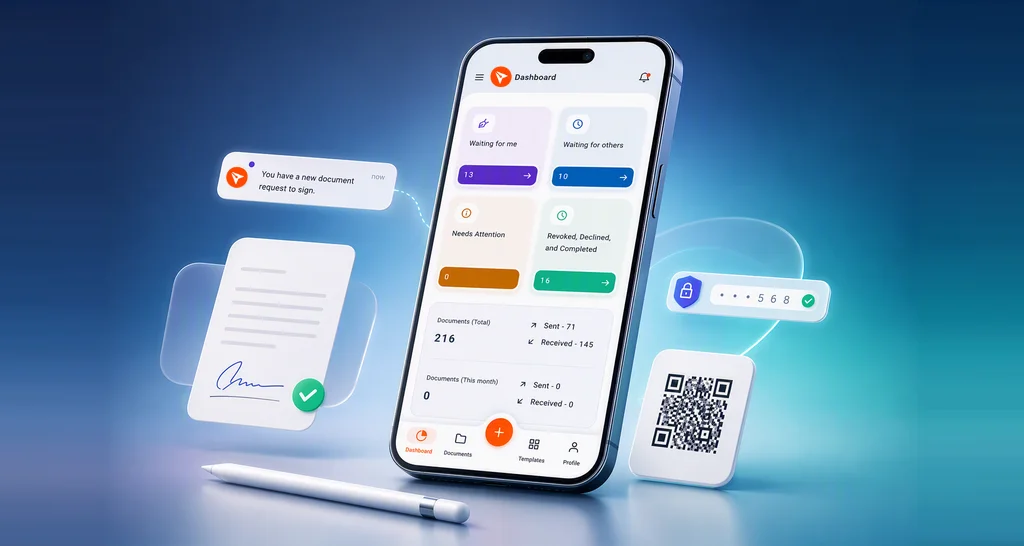
How to Sign Documents on Your Phone, With or Without the BoldSign App
Learn how to sign documents on your phone: open the request from email, a link or the BoldSign app, fill in each field, and keep a signed copy for later.
 Discover our mission, commitment to our customers, and leadership team.
 Stay updated with our latest news and announcements.
 Learn about the latest BoldSign products and company news.
 Earn ongoing referral fees by embedding and referring BoldSign to clients.
 Connect with us if you have any questions or need help.
 Your business is protected with BoldSign.
 Earn commission by promoting BoldSign via your site, blog, or socials.
 Join our team and build innovative software solutions.
 See the love for BoldSign from users about their experience.
Product Manager at BoldSign with a strong foundation in web and mobile development. Started as a web developer working with React, Angular, TypeScript, and Blazor, then moved into mobile development with Flutter and Dart. Now leading the BoldSign mobile app and support experience, combining technical depth with product strategy to deliver reliable releases and great customer outcomes. Connect with him on LinkedIn.
Learn how to sign documents on your phone: open the request from email, a link or the BoldSign app, fill in each field, and keep a signed copy for later.
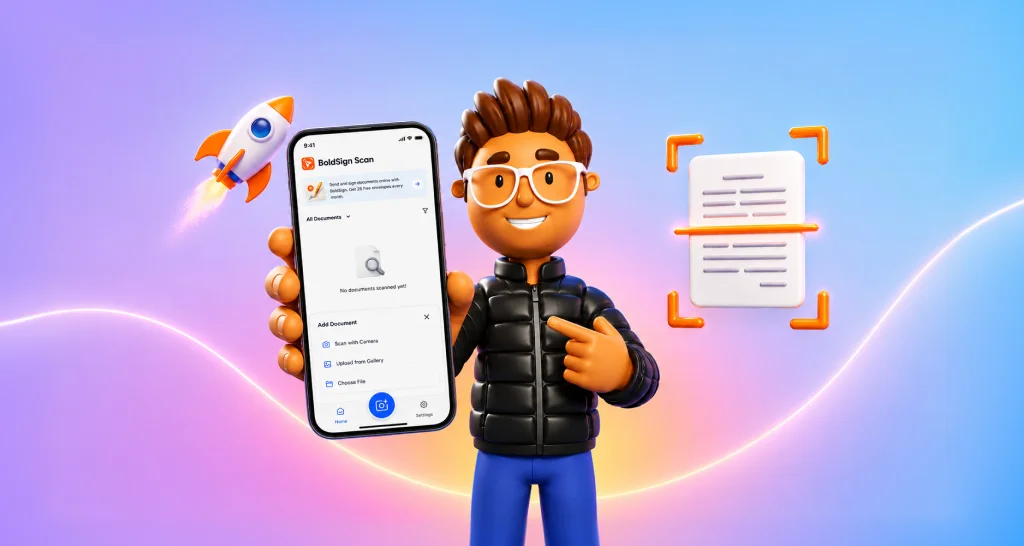
Scan receipts, contracts and IDs on iPhone or Android with the free BoldSign Document Scanner app. It works offline and keeps every file on your phone.
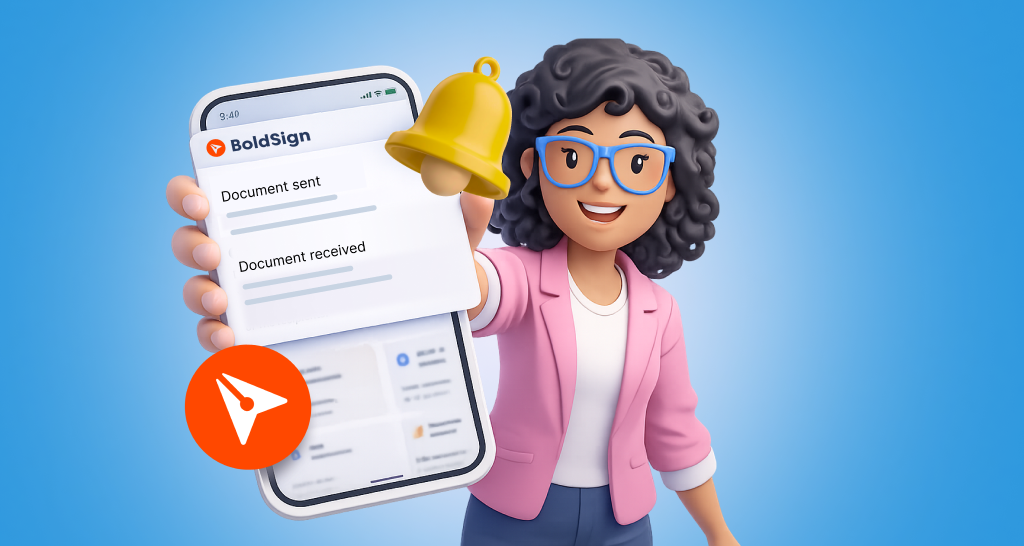
See how push notifications in the BoldSign mobile app send real-time alerts on iOS and Android, which events trigger them, and how to change each one.
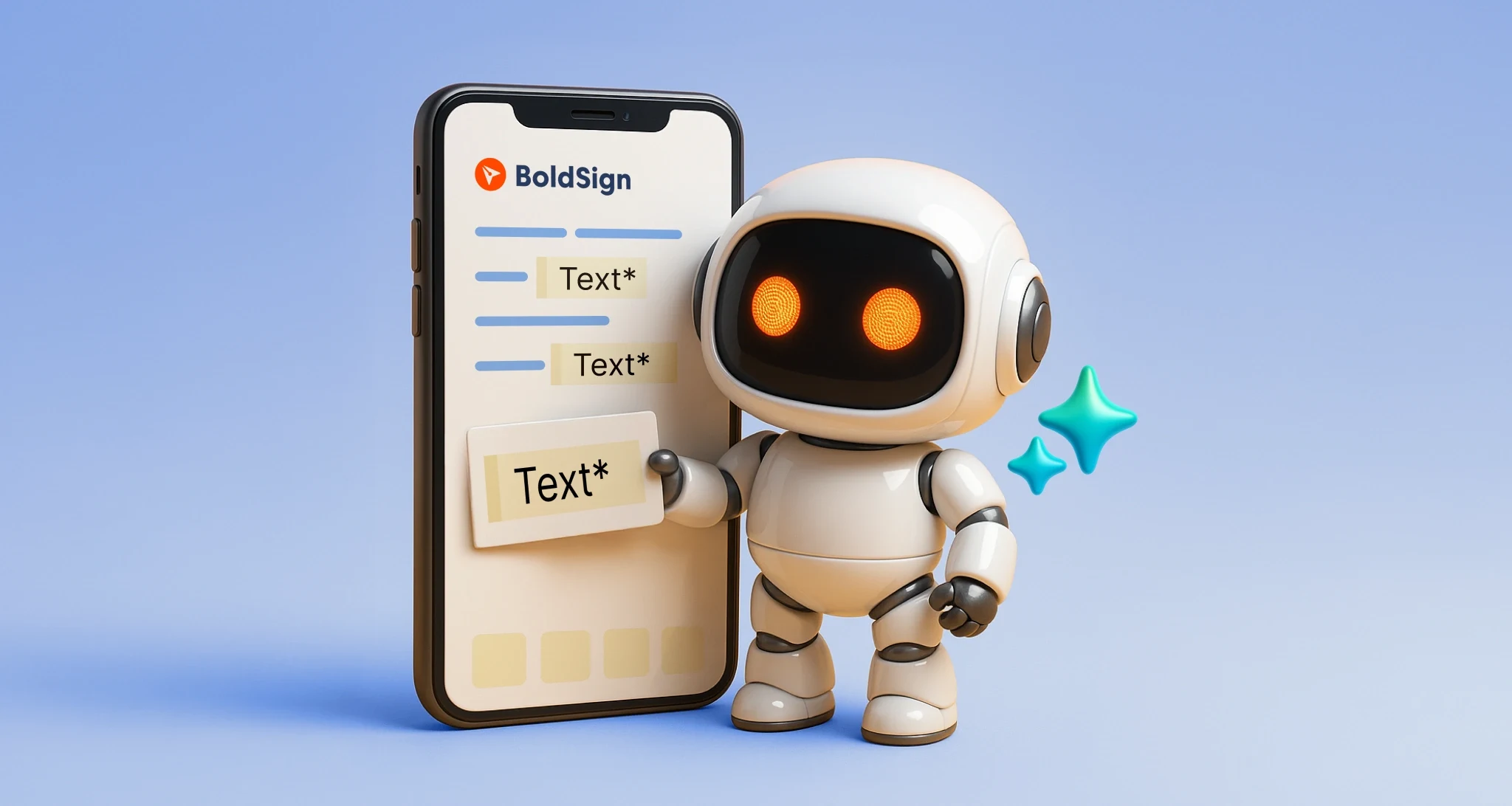
Learn how AI form field detection in the BoldSign mobile app finds the blanks in your PDF or Word file and places fields for you as you build a template.
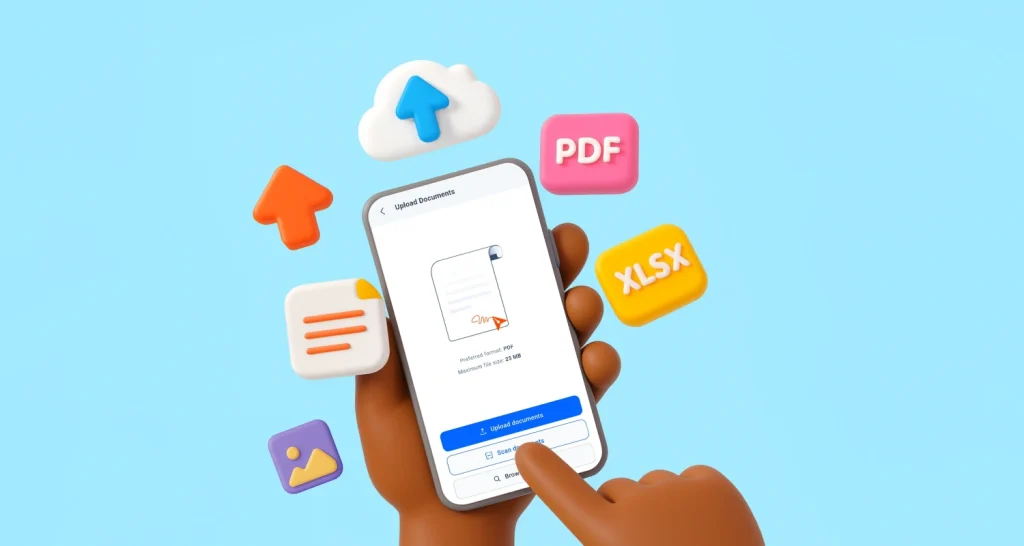
Upload files to the BoldSign mobile app from your phone, a cloud drive or the camera scanner, then rename, reorder or replace them before you send to sign.
Test BoldSign eSignature APIs in Postman: fork our collection, add your API key, send a document for signature, check its status and download the result.
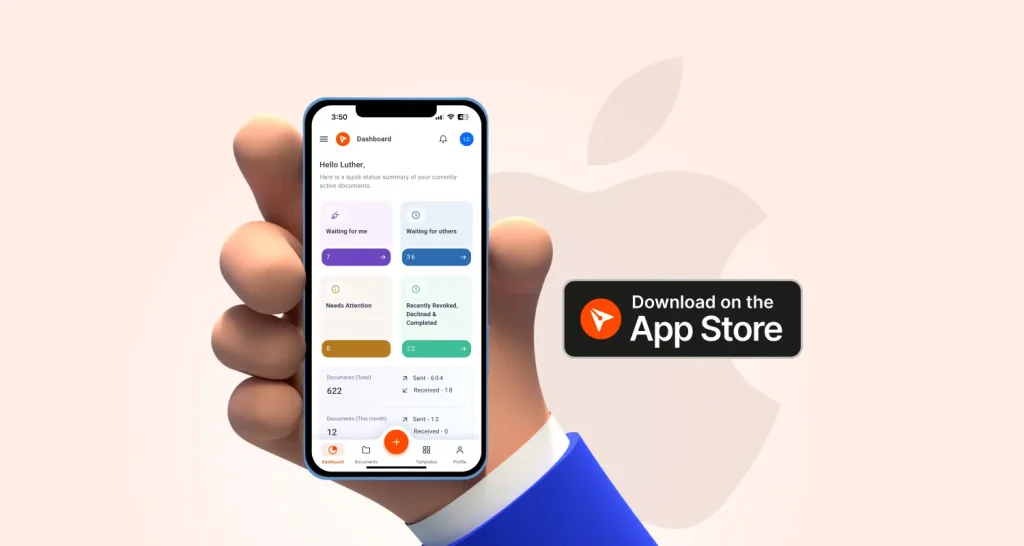
Our iOS signature app left TestFlight beta in April 2025. See what shipped, how to install BoldSign from the App Store, and which plans include the app.
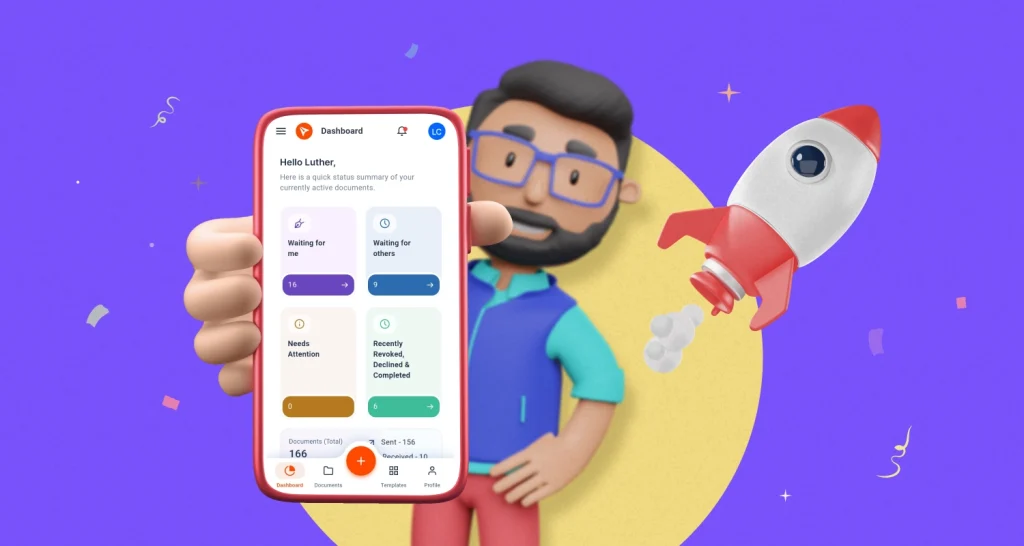
Our Android signature app left beta in December 2024. See what shipped, how to install the BoldSign app from Google Play, and which plans include the app.
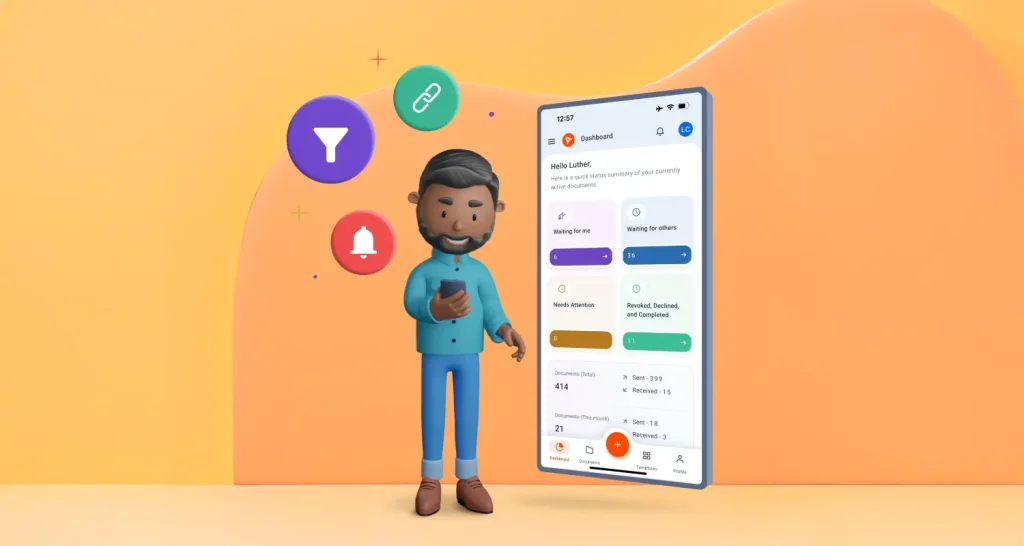
See how the BoldSign mobile app speeds up sending from your phone: reuse templates, clone documents, preview before you send and remind signers in one tap.
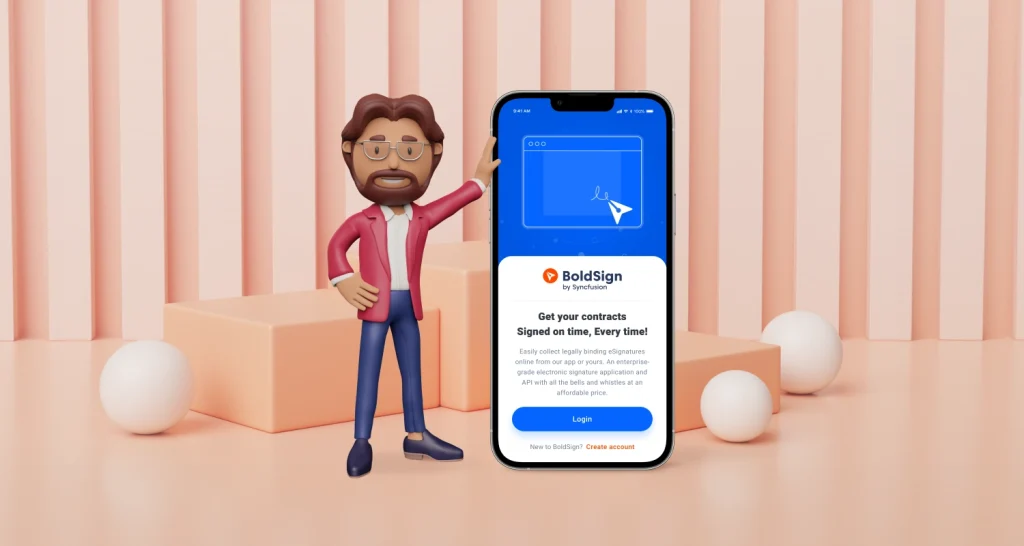
Learn how to use the BoldSign mobile app on iPhone and Android: install it, sign and send documents, self-sign, download signed copies and find files fast.
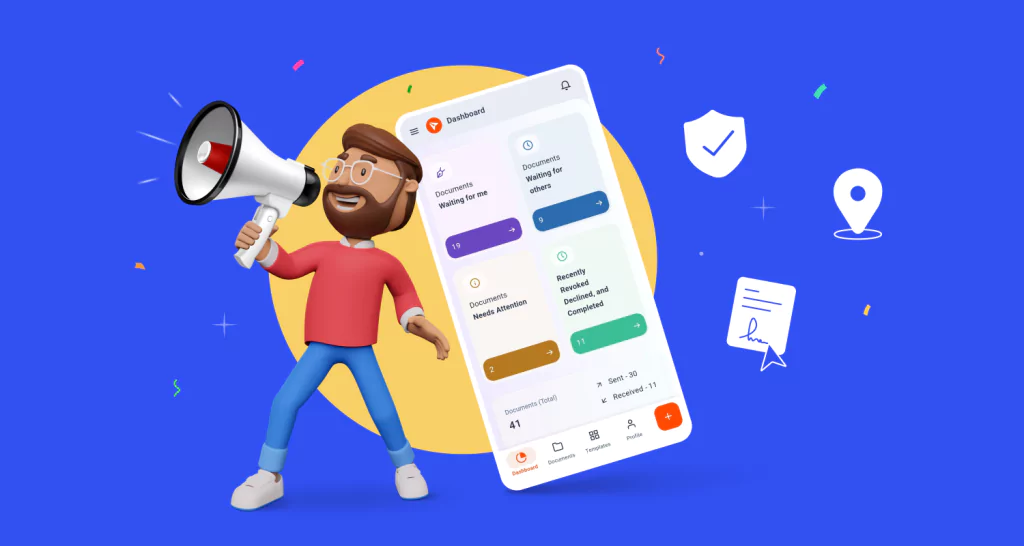
See what the BoldSign mobile app does on iPhone and Android: sign and send documents, track every request and collect signatures in person from your phone.
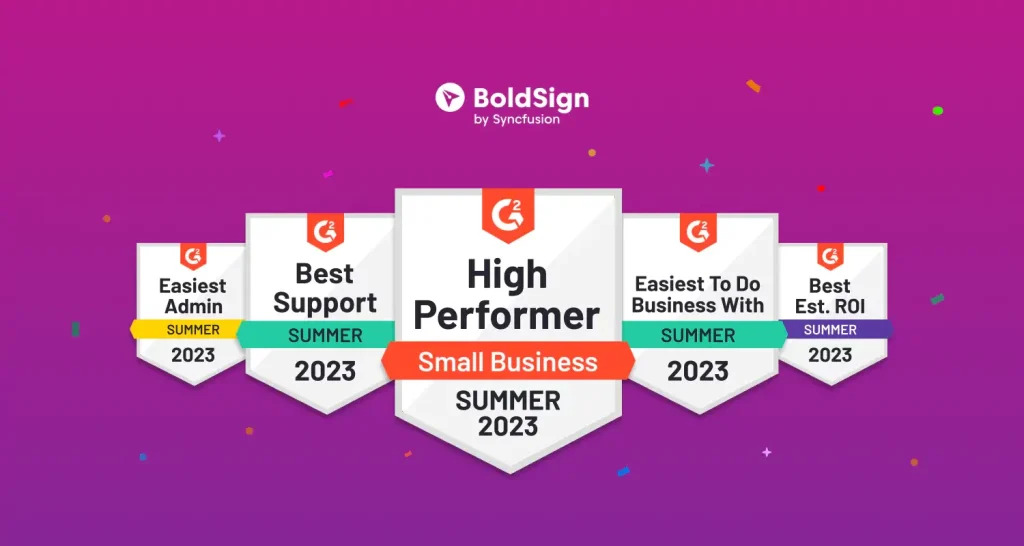
BoldSign secures 10 G2 badges in the eSignature category Summer 2023: explore the badge criteria and discover what makes BoldSign a standout in this blog post.