

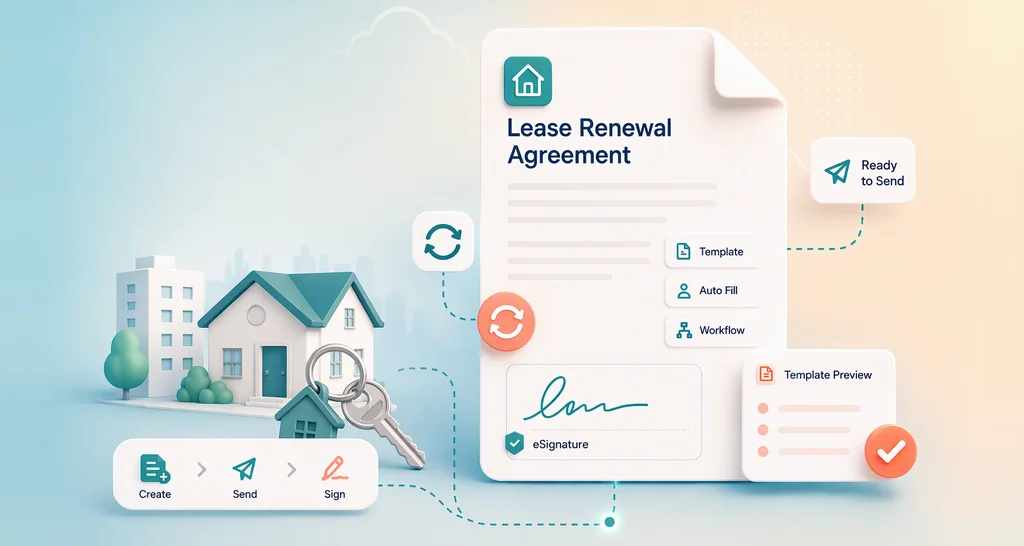
How to Create and Use a Lease Renewal Template Online
Learn how to build a lease renewal template, update rent and terms, add signer roles, send it for eSignature, set reminders and keep a signed audit trail.
 Discover our mission, commitment to our customers, and leadership team.
 Stay updated with our latest news and announcements.
 Learn about the latest BoldSign products and company news.
 Earn ongoing referral fees by embedding and referring BoldSign to clients.
 Connect with us if you have any questions or need help.
 Your business is protected with BoldSign.
 Earn commission by promoting BoldSign via your site, blog, or socials.
 Join our team and build innovative software solutions.
 See the love for BoldSign from users about their experience.
Learn how to build a lease renewal template, update rent and terms, add signer roles, send it for eSignature, set reminders and keep a signed audit trail.
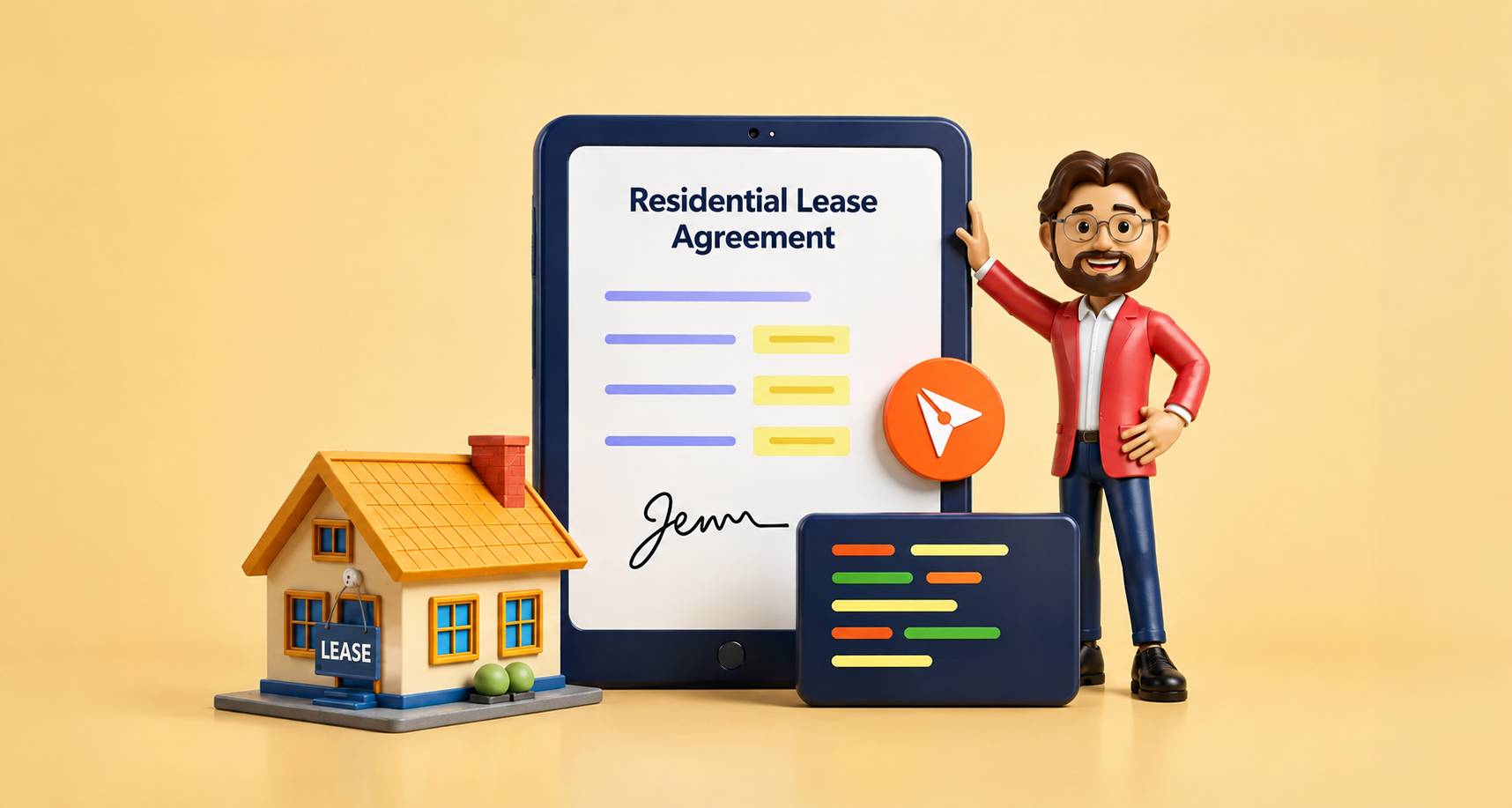
Learn how embedded lease signing lets a rental app build a lease from a template, prefill tenant details and collect signatures without leaving the app.
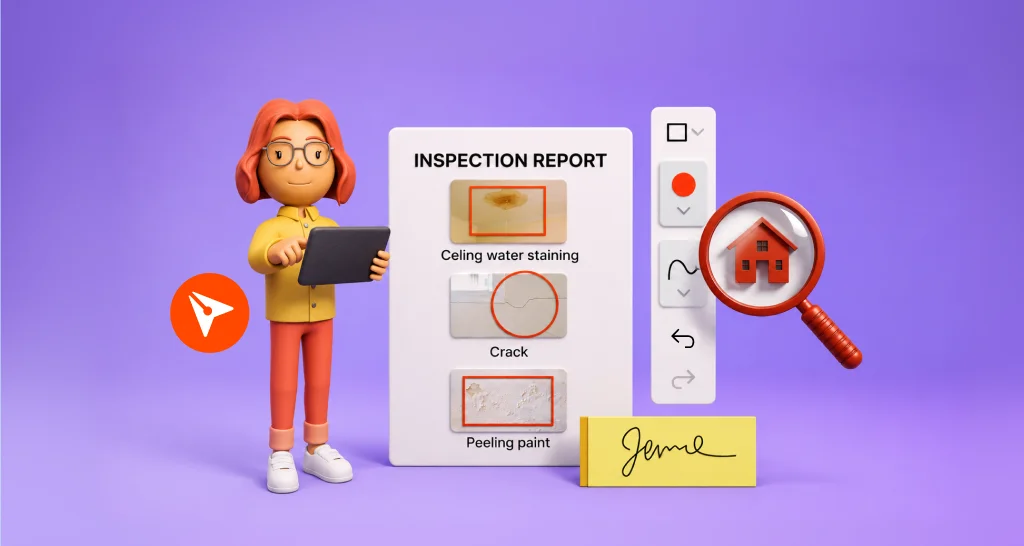
Mark issues in a property inspection report before signing: circle each problem on the photo, add a label and an owner, and all sign one shared record.

Tenant identity verification checks a photo ID and a live selfie before the lease opens. Learn how to set it up in BoldSign, what tenants see and the cost.

Add ID verification to rental applications: each applicant shows a government ID and a selfie before signing, and the check is kept in your audit trail.

Learn how electronic signatures help real estate agents send offers, listing agreements and leases, track signers, and close deals sooner with BoldSign.

See why BoldSign outperforms DocuSign for realtors in cost, security, and mobile signing. Choose the right eSignature tool for your real estate business.

Get listing agreements signed faster: build a reusable template, send it to every seller in order, check who they are, and track each step in BoldSign.

Renew or extend a lease digitally: send the renewal addendum for eSignature, add initials to each page, and track every lease signer from one dashboard.
See 10 eSignature use cases, from job offers and loans to leases, consent forms and event waivers, with plain examples and tips for small business teams.
See how a SaaS eSignature API adds signing to your app: a brand per tenant, reusable templates, sender approval and sending on behalf of every tenant.