Introducing the BoldSign Mobile App: Sign, Send and Track Documents Anywhere
 Jayavigneshwaran
TL;DR: The BoldSign mobile app lets you sign, send and track documents from an iPhone or Android phone. It is free to download and comes with every BoldSign plan. Our eSignature mobile app page lists every feature.
A client wants to sign today, and you are on a job site with only your phone. Or a contract waits for your signature while you sit in an airport. Both used to mean a trip back to a laptop.
We built the BoldSign mobile app so you can handle these moments on the spot. You can get it on Google Play for Android and the App Store for iOS.
What is the BoldSign mobile app?
The app is our eSignature service on your phone, linked to the same account you use on the web. Anything you start on one device shows up on the other.
Think of a folder of paperwork you carry in your bag. You can sign a page, hand one over for a signature, or check what is still missing. The app does the same for digital documents, with no printing or scanning.
What can you do with the BoldSign mobile app?
You can do most daily eSignature work from the app. Here is what that covers.
Sign and send documents
Upload PDF, Word, Excel or image files from your phone. Then sign the document yourself or send it to others.
- Add signers, reviewers and in-person signers, and set the order they sign in.
- Place signature, date and text fields with the built-in field editor.
- Show a field only when the signer ticks a box or picks an option, with conditional fields.
- Ask a signer for a one-time password (OTP) or an access code.
- Set an expiry date and turn on reminders before you send.
Templates save the fields and layout of a document you send often. Our artificial intelligence (AI) features can also place form fields for you. You choose email, SMS or WhatsApp to deliver each signer’s link.
Track documents and get alerts
The dashboard shows who has viewed, signed or still needs to act on each document. Filters and AI search help you find any document by typing plain words.
Push notifications tell you when a document is signed, shared with you or waiting for you. You can pin a filter you use often to the dashboard.
Collect in-person signatures
Hosting a signing session takes only your phone. Hand it to the signer, and they sign on the screen without a BoldSign account of their own.
That suits a contractor at a customer’s door or a clinic front desk. You skip the printing and the scanning.
Are documents signed in the BoldSign app legally binding?
Yes, when they meet the usual rules for electronic signatures, such as the signer’s consent. Three laws set those rules in the US and the EU.
In the US, they are the Electronic Signatures in Global and National Commerce (ESIGN) Act and the Uniform Electronic Transactions Act (UETA). In the EU, they come from the electronic identification and trust services (eIDAS) regulation. Our mobile app page states that signatures are legally binding under all three.
We record each step in an audit trail and digitally sign the finished document. You get the same record on the phone as on the web.
How does the BoldSign app keep your documents secure?
We encrypt every document twice with the Advanced Encryption Standard (AES), using 256-bit keys. Our controls are audited for System and Organization Controls (SOC) 2 Type 2.
You can lock the app itself with Face ID, Face Unlock, a fingerprint or your device passcode. Auto-Lock closes it after a delay you choose.
Your account settings also cover these rules:
- General Data Protection Regulation (GDPR) requirements for personal data.
- The Health Insurance Portability and Accountability Act (HIPAA), for teams that sign a business associate agreement (BAA).
- The Payment Card Industry (PCI) Data Security Standard (DSS) for card data.
Where can you download the BoldSign mobile app?
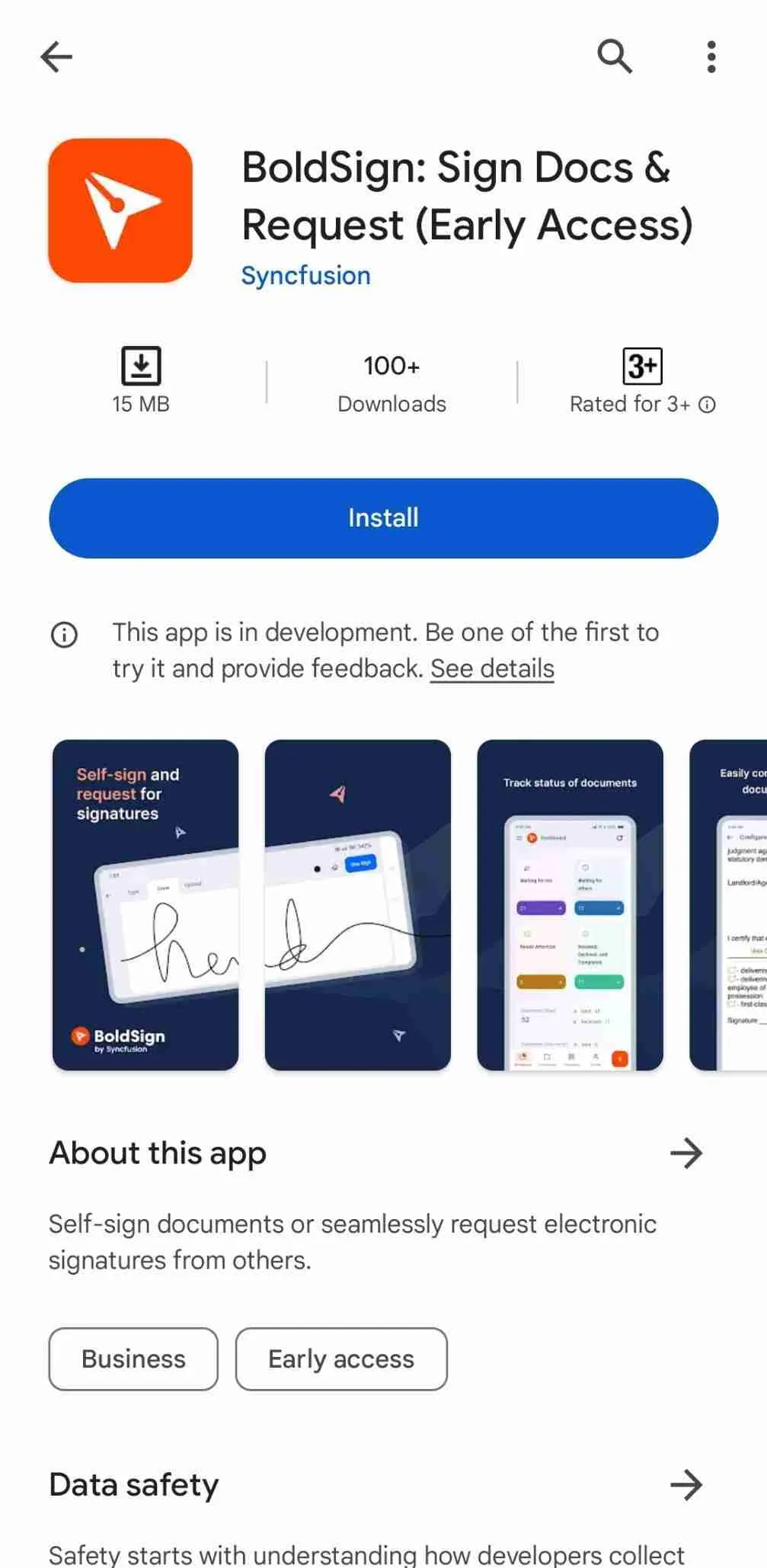
The app is free on Google Play for Android and on the App Store for iPhone and iPad. Search for BoldSign in either store, or use the links at the top of this page.
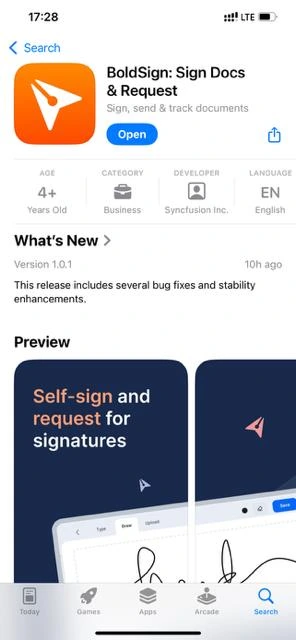
Our step-by-step guide to the BoldSign mobile app covers installing, logging in and each task on screen.
What do you see when you open the app?
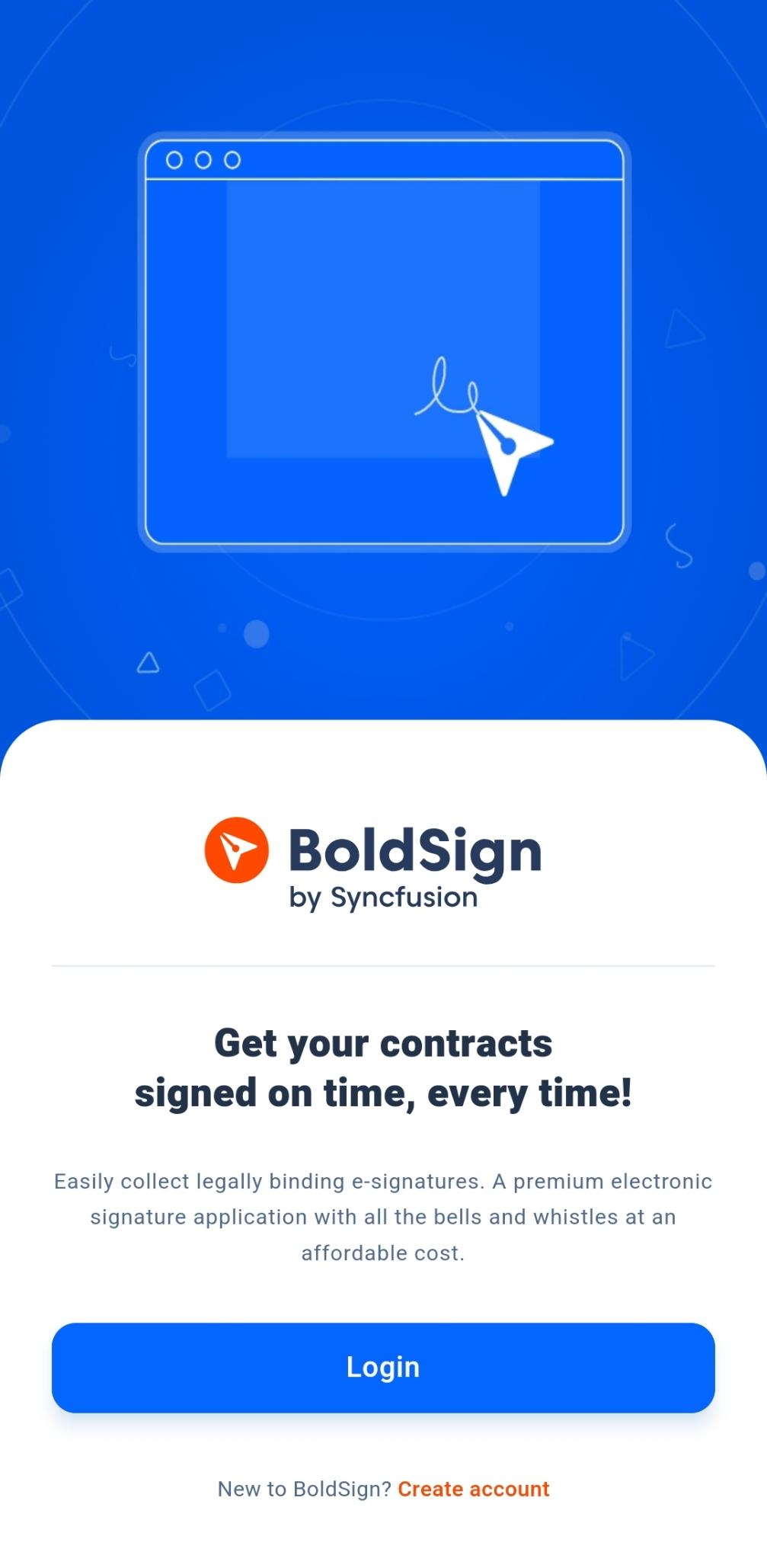
You first see the login screen, where you sign in or create an account. Use the same email address and password as on the web.
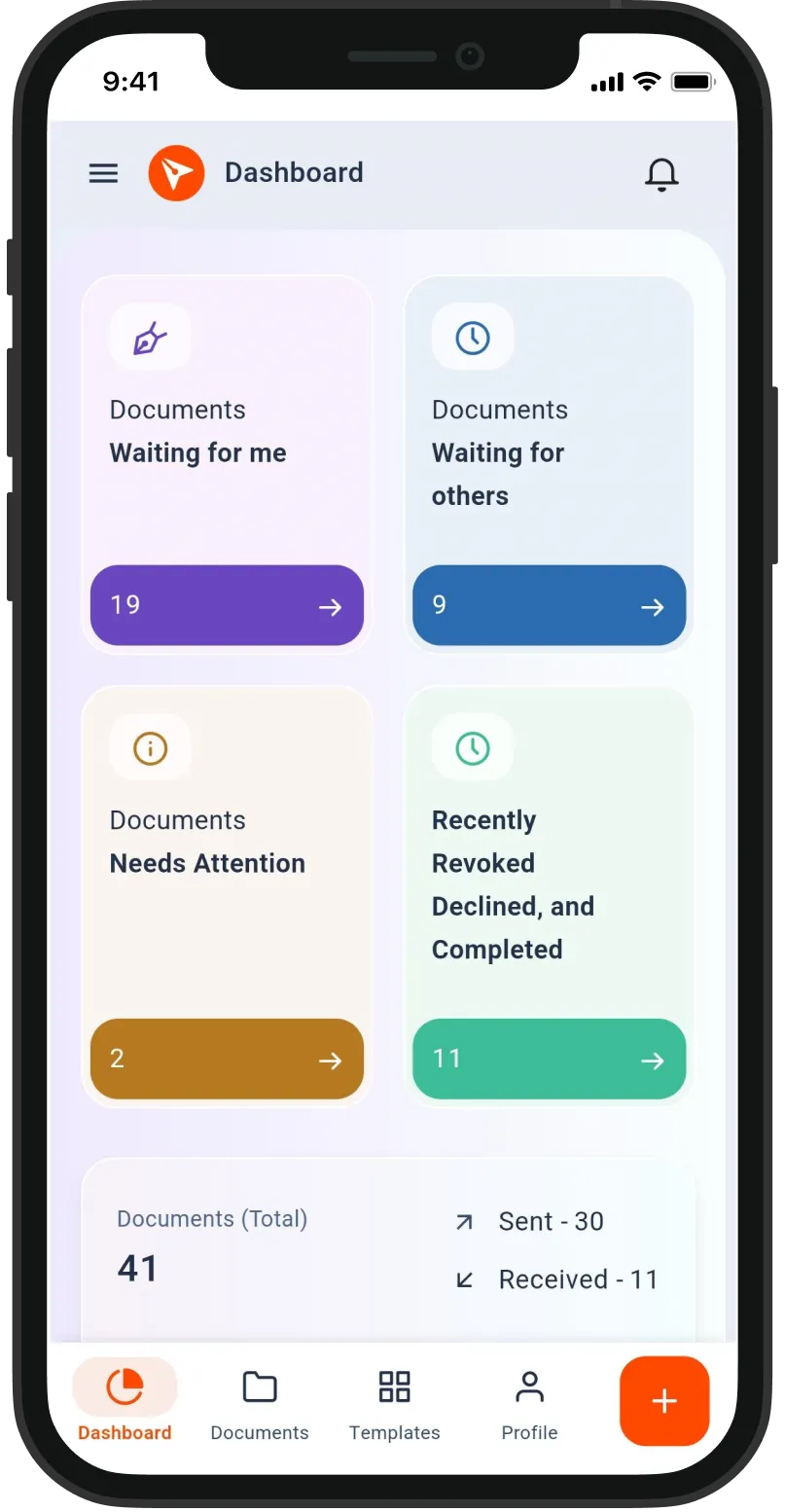
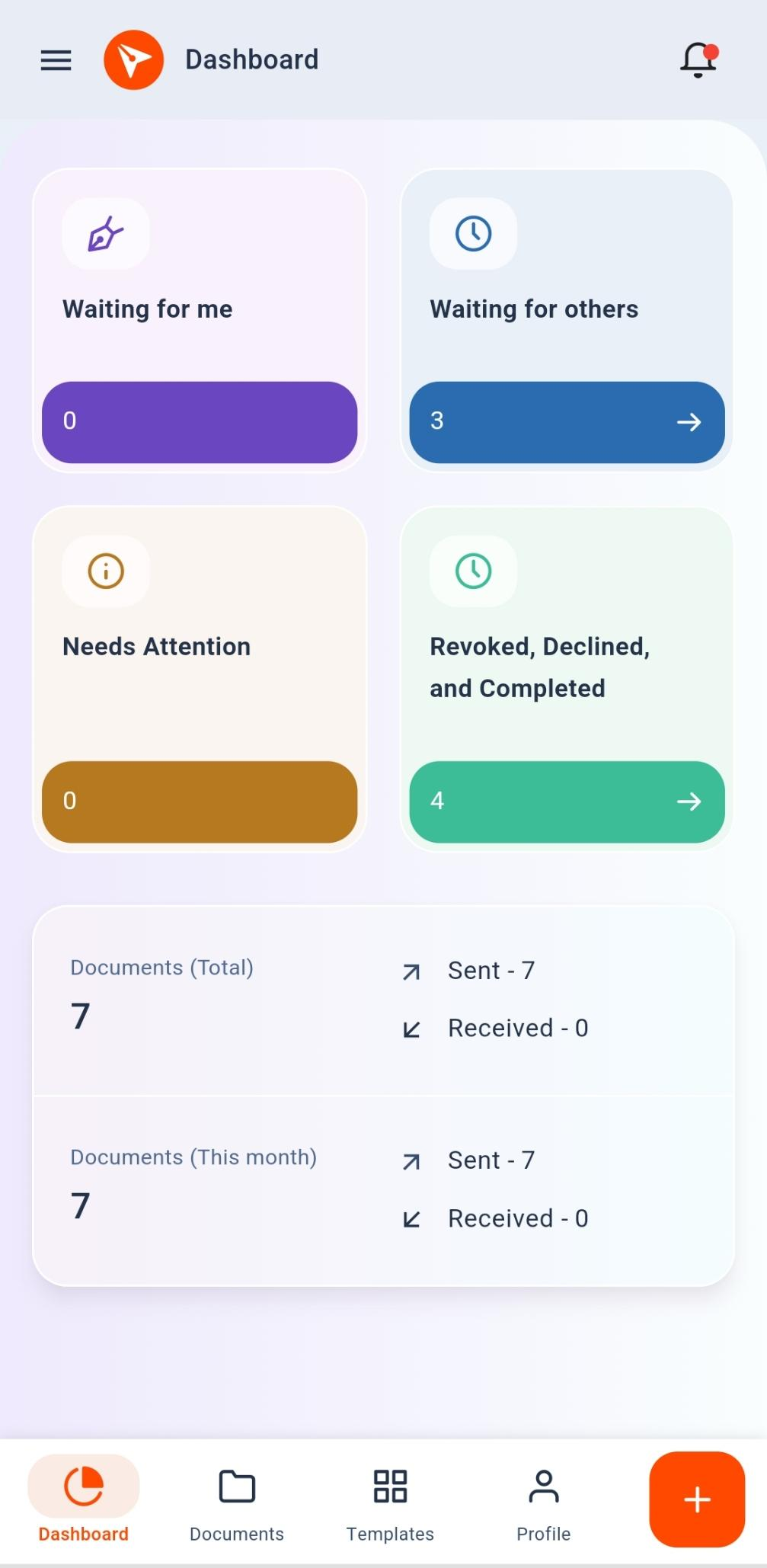
Once you log in, the dashboard opens. Cards show documents waiting for you and for others, and the bottom bar leads to your documents and profile.
Which BoldSign plan do you need for the mobile app?
The app comes with every plan, so you pay nothing extra for it. Some features depend on your plan, as listed on the BoldSign pricing page in November 2026.
Our free Essential plan includes 25 envelopes a month and 2 templates. The Growth plan costs $5 per user a month, billed yearly, and adds in-person signing and 10 templates.
The Business plan costs $15 per user a month, billed yearly. It adds unlimited templates, AI field detection, AI search, HIPAA support and single sign-on (SSO).
SMS and WhatsApp delivery also start on Business, charged per message. Prices are in USD, and you can start with a 30-day free trial.
How do you get started with the BoldSign mobile app?
Download the app, log in, and send your first document from your phone. Pick the next step that fits you.
- Start a 30-day free trial and try the app with your own documents.
- Book a demo to see the app and the web app work together.
- Read our mobile app documentation, or email support@boldsign.com with feedback.
Frequently asked questions
Is the BoldSign mobile app free?
Yes. The app is free to download on Google Play and the App Store, and it comes with every BoldSign plan, including our free one.
Does the BoldSign app work on iPhone and Android?
Yes. The app runs on iOS and Android phones and tablets. On a tablet, you can also use a keyboard or a stylus.
Can I send a document for signature from my phone?
Yes. Upload a file from your phone, add the people who need to sign, place the fields and send it. Our step-by-step guide walks through each screen.
What file types can I upload in the BoldSign app?
You can upload PDF, Word, Excel and image files from your device. We turn each file into a document ready for signature fields.
Can someone sign on my phone in person?
Yes. Add them as an in-person signer and hand them your phone. They can sign without a BoldSign account of their own.
Is a signature made in the BoldSign app legally binding?
Yes, when it meets the usual rules for electronic signatures, such as the signer's consent. The app uses the same signing process and audit trail as our web app.
Will the app tell me when a document is signed?
Yes. Turn on push notifications, and the app alerts you when a document is signed, shared with you or waiting for you.
Do I need a new account to use the BoldSign app?
No. Log in with the email address and password you use on the web, and your documents appear in both places.

Jayavigneshwaran
Product Manager at BoldSign with a strong foundation in web and mobile development. Started as a web developer working with React, Angular, TypeScript, and Blazor, then moved into mobile development with Flutter and Dart. Now leading the BoldSign mobile app and support experience, combining technical depth with product strategy to deliver reliable releases and great customer outcomes. Connect with him on LinkedIn.
More posts by Jayavigneshwaran