Explore the Top 10 Use Cases of Electronic Signatures
 Lakshmi Priya Soundar Rajan
TL;DR: The most common eSignature use cases are job offers, loans, supplier contracts, government forms, patient consent, leases, school forms, event waivers and volunteer forms. In each one, a signer gets a link, reads the document on any device and signs in minutes. Our eSignature features page shows the tools behind each step.
Picture a desk with a printer, a scanner and a stack of forms waiting for ink. Someone prints a contract, mails it, waits a week, then scans it back. Electronic signatures replace that loop with a link in an email.
This guide walks through 10 electronic signature use cases with a short example for each. Then it covers small business needs, how a sign request works and what to watch out for.
What are the digital use cases for eSignature solutions?
Digital use cases for eSignature solutions are the everyday tasks where a person signs a document on a screen instead of on paper. They cover hiring, lending, buying, leasing, care, school and volunteer work.
Think of an eSignature like paying with a card instead of cash. The deal is the same, but nobody has to meet in person to hand anything over.
The 10 use cases below are grouped by who usually sends the document. Each one comes with eSign examples you can picture.
How do businesses use eSignatures with staff, money and suppliers?
Businesses use eSignatures to hire people, approve money and sign supply deals without meetings. These three use cases make up much of the paperwork in a typical office.
1. HR and employee onboarding
HR teams send many documents that each new hire must sign. Common ones include:
- Job offers and employment contracts
- Benefits enrollment forms
- Policy agreements and handbook sign-offs
- Performance reviews
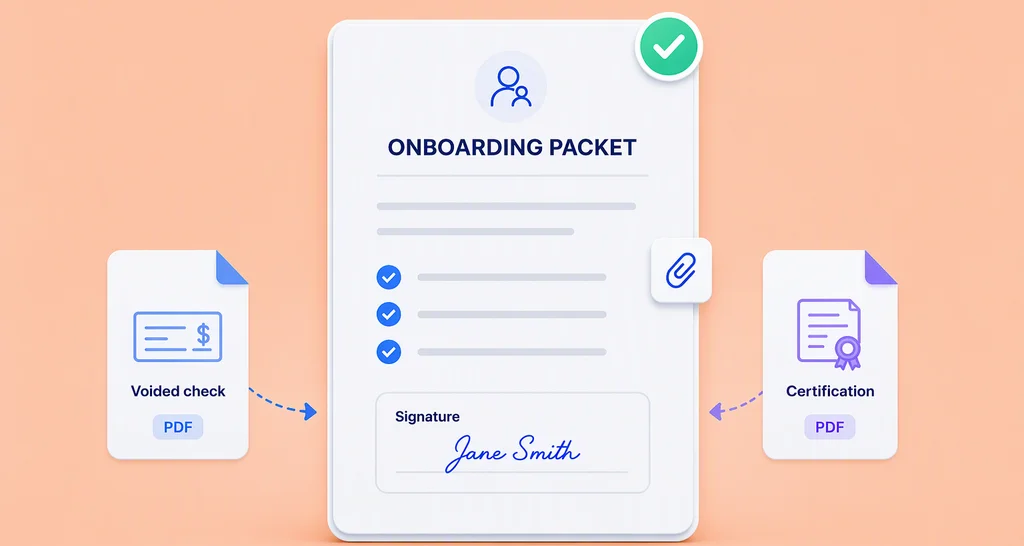
Many companies now interview by video and send offer letters online. A new hire can sign every form from home before day one.
2. Financial transactions and eSignature use cases in the banking industry
Banks and lenders use eSignatures for loan agreements, mortgage contracts, insurance policies and investment forms. Our page on eSignatures for banking covers the common forms.
Picture someone applying for a personal loan. In the past, they visited a branch to fill in forms and sign. Now they pick a loan online, read the agreement on their phone and sign it with a tap.
3. Vendor and supplier agreements
Firms sign purchase orders, service agreements and procurement contracts online. Signing this way keeps the supply chain moving.
Take a retail store that wants a new overseas supplier. The old way meant printing the agreement, then signing, scanning and faxing it across time zones. Today the store sends the agreement by email, the supplier reads the terms and signs, and shipments start the same week.
How do public services, clinics and schools use eSignatures?
Public offices, clinics and schools use eSignatures so people can sign forms from home instead of standing in line. These use cases often carry personal data, so a clear record of who signed matters.
4. Government forms and applications
Many public agencies let residents sign forms online. Typical forms include permit and license applications, tax forms, benefit claims and government contracts.
Picture a resident who needs to renew a permit. They once took time off work to visit an office and wait. Now they fill in the form on the agency’s website and sign it there.
5. Healthcare
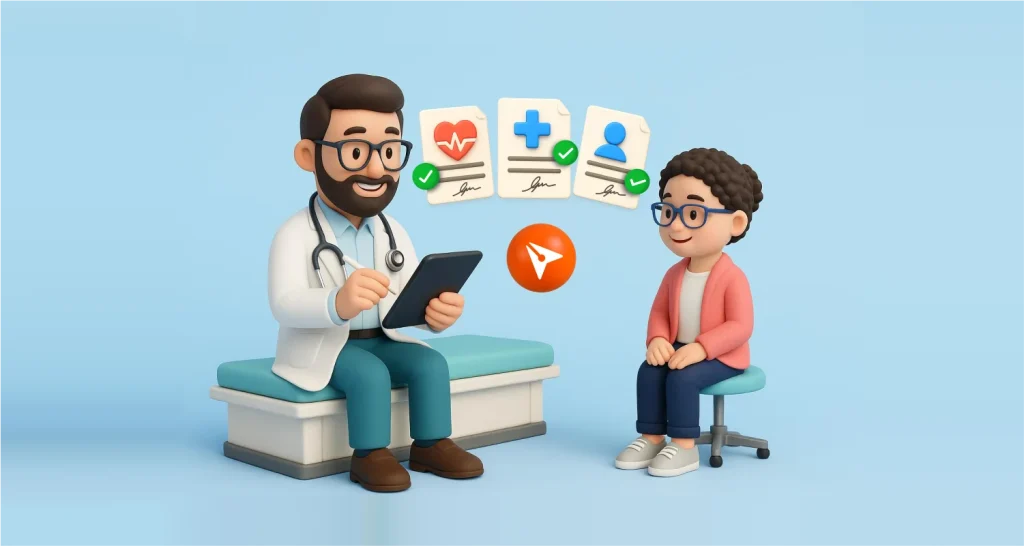
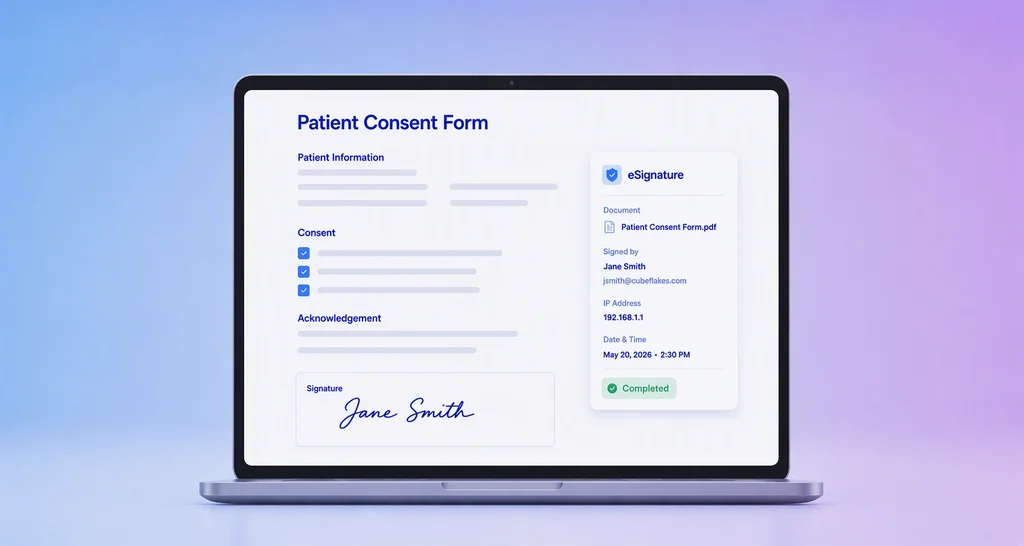
Healthcare providers use eSignatures for patient consent forms, medical release forms, treatment agreements and telehealth consent. Patients can sign before they arrive.
Imagine a patient who books an online visit. They get the intake and consent forms by email and sign them at their own pace. The doctor reads them before the call starts.
6. Education and academic institutions
Schools and colleges use eSignatures for enrollment forms, permission slips and scholarship agreements. Our page on eSignatures for schools and colleges shows more of these forms.
Take a student who has just been admitted to a university. Enrolling once meant long lines on campus and a stack of paper forms. Now the student gets an email link, reviews their details and course choices, and signs most forms online.
Which other electronic signature use cases are common?
Real estate, legal teams, event organizers and nonprofits round out the list. Each of them sends forms to people they may never meet in person.
7. Real estate transactions
Real estate agents and their clients sign purchase agreements, leases, disclosure forms and other closing papers online. Buyers and sellers can sign from different cities.
Selling a house used to mean several meetings and a courier for every document. Now the seller, the buyer and their agents agree terms online and sign the forms from any device.
8. Compliance and legal documents
Companies use eSignatures to collect consent to privacy policies, terms of service and electronic communications. Legal teams also sign partnership and service agreements this way.
Picture two companies forming a business partnership. They share one electronic contract instead of mailing paper drafts back and forth. Each side reviews the terms and signs online.
9. Event waivers
Event organizers ask people to sign a waiver before a risky activity. With eSignatures, each person gets the waiver by email or on the sign-up page and signs it before arriving.
Take a company that runs rock climbing and zip-lining days. In the past, staff handed out paper waivers at the gate, and lines formed while people read them. Now guests read the risks at home and arrive already signed.
10. Nonprofit and volunteer management
Nonprofits use eSignatures for donation forms, volunteer agreements, fundraising contracts and grant applications. Volunteers can sign without a trip to the office.
Imagine a nonprofit that plans a fundraising walk. It emails each volunteer an agreement and an event form. Volunteers read their role and sign from home.
What are small business eSignature use cases?
Small business eSignature use cases are mostly client contracts, quotes, new-hire forms and supplier agreements. A small team gains the most because it has no spare staff to chase paper.
Our guide on why eSignatures matter for small businesses goes deeper. Common eSignature use cases for small businesses include:
- Client service agreements and quotes
- Offer letters and contractor agreements
- Supplier and freelancer contracts
- Waivers for classes, rentals or tours
The same digital signature use cases apply to a firm of five and a firm of five thousand. The difference is how many documents you send each month.
How to use e-sign for business purposes
You use e-sign for business purposes by sending a sign request through email. Each request needs a document, a signer and a place to sign.
- Upload the document you want signed, such as a PDF.
- Add each signer’s name and email address.
- Place signature, initials, date or text fields where each signer should fill them in.
- Send the request, and each signer gets an email with a link.
- Track the status, send a reminder if needed, and download the signed copy.
Signers open the request and sign without a BoldSign account. They can type, draw or upload their signature, as listed on our features page. Each step is saved in an audit trail.
How to design e-sign workflows effectively
Design each e-sign workflow around the signer, not the sender. Ask what the signer needs to see and the fewest fields they must fill.
A good combination of e-signature and forms for contracts and consent collection is one document with its own fields. The signer reads the terms and fills in details in the same place they sign. A few habits help:
- Save documents you send often as templates.
- Set signing order for documents that need a manager’s approval first.
- Turn on automatic reminders so nobody chases signers by hand.
- Keep the signed copy and its audit trail together.
Our embedded signing page covers the next step for software teams. Your users then sign inside your own app or portal.
What should you watch out for with eSignatures?
Most business documents can be signed electronically, but some cannot. In the US, the Electronic Signatures in Global and National Commerce (ESIGN) Act lists the exceptions.
Under 15 U.S.C. 7003, the law does not cover some records. These include:
- Wills, codicils and testamentary trusts
- Adoption, divorce and other family law records
- Court orders and official court papers
- Notices that cut off utilities or warn of eviction or foreclosure
Rules differ by country, so check our guide to eSignature legality for where you work.
Which BoldSign plan and price fits your use cases?
The right plan depends on how many templates you need and which tools your use case calls for. All prices below are in USD, billed yearly, as listed on our pricing page in November 2026.
The Essential plan is free and includes 2 templates. The Growth plan costs $5 per user a month and includes 10 templates. The Business plan costs $15 per user a month and adds unlimited templates, bulk links, bulk send and ID verification.
The Premium plan costs $99 a month for unlimited users. Embedded signing needs the Enterprise API plan, from $30 a month with 40 envelopes.
Where do you start with your own eSignature use case?
Pick the one document your team signs most often and try it first. A single real document shows you more than a long feature list.
- Start a 30-day free trial and send your first document for signature.
- Schedule a demo to see a workflow built for your use case.
- Contact our support team with a question about your setup.
Frequently asked questions
What information is available about sign request through email use cases?
A sign request through email suits any document one person sends and another signs, such as offer letters, leases and consent forms. The signer gets an email with a link, opens the document and signs. We track each step in an audit trail.
What are the digital applications and use cases of esignature technology?
Teams use eSignatures for job offers, loan papers, supplier contracts, permit forms, patient consent, leases, privacy consent, school forms, event waivers and volunteer forms. Each one swaps print, sign and scan for a link the signer opens on any device.
What are e-signature use cases for small businesses?
Small firms most often sign client contracts, quotes, new-hire forms, supplier agreements and service waivers online. A free plan covers light use, and a paid plan adds more templates and team tools as the work grows.
What are the new signature options available to explore and discover?
Signers can type, draw or upload an image of their signature. In BoldSign, the sender can choose which of these types a signer may use. Our mobile app can also place a saved signature in every signature field at once.
What types of tools generate loan documents and collect e-signatures?
eSignature tools with templates and form fields do both jobs. You build the loan agreement once as a template, fill in each borrower's details, and send it out to sign. Larger lenders often connect the signing step to their own system through an API.
What kinds of e-signature tools help public agencies collect signed benefit applications from residents online?
Look for a tool that shares one form by link, lets residents sign without an account, and keeps an audit trail. In BoldSign, bulk links let many people fill in and sign their own copy of the same form.
Do buyer portals support electronic signatures?
Many can, by embedding signing from an eSignature service. With embedded signing from BoldSign, buyers review and sign inside the portal without leaving it. Your developers add this through our API.
Are electronic signatures legally binding for these use cases?
Yes, when the signer agrees to sign electronically and a record of the signature is kept. In the US, the Electronic Signatures in Global and National Commerce (ESIGN) Act excludes some records, such as wills and court orders.

Lakshmi Priya Soundar Rajan
Lakshmi Priya Soundar Rajan is a Technical Writer at BoldSign. With expertise in simplifying complex concepts, she contributes to the comprehensive documentation and user-friendly content at BoldSign. Lakshmi’s commitment to quality ensures users have access to clear and helpful information. Connect with her on LinkedIn.
More posts by Lakshmi Priya Soundar Rajan