

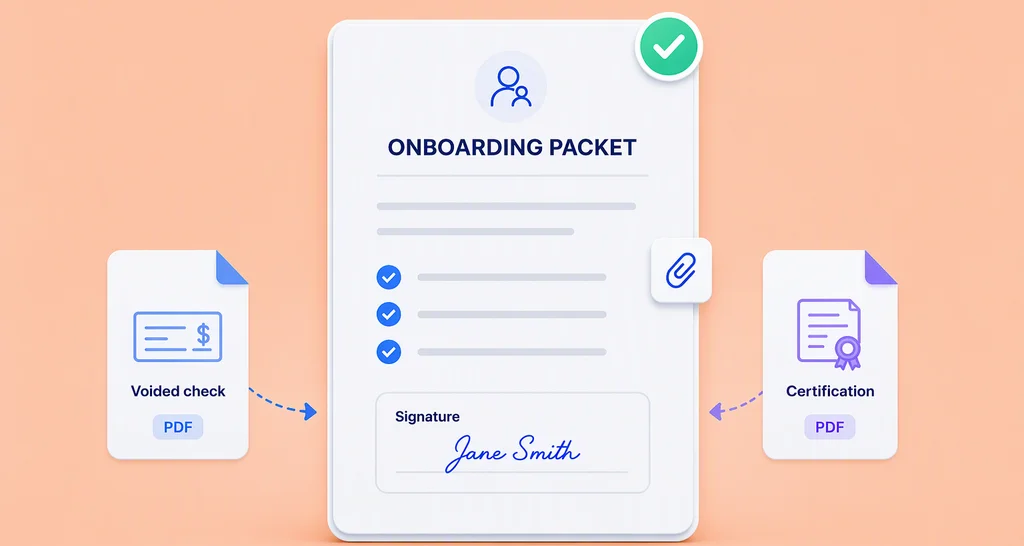
How to Use Attachment Fields for Employee Onboarding Documents
Collect employee onboarding documents in one packet: new hires sign each form and upload a voided check or license through attachment fields as they sign.
 Discover our mission, commitment to our customers, and leadership team.
 Stay updated with our latest news and announcements.
 Learn about the latest BoldSign products and company news.
 Earn ongoing referral fees by embedding and referring BoldSign to clients.
 Connect with us if you have any questions or need help.
 Your business is protected with BoldSign.
 Earn commission by promoting BoldSign via your site, blog, or socials.
 Join our team and build innovative software solutions.
 See the love for BoldSign from users about their experience.
Collect employee onboarding documents in one packet: new hires sign each form and upload a voided check or license through attachment fields as they sign.
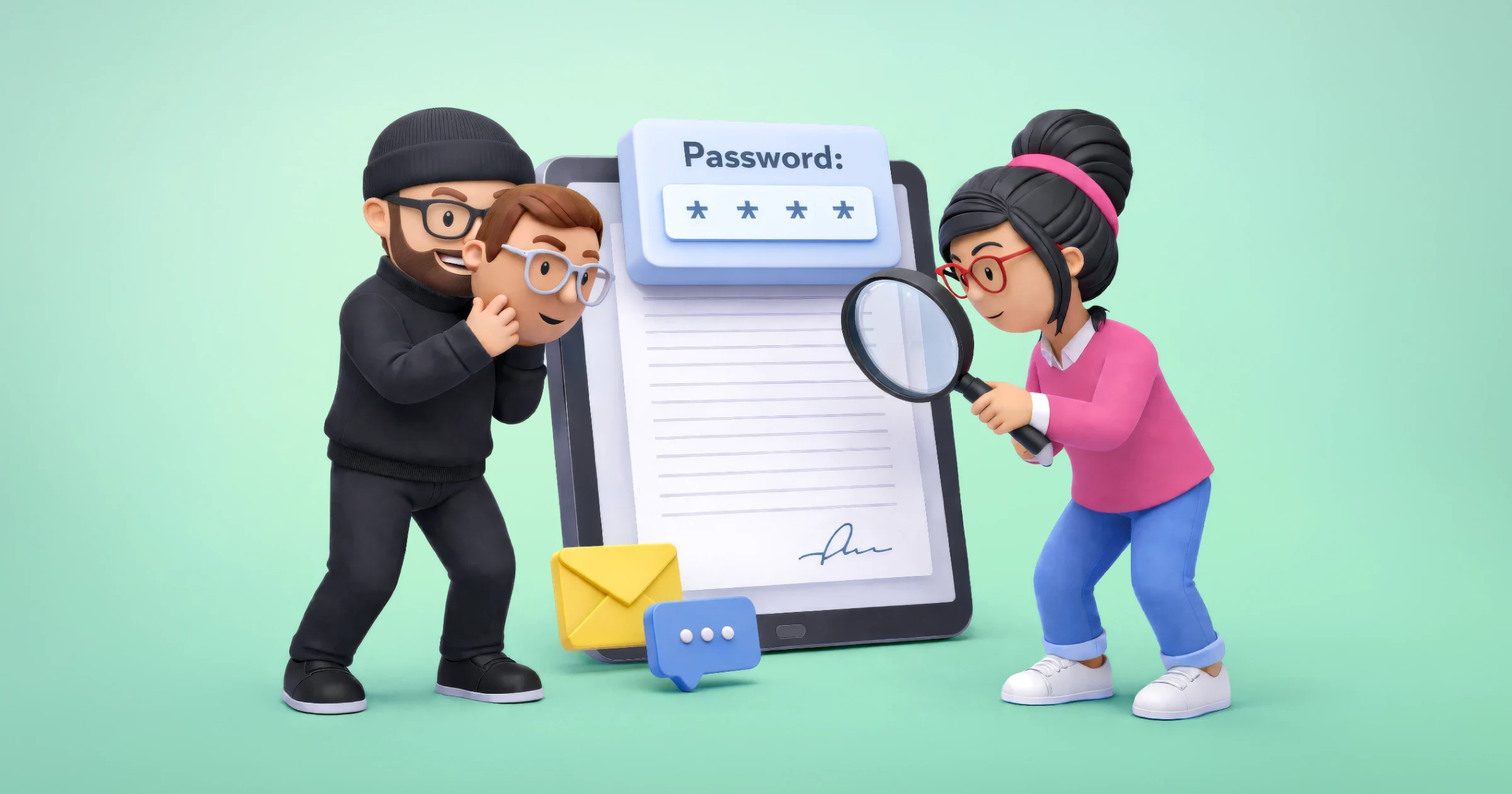
Identity verification for remote onboarding: check a new hire's photo ID and selfie before they open HR forms, then collect signatures online in BoldSign.
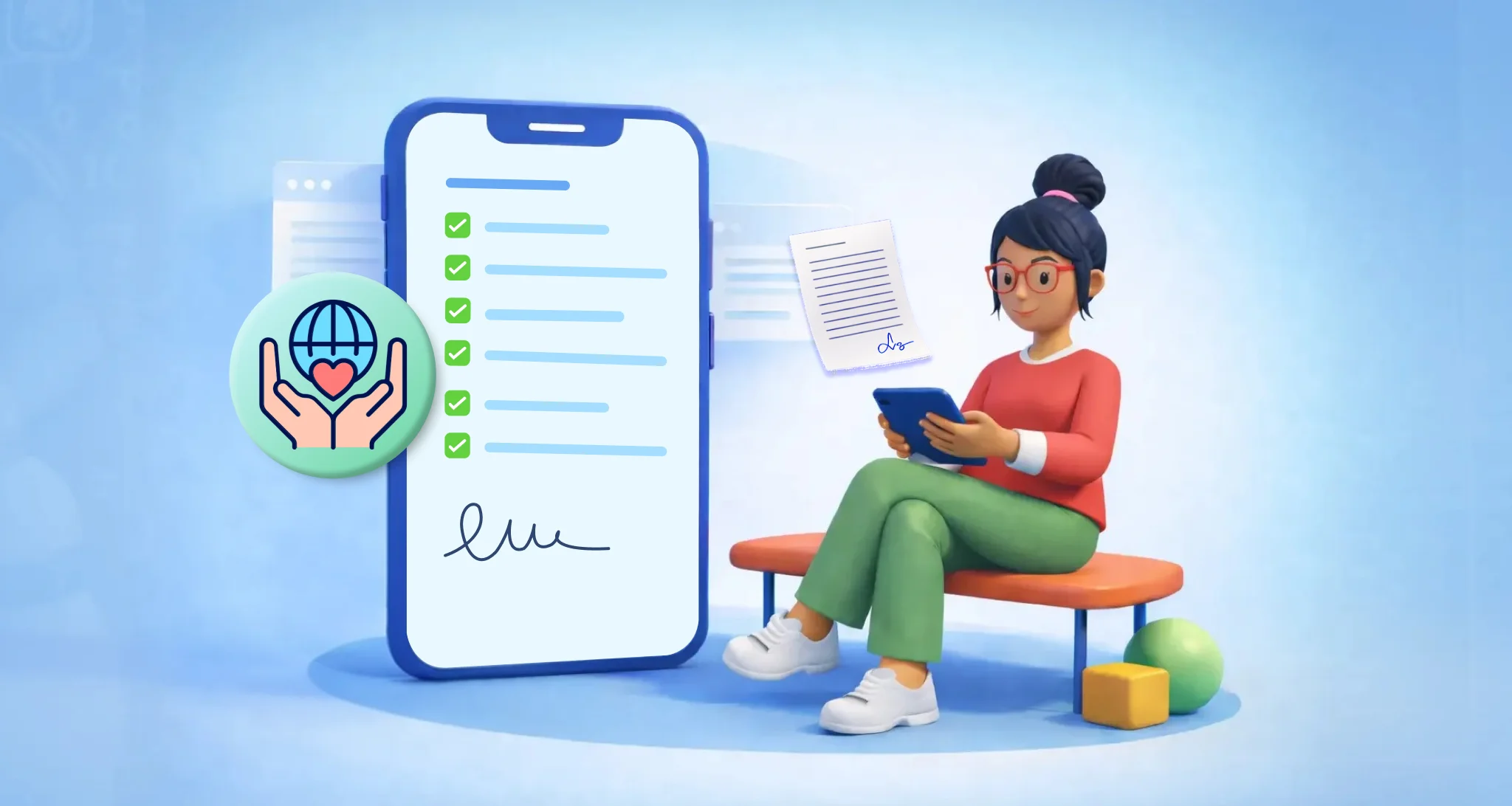
Use this volunteer onboarding checklist to collect forms, consent and training sign-offs online. Verified nonprofits get our Growth plan free for one user.
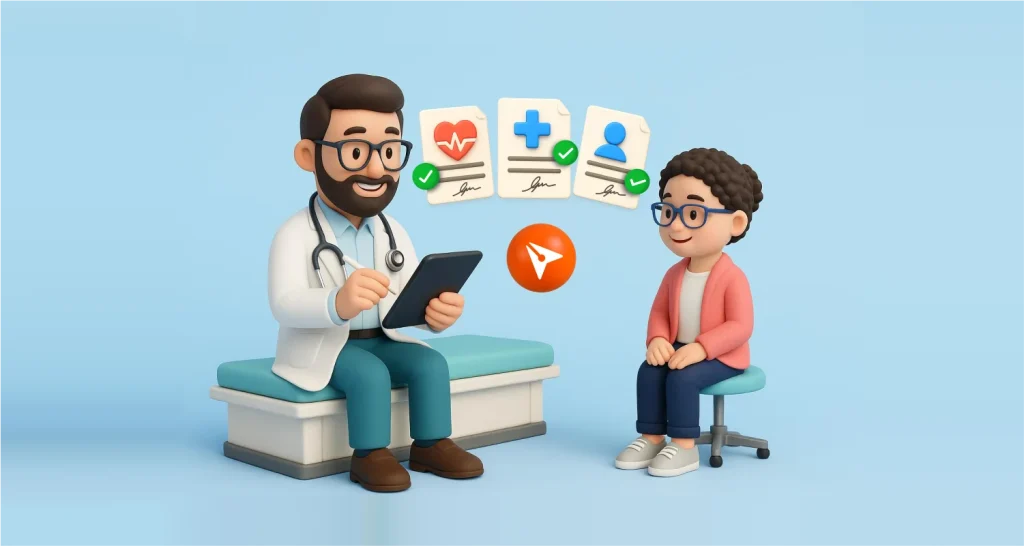
Speed up patient onboarding in 2026 with secure e-signatures. Simplify form completion, reduce wait times, and improve the intake process.
Schedule offer letters and onboarding forms to reach new hires on the right day. Learn how scheduled send works in BoldSign and how to change a schedule.
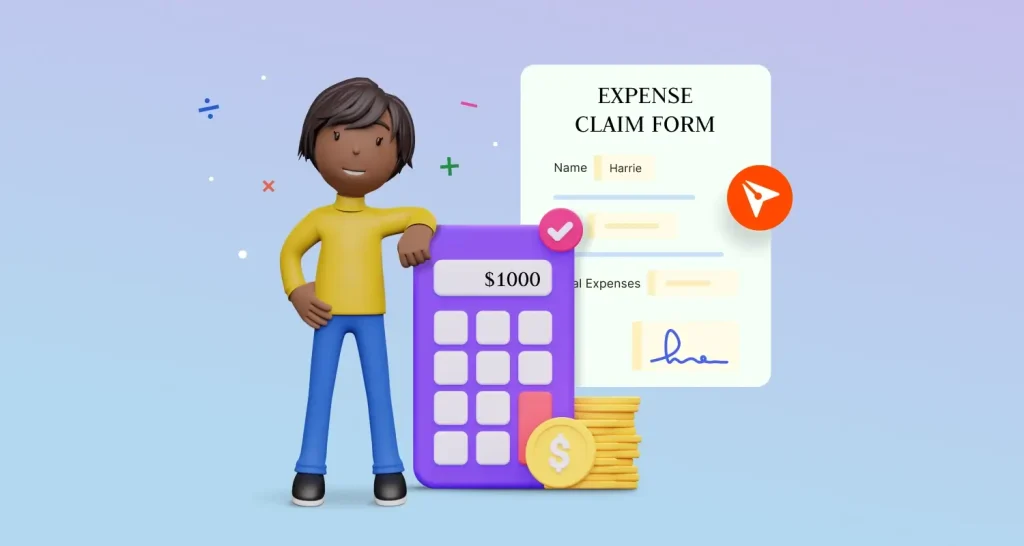
Get each employee expense claim signed and approved faster: send a reusable claim form, collect receipts as attachments, and track approvals in BoldSign.
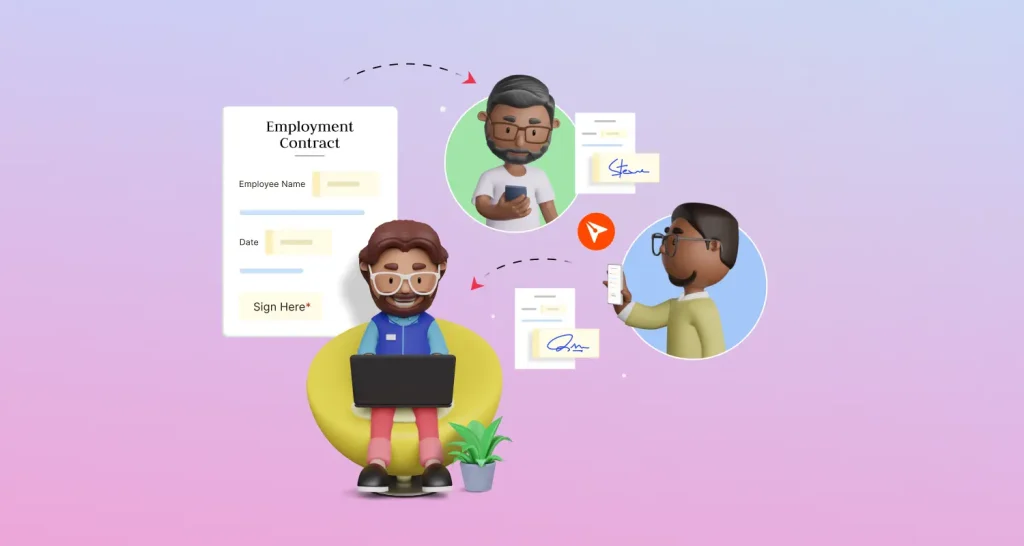
See how HR teams send employment contracts and offer letters for e-signature, one at a time or many at once, with saved templates and a full audit trail.
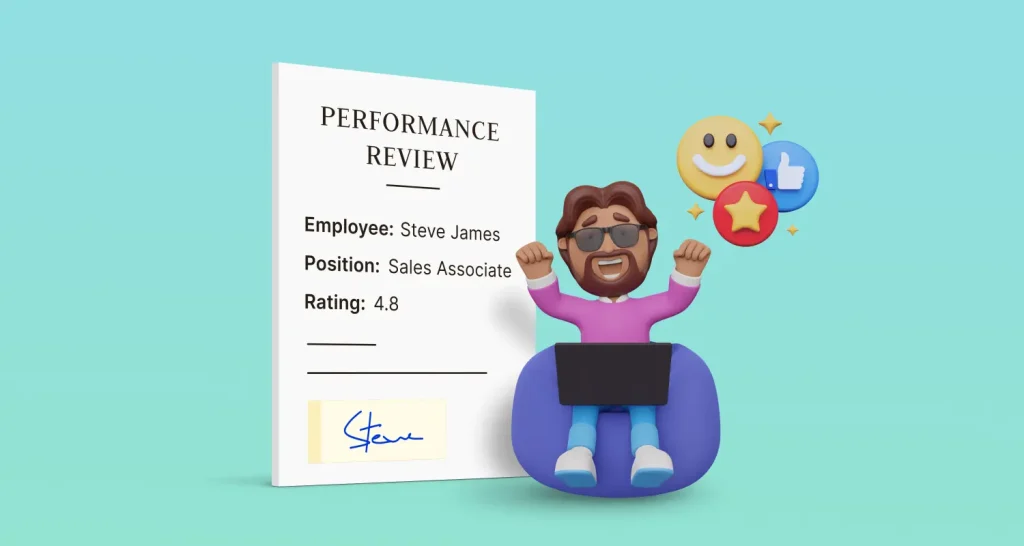
Send HR performance reviews for eSignature with templates, a signing order, reminders and an audit trail, so each review gets signed and filed on time.
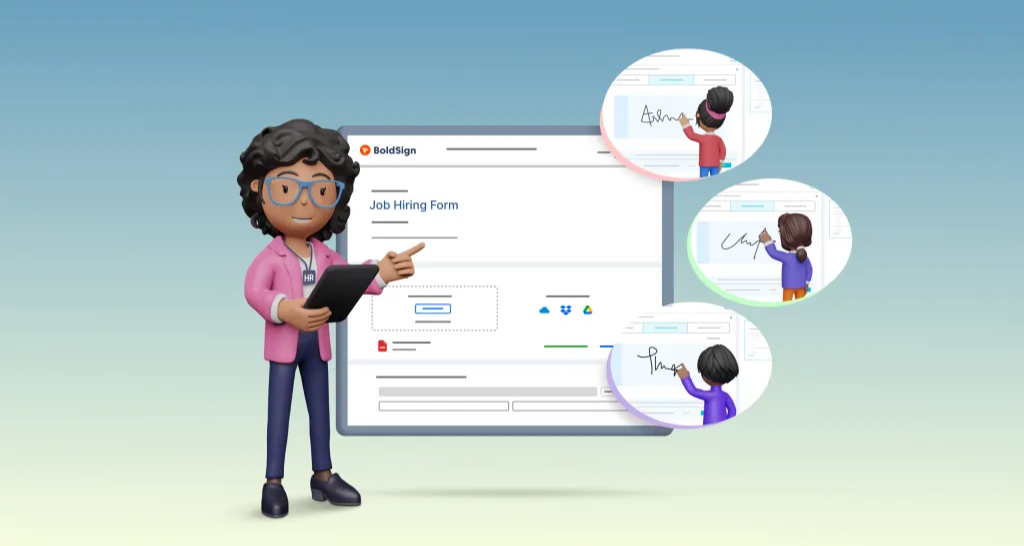
Learn how to add electronic signatures to your hiring process: build an offer letter template, send it to a candidate in minutes and track every signature.
See 10 eSignature use cases, from job offers and loans to leases, consent forms and event waivers, with plain examples and tips for small business teams.