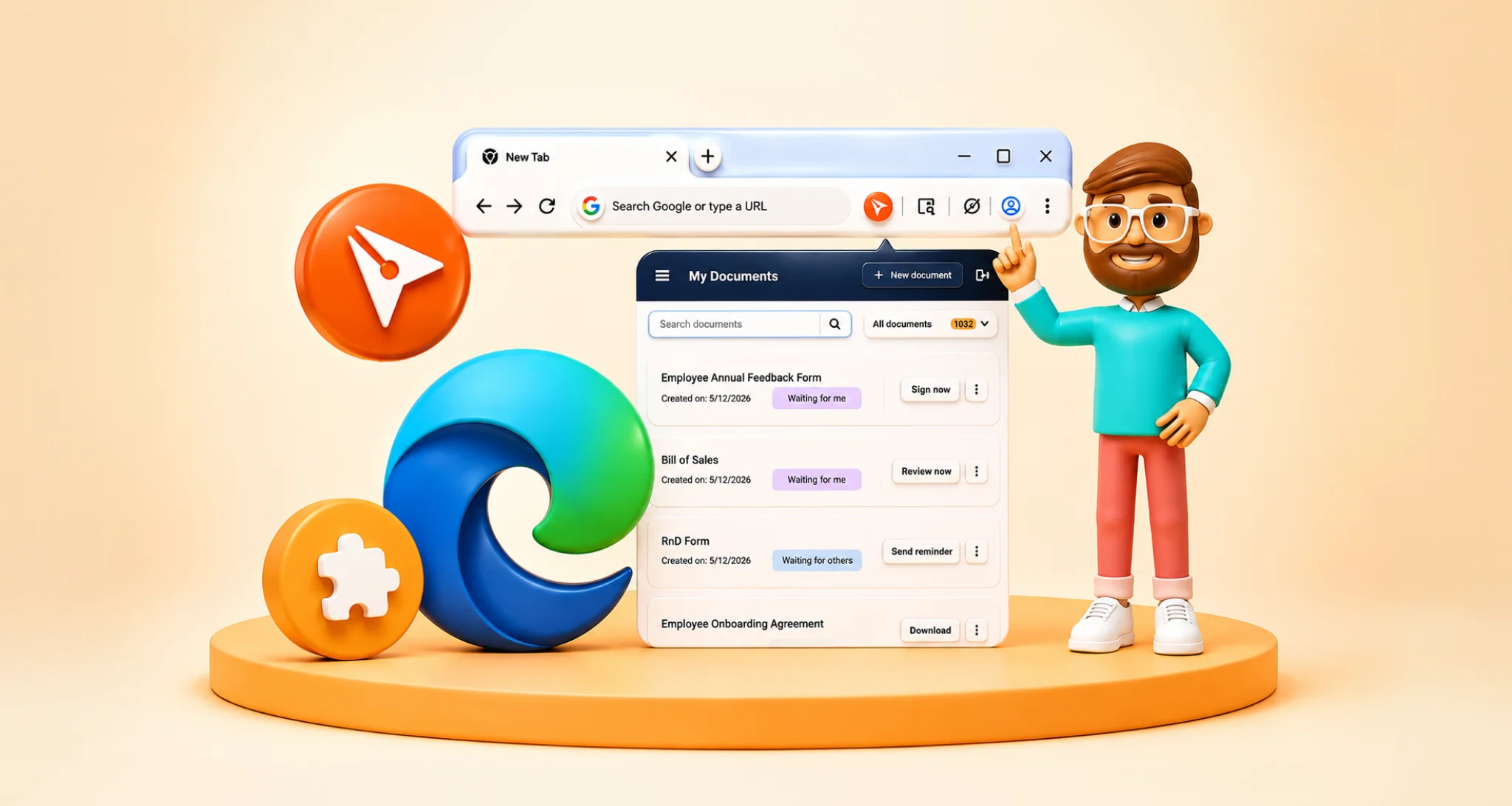
How to Track Real-Time Contract Status in HubSpot
 Stephen Otieno Okoth
TL;DR: You can track contract status in HubSpot once our app is connected. Each contact, company or deal record lists its contracts as sent, pending or signed, and you can remind or revoke from the same list. BoldSign for HubSpot shows how the app works.
“Has the customer signed it yet?” A sales manager asks this in every pipeline review. Too often the rep has to open another tool, search an inbox, and come back with a guess.
The deal stage in HubSpot says “contract sent”, but it can’t say what happened next. This guide shows how to see the real status of each contract from the HubSpot record, and what to do with it.
What does contract status mean in HubSpot?
Contract status is where a contract sits in the signing process: sent, waiting on a signer or signed. Tracking it in HubSpot means you read that status on the deal itself.
Think of a parcel tracking page. You don’t call the courier to ask where your parcel is, because the page tells you. Contract tracking does the same for a contract you sent to a customer.
A deal stage is a different thing. Your team moves a deal stage by hand, while contract status comes from the signing itself.
Why does contract status matter to a sales team?
Contract status tells you when to follow up and when to stop. Without it, reps chase customers who already signed and miss the ones who are stuck.
Manual tracking breaks down as volume grows. A rep checks the signing tool, updates HubSpot by hand, then tells the manager. Each step is a chance for the record to fall behind.
Here is what that costs a team:
- Follow-ups go out at the wrong time, or never.
- Managers ask reps for updates instead of reading the record.
- Signed copies end up in inboxes and shared drives, away from the deal.
Everyone reads the same answer when the status sits in the customer relationship management (CRM) record. Finance and operations can find the signed contract without asking sales.
Which contract statuses can you see in HubSpot?
With our app, each contract on a record shows as sent, pending or signed. Our help article on the BoldSign and HubSpot integration lists these statuses and the other features.
Each status points to a next step:
- A sent contract has left your hands, so give the customer time to read it.
- A pending contract still needs a signer to act, so a reminder may help.
- A signed contract is done, and the signed copy is on the record.
The list also shows each contract’s title, its recipients and the date it went out. A clear title, such as the customer name plus “service agreement”, makes the right contract easy to spot.
How do you track contract status in HubSpot with BoldSign?
Open the record you sent the contract from and use the BoldSign app card. The status list shows every request sent from that record.
- Open the contact, deal or company record in HubSpot.
- Find the BoldSign app card in the right sidebar.
- Expand the Actions menu and select View Documents.
- Read the Title, Recipients, Sent on and status columns for each contract.
Statuses update in real time, so you don’t need to check another tool. Our help article on how to view the status of a signature request in HubSpot shows each screen.
Each user connects their own BoldSign account from the app card first. Our HubSpot user guide covers that step.
What can you do from the contract status list?
The sender can act on any contract that is still in progress. Teammates can see the status but can’t change anything.
From the menu next to a contract, the sender can:
- Select Overview to open the full details on the BoldSign document overview page.
- Select View Document to read the contract and see who has signed.
- Select Send Reminder, add a short message and send it to the signer.
- Select Revoke, give a reason and confirm with Yes, revoke.
For a signed contract, you can open the overview page or the completed document. The list only shows contracts sent from the record you have open.
Can HubSpot update a deal when the contract status changes?
Yes, with a HubSpot workflow that listens for a BoldSign webhook. A webhook is a message our system sends to a web address each time a document’s status changes.
The webhook route needs some setup in both tools:
- In HubSpot, create a workflow from scratch with the trigger Receive a webhook from an external app.
- Copy the webhook address HubSpot gives you and send it a test payload to map the fields.
- In BoldSign, create a webhook that points to that HubSpot address.
- Add a rule, such as “document status is Sent”, and an action that edits the deal.
For example, a status of Sent can move the deal to a Contract Sent stage. Our help article on how to update HubSpot records based on document status using workflows has the sample payload and each step.
What does contract tracking look like on a real deal?
Alex, a sales rep, sends a service agreement from a deal record. The contract fills itself from HubSpot data, as our guide on how to auto-fill contracts with HubSpot properties explains.
Two days later, Alex opens View Documents and sees the contract is still pending. Alex sends a reminder from the same list instead of writing a new email.
The next morning, the status reads signed. We have already saved the signed copy to the deal, so Alex moves the deal forward. Our guide to saving signed contracts to HubSpot explains where the file goes.
How do you set up HubSpot so contracts are easy to track?
Tracking is easiest when every contract starts from the right record. Send sales contracts from the deal, so the status and the signed copy stay with the opportunity.
Reusable templates also help, because each send looks the same and carries a clear title. Start with our free contract templates, then follow our help article on how to send signature requests using templates in HubSpot.
For the full sending steps, read our guide on how to send contracts from HubSpot. Our guide to HubSpot eSignature workflows helps you plan which contract goes out at each deal stage.
What should you watch out for?
Most tracking gaps come from setup, not from the status list. Check these points before your team relies on it.
- Ask a HubSpot admin to install and connect the app first.
- Keep the integration connected, or statuses stop updating in HubSpot.
- Remember that only the sender can remind or revoke a contract.
- Agree who moves the deal stage when no workflow does it for you.
Our HubSpot admin guide walks through the install. Our guide to HubSpot document signing covers the rest of the setup.
Which plan do you need to track contract status in HubSpot, and what does it cost?
The HubSpot integration comes with the BoldSign Business plan and Premium plan. Billed yearly, Business costs $15 per user a month and Premium costs $99 a month for unlimited users.
Webhooks, which the deal stage workflow above uses, come with the Enterprise API plan. That plan starts at $30 a month with 40 envelopes. Prices are in USD.
Each plan starts with a 30-day free trial. See every feature by plan on the BoldSign pricing page.
Ready to track your next contract from HubSpot?
Our app is listed on the HubSpot marketplace, as we shared in our marketplace announcement. The recap of our HubSpot integration webinar shows the app in use.
- Start your 30-day free trial and connect HubSpot.
- Book a demo to see contract tracking on your own deals.
- Read about BoldSign for HubSpot and everything the app does.
Frequently asked questions
Can I track contract status in HubSpot?
Yes. With our app connected, each contact, company or deal record shows the contracts sent from it and whether each one is sent, pending or signed.
Where do I find contract status in HubSpot?
Open the record and find the BoldSign app card in the right sidebar. Expand Actions and select View Documents to see the status list.
Which contract statuses does HubSpot show with BoldSign?
You see whether each contract is sent, pending with a signer or signed. The list also shows the title, the recipients and the date it went out.
Can I send a reminder from HubSpot?
Yes, if you sent the contract. Open its menu in the status list, select Send Reminder, add a message and send it.
Why can't I act on a contract in the status list?
Only the sender can remind, revoke or open the overview page for a contract. Teammates who open the same record can still see its status.
Can a deal stage change when a contract is sent?
Yes, with a HubSpot workflow that receives a BoldSign webhook. For example, a status of Sent can move the deal to a Contract Sent stage.
Are signed contracts saved to HubSpot?
Yes. We save each completed document to the HubSpot record it was sent from, so the signed copy sits next to the deal or contact.
Is a contract signed through HubSpot legally binding?
Yes, when it meets the usual rules for electronic signatures, such as the signer's intent and consent. Sending from HubSpot changes where you start, not how the signature works.

Stephen Otieno Okoth
Stephen is a Technical Assistant at BoldSign who specializes in creating clear documentation and engaging videos. He combines his technical skills and creativity to deliver user-focused solutions. Connect with him on LinkedIn.
More posts by Stephen Otieno Okoth