

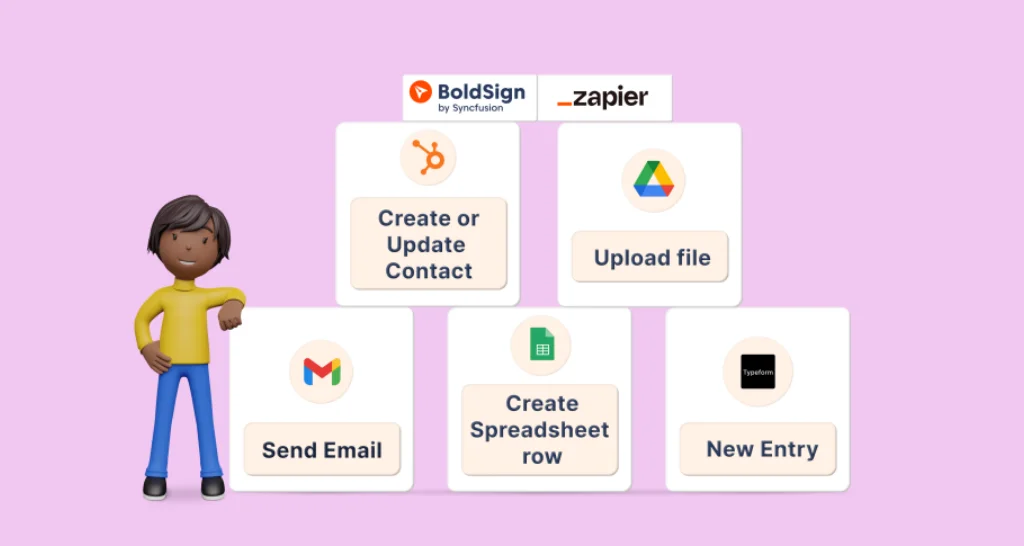
7 eSignature Workflow Automation Ideas with BoldSign and Zapier
Seven automated eSignature workflows to build with BoldSign and Zapier: send forms out for signing, alert your team, update CRM deals and file signed PDFs.
 Discover our mission, commitment to our customers, and leadership team.
 Stay updated with our latest news and announcements.
 Learn about the latest BoldSign products and company news.
 Earn ongoing referral fees by embedding and referring BoldSign to clients.
 Connect with us if you have any questions or need help.
 Your business is protected with BoldSign.
 Earn commission by promoting BoldSign via your site, blog, or socials.
 Join our team and build innovative software solutions.
 See the love for BoldSign from users about their experience.
Lakshmi Priya Soundar Rajan is a Technical Writer at BoldSign. With expertise in simplifying complex concepts, she contributes to the comprehensive documentation and user-friendly content at BoldSign. Lakshmi’s commitment to quality ensures users have access to clear and helpful information. Connect with her on LinkedIn.
Seven automated eSignature workflows to build with BoldSign and Zapier: send forms out for signing, alert your team, update CRM deals and file signed PDFs.
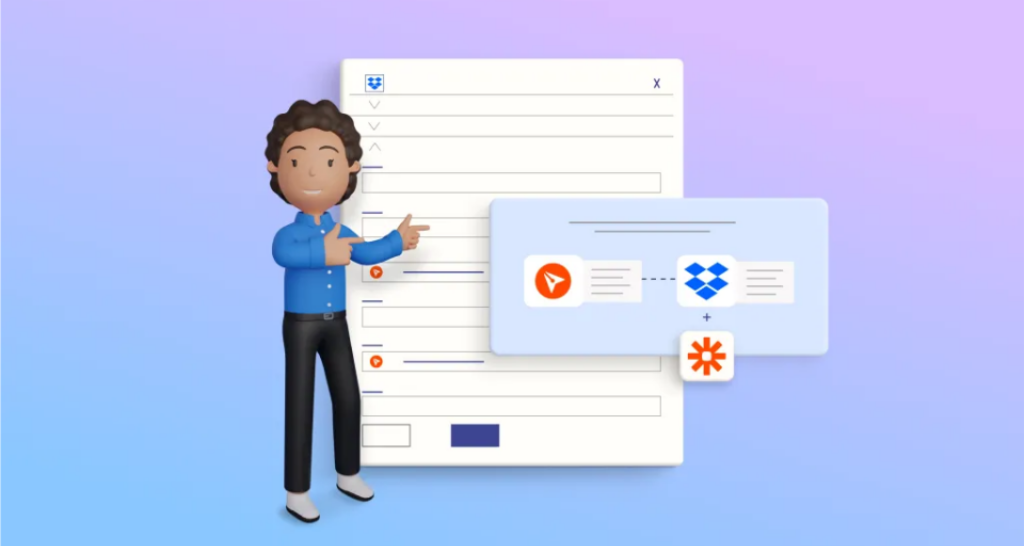
Save each signed BoldSign document to a Dropbox folder with a ready-made Zapier template. Connect your accounts, pick a folder and test the Zap in minutes.

See 10 eSignature use cases, from job offers and loans to leases, consent forms and event waivers, with plain examples and tips for small business teams.
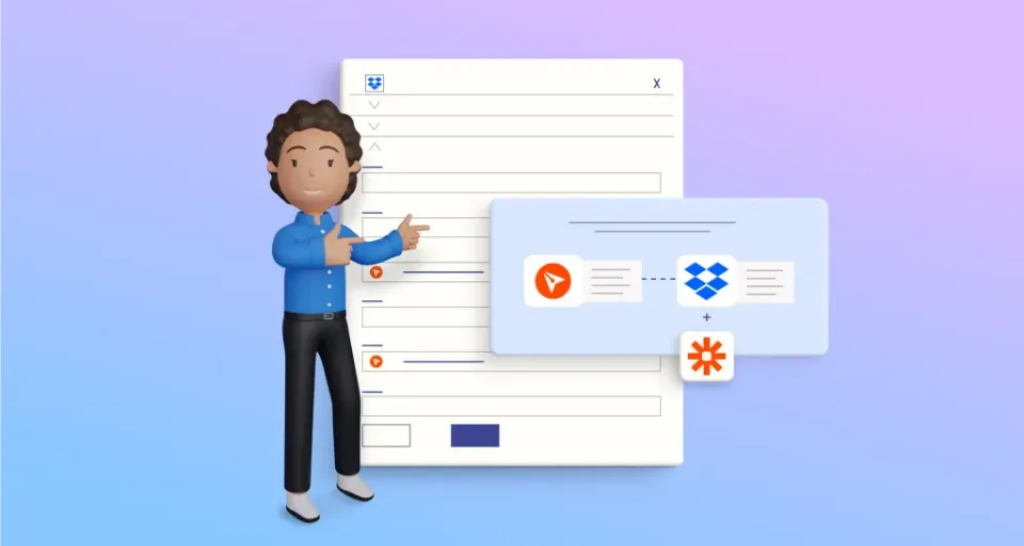
Save each signed BoldSign document to a OneDrive folder with a ready-made Zapier template. Connect accounts, pick a folder and test the Zap in minutes.
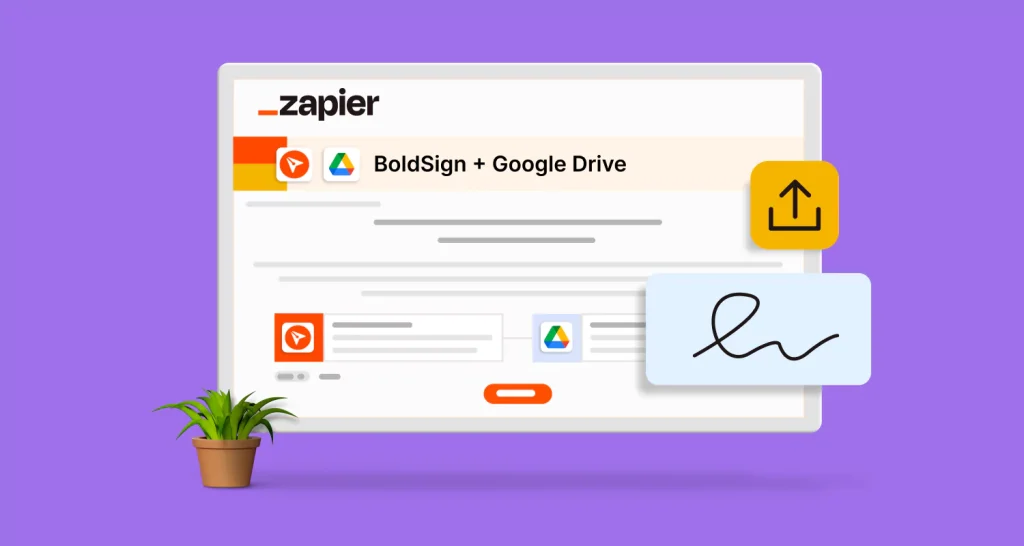
Send each signed BoldSign document to a Google Drive folder with a ready-made Zapier template. Set up the trigger, map the file and test it in minutes.