


What Are the Common Challenges When Using Signature APIs in Software Development
Seven common signature API challenges that developers meet after launch, from token expiry and PDF field placement to webhooks, delivery and rate limits.
 Discover our mission, commitment to our customers, and leadership team.
 Stay updated with our latest news and announcements.
 Learn about the latest BoldSign products and company news.
 Earn ongoing referral fees by embedding and referring BoldSign to clients.
 Connect with us if you have any questions or need help.
 Your business is protected with BoldSign.
 Earn commission by promoting BoldSign via your site, blog, or socials.
 Join our team and build innovative software solutions.
 See the love for BoldSign from users about their experience.
Ranjitha is a skilled software developer with 3 years of experience at BoldSign. Alongside her technical expertise, she has a passion for writing and enjoys sharing thoughtful insights on technology and development. Beyond work, she stays curious by exploring emerging tools and trends, constantly seeking opportunities to learn and grow.
Seven common signature API challenges that developers meet after launch, from token expiry and PDF field placement to webhooks, delivery and rate limits.
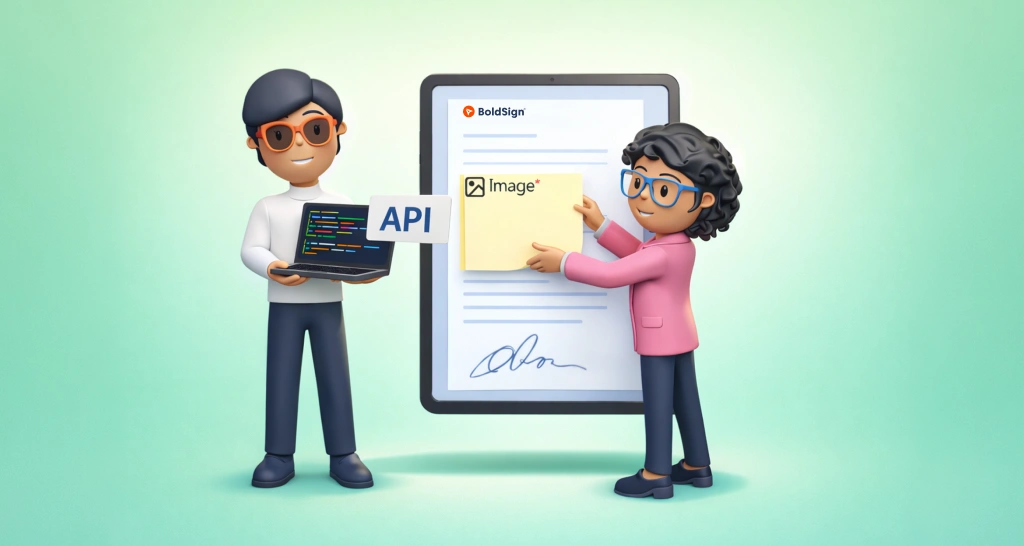
Add image form fields with the BoldSign API so signers upload an ID photo, receipt or picture while they sign, and the image stays in the signed document.

Get the ID images signers upload during identity verification with the BoldSign API: fetch the report, take the file ID, then download the image file.

Reduce eSignature drop-off by finding where signers stop, then fix each step with clear emails, fewer fields, the right checks and automatic reminders.

Use the BoldSign Edit Document API to change the signers, form fields, files and labels on a sent or draft document, with code samples in six languages.

Learn how to use the BoldSign Edit Template API to update template titles, messages, signer roles and form fields from code, with safe partial updates.
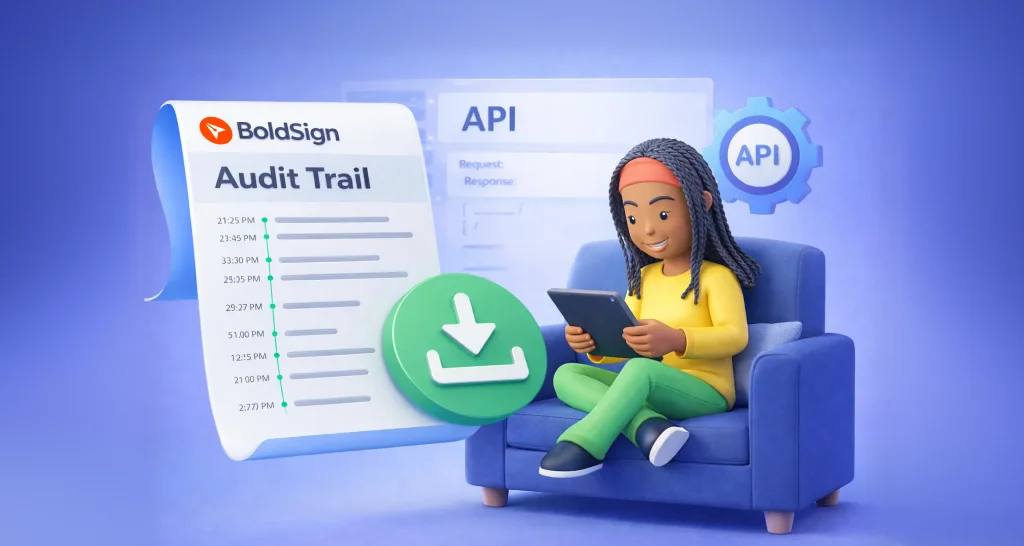
Download the audit trail PDF of a signed document with the BoldSign API: one GET call with the document ID, plus code samples in six languages and tips.

Manage sender identities with the BoldSign API: create one, get it approved by email, then update, list, resend, re-request or delete it with code samples.

Learn what SCIM user provisioning means and how to connect Microsoft Entra ID to BoldSign, so new users, profile changes and leavers sync on their own.

Use the BoldSign Users API to invite users, set roles and teams, resend or cancel invites, update metadata and move users between teams, with code samples.

Use the BoldSign Teams API to create, rename, look up and list teams, so each department works with its own documents and shared templates in one account.

Compare app-level and account-level BoldSign webhooks: what each one sends, when to use which, how to set them up, and how to keep your handler reliable.