When AI Sends the Contract: eSignatures You Can Trust and Prove
 Meikanda Nayanar
TL;DR: An artificial intelligence (AI) agent can send a contract, but trust comes from what the signed file proves. We seal each completed document with a digital signature, record every step in an audit trail and let you check each signer’s identity. Our eSignature audit trail page shows what we record.
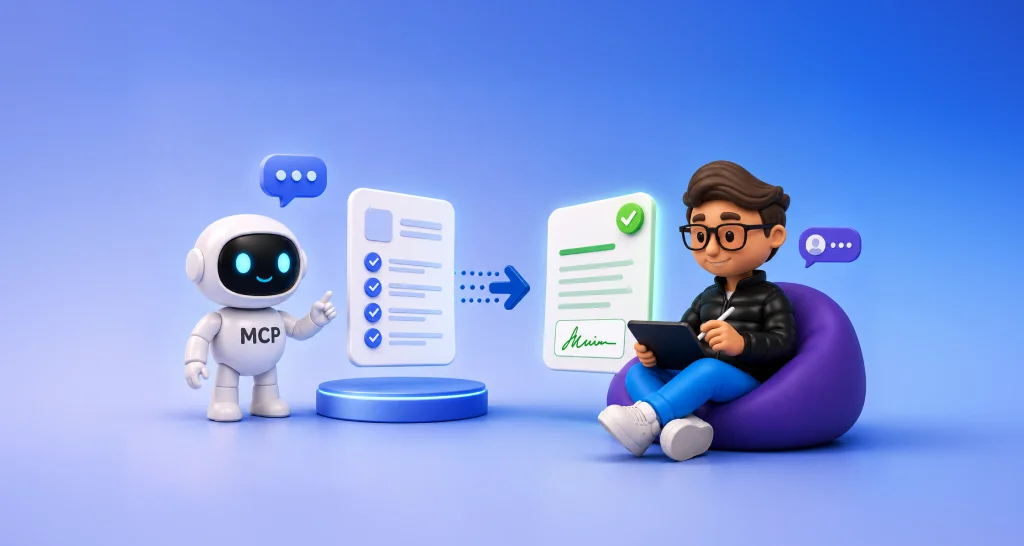
A customer asks a support chatbot about a broken product. A few minutes later, a warranty agreement lands in their inbox, and nobody on your team clicked Send. The software prepared it, sent it and is now waiting for the signature.
Teams that let agents send documents face one question: when the signed copy comes back, can you prove what happened? This guide explains the proof, in plain terms.
Can you trust a contract that an AI agent sends?
Yes, when the signature platform records three things: the signer, the identity check and any change to the file. The agent only starts the process, and the signer still signs their own copy.
Software used to wait for a person to click. AI agents now act on their own: they gather details in a chat, fill a form and send it for signature.
The question has shifted. It is less about whether AI will send agreements, and more about whether you can trust what comes back.
What does a signed document need to prove?
A signed document needs to answer three questions. Who signed it, did they mean to agree, and has anyone changed it since?
- Identity, meaning the person who signed is the person named.
- Intent, meaning they chose to sign their own copy.
- Integrity, meaning the document is the same file they signed.
Think of a wax seal on an old letter. Anyone can see at a glance whether the seal is whole. When an AI agent sends the document, the signature platform has to give you the same kind of visible proof.
How does a digitally signed PDF show tampering?
A digitally signed PDF carries a seal tied to its exact contents. Change the file after signing, and the seal no longer matches.
- A cryptographic hash turns the finished PDF into a short code that changes when any part of the file changes.
- We digitally sign the final document and its audit trail with our digital certificate.
- A PDF reader that checks signatures recalculates the hash and compares it with the sealed one.
- Any change after signing breaks the match, so the reader can flag it.
Our security policy describes this as tamper proofing: the seal makes sure any further changes can be easily detected. The protection works without anyone watching. A change made by a person or by an AI agent shows up the same way.
Can the seal still be checked later?
Yes. Long-term validation (LTV) stores the certificate’s status at the time of signing inside the file.
The seal can then be checked later, even when the certificate has expired or been revoked. The security policy lists LTV with our other application security features.
What is the difference between an audit trail and a digital signature?
The audit trail is the time-stamped record of who did what. The digital signature on the completed PDF shows the file has not changed since.
You need both when software sends the document. Our audit trail records these details for every document:
- Names, email addresses, internet protocol (IP) addresses and devices for everyone involved.
- Every view, signature, reassignment and completion, with timestamps.
- The method used to verify each signer before access or signing.
- Whether electronic consent was turned on, and when each signer accepted it.
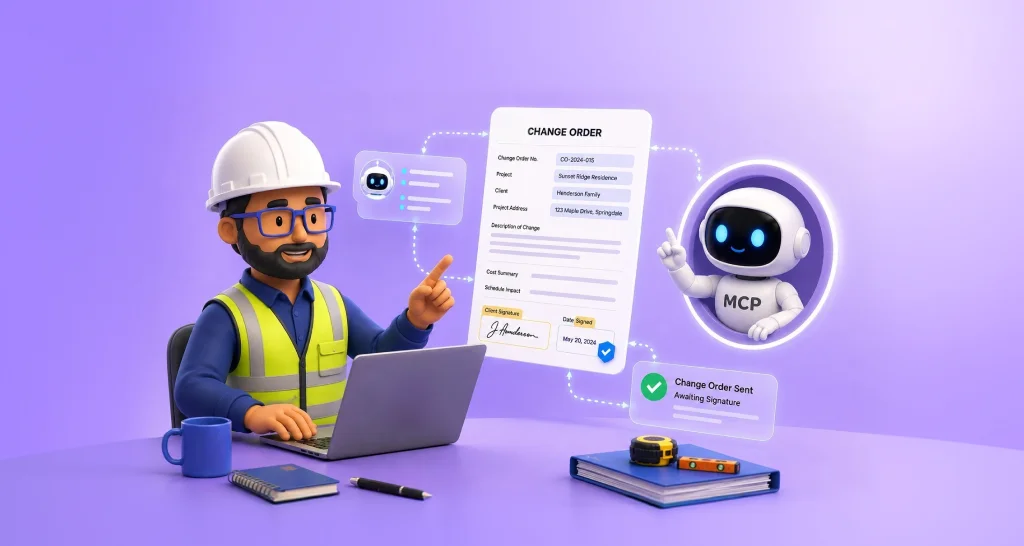
Documents sent through the BoldSign API get the same trail as documents sent from the web app. You can download the audit trail once every signer has finished. Our guide on why e-signature audit trails matter covers the full record.
Is an AI-sent agreement legally valid?
Yes, when the signer agrees to sign electronically and the agent’s action traces back to the person or business it acts for. Signatures you collect with us are legally binding under US and EU law.
The Electronic Signatures in Global and National Commerce (ESIGN) Act covers software agents directly. Section 7001(h) says a contract cannot be denied legal effect just because electronic agents helped form or deliver it. The condition is that the agent’s action is legally attributable to the person to be bound.
We comply with the ESIGN Act, the Uniform Electronic Transactions Act (UETA) and the EU electronic identification, authentication and trust services (eIDAS) regulation. Our eSignature legality page covers the rules by country, and our post on AI agent contract liability looks at who answers for an agent’s actions.
How do you check that the signer is a real person?
Add signer authentication, a check the signer must pass before the document opens. In an agent-run workflow, that check may be the last point where a person confirms their identity.
Signer authentication gives you five checks to choose from:
- An email one-time passcode (OTP) or an access code for routine documents.
- An SMS OTP that ties the check to the signer’s phone.
- ID verification, which compares a government ID with a live selfie.
- Knowledge-based authentication (KBA), which asks US signers questions drawn from public records.
You set the check per signer, and every check is time-stamped in the audit trail.
What does an agent-ready eSignature platform need?
An agent-ready platform lets software do the sending and still leaves a record a person can trust. Look for four things.
- An API the agent can call to pick a template, fill the fields, send and check status.
- Webhooks that report events such as signed or completed the moment they happen.
- A sealed PDF plus a full audit trail on every completed document.
- Signer checks strong enough for the documents you send.
Our eSignature API covers each of these, and you can practice in a free sandbox before any document goes live.
What is the BoldSign Model Context Protocol (MCP) server?
MCP is an open standard that lets AI assistants use outside tools. BoldSign MCP is our hosted server for it, and it turns BoldSign actions into tools an AI agent can call.
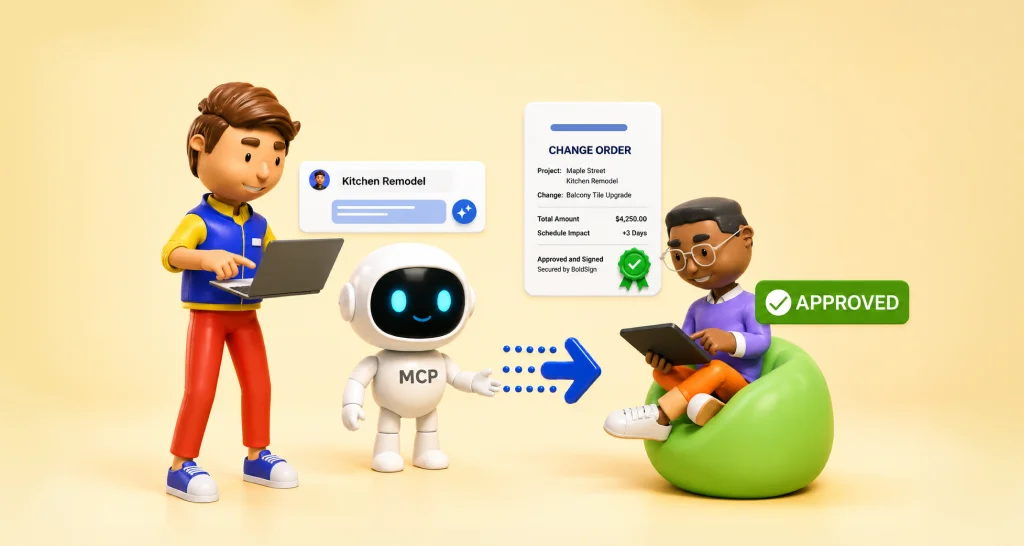
You type a plain request such as “Send the offer letter to Alex,” and the assistant does the work in BoldSign. Every document it sends gets the same audit trail and seal as one you send yourself.
Our BoldSign MCP page lists what an agent can do:
- Send a document for signature and check its status.
- Send a reminder for a request still waiting.
- Revoke a document so nobody can sign it.
- Look up templates, contacts, users and teams.
Which AI assistants work with BoldSign MCP?
Claude, Claude Code, ChatGPT and GitHub Copilot in Visual Studio Code each have a setup guide. Each region (the US, the EU, Canada and Australia) has its own server address.
The BoldSign MCP setup guides walk through each client. The older local server on GitHub is now deprecated in favor of the hosted server.
How does the AI warranty claim demo work?
The demo shows an AI agent turning a customer chat into a signature request. You play the customer and watch each step.
- You chat with the agent about a faulty product.
- The agent gathers the details and asks before it sends.
- BoldSign MCP sends the warranty claim agreement for signature.
- The agent tracks the signing status while you sign.
Try the AI warranty claim agent on our demos site. Demo documents are for testing and are not legally binding. No real claim is processed.
Our AI warranty claim demo walkthrough explains how it is built.
Which BoldSign plan do you need for AI agent signing, and what does it cost?
Live documents sent through BoldSign MCP or the API need the Enterprise API plan. It starts at $30 a month with 40 envelopes, billed yearly, and each extra envelope costs $0.75.
Testing in the free API sandbox costs nothing, so you can try every action before you pay. Webhooks and embedded signing are part of the Enterprise API plan. Email OTP and access codes are free on every plan, and ID verification starts on the Business plan at $2 per attempt.
Prices are in USD, as listed on the BoldSign pricing page in November 2026.
How do you start building a trusted AI signing workflow?
Start small: connect an AI assistant to a sandbox, send one test document and read its audit trail. You will see the proof before any real contract goes out.
- Create a free API sandbox account and connect your AI assistant.
- Book a demo to plan an agent workflow for your own documents.
- Read the BoldSign MCP server docs for endpoints, sign-in and the full tool list.
Frequently asked questions
Are documents sent by an artificial intelligence (AI) agent legally valid once signed?
Yes, when the signer agrees to sign electronically and signs the document themselves. Signatures collected with BoldSign are legally binding under the ESIGN Act, UETA and eIDAS, and sending through an AI agent does not change how the signature is made.
What happens if someone alters a PDF after it is signed?
The change shows up. We digitally sign the final document and its audit trail with our certificate, so a PDF reader that checks signatures flags any edit made after signing.
What is BoldSign MCP?
BoldSign MCP is our hosted Model Context Protocol server. It lets AI assistants such as Claude, ChatGPT and GitHub Copilot send documents for signature, check their status and send reminders through plain requests.
How can I try an AI signing agent today?
Open the live AI warranty claim agent on our demos site and chat with it like a customer. Demo documents are for testing and are not legally binding. No real claim is processed.
Can an AI agent sign a document for me?
No. An AI agent can prepare and send a signature request through BoldSign MCP, but the named signer opens their own copy and signs it.
What does the BoldSign audit trail record?
It records the names, email addresses, IP addresses and devices of everyone involved. It also lists each view, signature and completion with a timestamp, plus how each signer was verified.
Do I need both an audit trail and a digital signature?
Yes, because each proves something different. The audit trail is the time-stamped record of who did what, and the digital signature shows the file has not changed since signing.
Which BoldSign plan do I need to send documents with an AI agent?
Live documents sent through BoldSign MCP need the Enterprise API plan, from $30 a month with 40 envelopes, billed yearly. You can test every action free in an API sandbox first.

Meikanda Nayanar
A veteran product manager at BoldSign, boasting a decade-long journey as a .NET developer. With a rich history of leading product development across diverse technologies like Windows Forms, WPF, UWP, Xamarin.Forms, Flutter, and MAUI, Meikandan brings a unique blend of technical expertise and strategic insight to the table. Connect with him on LinkedIn.
More posts by Meikanda Nayanar