How to Send Digital Permission Slips and Consent Forms with eSignature
 Lakshmi Priya Murugesan
TL;DR: You can turn a paper permission slip or consent form into a link that parents sign on a phone. Save the form as a template, send it to a whole class at once, and track who has signed from one page. Our eSignature for educational institutions page shows how schools use it.
A class trip is two weeks away and 28 slips went home in backpacks. Nine came back, three are crumpled, and one has no date. Someone in the office now has to call each family that has not replied.
This guide shows how digital permission slips and consent forms work. It covers the legal basics, how to send a slip, how parents sign, and what it costs.
What are digital permission slips and consent forms?
A digital permission slip is the same form you send home on paper, signed online instead of in ink. A consent form works the same way for things like photos, sports or sharing records.
Think of it like a sign-up sheet on the classroom door. With paper, each parent has to walk past the door. With a link, the sheet comes to each parent’s phone.
Common forms include field trip slips, photo and media releases, sports and club consent, and medical or medication forms. Our guide to eSignature for schools and universities lists more school forms that fit.
Can parents sign a permission slip electronically?
In the US, yes, for most school forms. The Electronic Signatures in Global and National Commerce (ESIGN) Act says a signature cannot be denied legal effect just because it is electronic.
Some consent forms fall under the Family Educational Rights and Privacy Act (FERPA), whose rules sit in the Code of Federal Regulations (CFR).
Under 34 CFR 99.30, a school needs written consent, signed and with a date, before it shares records from a student’s file. That consent must name the records, the purpose and who receives them.
The same rule accepts an electronic signature that identifies and authenticates the signer and shows their approval. The student gives consent instead of the parent once they turn 18 or attend college, as 34 CFR 99.3 and 99.5 set out. Check your state law and school policy for special forms.
How do you send a permission slip to every family at once?
Save the slip as a template, then send it to the whole class with bulk send. Each family gets its own copy with their child’s details.
- Select Create New, then Create New Template, and upload the slip.
- Add a role, such as Parent, and place the signature, date and text fields.
- Select Create New Bulk Send and choose the template.
- Upload a CSV file with one row per family, preview, then send.
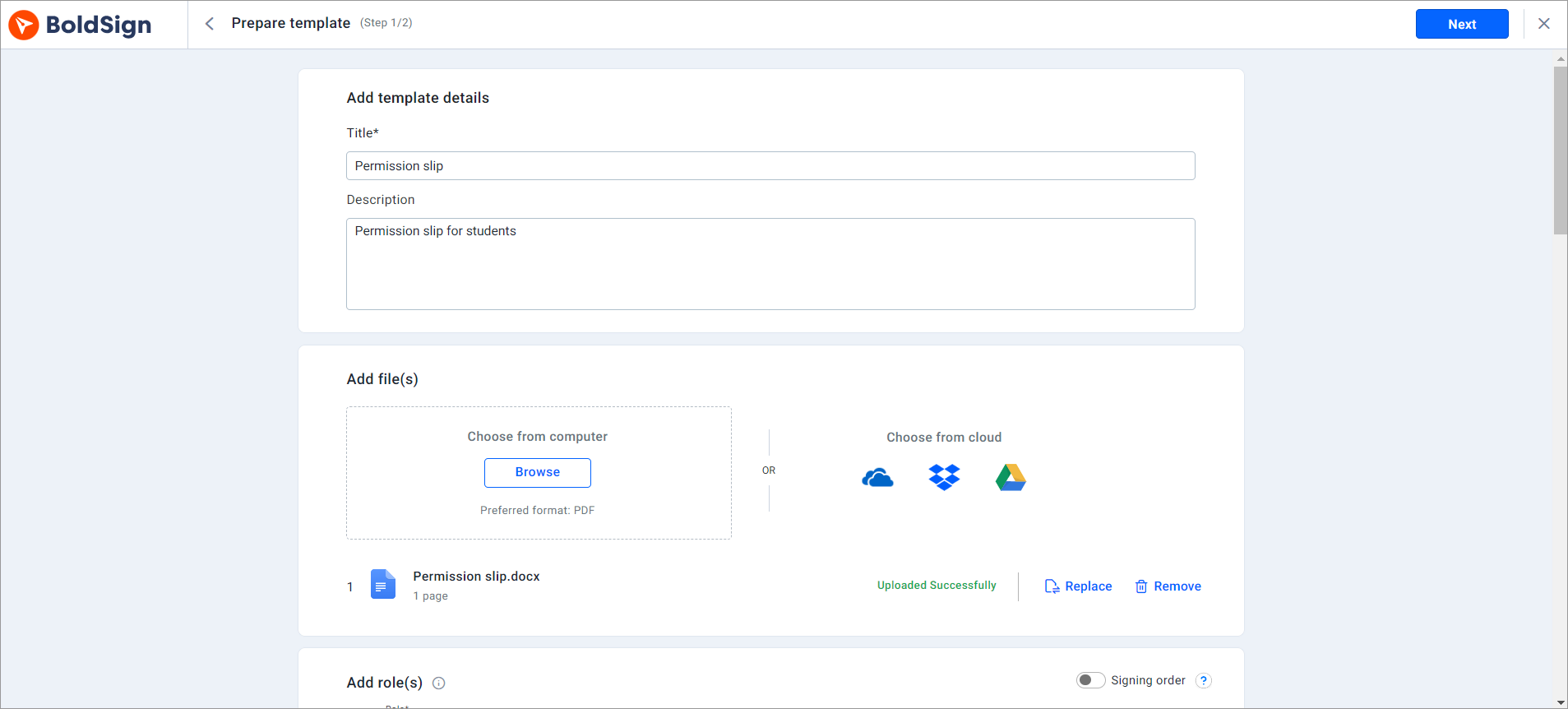
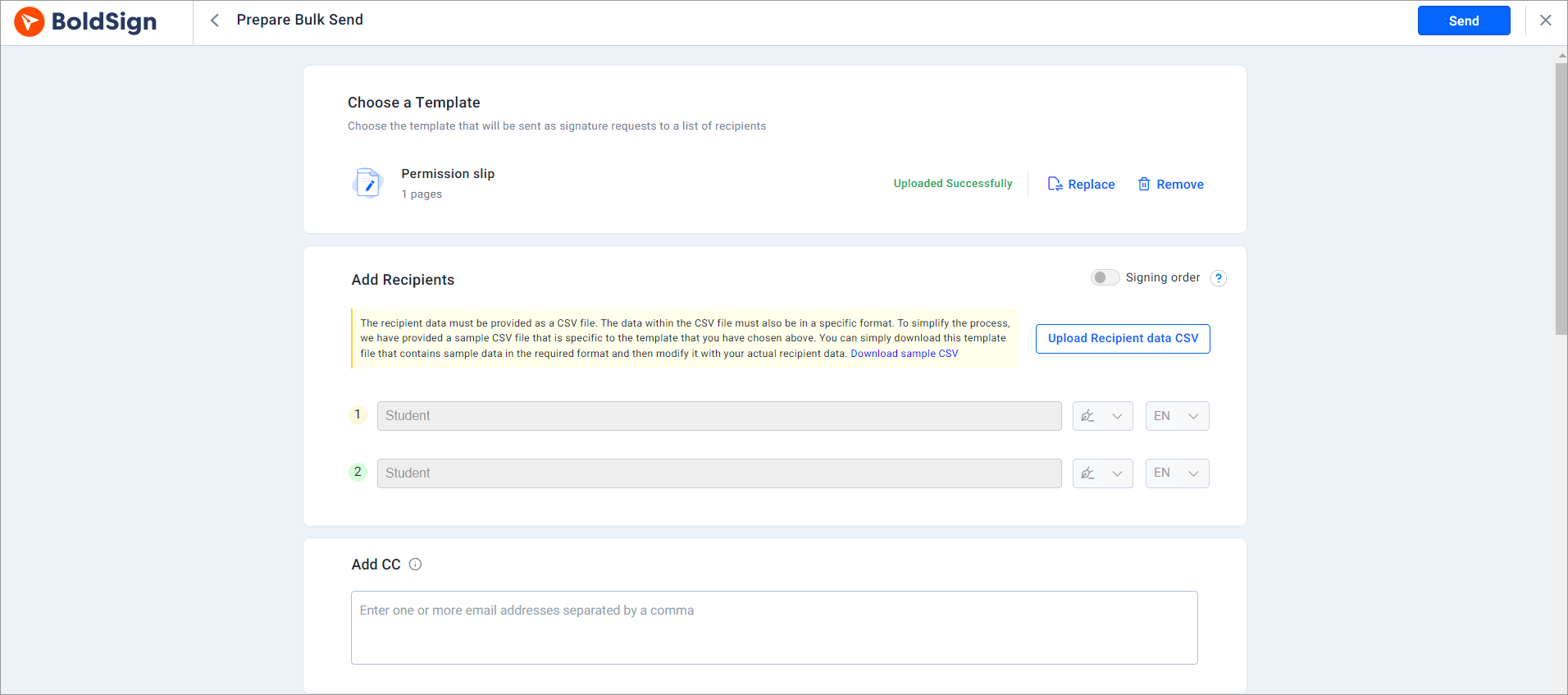
Our help articles on how to create templates and send documents in bulk cover each option.
How do parents sign a permission slip on their phone?
Parents sign from the email link in any phone, tablet or computer browser. They sign in the browser they already use, without an account.
- Open the email and select Review and Sign.
- Read and agree to the terms, then select Continue.
- Select Start signing and fill in every required field.
- Select Finish to complete the slip.
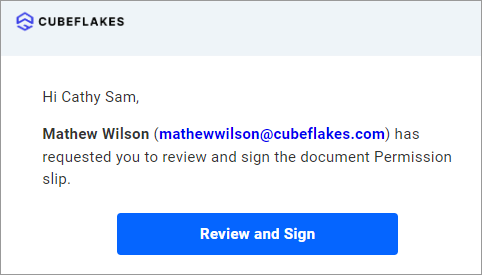
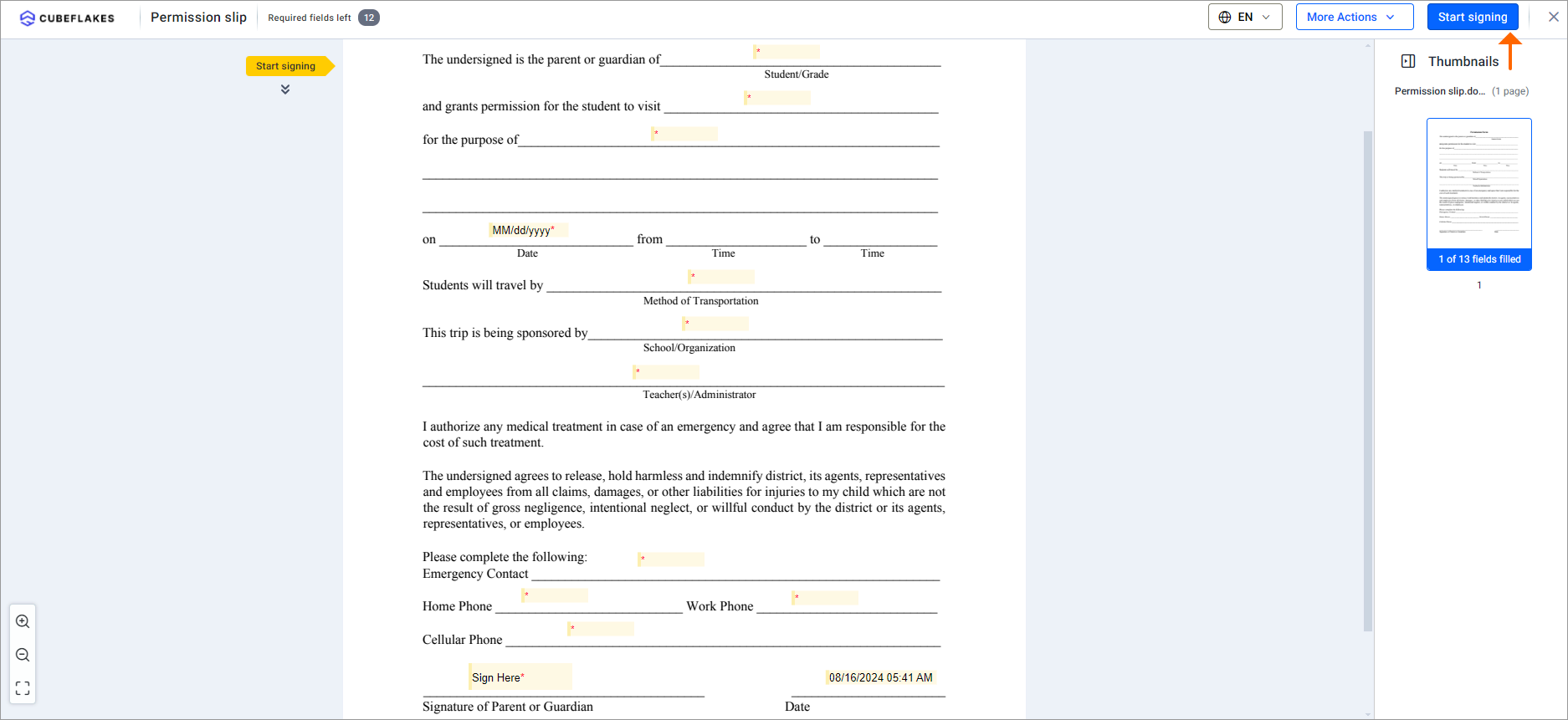
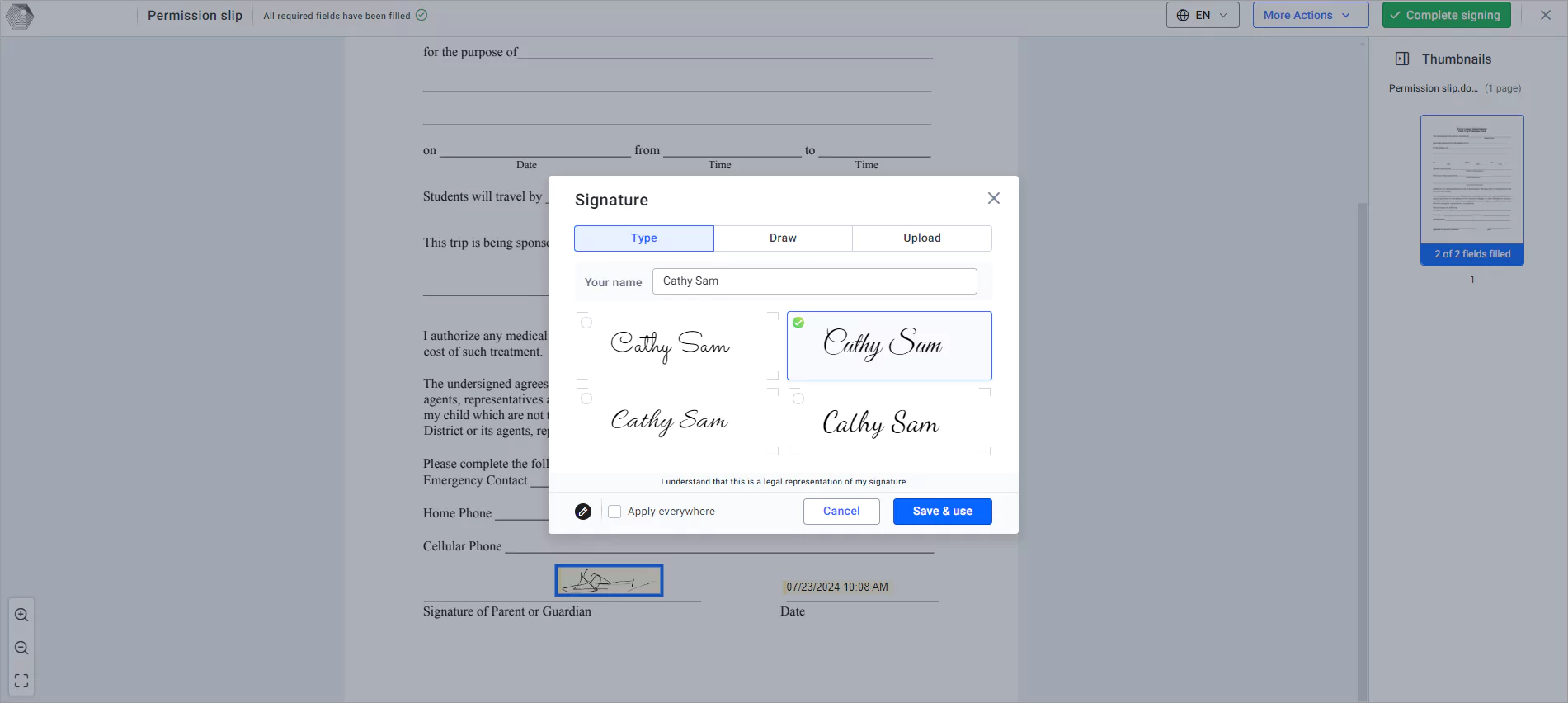
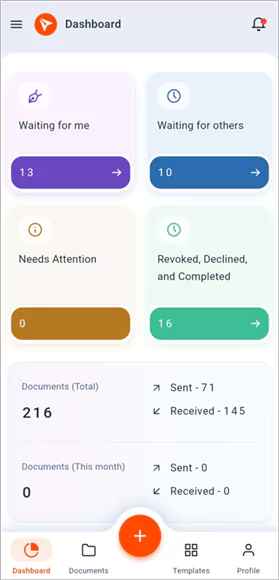
Our help article on how to sign a document in BoldSign shows each screen.
How do you track who has signed and remind the rest?
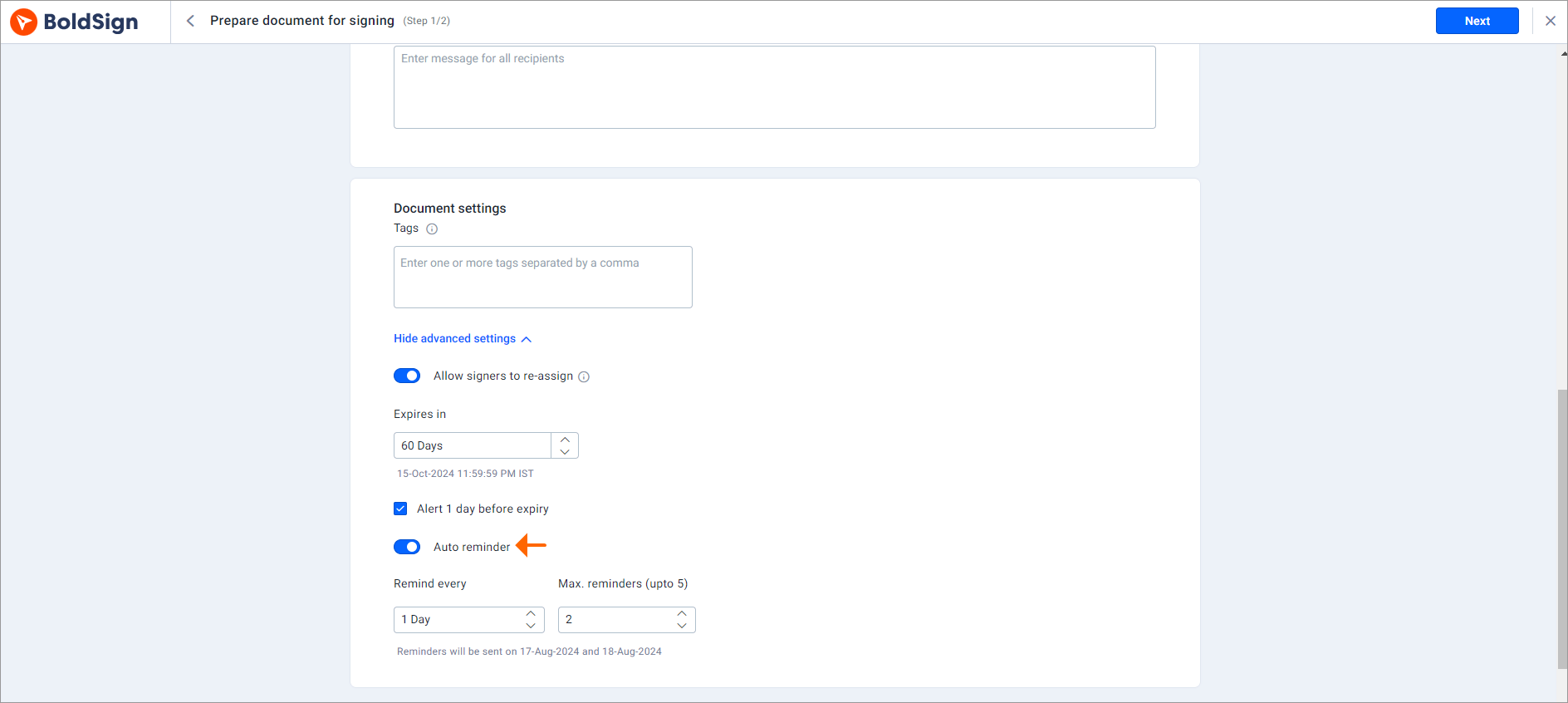
Open the My Documents page to see whether each slip is waiting, viewed or signed. Turn on automatic reminders, and we follow up with late signers for you.
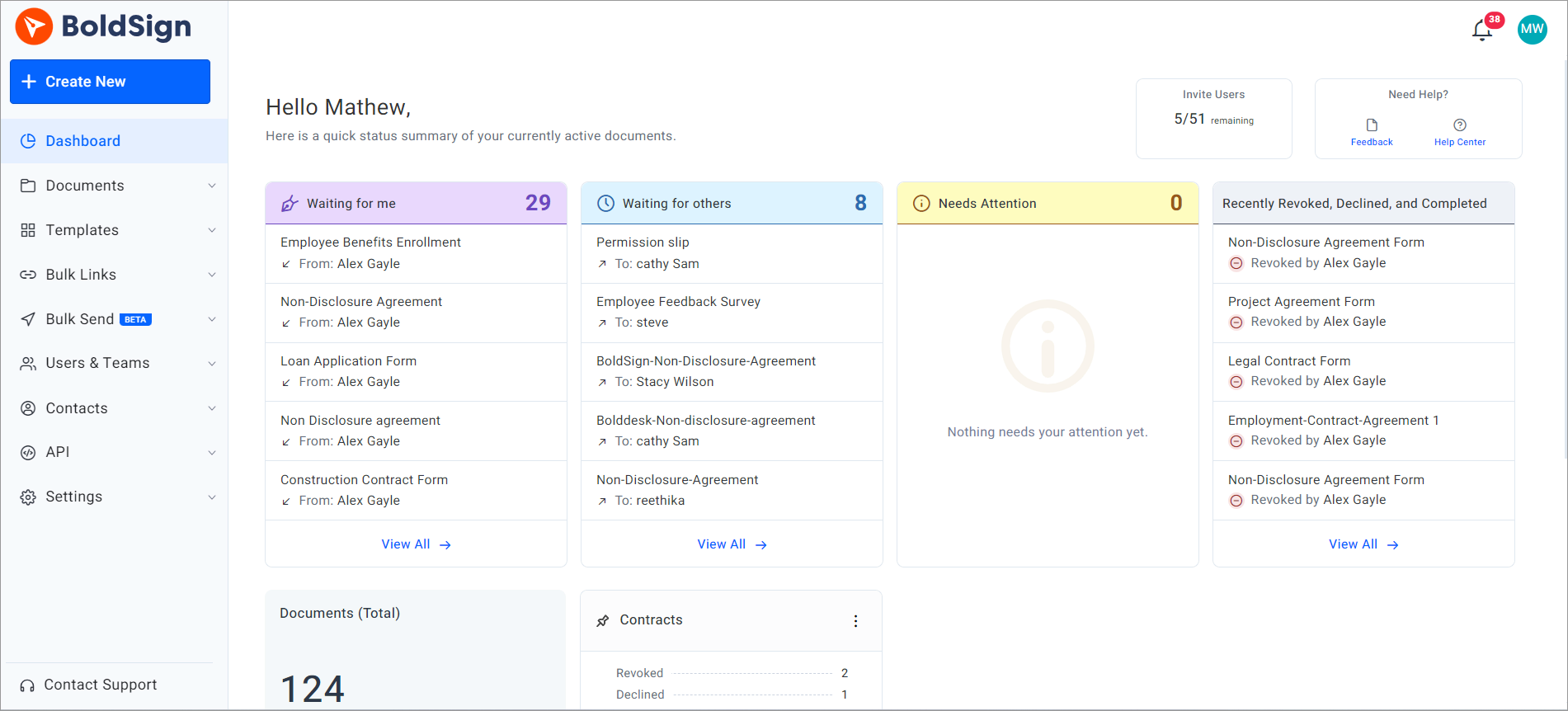
Reminders go out on the schedule you set, up to five times. The office no longer has to phone each family a day before the trip.
How do you make sure the right parent signs?
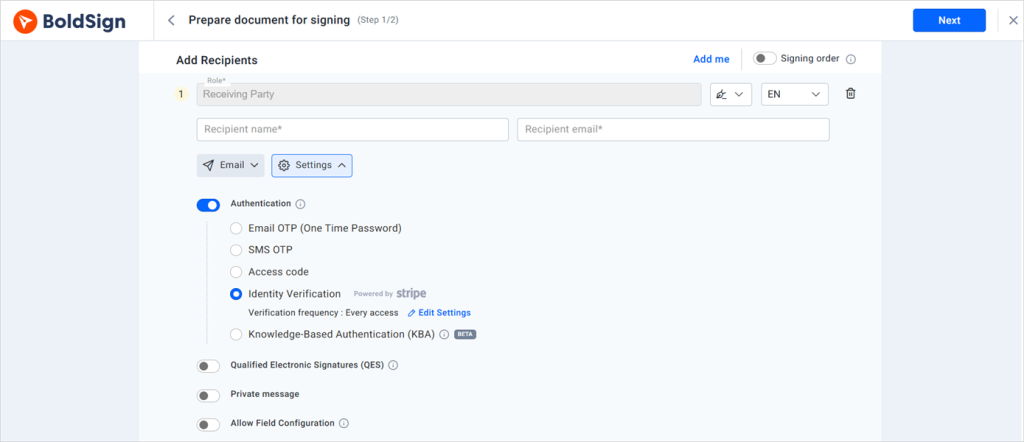
Add signer authentication, and the parent must enter a code or prove who they are before the form opens. You choose one method per signer.
- Email OTP (one-time password), sent to the parent’s email address
- SMS OTP, sent to the parent’s phone
- An access code you share with the parent beforehand
- Knowledge-based authentication (KBA), with questions only the signer should answer
- Identity verification with a photo ID
How do you keep signed consent forms safe?
We encrypt every document with Advanced Encryption Standard (AES) 256-bit encryption and keep an audit trail of each step. The audit trail shows who opened and signed the form, and when.
Our security policy covers our System and Organization Controls (SOC) 2 Type 2 report and how we seal each signed file against changes. We also meet the General Data Protection Regulation (GDPR).
Some schools collect health details on consent forms. Our Health Insurance Portability and Accountability Act (HIPAA) page explains how we handle that kind of data.
Can you add your school’s logo to permission slips?
Yes. Create a brand with your school logo, colors and a From name, then pick it when you send.
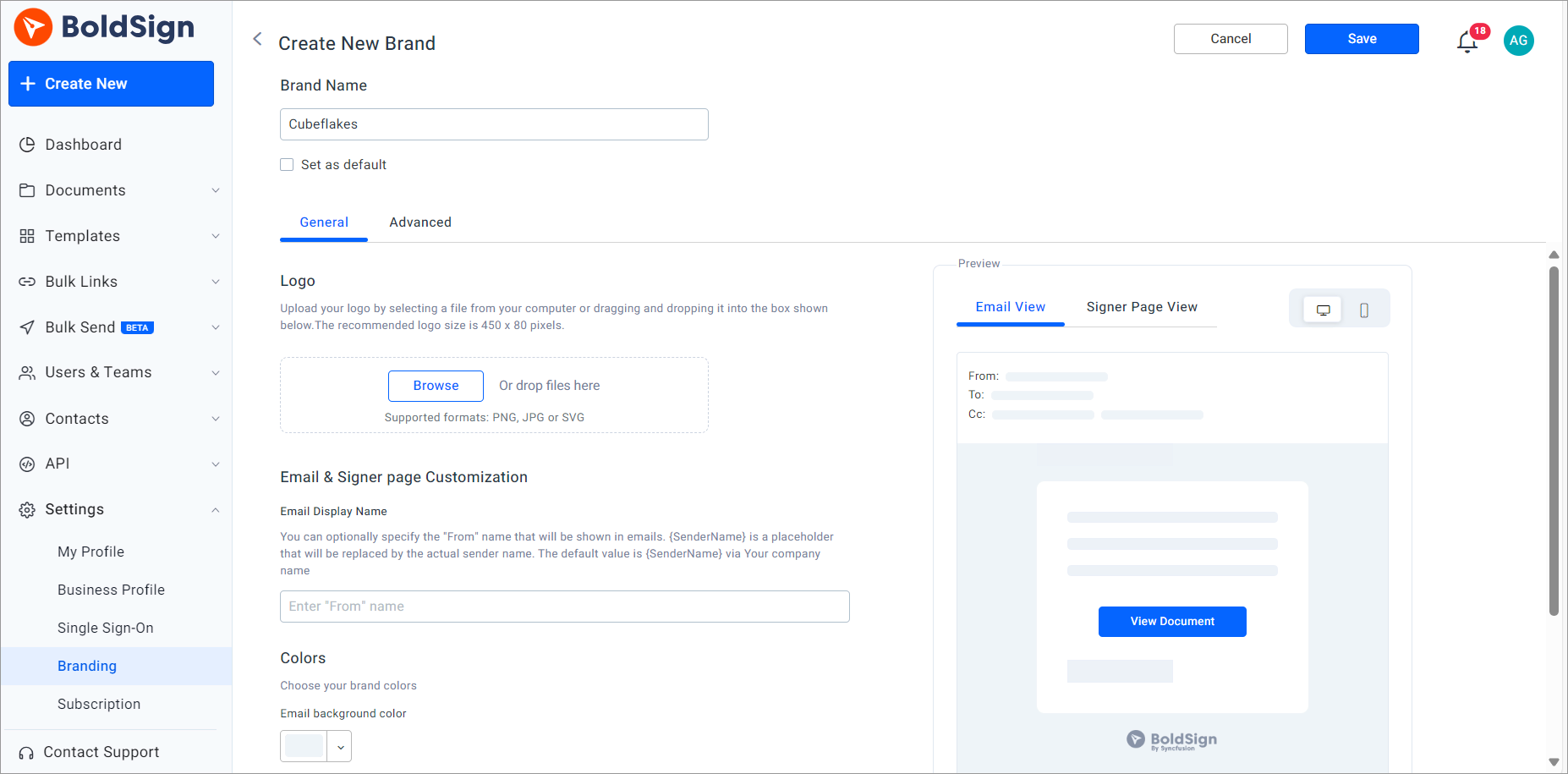
Parents then see their school’s name in the signing email, so the request looks familiar. Our help article on how to create a brand walks through it.
What should schools watch out for with digital consent forms?
A signed link is only as good as the form behind it. Plan for these points before your first big send.
- Forms for minors usually need a parent or guardian as the signer.
- A FERPA consent form must still name the records, the purpose and who gets them.
- Keep each signed copy in your student records system when policy asks for it.
- Check that every family’s email address or phone number is current.
Which BoldSign plan do you need for permission slips, and what does it cost?
Plan choice depends on how many slips you send at once. The BoldSign pricing page lists these prices in USD, billed yearly, as of November 2026.
The Essential plan is free and holds 2 templates and 1 brand. The Growth plan costs $5 per user a month, with 10 templates and 2 brands. Both suit a teacher who sends slips one at a time.
The Business plan costs $15 per user a month. It adds bulk send, SMS OTP, ID verification, KBA, HIPAA support and unlimited brands. The Premium plan costs $99 a month for unlimited users with the same features.
Each envelope sent in bulk costs $0.25 on either plan. You can try the paid features first with a 30-day free trial.
How do you send your first digital permission slip?
Start with the slip that needs the most chasing, such as the next field trip. Send it to one class first.
- Start a 30-day free trial and send a permission slip to one class.
- Book a demo to see bulk send set up for your school’s forms.
- Read how to switch to digital signing for student progress reports, or ask our support portal a question.
Frequently asked questions
Can a parent sign a school permission slip online?
Yes, when the school accepts electronic signatures for that form and the parent agrees to sign electronically. The parent opens the link we send and signs in a phone or computer browser.
Do parents need a BoldSign account to sign?
No. Parents sign from the link in the email we send them. They can sign in a phone browser without an account or an app.
Is an electronic signature valid on a FERPA consent form?
Yes, when the electronic record identifies and authenticates the parent or eligible student and shows their approval. That test comes from the federal rule at 34 CFR 99.30(d).
Who signs the consent form once a student turns 18?
Under FERPA, the student does. Consent rights move from the parent to the student at 18 or once the student attends a college or other postsecondary school.
How do I send one permission slip to a whole class?
Save the slip as a template, then use bulk send with a CSV file that has one row per family. Each family gets its own copy to sign.
Can I see which families have not signed yet?
Yes. The My Documents page shows whether each slip is waiting, viewed or signed, so you know whom to follow up with.
Can I stop chasing late permission slips by hand?
Yes. Turn on automatic reminders when you send, and we email anyone who has not signed on the schedule you choose.
Can the signing email show my school's name and logo?
Yes. Create a brand with your logo, colors and a From name, then pick it when you send the slip.

Lakshmi Priya Murugesan
Lakshmi Priya Murugesan is a Technical writer at BoldSign. She excels in creating clear, concise documentation and guides across various tech fields. Lakshmi Priya is passionate about technology, she enjoys exploring new trends and sharing her insights through blogs and articles.
More posts by Lakshmi Priya Murugesan