

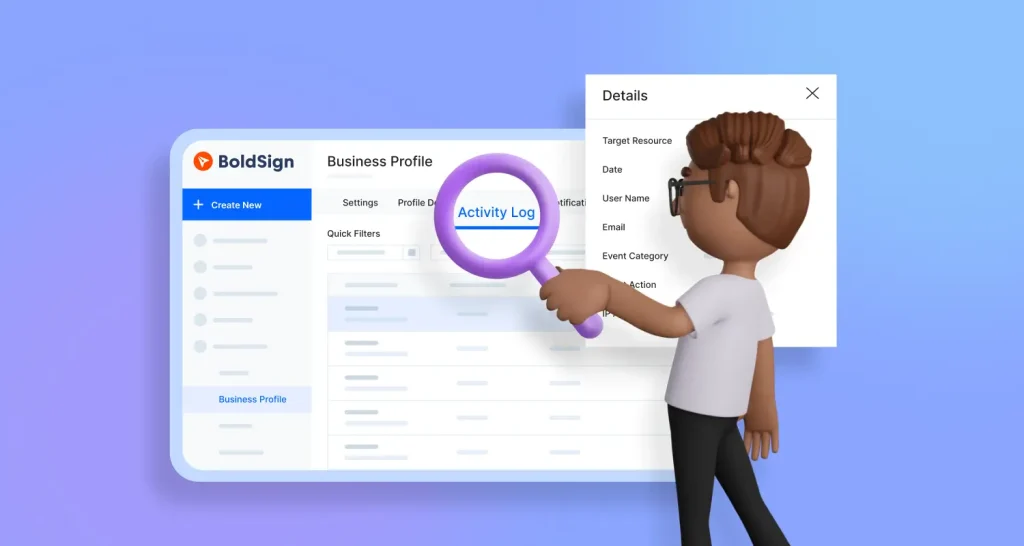
How to Track Organization Activities on the BoldSign eSignature Platform
Learn how admins track organization activities in BoldSign with the activity log: what each entry shows, how to filter and export it, and who can see it.
 Discover our mission, commitment to our customers, and leadership team.
 Stay updated with our latest news and announcements.
 Learn about the latest BoldSign products and company news.
 Earn ongoing referral fees by embedding and referring BoldSign to clients.
 Connect with us if you have any questions or need help.
 Your business is protected with BoldSign.
 Earn commission by promoting BoldSign via your site, blog, or socials.
 Join our team and build innovative software solutions.
 See the love for BoldSign from users about their experience.
Lakshmi Priya Murugesan is a Technical writer at BoldSign. She excels in creating clear, concise documentation and guides across various tech fields. Lakshmi Priya is passionate about technology, she enjoys exploring new trends and sharing her insights through blogs and articles.
Learn how admins track organization activities in BoldSign with the activity log: what each entry shows, how to filter and export it, and who can see it.

Get listing agreements signed faster: build a reusable template, send it to every seller in order, check who they are, and track each step in BoldSign.
Send alumni event forms, pledge agreements and contact updates for eSignature. Alumni sign on any device, and you track every copy from one dashboard.

eSignature for accountants: send engagement letters and tax forms from templates, check who signs, and keep an audit trail for every one of your clients.
Collect secure eSignatures on banking compliance documents: reusable templates, signing order, signer checks and an audit trail for every form you send.
Send digital permission slips and consent forms to every family at once, let parents sign on a phone, remind late signers and file each signed copy online.

Send financial aid and scholarship forms for eSignature: set the signing order, verify signers, remind them before deadlines and track every form online.