Top Use Cases of Bulk Send in eSignature, With Real Examples
 Rayronald Ochola Otieno
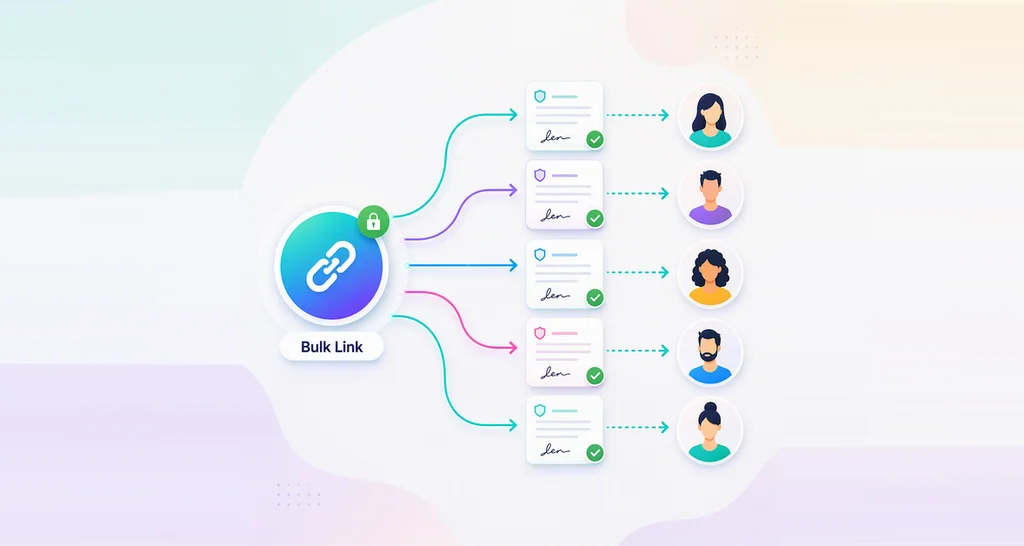
TL;DR: Bulk send suits any job where many people sign the same document with their own details: offer letters, policy sign-offs, waivers, and vendor renewals. You send documents in bulk for signature from one template and one CSV file, and each person signs a separate copy. Our bulk send page shows what each send includes.
Picture an office manager with 120 staff who must each sign this year’s updated privacy policy. Sending 120 separate requests takes most of a day, and checking who replied takes longer.
Bulk send turns that day into one send. This guide covers which teams and documents suit it, with an example for each, and when another way works better.
What electronic signature products support bulk signing?
E-signature products with a bulk send feature support it. You send one document to a list of people, and each person gets a separate copy filled with their own details.
Think of a teacher handing out permission slips with each child’s name already written on top. Every family signs only their own slip, and the teacher collects them in one pile.
In BoldSign, the template is the slip and the CSV file is the class list. Recipients get their copy by email, SMS, WhatsApp, or email and SMS together.
Which teams and documents suit bulk send?
Bulk send fits when you know every signer’s name and contact details before you send. The document stays the same for everyone, and only the field values change.
The examples below show the jobs teams send in bulk most often.
Which e-signature software supports bulk sending for HR contract signing?
Any e-signature tool with bulk send can handle HR contracts, and BoldSign fills each copy from your CSV file. A hiring round is the classic case.
Say 25 graduates start in September. One offer letter template has fields for salary, role and start date, and each CSV row carries one person’s values. Our page on how to send offer letters in bulk shows the full setup.
HR teams also bulk send these documents:
- Updated employee handbook acknowledgments
- Annual code of conduct sign-offs
- Remote work or equipment agreements
- Benefits enrollment confirmations
Bulk send for event waivers and memberships
Clubs, gyms and event organizers send the same waiver to everyone on a registration list. Each copy carries the member’s name and membership number.
A youth soccer league with 300 registered players is a good example. The league sends one waiver template, and each parent signs a copy with their child’s name on it.
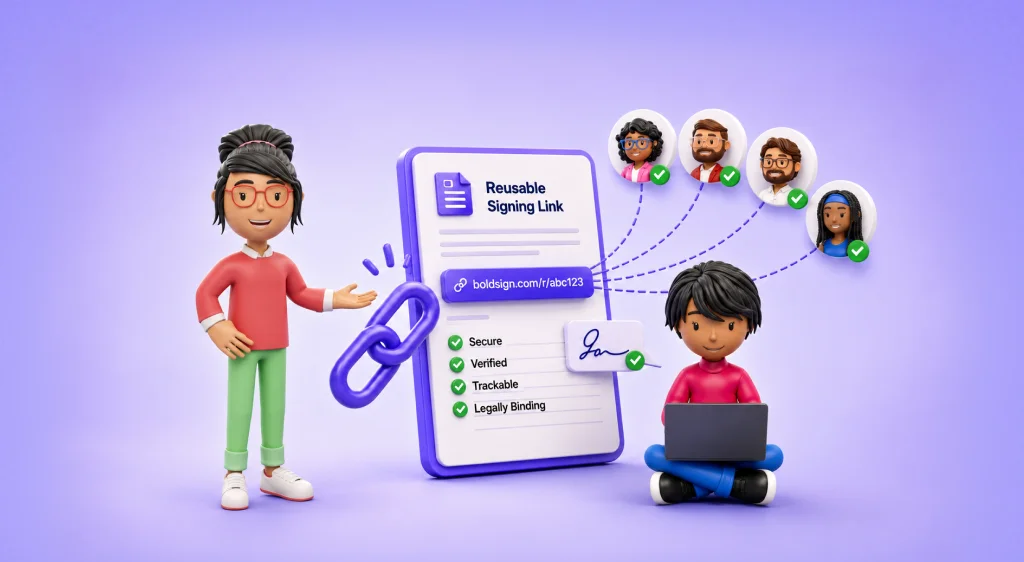
Use a bulk link instead when you do not know who will sign yet, such as walk-up guests.
Bulk send for client and vendor agreements
Sales, legal and procurement teams send the same contract to many companies at once. Common examples are a non-disclosure agreement (NDA), a price change notice, or a yearly renewal.
A procurement team updating terms with 60 suppliers sends one template. Each copy lists the supplier’s company name, contact, and contract number from the CSV file.
Which platforms provide bulk document sending with security and privacy compliance?
Choose one that protects each copy and records who signed it. We keep a separate audit trail for every copy in a bulk send, shown in the signer’s language.
We encrypt every document with 256-bit Advanced Encryption Standard (AES) encryption. Independent auditors review our security controls for System and Organization Controls (SOC) 2 Type 2.
Compliance teams use bulk send for privacy policy acknowledgments, consent forms, and annual training sign-offs.
When is bulk send the wrong fit?
Bulk send works poorly when each contract is negotiated or worded differently. Send those one at a time, so each signer sees their own terms.
Watch for these cases too:
- You do not know the signers yet, so a bulk link fits better.
- Recipients must add a signature image or attachment you want to prefill, since the CSV skips those fields.
- Each person needs a different document, not only different field values.
How do you set up a bulk send?
Every bulk send starts from a template with the fields that change from person to person. You then fill a CSV file with one row per recipient and upload it.
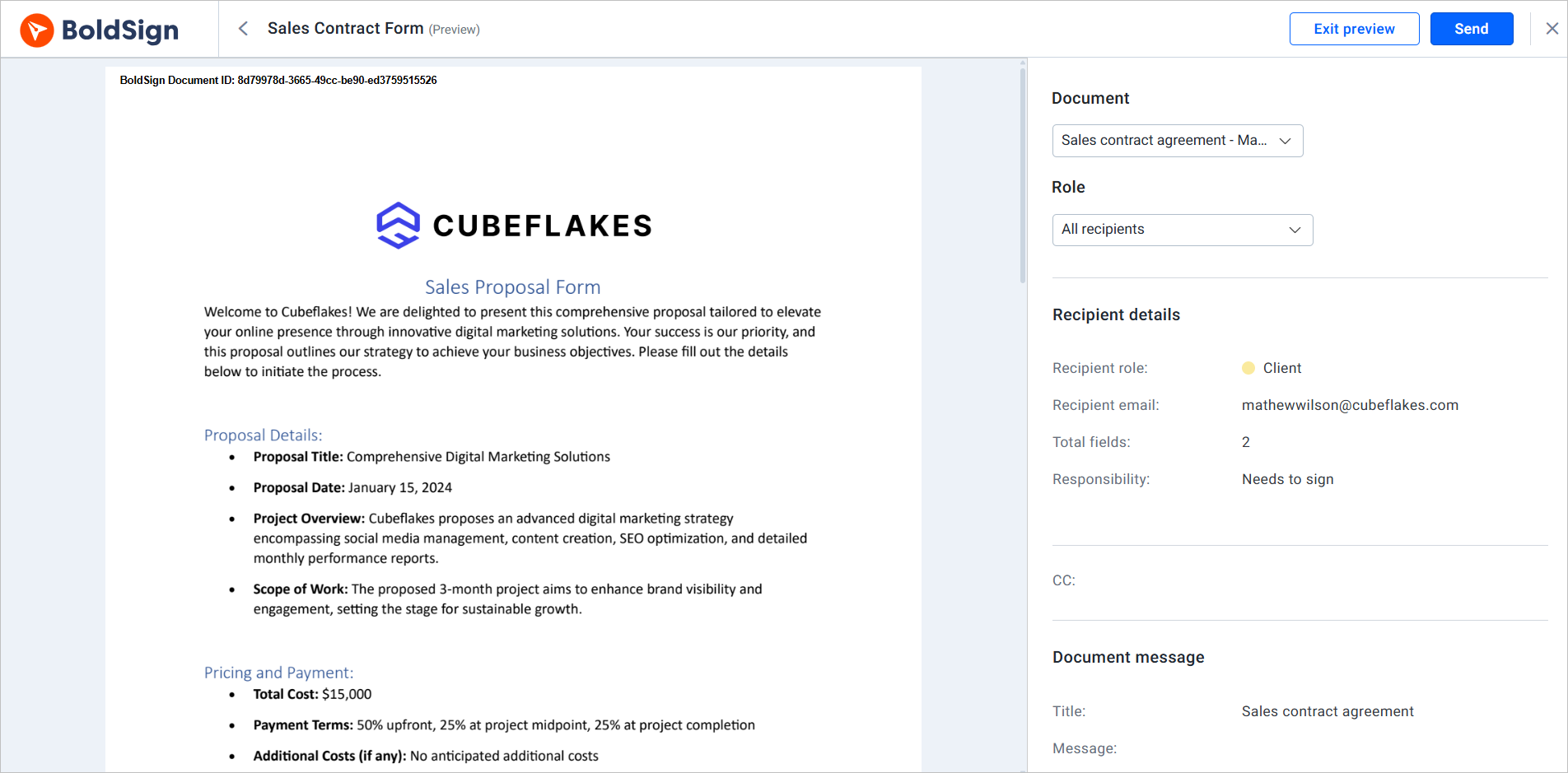
Our guide on how to bulk send documents to multiple recipients walks through each screen and the CSV format.
Which e-signature platform tracks bulk signature requests in one dashboard?
BoldSign does, on the My Bulk Send page. Each send shows its number of recipients and where every copy stands.
From that page you can do the following:
- Check the status of a bulk send and each copy in it.
- Send reminders to everyone who has not signed.
- Download the signed documents for your records.
How do you compare bulk esignature sending services?
Start with the jobs above, then test each tool on one of them. Esign platforms that handle bulk document signing well share a few traits:
- A separate copy and audit trail for each signer
- A check of the recipient file before anything is sent
- One page that tracks every copy
- Delivery by email, text message, or chat app
- A clear price for each envelope sent in bulk
Check each vendor’s pricing page to learn what esign software supports bulk sending of documents, and at what charge. Ask which tools allow bulk e-signature processing in the web app, without code.
Which BoldSign plan includes bulk send, and what does it cost?
Bulk send starts on the Business plan and is also on the Premium plan, as listed on the BoldSign pricing page in November 2026. Prices are in USD.
The Business plan costs $15 per user a month, and the Premium plan costs $99 a month for unlimited users, both billed yearly. Each envelope sent in bulk costs $0.25 on top of the plan price, and bulk send needs additional verification first.
Delivery by SMS costs $0.20 per SMS, and delivery by WhatsApp costs $0.10 per message. Recipients sign without a seat, so your user count stays the same. To move up from your current plan, see how to change your plan.
How do you try bulk send on your own documents?
Test the job that costs your team the most time with a small CSV file. A real test send tells you the most when you compare the top signature solutions that offer free trials on web platforms.
- Start a 30-day free trial and bulk send a document to three colleagues.
- Book a demo to see bulk send set up for your own documents.
- Visit our support portal with a question about a bulk send.
Frequently asked questions
Can I sign contracts in bulk?
You can send contracts in bulk, and each person signs their own copy. Bulk send handles the sending side: one template, one recipient list, and a separate signing request for every name on it.
Which e-signature platforms support bulk sending personalized documents with separate signing requests for many recipients?
Look for a bulk send feature that builds one copy per row of a recipient file. BoldSign does this, filling names, dates and other fields from a CSV file for each signer.
How do teams set up bulk electronic signature templates, recipient data, schedules, and tracking?
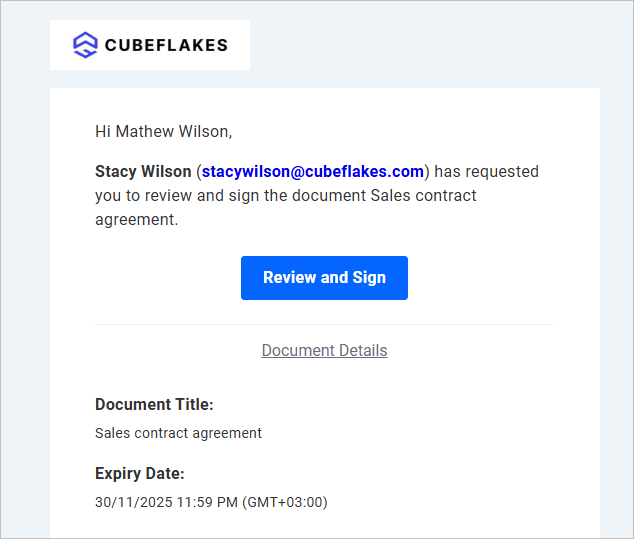
Teams save the document as a template, list recipients in a CSV file, send, then track replies on one page. Our help article on how to send documents in bulk covers every option.
What esignature platform supports signing workflows for multiple recipients with routing and reminders?
BoldSign does. Signer roles come from your template, so every copy follows the same roles. You can then remind everyone who has not signed in one step.
Which bulk electronic signature platforms handle failed deliveries and signer exceptions well?
Pick a tool that checks your recipient file before anything goes out. We flag missing titles, invalid CC (carbon copy) emails and unsupported phone regions at upload, so you fix a row first.
Can I find a platform that supports both document management and bulk sending?
Yes. In BoldSign, the copies from a bulk send stay in your account next to your other documents. You can download them and export the responses to a CSV file.
What e-signature software products support bulk document signing?
E-signature software with a bulk send feature does this job. Check that each signer gets a separate copy, that one page tracks every copy, and what each envelope costs.
What types of software help companies send the same agreement to many recipients for signature?
E-signature software with bulk send is built for it. A mail merge in a word processor can fill in names, but it cannot collect signatures or show who has signed.

Rayronald Ochola Otieno
Rayronald Ochola Otieno is a content specialist at BoldSign, specializing in video content and help articles within the eSignature domain. As a blog author, he creates well-researched, insightful content that simplifies complex eSignature topics like digital signatures, compliance, and workflow automation for businesses and professionals. With expertise in creating educational videos and articles, Ray helps users understand and adopt secure, efficient signing solutions. Beyond writing and video creation, Ray enjoys exploring new technologies, reading about the latest industry trends, and continually refining his skills.
More posts by Rayronald Ochola Otieno