

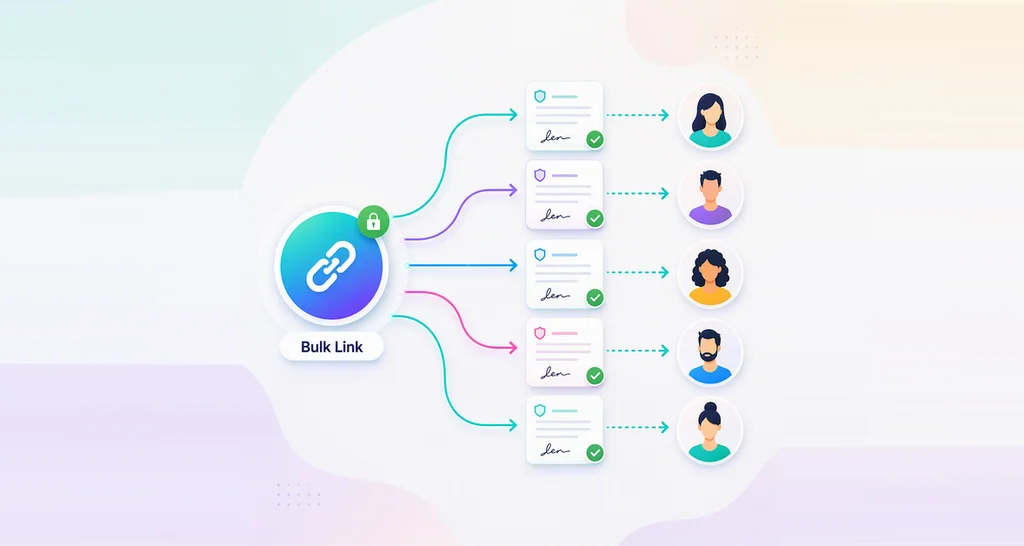
How to Use Bulk Links for Online Waiver Signing
Build an online waiver form once, share one bulk link or QR code, and let each person sign their own tracked copy on a phone or a computer at check-in.
 Discover our mission, commitment to our customers, and leadership team.
 Stay updated with our latest news and announcements.
 Learn about the latest BoldSign products and company news.
 Earn ongoing referral fees by embedding and referring BoldSign to clients.
 Connect with us if you have any questions or need help.
 Your business is protected with BoldSign.
 Earn commission by promoting BoldSign via your site, blog, or socials.
 Join our team and build innovative software solutions.
 See the love for BoldSign from users about their experience.
Build an online waiver form once, share one bulk link or QR code, and let each person sign their own tracked copy on a phone or a computer at check-in.
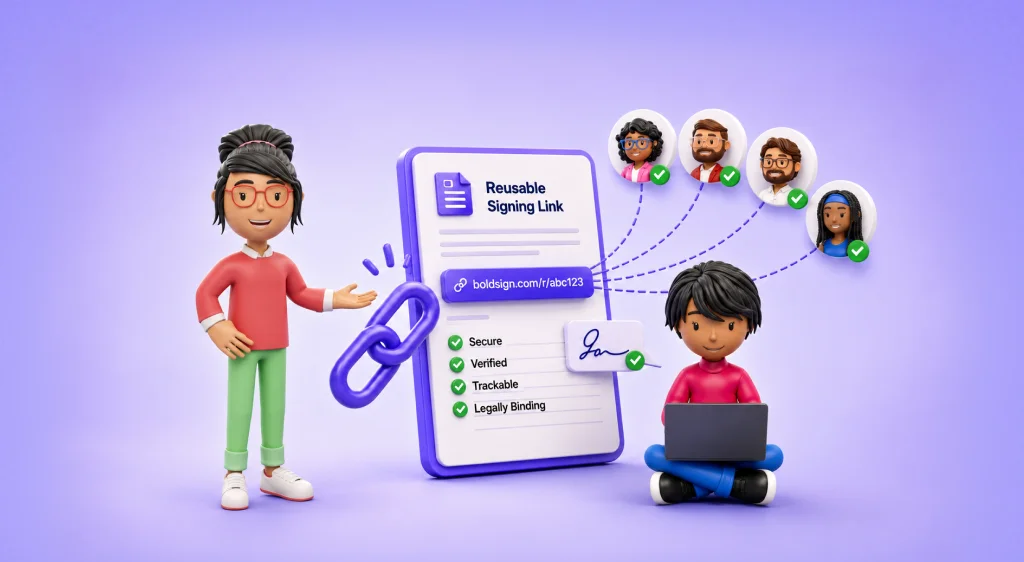
See when a reusable signing link fits: onboarding, waivers, sign-ups and policy forms. Compare it with bulk send and embedded signing, then set controls.

See which teams and documents suit bulk send in eSignature, from HR offer letters to vendor renewals and policy sign-offs, with an example for each job.

Bulk links let many people sign their own copy of one document from a single URL. See when to use them, how to set one up, and what bulk signing costs.
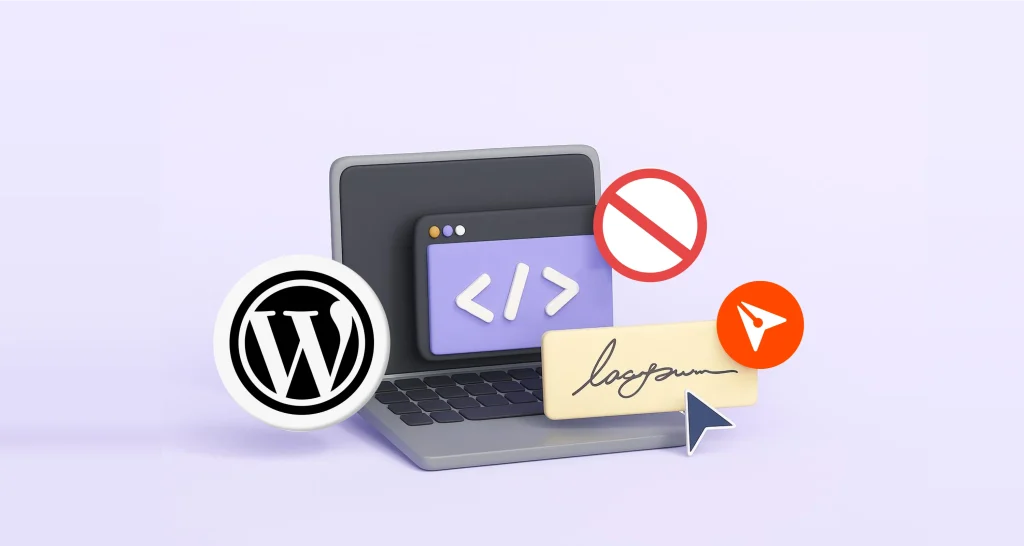
Embed eSignature forms in WordPress with no code: create a BoldSign bulk link, paste its embed code into a Custom HTML block, and let visitors sign there.
Explore the Top Features of BoldSign 2024 Updates that Simplify eSignature Processes with Enhanced Security and Mobile Access.
Turn one or more templates into a single bulk link that anyone can sign. Follow the steps in BoldSign, see what signers do, and check the plan you need.
Missed our webinar on the BoldSign® bulk send feature? Read our show notes to access the recording and Q&A to learn how bulk sends simplify contract signing.
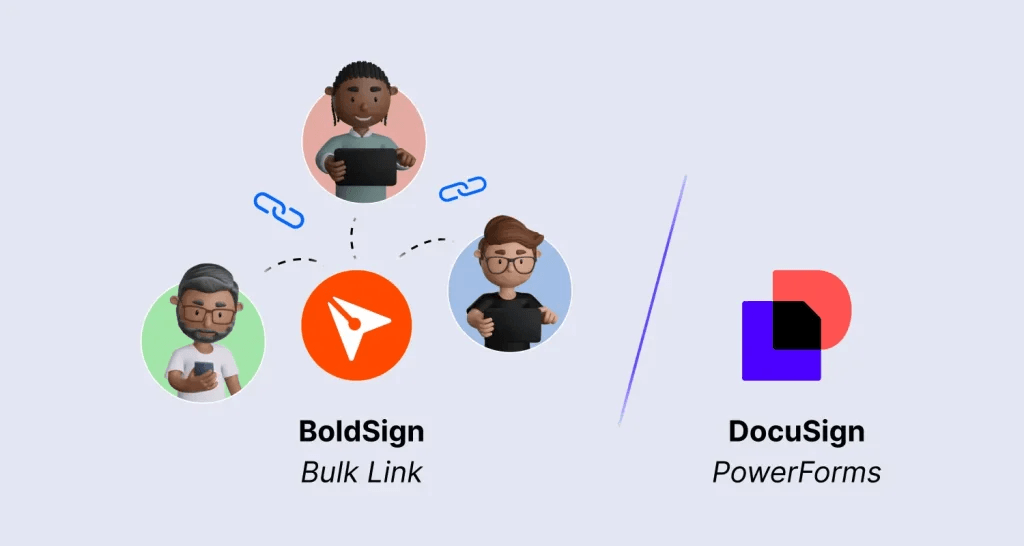
Discover how BoldSign bulk links simplify large-scale document signing with customizable links, advanced security, and flexibility over Docusign PowerForms.

See what a next-gen eSignature solution includes: text and WhatsApp requests, ID checks, AI tools, an API and bulk send, plus what each of our plans costs.
Send one document to several signers in a single BoldSign API call: list each signer, give each one their own fields, then confirm delivery with webhooks.

Send alumni event forms, pledge agreements and contact updates for eSignature. Alumni sign on any device, and you track every copy from one dashboard.