


BoldSign Edit Document API: Update Signers, Fields, and Files Without Restarting
Use the BoldSign Edit Document API to change the signers, form fields, files and labels on a sent or draft document, with code samples in six languages.
 Discover our mission, commitment to our customers, and leadership team.
 Stay updated with our latest news and announcements.
 Learn about the latest BoldSign products and company news.
 Earn ongoing referral fees by embedding and referring BoldSign to clients.
 Connect with us if you have any questions or need help.
 Your business is protected with BoldSign.
 Earn commission by promoting BoldSign via your site, blog, or socials.
 Join our team and build innovative software solutions.
 See the love for BoldSign from users about their experience.
BoldSign API resources help you integrate secure eSignature features into your apps. Access guides, SDKs, and documentation for fast implementation.
Use the BoldSign Edit Document API to change the signers, form fields, files and labels on a sent or draft document, with code samples in six languages.

Learn how to use the BoldSign Edit Template API to update template titles, messages, signer roles and form fields from code, with safe partial updates.

Eligible Visual Studio Enterprise subscribers get 12 months of BoldSign. See the terms we listed at the March 2026 launch and how to activate the benefit.

Add the BoldSign eSignature skill to GitHub Copilot with Claude and generate .NET code for sending, webhooks and embedded signing, tested in a sandbox.
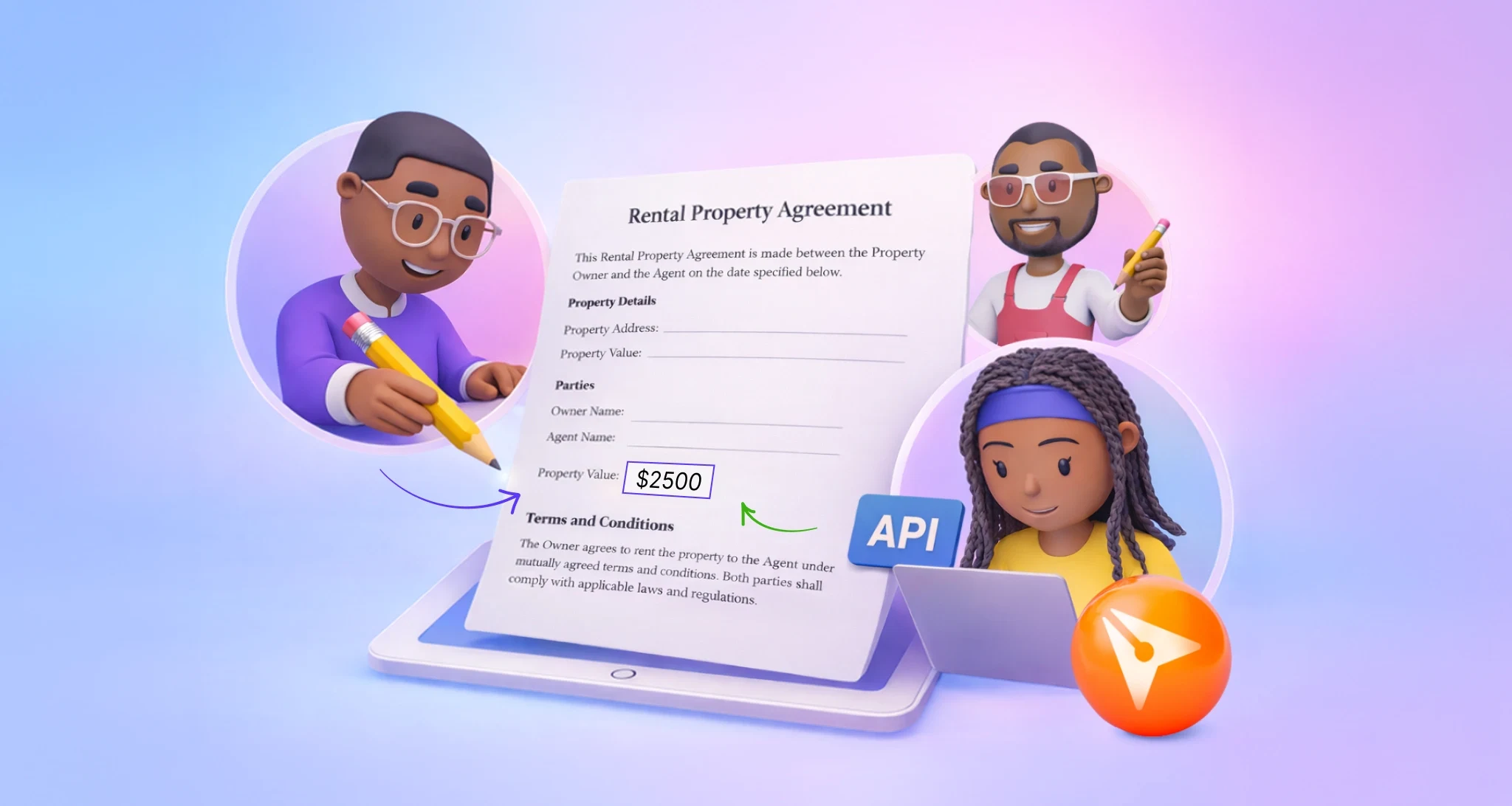
Set up collaborative fields with the BoldSign API. Choose who may edit a shared field, ask for initials or a fresh signature, and track each change made.

Move a user to another team with the BoldSign ChangeTeam API and choose who keeps their documents. See the request, the rules and code in six languages.
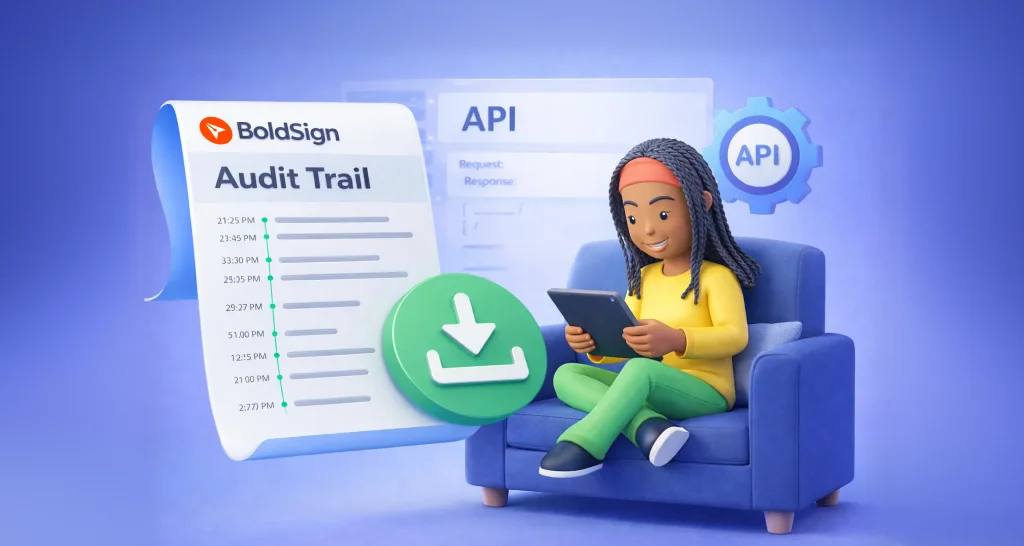
Download the audit trail PDF of a signed document with the BoldSign API: one GET call with the document ID, plus code samples in six languages and tips.

Manage sender identities with the BoldSign API: create one, get it approved by email, then update, list, resend, re-request or delete it with code samples.

Learn what SCIM user provisioning means and how to connect Microsoft Entra ID to BoldSign, so new users, profile changes and leavers sync on their own.

Use the BoldSign Users API to invite users, set roles and teams, resend or cancel invites, update metadata and move users between teams, with code samples.

Use the BoldSign Teams API to create, rename, look up and list teams, so each department works with its own documents and shared templates in one account.

Compare app-level and account-level BoldSign webhooks: what each one sends, when to use which, how to set them up, and how to keep your handler reliable.