

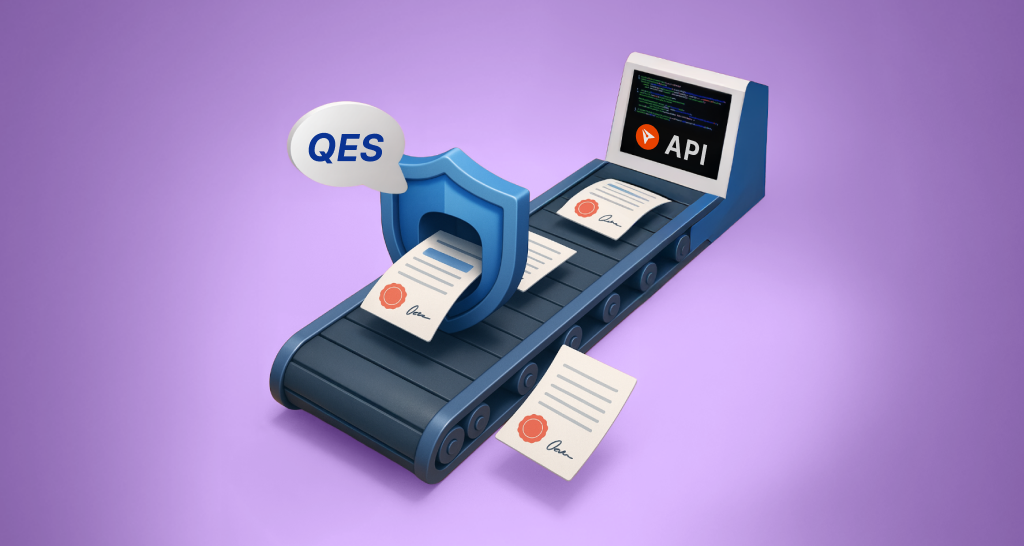
How to Send Secure QES Documents with the BoldSign API
Use the BoldSign qualified electronic signature API to send QES documents: turn QES on, set EnableQes to true on a signer, and track each signed file.
 Discover our mission, commitment to our customers, and leadership team.
 Stay updated with our latest news and announcements.
 Learn about the latest BoldSign products and company news.
 Earn ongoing referral fees by embedding and referring BoldSign to clients.
 Connect with us if you have any questions or need help.
 Your business is protected with BoldSign.
 Earn commission by promoting BoldSign via your site, blog, or socials.
 Join our team and build innovative software solutions.
 See the love for BoldSign from users about their experience.
Evans Omondi Otieno is a customer support representative and writer at BoldSign, specializing in creating clear, insightful content to help users navigate eSignature solutions. As a blog author, Evans writes well-researched articles that simplify technical concepts, helping businesses and professionals understand how to use BoldSign effectively. With expertise in technical support and content creation, he ensures users have a seamless experience and gain valuable knowledge from his articles.
Use the BoldSign qualified electronic signature API to send QES documents: turn QES on, set EnableQes to true on a signer, and track each signed file.
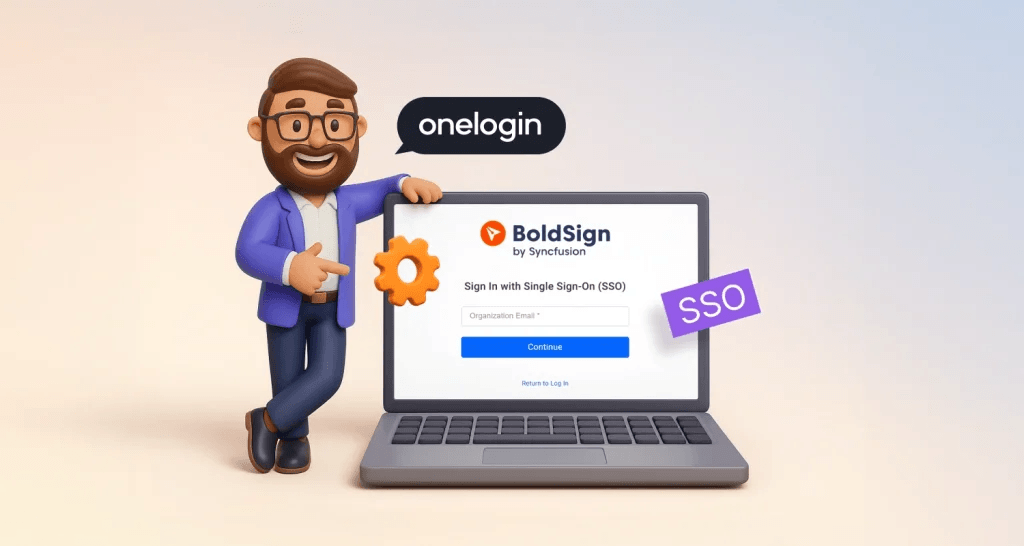
Set up OneLogin SSO for BoldSign: create an OpenID Connect app in OneLogin, add its details to our SSO settings, then invite your team to sign in with it.
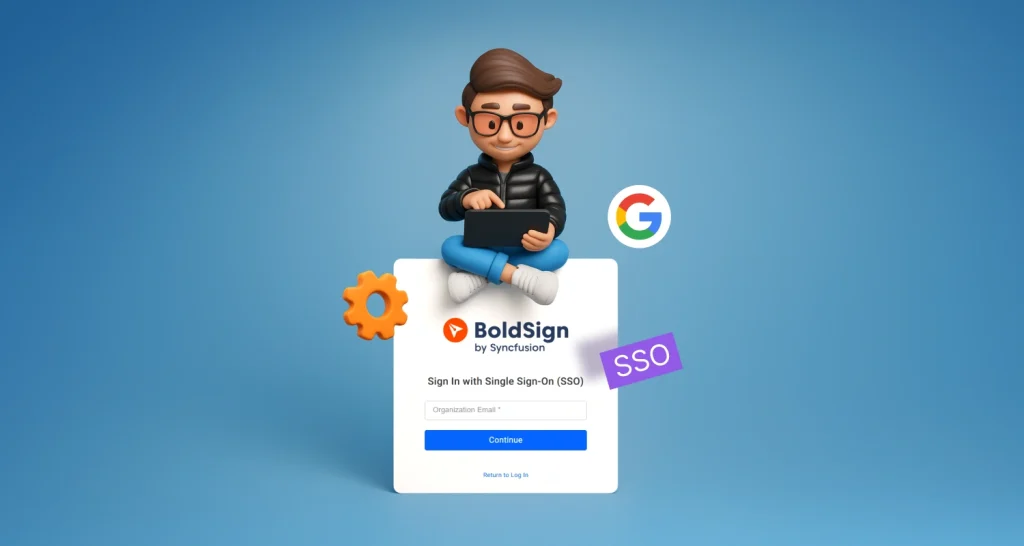
Set up Google SSO for BoldSign: create an OAuth client in Google Cloud, add its details to our SSO settings, then invite your team to sign in with Google.

Add eSignatures to your Java app with the BoldSign Java SDK: install it with Maven or Gradle, set your API key and send a document for signature in code.
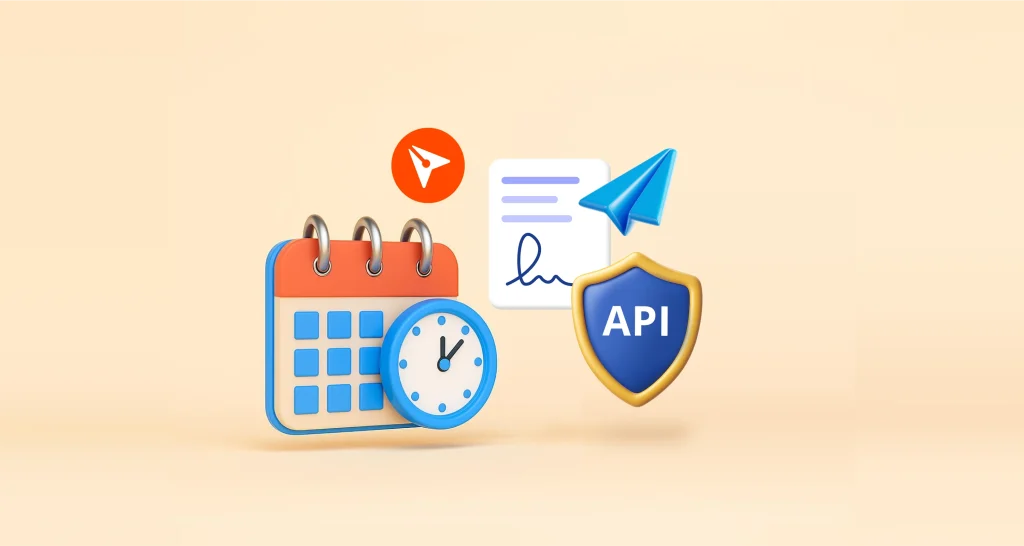
Schedule contract delivery with the BoldSign API: set scheduledSendTime to a Unix timestamp 30 minutes or more ahead, and we send the contract on time.
Embed eSignature forms in WordPress with no code: create a BoldSign bulk link, paste its embed code into a Custom HTML block, and let visitors sign there.
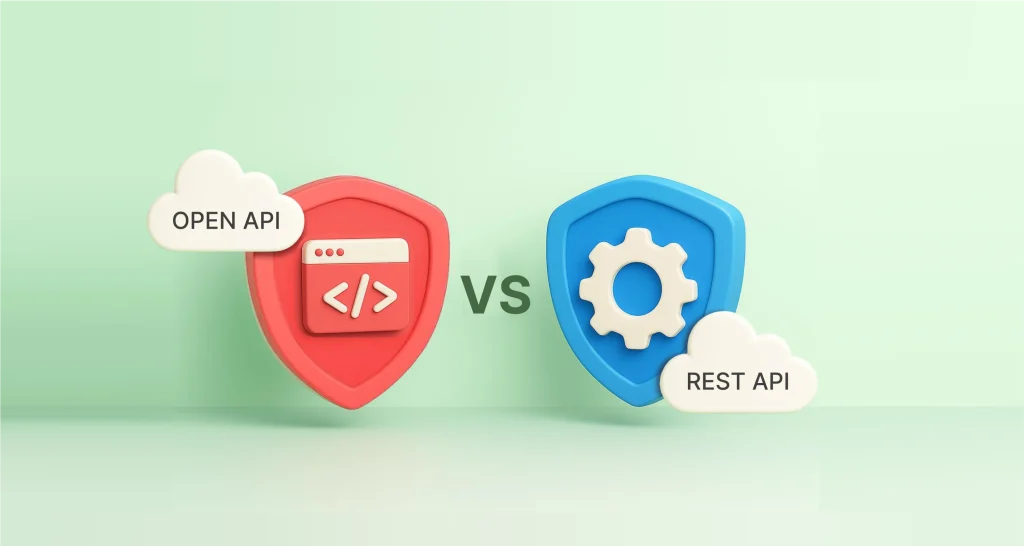
OpenAPI vs REST API: a REST API is the service your app calls, and OpenAPI is the file that describes it. See how they differ, with code and Swagger tips.

API rate limiting caps how many requests a client can send in a set time. Learn the common strategies and how your app should handle a 429 error safely.

Connect your AI assistant to BoldSign with our MCP server. Send documents from templates, check status and send reminders from a chat, with setup steps.

Learn how AI form field placement in BoldSign finds the lines and boxes in your PDF or Word file and adds signature, date and text fields to a template.
REST API vs SDK for eSignature integration: how each works, when to pick which, and how to send a document for signature with the BoldSign API and SDKs.

Learn the common API integration challenges, from authentication and rate limits to versioning, and see how we handle each in the BoldSign eSignature API.