

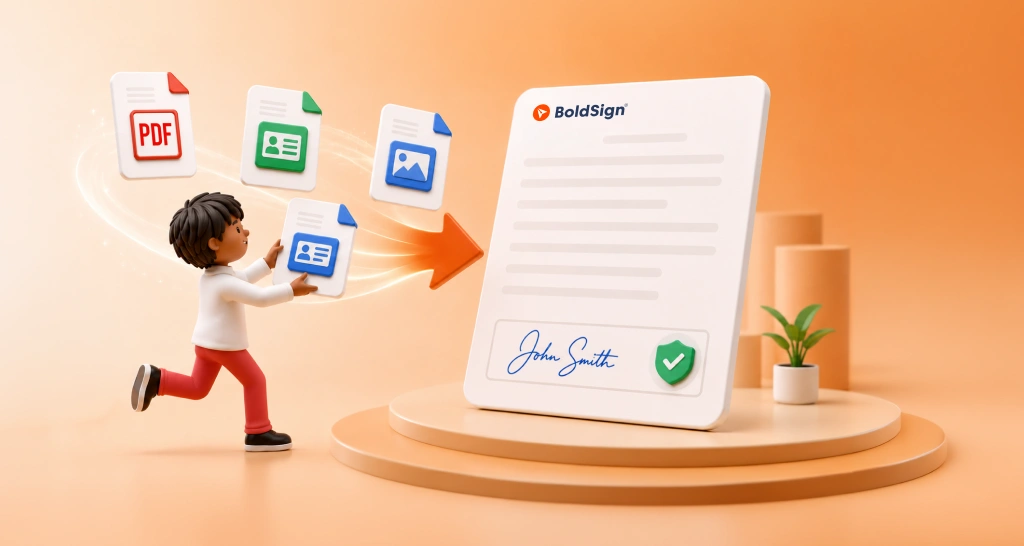
How to Collect Supporting Documents Before Signing
Collect supporting documents before signing: plan what to ask for, then add an Attachment field, review each upload and keep it with the signed agreement.
 Discover our mission, commitment to our customers, and leadership team.
 Stay updated with our latest news and announcements.
 Learn about the latest BoldSign products and company news.
 Earn ongoing referral fees by embedding and referring BoldSign to clients.
 Connect with us if you have any questions or need help.
 Your business is protected with BoldSign.
 Earn commission by promoting BoldSign via your site, blog, or socials.
 Join our team and build innovative software solutions.
 See the love for BoldSign from users about their experience.
Preethi is a Digital Marketing Executive at BoldSign who develops precise, research-driven content on eSignatures, compliance, and digital signing workflows. She works closely with product and engineering teams to ensure every article is accurate, validated, and aligned with industry best practices. Connect with her on LinkedIn.
Collect supporting documents before signing: plan what to ask for, then add an Attachment field, review each upload and keep it with the signed agreement.
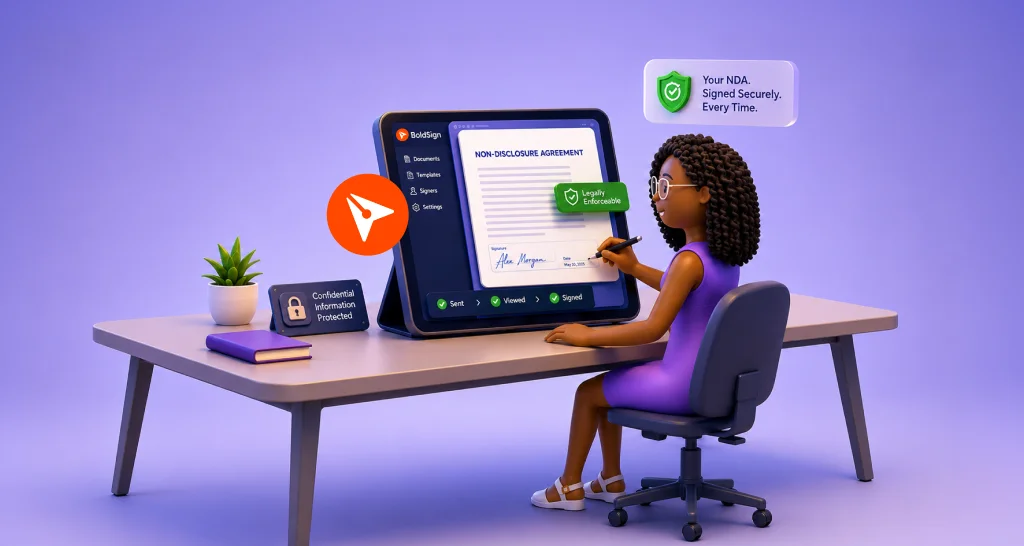
How to sign an NDA online: upload the file, place the signature fields and send it. Signers need no account, and every signed NDA keeps its audit trail.
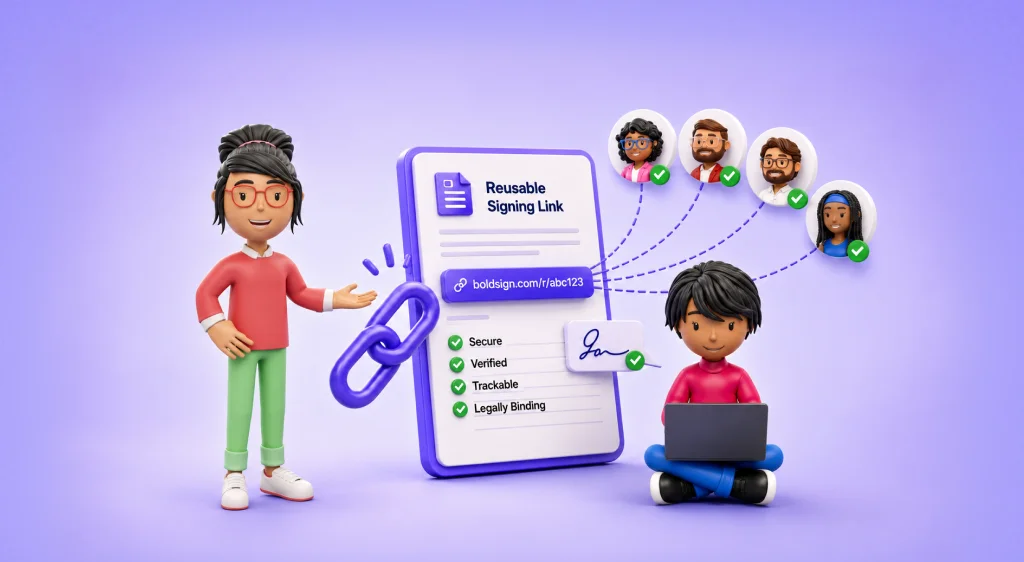
See when a reusable signing link fits: onboarding, waivers, sign-ups and policy forms. Compare it with bulk send and embedded signing, then set controls.
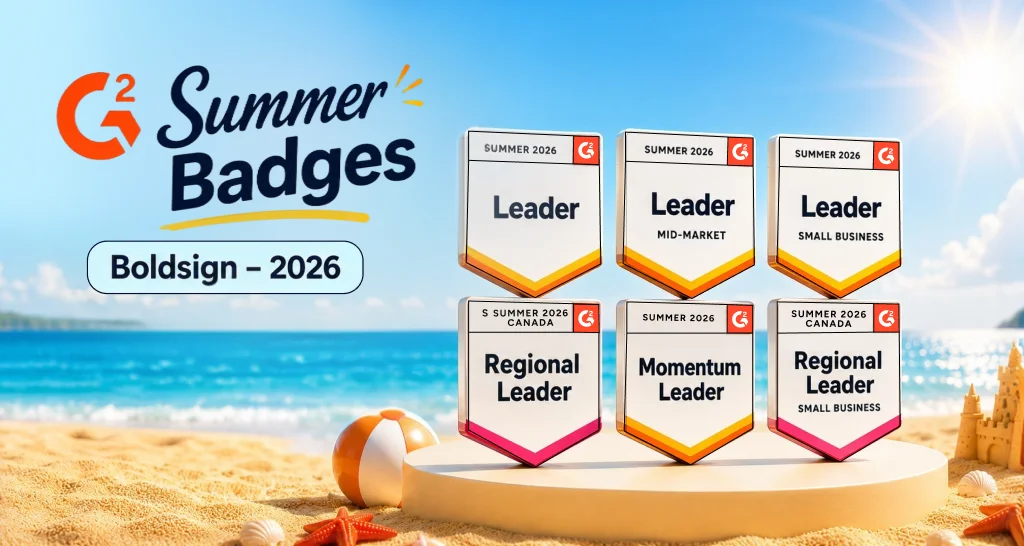
BoldSign earns 6 G2 Summer 2026 badges, including Leader, Momentum Leader, and Canada regional awards, backed by real customer reviews for eSignatures.

Mark car dents clearly in a vehicle inspection form: circle each dent on a diagram, add a short note and a photo, and get the form signed in one document.
Automatically save signed contracts to HubSpot: send from a contact, company or deal, and we save the signed PDF to that same record. No manual uploads.
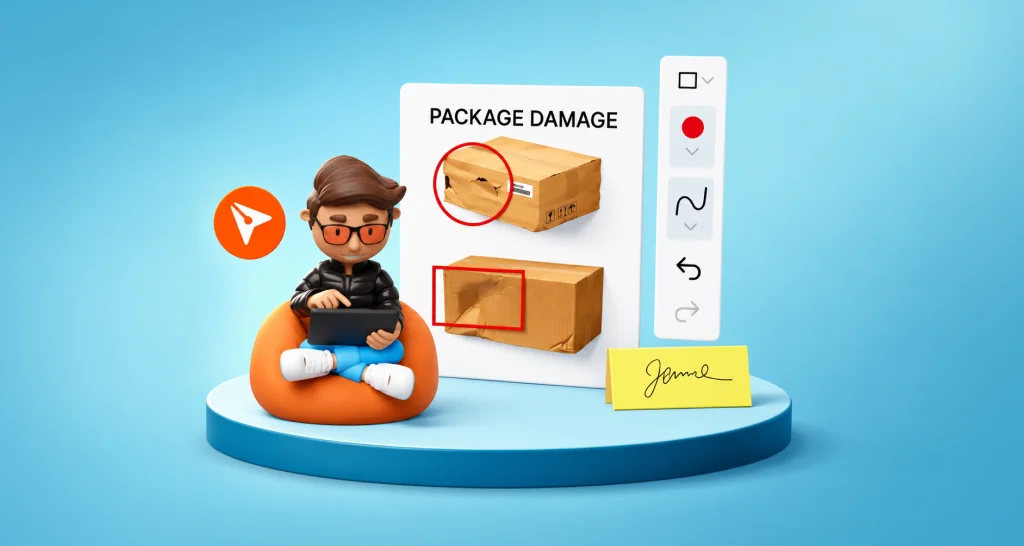
Record package damage in proof of delivery documents with BoldSign’s Drawing Field. Capture visual proof, reduce disputes, and simplify documentation.
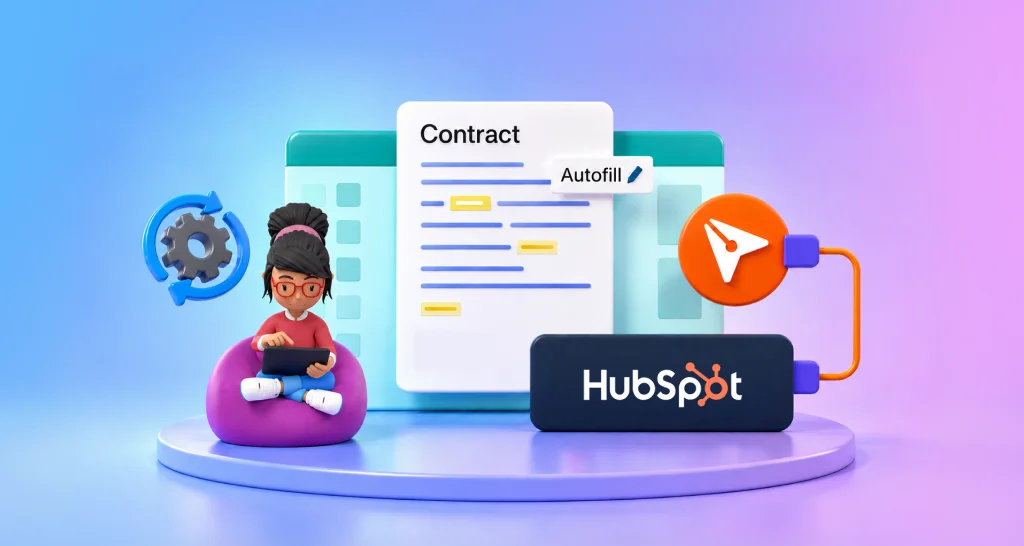
Learn how to map HubSpot contact, company and deal properties to BoldSign template fields, so each contract you send from HubSpot fills itself in for you.
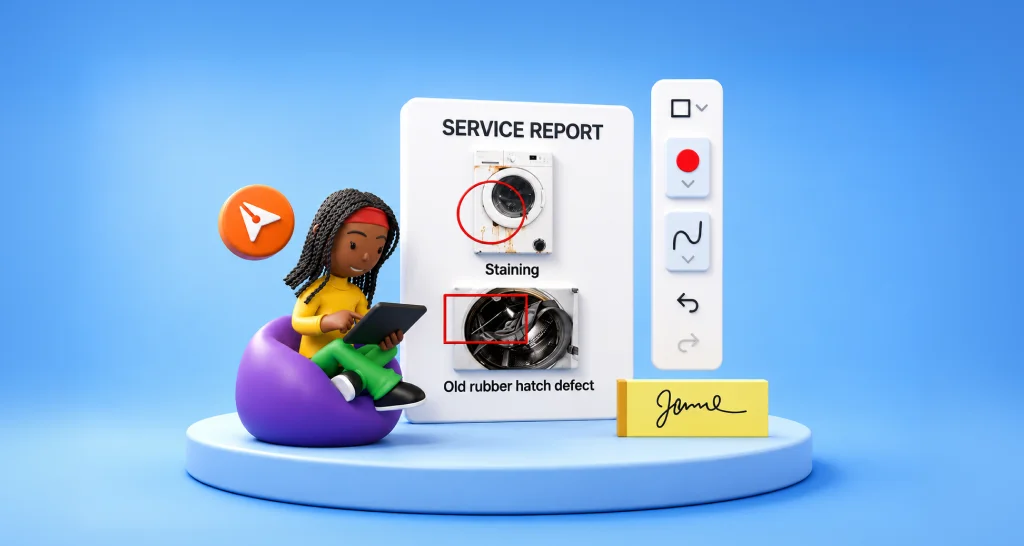
Learn how to highlight fault locations in a service report before sign-off, so customers and managers see the exact spot they approve when they sign it.

Learn what causes construction project delays and how paperwork bottlenecks like change orders and approvals slow schedules, and how eSignature resolves them.

Make digital agreement signing easier: send contracts online, reuse templates, set a signing order, automate reminders and keep an audit trail in BoldSign.
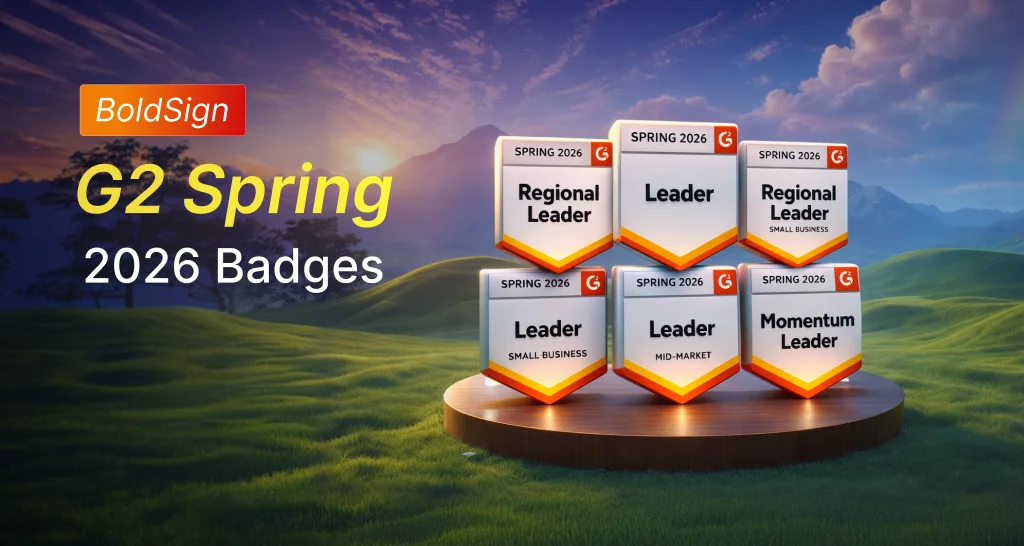
BoldSign wins six G2 awards in Spring 2026, recognized as a trusted eSignature solution for secure signing, efficient workflows, and responsive support.