The BoldSign iOS App Is Now Available on the App Store
 Jayavigneshwaran
TL;DR: In April 2025, we moved the BoldSign iOS app out of TestFlight beta into a stable release on the App Store. It runs on iPhone and iPad and uses the same account as the web app. Our eSignature mobile app page lists what it does today.
You get a contract to sign while you are away from your desk. Before this release, iPhone users had a TestFlight beta or a phone browser. Now there is a stable BoldSign app on the App Store.
Beta users tested the app through TestFlight and sent us feedback. This post covers what shipped, how to install it and how to move over from the beta.
Download the BoldSign iOS app from the App Store, or scan the code below with your phone camera.

What shipped in the iOS App Store release?
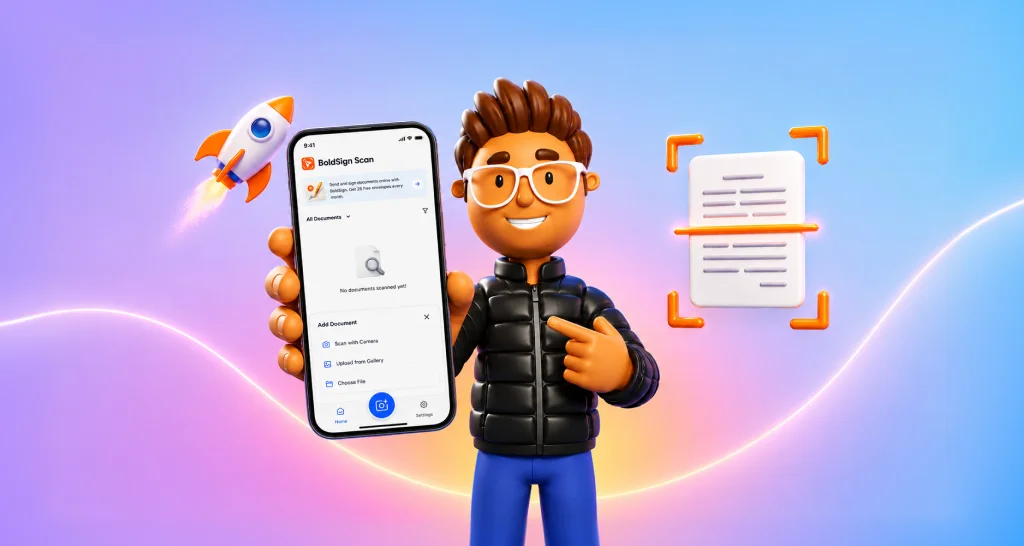
The release gave iPhone and iPad users a stable app for sending and signing documents on the go. You can upload a file, add fields, and send it or sign it yourself.
Here is what the app covered at launch:
- Upload PDF, Word, Excel and image files.
- Add signature and data fields, then sign yourself or request signatures.
- Draw, type or upload your signature, and save it for next time.
- Track requests, send reminders, and revoke or reassign documents.
We keep adding features with each update. For the current list, read our overview of the BoldSign mobile app.
Does the BoldSign app work on iPhone and iPad?
Yes. We did not just stretch the iPhone screen to fit an iPad; we drew separate layouts for each.
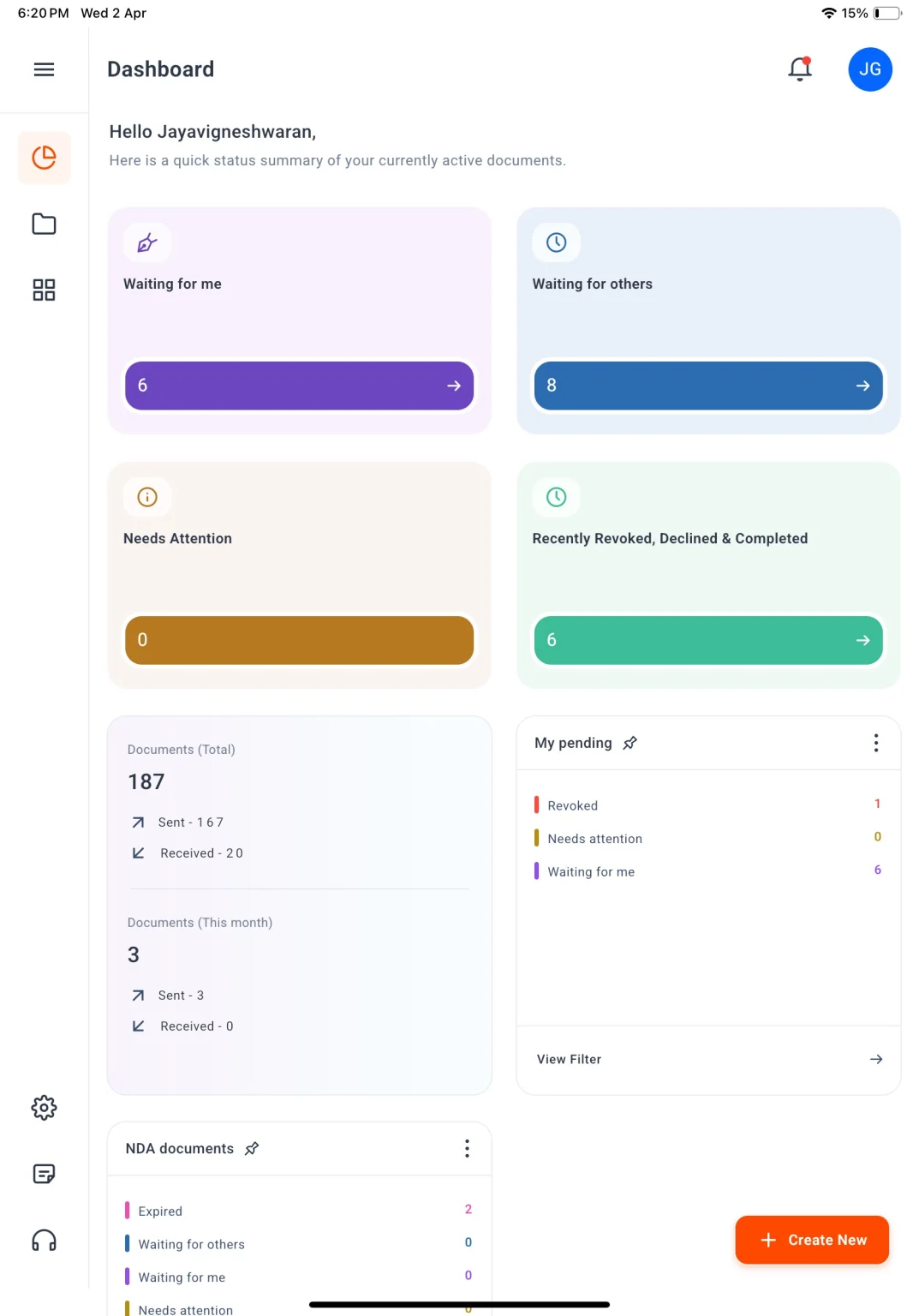
The iPhone uses a portrait layout. The iPad works in portrait or landscape mode, so the field editor has room for longer documents.
How does the iOS app work with the BoldSign web app?
The mobile app and the web app share one account and one set of documents. A document you create on the web opens in the app, and the other way round.
Fields keep the same look, place and values on both. Both apps run on the same BoldSign service, so a change in one shows up in the other.
How do you install the BoldSign app from the App Store?
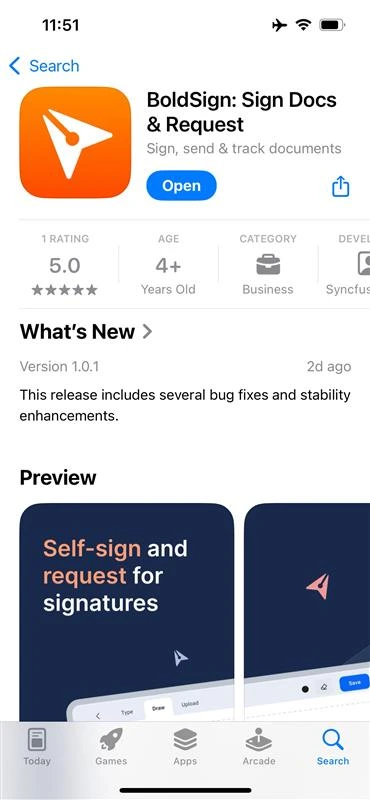
Find the app on the App Store, install it and open it. Our help article on how to install the BoldSign app shows the same steps.
- Open the BoldSign listing on the App Store on your device, or search for BoldSign in the App Store app.
- Tap Get to install the app.
- Tap Open to launch it.
How do you move from the TestFlight beta to the App Store app?
Delete the TestFlight build, then install the App Store version. We no longer release TestFlight updates, and the last TestFlight build expired on 3 June 2025.
- Press and hold the BoldSign icon, tap Remove App, then tap Delete App.
- Install BoldSign from the App Store with the steps above.
- Open the app and log in with your BoldSign account.
Your documents stay in your account, so you lose nothing by switching. Our help article on how to migrate from TestFlight to the App Store app has the full steps.
How do you log in to the BoldSign iOS app?
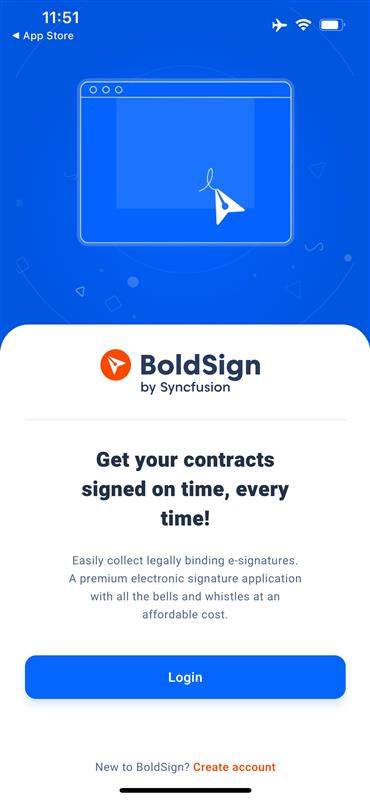
Log in with the same account you use on the web. New users can tap Create Account on the first screen instead.
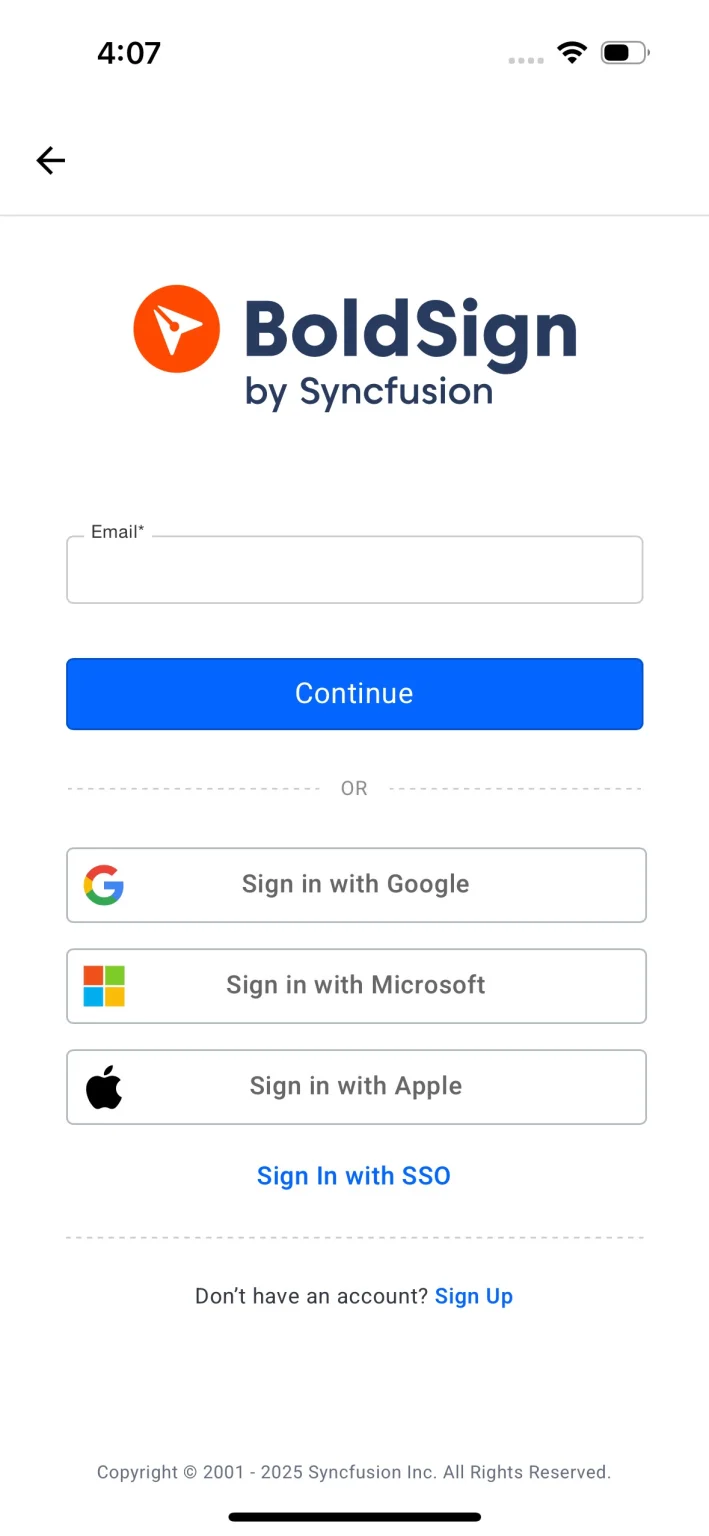
Enter your email address and password, or pick another sign-in option on the login screen.
What does the dashboard show?
The dashboard is the first screen you see after you log in. Cards show how many documents sit in each status, and you tap a card to open that list.
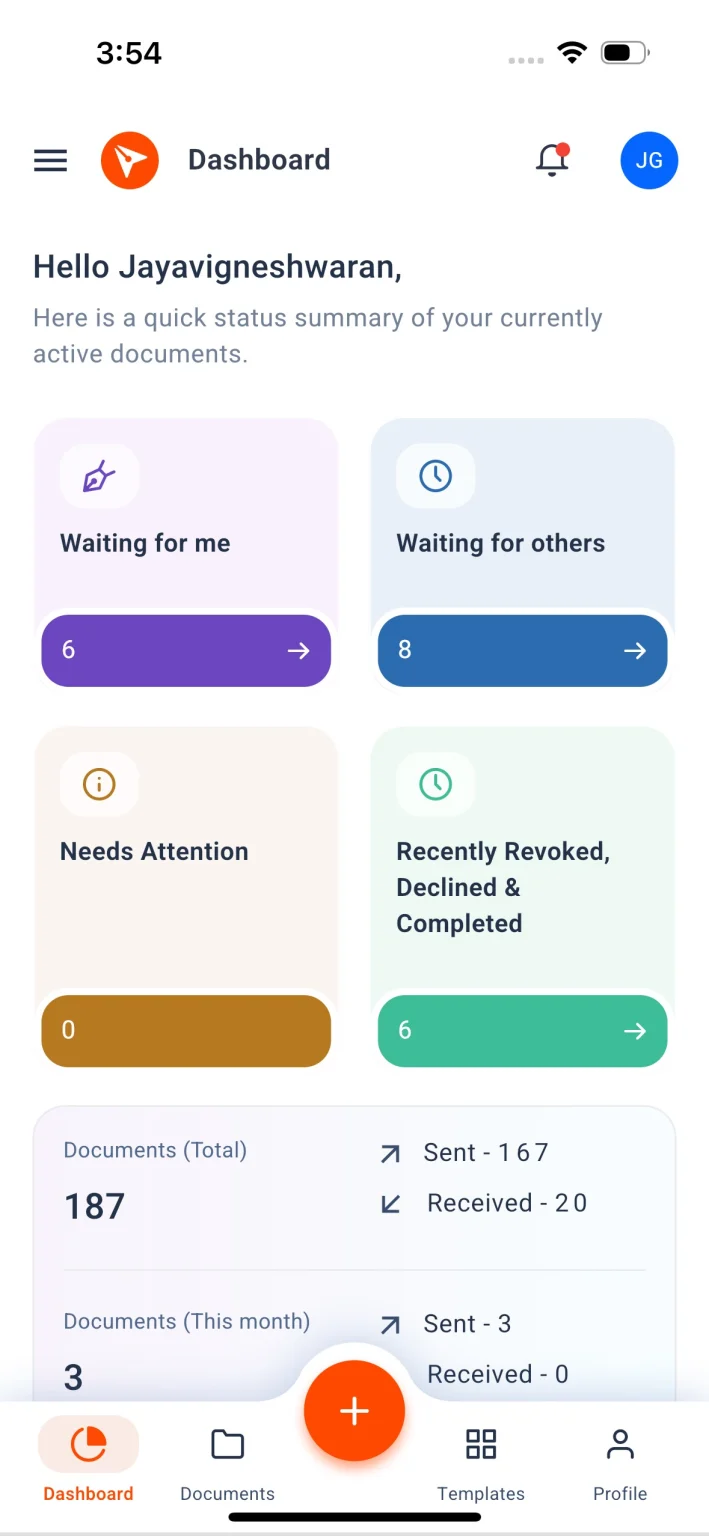
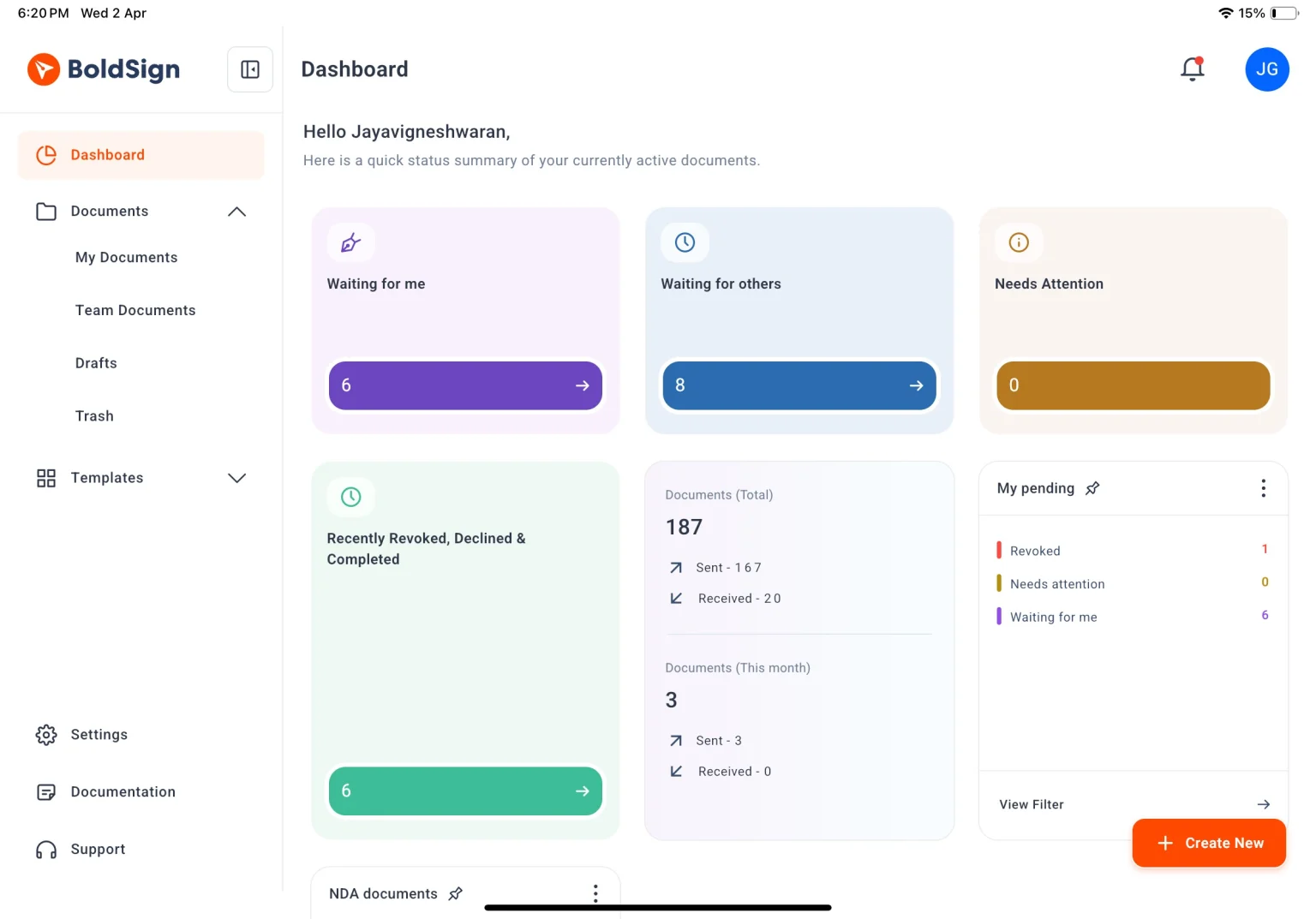
From the dashboard you can move around the app:
- Tap the menu icon at the top left to open the navigation drawer.
- Go to Documents, Templates or Profile from the dashboard.
- Tap the plus button at the bottom center to start a new document.
Which BoldSign plan includes the iOS app, and what does it cost?
The iOS and Android apps come with every BoldSign plan. That includes our free Essential plan, so you can try the app at no cost.
Paid plans add more documents, templates and users. iPhone users can upgrade their plan inside the app.
Growth costs $5 per user a month and Business costs $15 per user a month. Premium costs $99 a month for unlimited users. All prices are in USD, billed yearly.
Is there a BoldSign app for Android too?
Yes. The BoldSign app is also on Google Play for Android phones and tablets.

Get the BoldSign Android app on Google Play with the same account you use on iOS.
How do you share feedback on the iOS app?
Email us at support@boldsign.com or submit a support ticket. Our knowledge base articles answer most how-to questions.
Every report helps us plan the next update. You can also rate and review the app on its App Store page.
What can you do next with BoldSign on iPhone?
Install the app, send your first document and see how it fits your day. These links help you start:
- Start a 30-day free trial and log in on your phone.
- Book a demo to see the app with your own documents.
- Read our step-by-step guide to the BoldSign mobile app.
Frequently asked questions
Is the BoldSign iOS app still in beta?
No. We moved the iOS app out of TestFlight beta in April 2025. Since then it has been a stable release on the App Store.
Where can I download the BoldSign app for iPhone?
Get it free from the App Store. Search for BoldSign in the App Store app, or open our listing link on your iPhone or iPad.
Does the BoldSign app work on iPad?
Yes. We built separate layouts for iPhone and iPad. The iPad layout works upright or sideways.
Can I keep using the TestFlight build of BoldSign?
No. We stopped TestFlight updates, and the last build expired on 3 June 2025. Delete it and install the App Store version instead.
Will I lose my documents when I switch from TestFlight?
No. Your documents live in your BoldSign account, not on the phone. Log in to the App Store version and they are all there.
Is a signature made in the BoldSign iOS app legally binding?
Yes, when the signing meets the same rules as any other electronic signature in your country. The app uses the same signing process and audit trail as the web app.
Do my signers need the app to sign?
No. Signers can open the signing link in any phone browser. They do not need to install anything.
Is the BoldSign iOS app free?
Yes. The iOS and Android apps come with every plan, including our free Essential plan. iPhone users can also upgrade their plan inside the app.

Jayavigneshwaran
Product Manager at BoldSign with a strong foundation in web and mobile development. Started as a web developer working with React, Angular, TypeScript, and Blazor, then moved into mobile development with Flutter and Dart. Now leading the BoldSign mobile app and support experience, combining technical depth with product strategy to deliver reliable releases and great customer outcomes. Connect with him on LinkedIn.
More posts by Jayavigneshwaran