Multichannel Delivery: Send Signature Requests by Email, SMS and WhatsApp
 Rayronald Ochola Otieno
TL;DR: Multichannel delivery lets you choose how each signer gets your signature request: email, SMS, email and SMS, or WhatsApp. Email suits formal documents, and text channels reach people who check their phone first. Our multichannel delivery page lists what each channel includes.
A site manager needs a subcontractor’s signature before work starts tomorrow. The request sits unread in an inbox the subcontractor checks once a week. The same link sent as a text would likely get a reply within the hour.
This guide covers each delivery channel, when to use it, what it cannot do, and which plan you need.
What is multichannel delivery?
Multichannel delivery means you pick the channel that carries the signing link to each signer. The document and the signing steps stay the same; only the way the link arrives changes.
Think of it like sending a party invite. You email the formal invite to some guests and text it to friends who never open email.
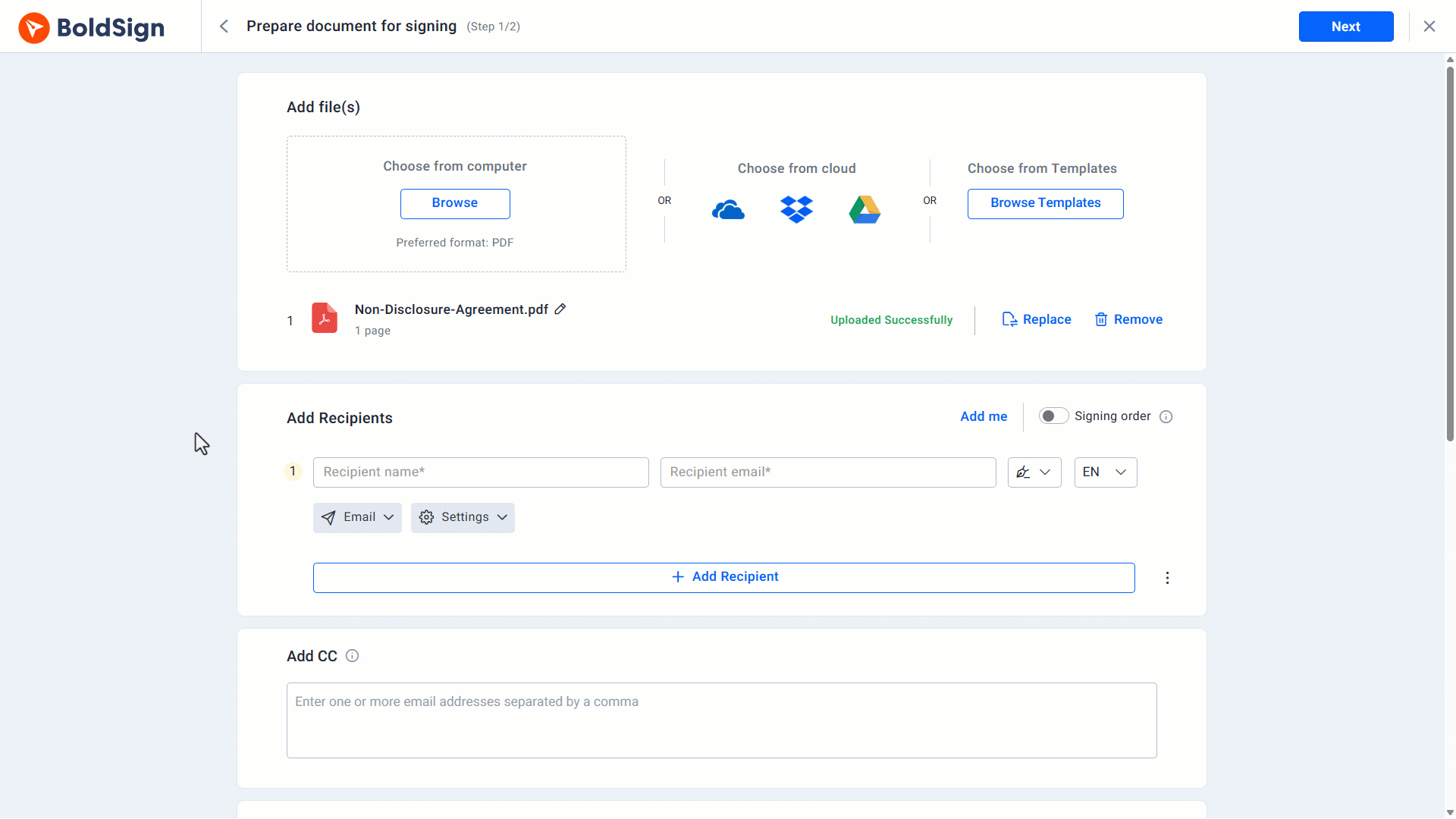
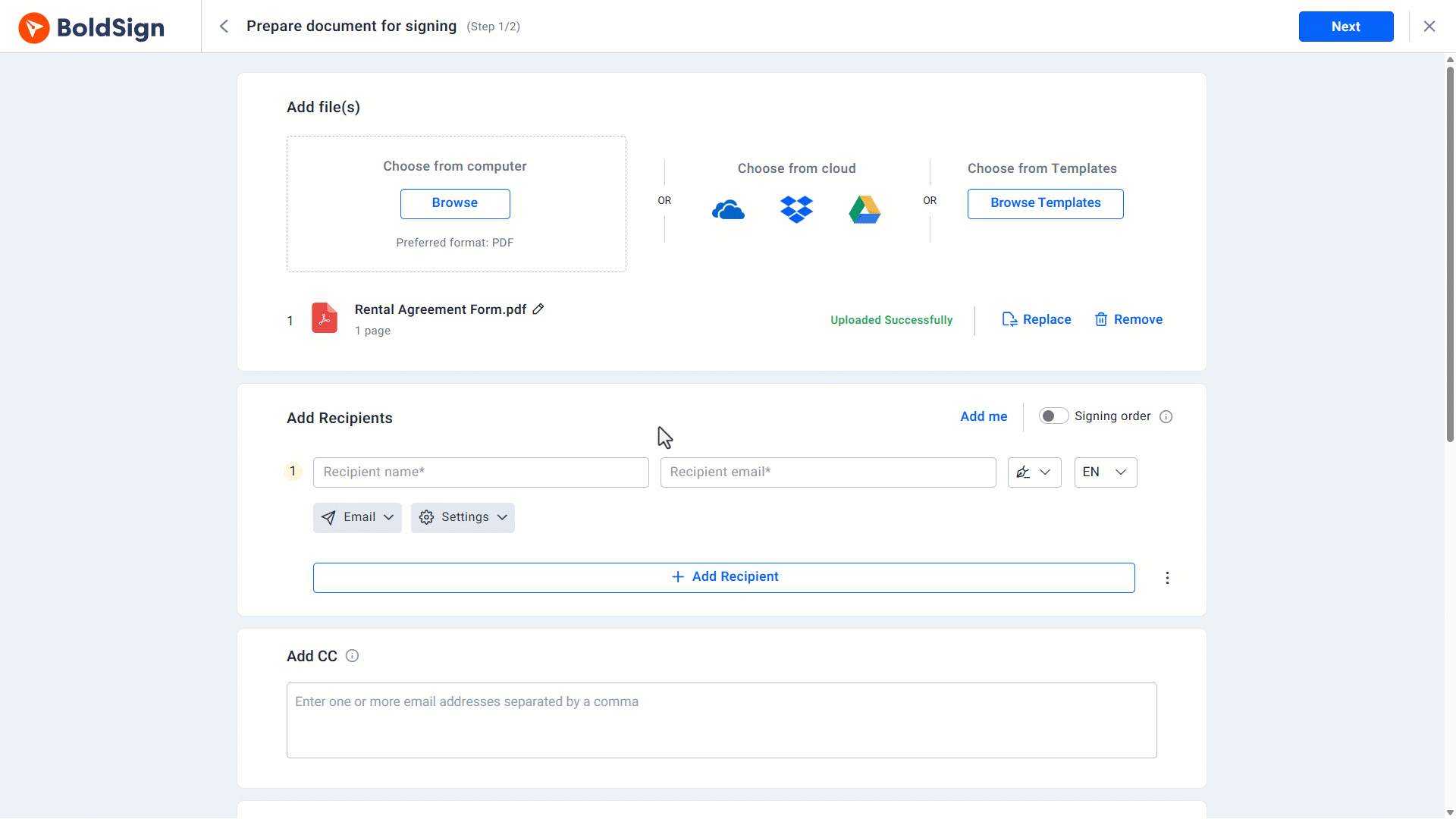
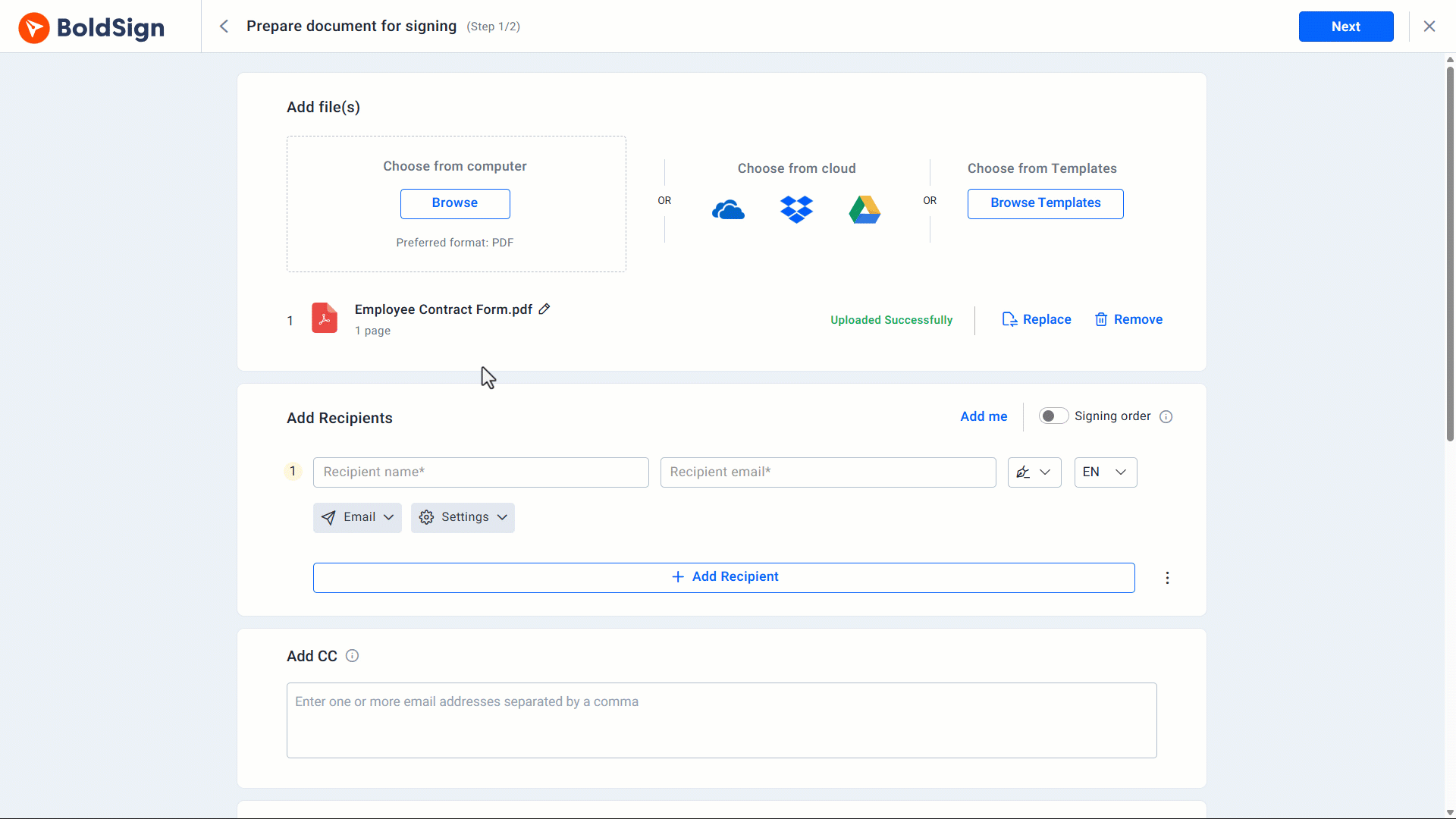
In BoldSign, you pick the channel per signer in the Delivery Options dropdown on the Prepare Document page. Our help article on the delivery methods available in BoldSign lists all four.
Why does the delivery channel matter?
People read messages in different places. A request that lands where the signer already looks gets signed sooner.
Some signers work at a desk all day and live in their inbox. Others, such as field staff and drivers, read texts and chat apps first. Picking the right channel for each person cuts the wait between sending and signing.
How does email delivery work?
Email delivery sends a secure signing link to the signer’s inbox. It is the default channel and needs no setup.
Email suits these cases:
- Formal documents such as contracts, proposals and non-disclosure agreements (NDAs).
- Signers who work at a desk and keep records in their inbox.
- Requests that need CC (carbon copy) recipients, group signers or automatic reminders.
What else does email delivery include?
Email is on every plan at no extra charge. You can also add these touches:
- Notifications in the signer’s language, set in the Language dropdown.
- Custom email content, with your own subject and message text.
- Reassignment, so a signer can pass the document to a colleague.
How does SMS delivery for electronic signatures work?
SMS delivery texts the signing link straight to the signer’s phone. The signer taps the link and signs in the browser, with no app or account.
SMS fits these cases:
- Urgent documents such as property offers or patient consent forms.
- Mobile workers such as field staff and clients on the move.
- Fast-moving work such as logistics or event bookings.
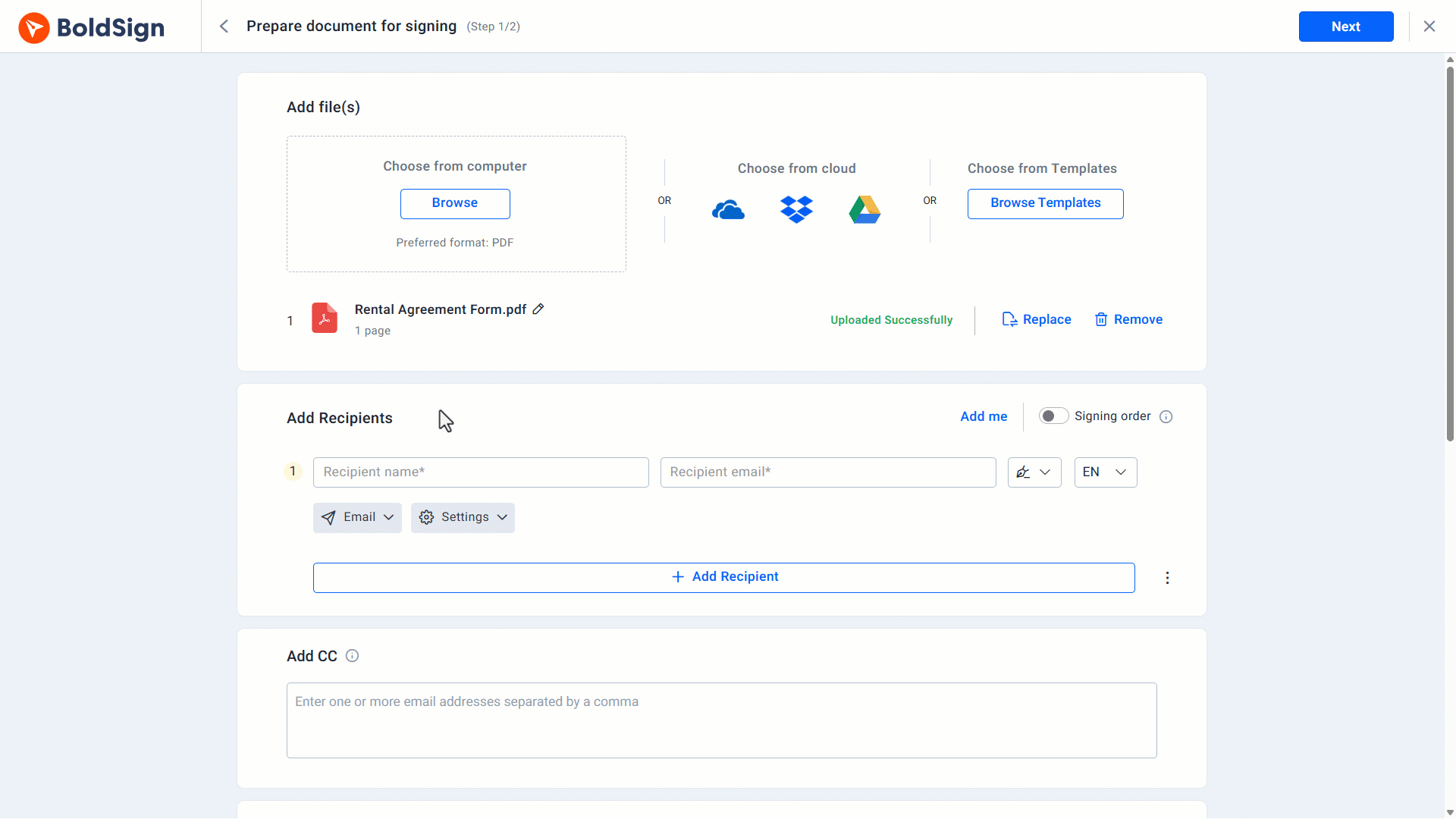
Our guide on how to request an eSignature by text message walks through each step.
What are the limits of SMS delivery?
SMS keeps the message short, so some email features drop out. Plan around these limits:
- Only signers get the text; CC recipients get nothing.
- Signers cannot use email one-time passcode (OTP) checks or reassign the document.
- Reminders are manual only, with no group signers.
- We write the text, and you cannot change its wording.
You can set a budget limit for SMS in your subscription preferences. Documents created before you reach it still send their notifications.
When should you use email and SMS together?
Email and SMS delivery sends the signing link to both the inbox and the phone. Use it when a missed request would cost you time or money.
It suits these cases:
- Legal or financial agreements that need a fast answer.
- Renewals and compliance forms with a firm deadline.
- Signers who switch between a laptop and a phone during the day.
What are the limits of email and SMS delivery?
The SMS side follows the same rules as SMS alone:
- The text goes to signers only, not to CC recipients.
- Signers cannot reassign the document or join as a group signer.
- SMS signers get manual reminders only, and the text wording is fixed.
How does WhatsApp signing work?
WhatsApp delivery posts the signing link in the signer’s WhatsApp chat. The message arrives in the language you set for that signer.
WhatsApp fits these cases:
- Clients who use WhatsApp as their main way to message.
- Quick, informal work such as freelance contracts or event waivers.
- Signers in one of the 26 countries we support for text delivery.
We send WhatsApp messages for new requests, completed documents, manual reminders and warnings before a document expires or is deleted. A signer can reply STOP to opt out and START to opt back in.
What are the limits of WhatsApp delivery?
WhatsApp works as its own channel for each signer. Keep these limits in mind:
- You cannot combine it with email or SMS for the same signer.
- Only signers get messages, and they cannot reassign the document or use email OTP.
- Reminders are manual only, with no group signers.
- The message text is fixed, and we do not read replies.
WhatsApp is also off when HIPAA (Health Insurance Portability and Accountability Act) compliance is on for your account. Our guide on how to send eSignature requests via WhatsApp shows the setup.
What if your country is not on the list?
SMS and WhatsApp reach phone numbers in 26 countries. Contact our support team when your signers live outside that list, and we will tell you what is possible.
Which BoldSign plan do you need, and what does it cost?
Email delivery comes with every plan, including our free plan. SMS, email and SMS, and WhatsApp delivery need the Business plan or higher, as listed on the BoldSign pricing page in November 2026.
The Business plan costs $15 per user a month, and the Premium plan costs $99 a month for unlimited users, both billed yearly. Prices are in USD.
Text channels add a pay-as-you-go charge on top of the plan. SMS costs $0.20 per message and WhatsApp costs $0.10 per notification. Custom email content also starts on the Business plan.
How do you start sending by SMS or WhatsApp?
Try each channel on a test document first, then roll it out to real signers.
- Start a 30-day free trial and send a test request to your own phone.
- Book a demo to see each channel set up for your team.
- Read our guide on how to send a signature request by email to set up the default channel.
Frequently asked questions
What is multichannel delivery in eSignature?
Multichannel delivery means you choose how each signer gets the signing link. In BoldSign, you can use email or WhatsApp. You can also use SMS alone or with email.
Can I send a document for signature by text message?
Yes. Pick SMS under Delivery Options, then enter the signer's country code and phone number. The signer opens the link on their phone and signs there.
How does WhatsApp signing work?
We post the signing link in the signer's WhatsApp chat, in the language you set for them. They tap the link to open the document in BoldSign and sign it.
Does the signer need a BoldSign account or an app to sign from a text?
No account or app is needed. The signer opens the link from the message and signs in their phone's browser.
Is a document signed through an SMS link legally binding?
Yes, when it meets the same rules as any electronic signature, such as the signer's consent to sign electronically. The delivery channel only changes how the link arrives. Check the rules for your document type and country.
Can I use different channels for different signers on one document?
Yes. You set the delivery option for each signer, so one person can get an email while another gets a WhatsApp message.
Do SMS and WhatsApp signers get automatic reminders?
No, those channels support manual reminders only. Use email or send a manual reminder when you need to nudge a signer.
How much does SMS delivery cost in BoldSign?
SMS delivery costs $0.20 per message on top of a Business or higher plan, and WhatsApp costs $0.10 per notification. You can set a budget limit in your subscription preferences.

Rayronald Ochola Otieno
Rayronald Ochola Otieno is a content specialist at BoldSign, specializing in video content and help articles within the eSignature domain. As a blog author, he creates well-researched, insightful content that simplifies complex eSignature topics like digital signatures, compliance, and workflow automation for businesses and professionals. With expertise in creating educational videos and articles, Ray helps users understand and adopt secure, efficient signing solutions. Beyond writing and video creation, Ray enjoys exploring new technologies, reading about the latest industry trends, and continually refining his skills.
More posts by Rayronald Ochola Otieno