

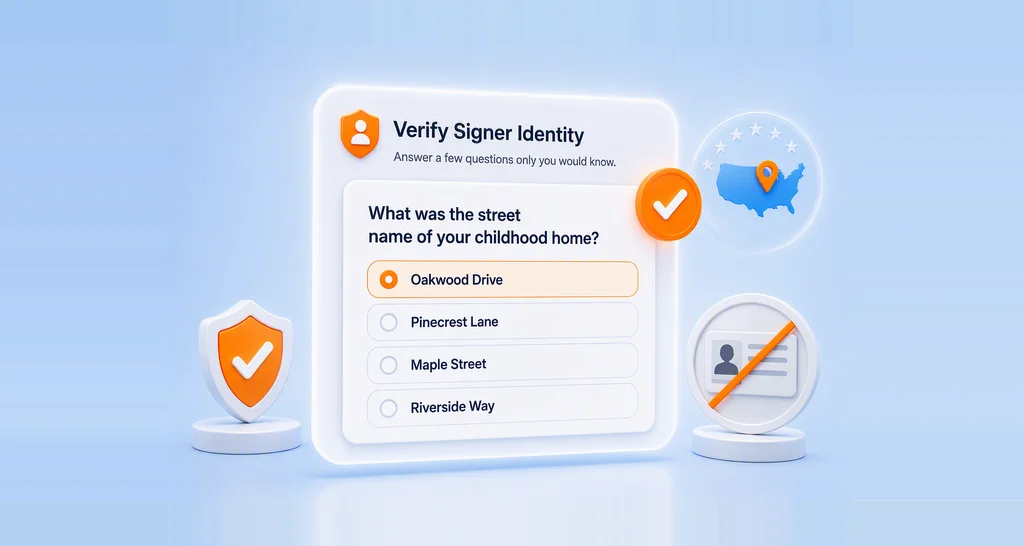
Webinar Show Notes: Verify Signers with Knowledge-Based Authentication in BoldSign
KBA authentication webinar recap: how signers verify with security questions, what happens when verification fails, and how KBA compares to ID Verification.
 Discover our mission, commitment to our customers, and leadership team.
 Stay updated with our latest news and announcements.
 Learn about the latest BoldSign products and company news.
 Earn ongoing referral fees by embedding and referring BoldSign to clients.
 Connect with us if you have any questions or need help.
 Your business is protected with BoldSign.
 Earn commission by promoting BoldSign via your site, blog, or socials.
 Join our team and build innovative software solutions.
 See the love for BoldSign from users about their experience.
KBA authentication webinar recap: how signers verify with security questions, what happens when verification fails, and how KBA compares to ID Verification.
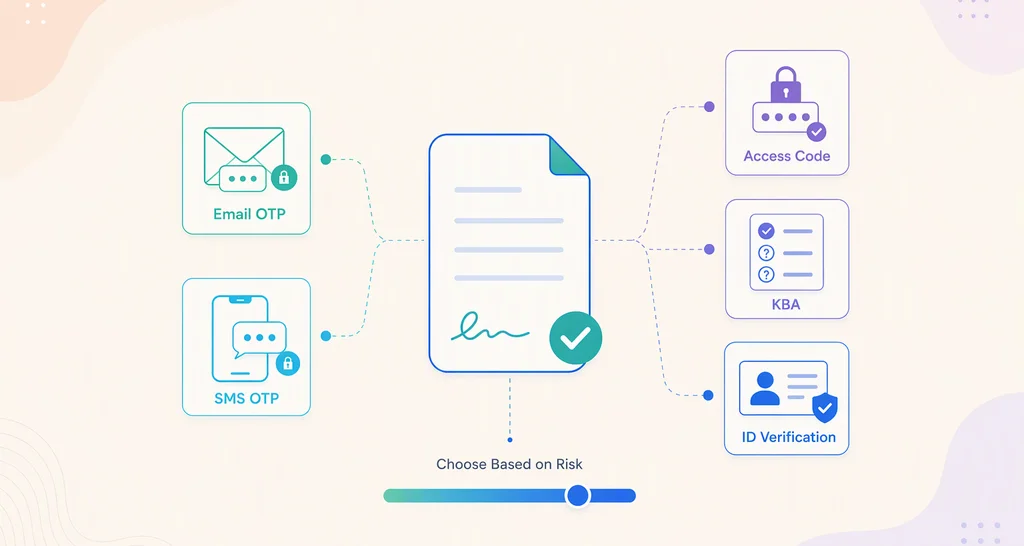
Choose document authentication levels for internal and external approvals: rate each workflow by risk, then match it to a code, an ID check or a quiz.
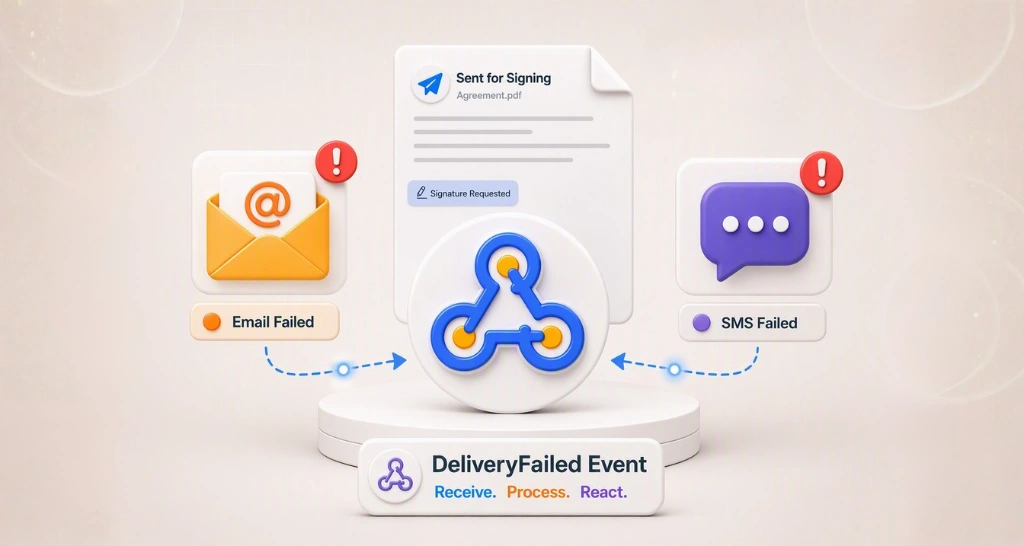
Spot email and SMS delivery failure in eSignature workflows before a signature stalls. See why requests bounce and how to catch them in code with webhooks.
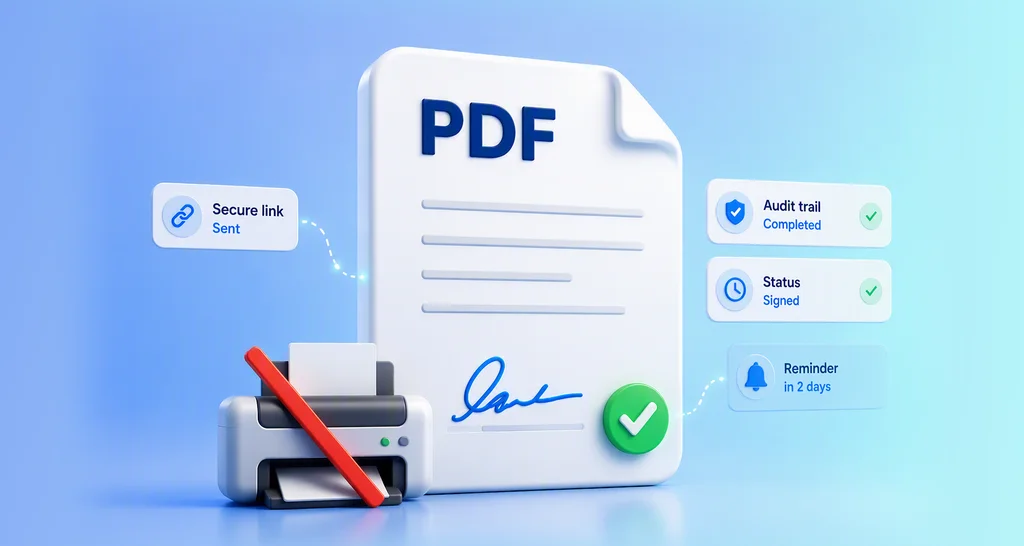
Learn how to request a signature on a PDF: upload the file, add signers and fields, send a secure link, then track it with reminders and an audit trail.
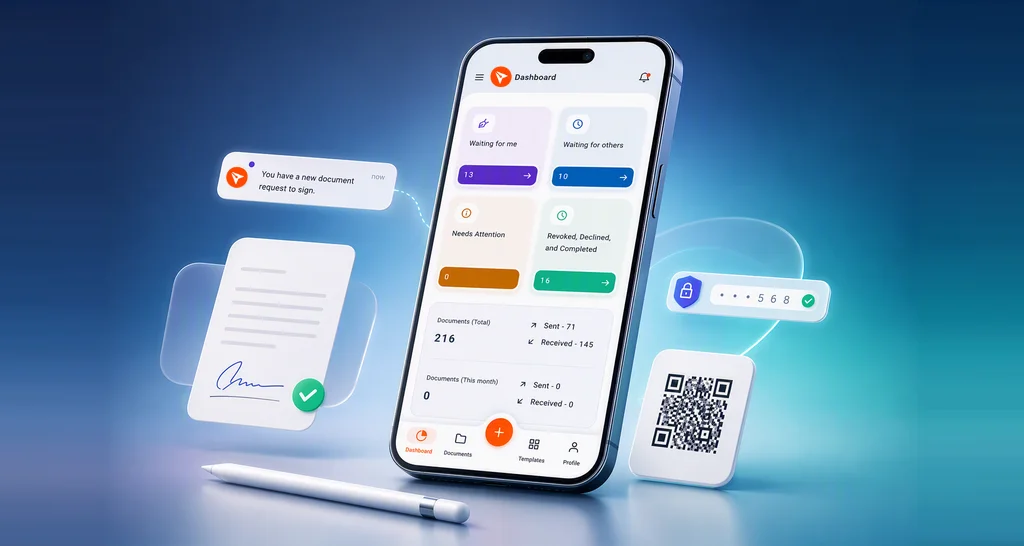
Learn how to sign documents on your phone: open the request from email, a link or the BoldSign app, fill in each field, and keep a signed copy for later.
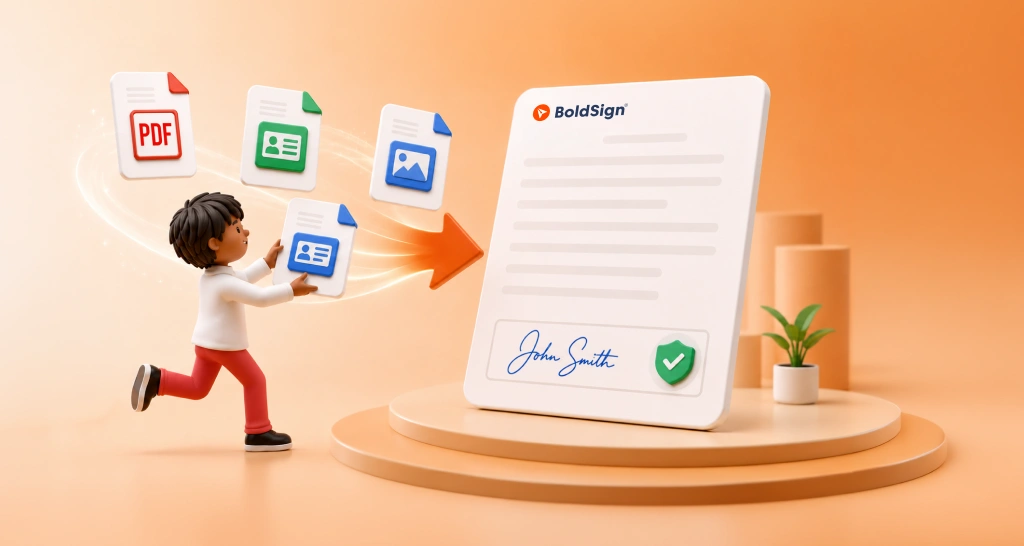
Collect supporting documents before signing: plan what to ask for, then add an Attachment field, review each upload and keep it with the signed agreement.
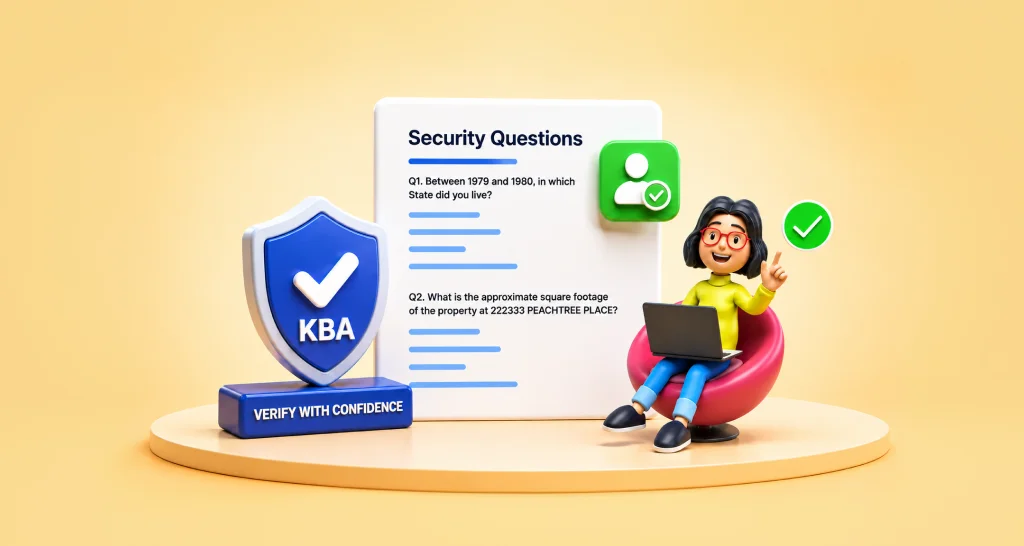
Knowledge-based authentication (KBA) checks who a US signer is with questions from public records. See how it works in BoldSign and what each check costs.
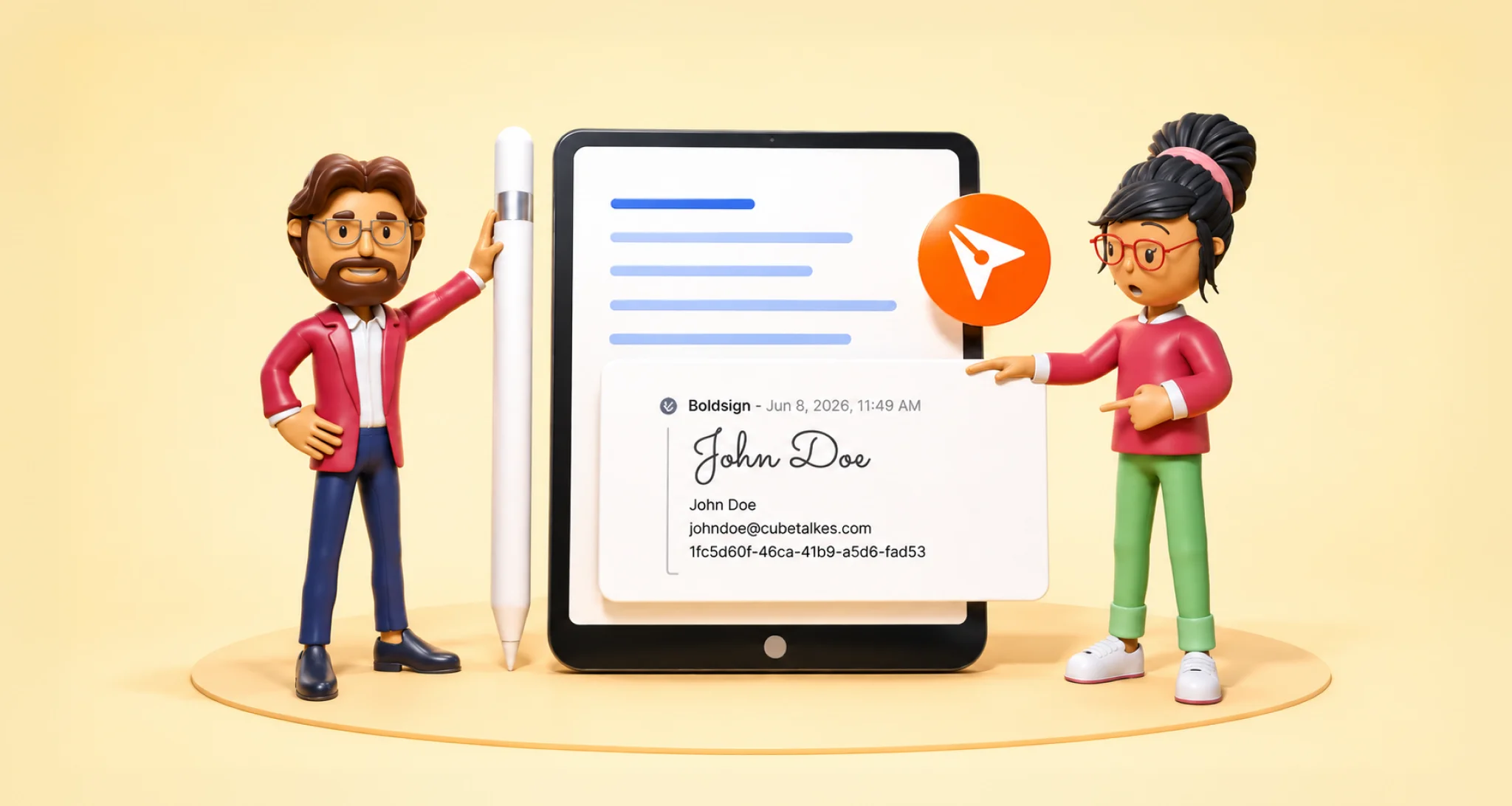
Learn what a signature frame is, how signature frame settings improve the signing experience, and how to add a frame to every signature field in BoldSign.

Use the BoldSign group signers API to send one signing step to a whole team. Any member can sign, and the audit trail shows who did. See steps and code.
Learn how masked text in eSignature forms hides ID numbers and bank details from other signers, how to turn it on in BoldSign, and who can see the value.

Match signer authentication to document risk in BoldSign: email codes for routine forms, SMS or access codes for more, KBA or ID checks for the most risk.

Learn how directories on contact groups decide which teams can act as group signers in the BoldSign API, with limits, fields and multi-tenant naming tips.