


How to Build Client Trust with Every eSignature Document
Use e-sign to build trust with customers: brand each request, write clear notes, show every step in an audit trail and follow up on time with BoldSign.
 Discover our mission, commitment to our customers, and leadership team.
 Stay updated with our latest news and announcements.
 Learn about the latest BoldSign products and company news.
 Earn ongoing referral fees by embedding and referring BoldSign to clients.
 Connect with us if you have any questions or need help.
 Your business is protected with BoldSign.
 Earn commission by promoting BoldSign via your site, blog, or socials.
 Join our team and build innovative software solutions.
 See the love for BoldSign from users about their experience.
Use e-sign to build trust with customers: brand each request, write clear notes, show every step in an audit trail and follow up on time with BoldSign.
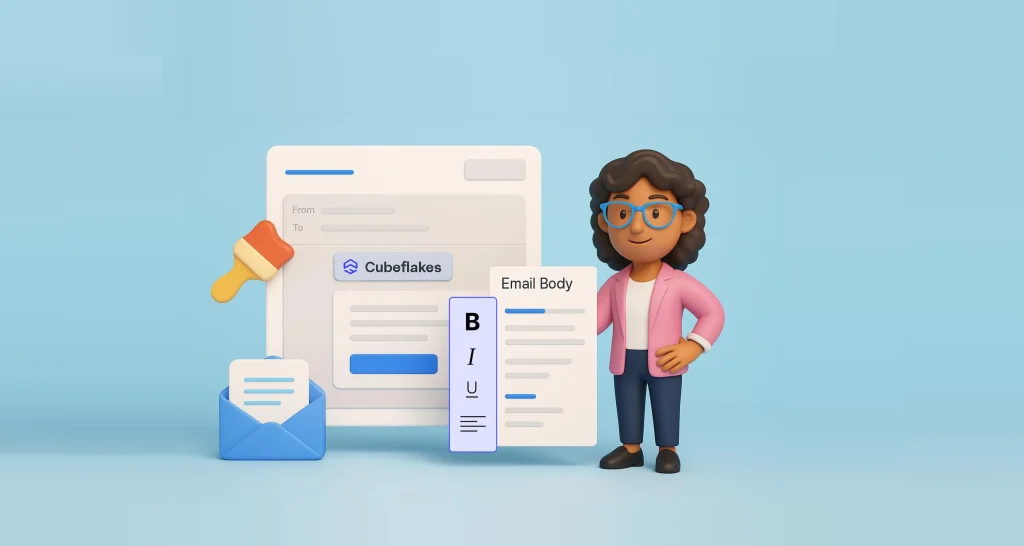
Learn how to customize each eSignature email in BoldSign: create a brand, edit the subject and body with placeholders, get approval and choose your plan.
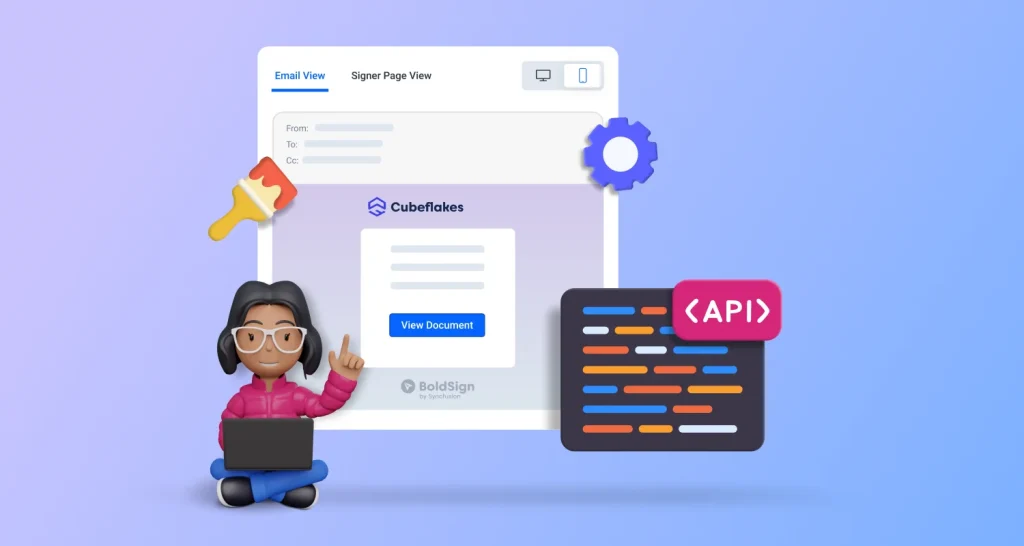
Create a brand with the BoldSign API, then add its brandId to each send request so request emails and signing pages show your logo, colors and sender name.

Answers about our 30-day electronic signature trial: no credit card required, document and user limits, file types, signers, cancelling and next steps.
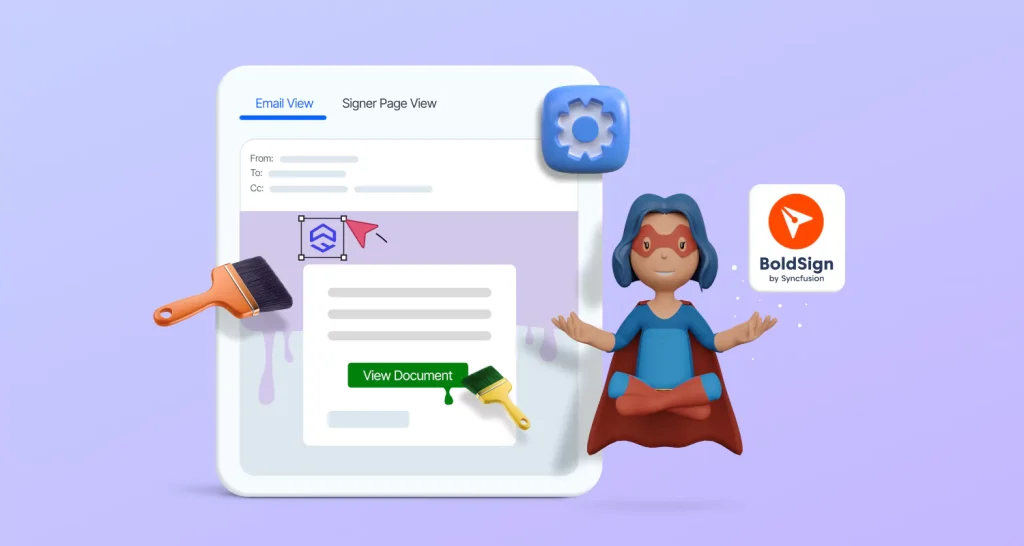
Learn how to customize branding in e-signature documents: add your logo, colors and sender name to BoldSign emails and signing pages, plus plan details.
Learn 6 ways to add your brand to eSignature workflows in BoldSign: your logo and colors, your own email domain, legal terms, a redirect page and more.