

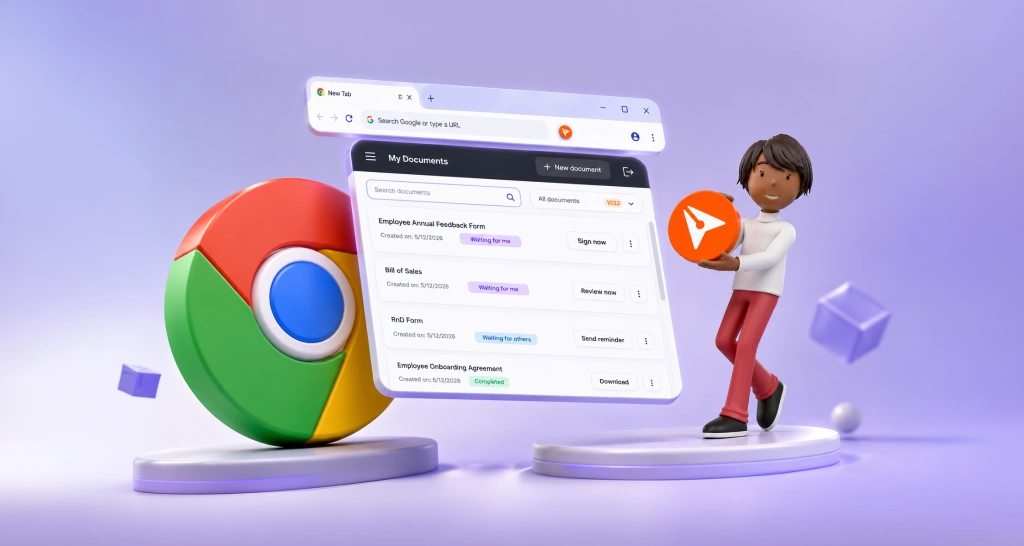
Introducing the BoldSign eSignature Browser Extension for Chrome
Our eSignature browser extension lets you track, sign and send BoldSign documents, remind signers and use templates, all from your Chrome or Edge toolbar.
 Discover our mission, commitment to our customers, and leadership team.
 Stay updated with our latest news and announcements.
 Learn about the latest BoldSign products and company news.
 Earn ongoing referral fees by embedding and referring BoldSign to clients.
 Connect with us if you have any questions or need help.
 Your business is protected with BoldSign.
 Earn commission by promoting BoldSign via your site, blog, or socials.
 Join our team and build innovative software solutions.
 See the love for BoldSign from users about their experience.
Gopinath is a passionate software developer with 2 years of experience at BoldSign. He is an avid writer and enjoys sharing his insights on technology and development. In his free time, he enjoys exploring new technologies and learning new things. Connect with him on LinkedIn.
Our eSignature browser extension lets you track, sign and send BoldSign documents, remind signers and use templates, all from your Chrome or Edge toolbar.
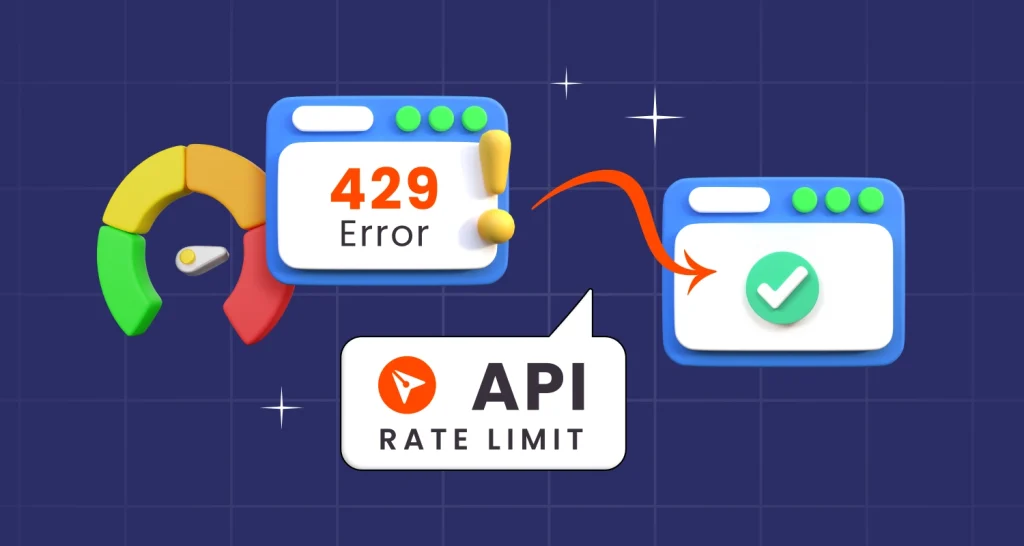
BoldSign API rate limits explained: 2,000 requests an hour live, 50 in the sandbox, what a 429 error means, and simple ways to keep your app within them.

Text tags let you place signature, date and text fields in a document by typing short codes. See the syntax, the API call and the field types we support.

Send one document to several signers in a single BoldSign API call: list each signer, give each one their own fields, then confirm delivery with webhooks.
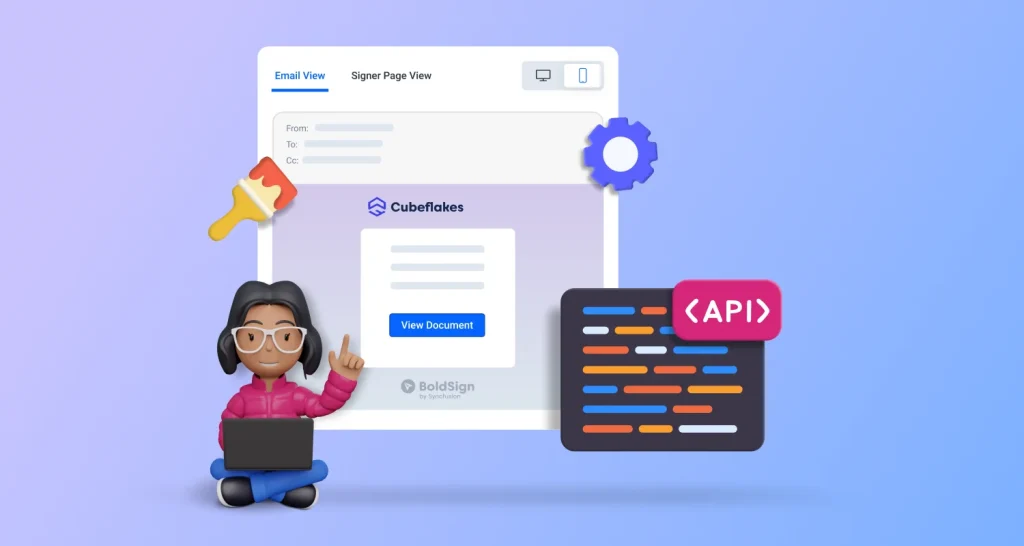
Create a brand with the BoldSign API, then add its brandId to each send request so request emails and signing pages show your logo, colors and sender name.
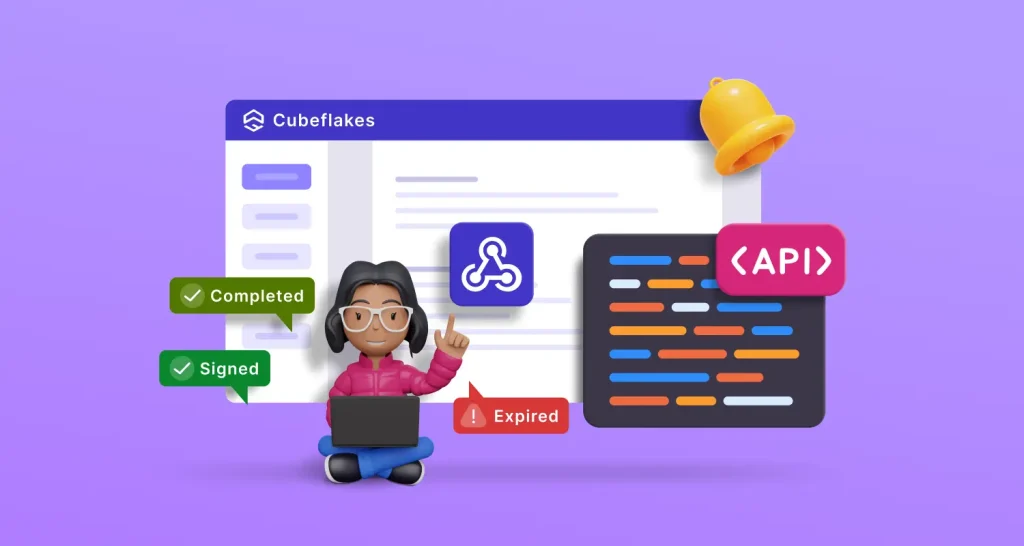
What is a webhook vs API? Learn how webhooks push events to your endpoint, why they save your app from polling, and how to set up our eSignature webhooks.
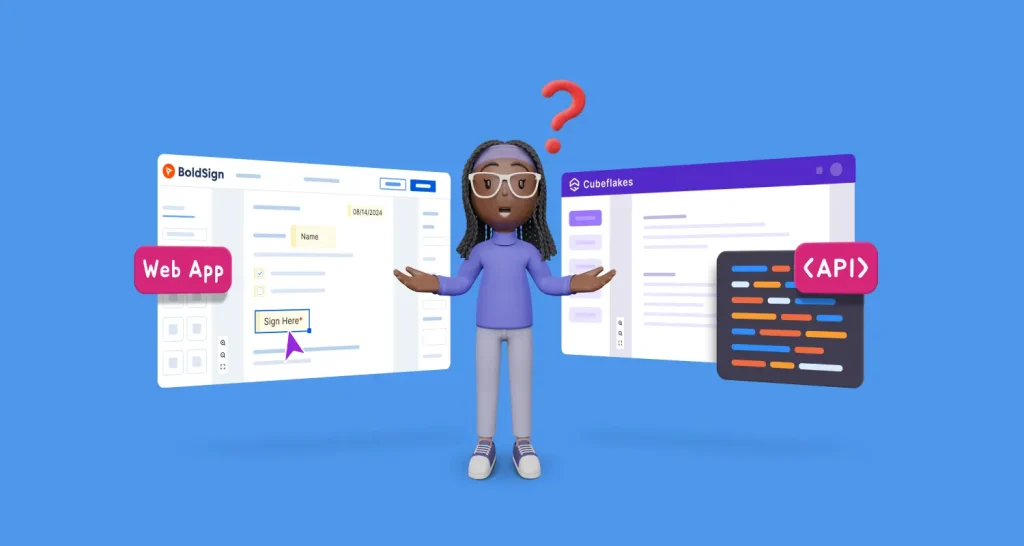
Compare the BoldSign web app and API: what each one does, who it suits, and what each plan costs, so you can choose how your team sends documents to sign.

Add electronic signatures to a Blazor app with the BoldSign API. Send from a template, sign in an iframe and download signed files when a webhook fires.
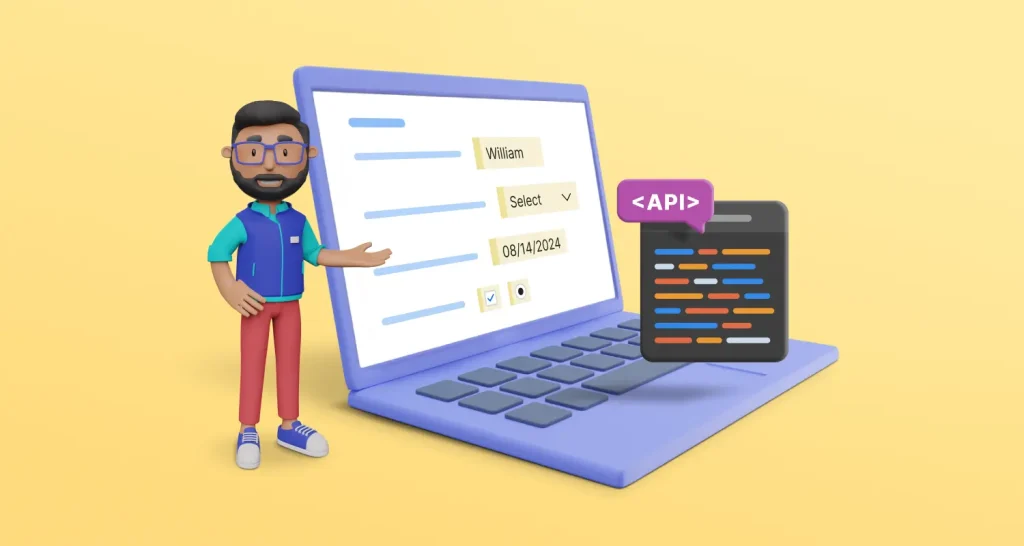
Prefill form fields after you send a document for eSignature: find each field ID, then call the BoldSign Prefill Fields API with the values you need now.

Send documents, create templates and build embedded links with JSON requests in the BoldSign API. See cURL samples and how to test each call in Postman.

Require your signers to prove who they are before they open a document. Set email OTP, SMS OTP, access code, KBA or ID checks with one field in our API.
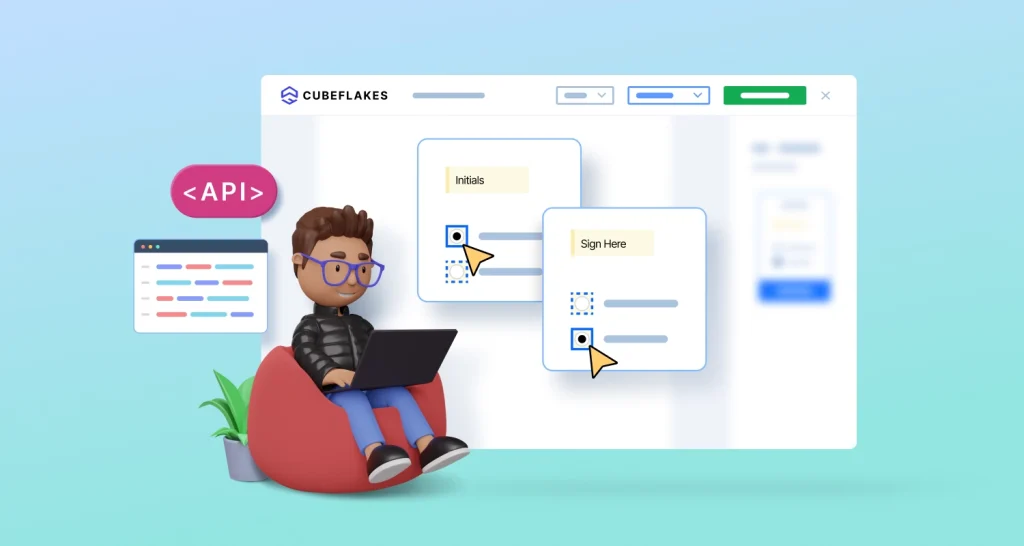
Learn to add conditional fields to eSignature documents with the BoldSign API. Show a field when a signer picks a checkbox, radio button or dropdown item.