


How to Send a Manual Reminder to Sign a Document via API
Send a manual reminder to sign a document with the BoldSign API. Choose which signers to nudge, add a message, and copy code samples in six languages.
 Discover our mission, commitment to our customers, and leadership team.
 Stay updated with our latest news and announcements.
 Learn about the latest BoldSign products and company news.
 Earn ongoing referral fees by embedding and referring BoldSign to clients.
 Connect with us if you have any questions or need help.
 Your business is protected with BoldSign.
 Earn commission by promoting BoldSign via your site, blog, or socials.
 Join our team and build innovative software solutions.
 See the love for BoldSign from users about their experience.
Gopinath is a passionate software developer with 2 years of experience at BoldSign. He is an avid writer and enjoys sharing his insights on technology and development. In his free time, he enjoys exploring new technologies and learning new things. Connect with him on LinkedIn.
Send a manual reminder to sign a document with the BoldSign API. Choose which signers to nudge, add a message, and copy code samples in six languages.

Use a BoldSign webhook to download each signed PDF once the last signer finishes, with signature checks and code samples in C#, Python, Node.js and PHP.
Add extra documents when you send an eSignature template via API. See the endpoint, file rules, and sample code in cURL, C#, Python, PHP, Java and Node.js.
Let users build eSignature templates inside your app: one API call returns a link to our template editor, and a few settings choose which buttons they see.
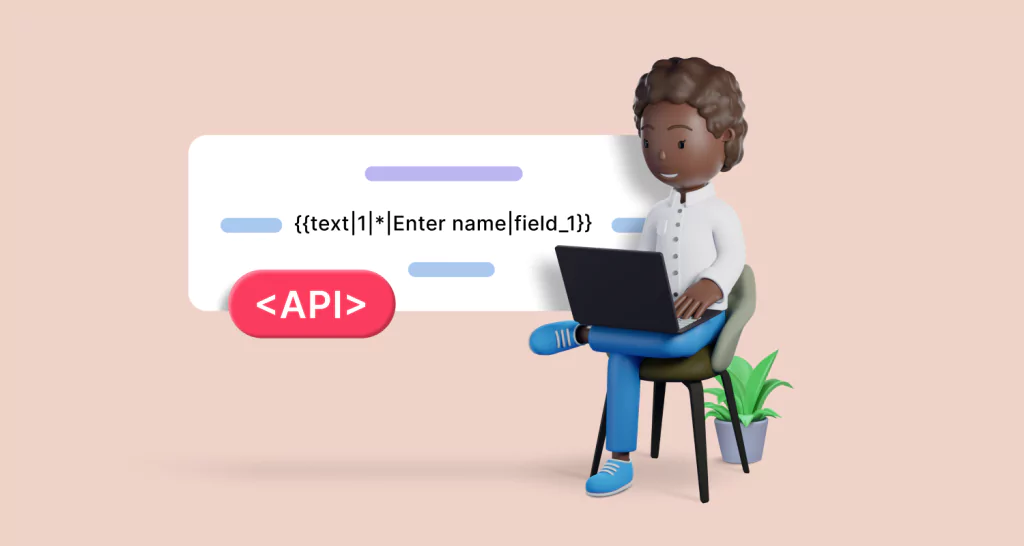
Place form fields in eSignature requests without coordinates: type BoldSign text tags into the document and send it through the API with UseTextTags on.

Download a signed PDF with the BoldSign API: one GET call with the document ID, when to call it, how onBehalfOf works, and code samples in six languages.
Add in-person signing to a document send with the BoldSign API: set signerType to InPersonSigner, add a host email, and see sample code in six languages.
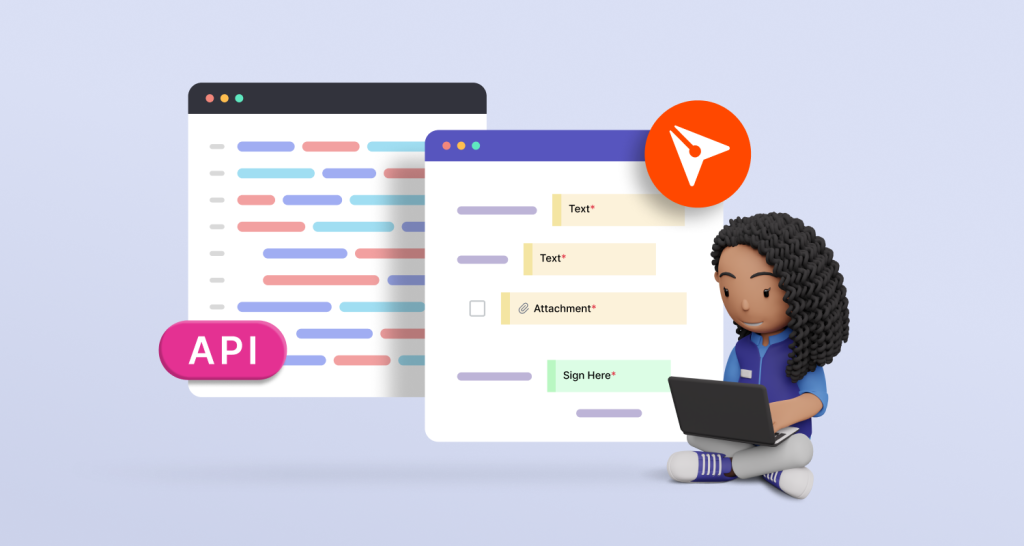
Create a reusable eSignature template with one API call. See the endpoint, roles, fields and webhooks, plus sample code in cURL, C#, Python, PHP and Java.
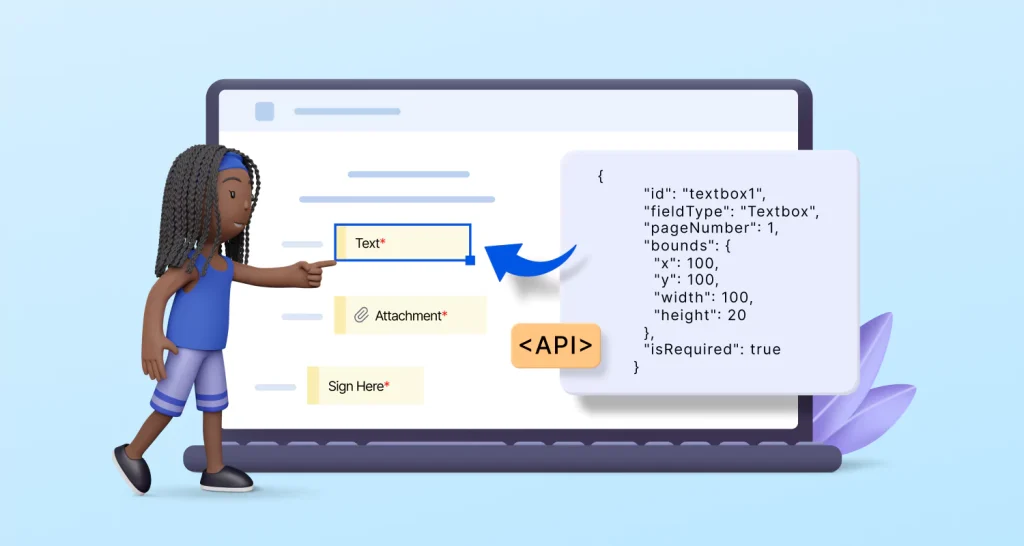
Add form fields to eSignature documents with the BoldSign API: send from templates, set exact positions, auto-detect fields or place them with text tags.

Electronic signature for insurance: get policy applications, policy changes, claim forms and renewals signed online by agents, brokers and policyholders.
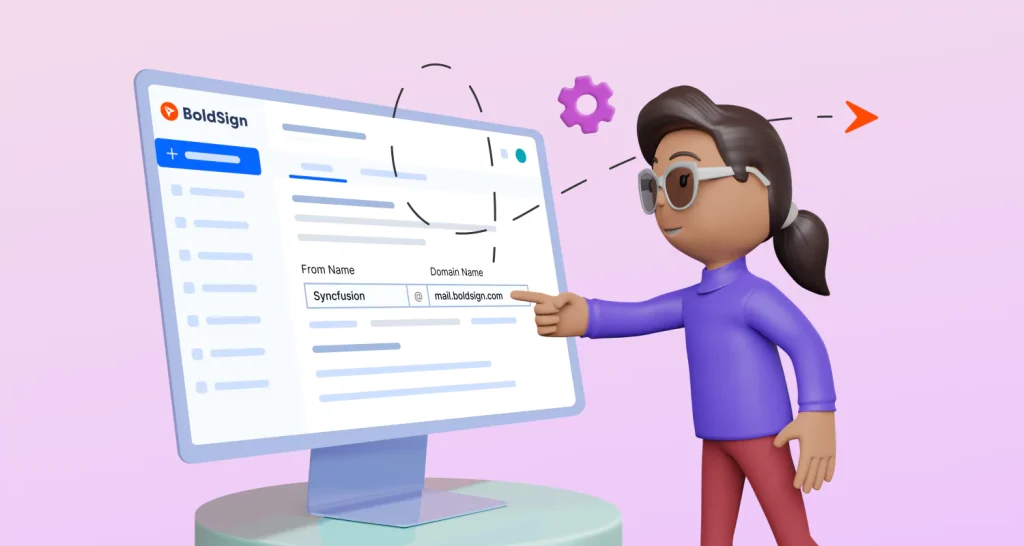
Learn how to send eSignature requests from your own email domain in BoldSign, from entering the domain to adding the DNS records our support team sends.
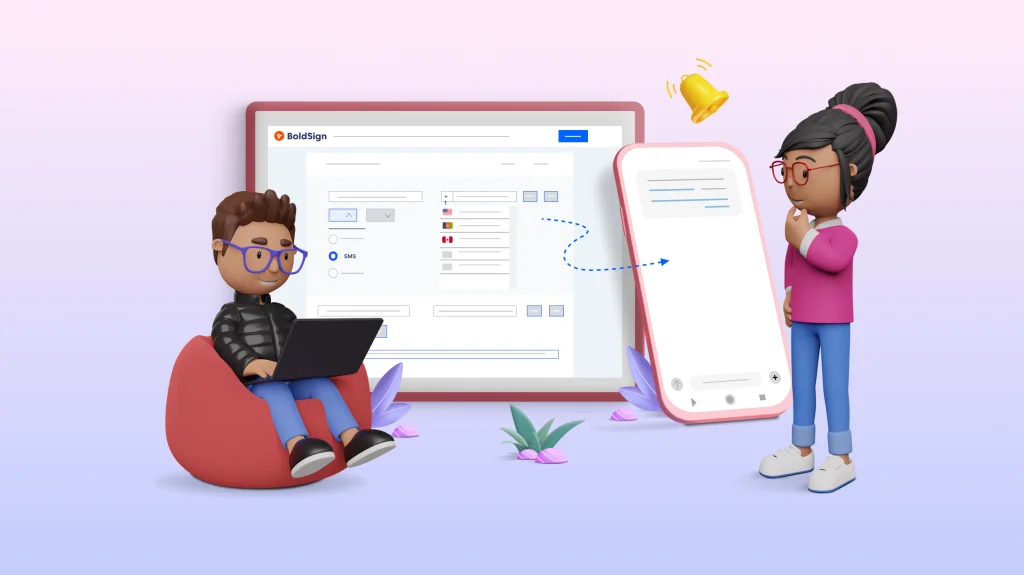
Request an eSignature via SMS: pick SMS as the delivery option, enter the signer's phone number, and they sign from a secure link in their phone's browser.