Is the Right Person Signing? Identity Verification in the Age of AI
 Meikanda Nayanar
TL;DR: Artificial intelligence (AI) can now fake a face, a voice or an ID photo, so one quick look no longer proves who is signing. Match the signer check to each document’s risk: an email code for routine forms, an ID check with a live selfie for high-stakes deals. Our signer authentication page lists every check we offer.
Checking a signer used to be simple. You saw the person, compared a signature or glanced at an ID card.
Software can now make a realistic face, copy a voice from a short clip and produce an ID photo that looks right on screen. So the question for anyone who sends agreements is plain: how do you know the right person is signing?
What is a deepfake, and why does it matter for eSignatures?
A deepfake is a fake image, video or voice made with AI to look like a real person. For eSignatures, a photo, a video call or an ID scan can no longer prove who someone is on its own.
Think of a shop that checks a banknote only by how it looks. Once copiers got good, shops added a pen test and a light check. Signer identity has reached the same point.
Why is one identity check no longer enough?
A single check has a single weak point. AI tools are getting better at attacking exactly those weak points.
- A convincing fake video can fool a check that looks at a face alone.
- Someone who breaks into an inbox can open a link sent only by email.
- A generated image can pass as an ID photo when nobody compares it to a live face.
The fix is to pick checks that an AI fake cannot pass by itself. A stolen inbox does not reveal a code you shared by phone. A fake ID photo still has to match a live selfie of a real face.
Which signer checks hold up against AI fakes?
Every signing invitation already goes to a set email address or phone number. On top of that, we offer five checks you can set for each signer:
- An email one-time passcode (OTP) sends a code to the signer’s inbox.
- An SMS OTP sends the code to the signer’s mobile number.
- An access code is one you choose and give the signer outside BoldSign.
- Knowledge-based authentication (KBA) asks US signers questions drawn from public records.
- ID verification asks the signer to photograph a passport or driver’s license and take a live selfie.
Each check is time-stamped in the document’s audit trail. Our guide to choosing a signer authentication method walks through setting them up.
How do you choose identity verification for each document?
Match the check to what the document puts at risk. Too much checking slows honest signers, and too little leaves a gap a fake can use.
- Routine, low-value forms, such as internal sign-offs: an email code is enough.
- Standard business agreements, such as nondisclosure agreements (NDAs): add an SMS code or an access code.
- High-stakes or regulated agreements, such as loans, leases and insurance claims: add ID verification with a live selfie.
- EU deals that need the highest legal weight: use a Qualified Electronic Signature.
You set the check per signer. A client on a lease can get an ID check while a co-worker on the same file gets an email code.
What protects a document after it is signed?
Signer checks protect the moment of signing. A digital signature and an audit trail protect the document after that.
When signing ends, we sign the final document and its audit trail with our AATL (Adobe Approved Trust List) certificate. Any later change to the file becomes easy to spot, whether a person, a faulty script or an AI tool made it. Our security policy explains how this works.
The audit trail answers the other risk, a signer who later denies signing. It records names, email addresses, Internet Protocol (IP) addresses and devices.
The trail also logs each verification step and the time of every action. Our help article lists what the audit trail contains.
We cover disputes in depth in our guide to preventing “I didn’t sign this” claims. Our post on why audit trails matter shows how the record holds up.
Does identity verification still work when an AI agent sends the agreement?
Yes, because the check happens on the signer’s side, whoever sends the request. The signer check carries much of the trust when an AI agent sends an agreement with no person watching.
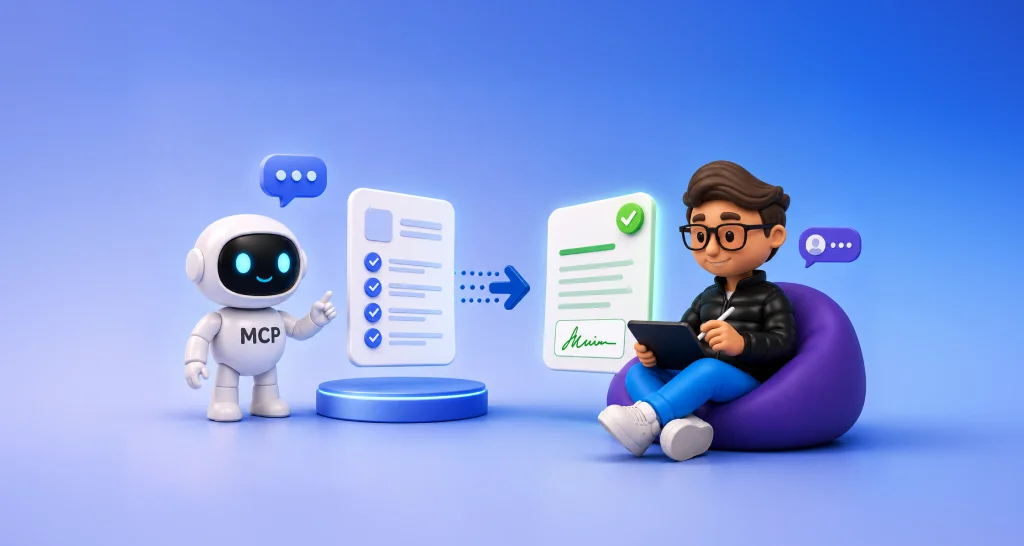
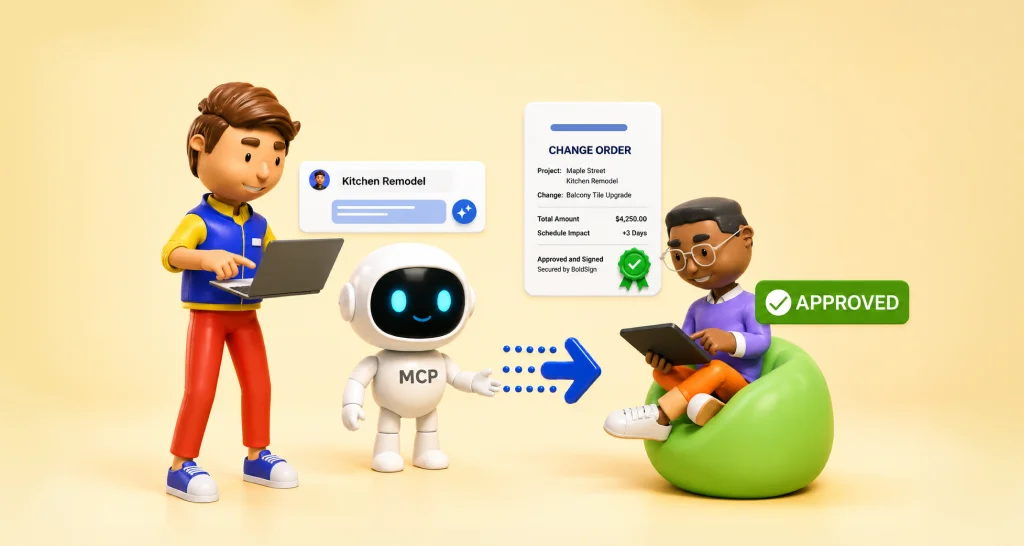
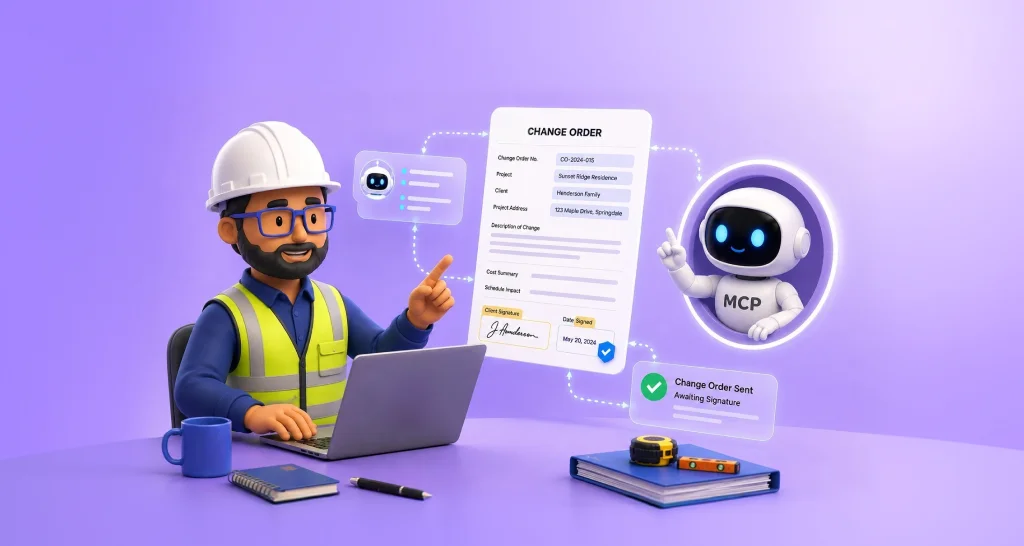
BoldSign MCP (Model Context Protocol) connects an AI agent to your BoldSign account. The agent can send a signing request from a template you approved, check its status and send reminders. Our BoldSign MCP page notes that it does not draft agreements or sign for anyone.
You can see the pattern in our AI warranty claim demo. An agent collects claim details through chat, sends the agreement with BoldSign MCP and tracks it. The demo is for showing the flow only, so its agreements are not legally binding.
The checks you set on the template still apply in your own workflow. The agent gets speed on the sending side, and you keep control of who can sign.
Which BoldSign plan do you need for identity verification, and what does it cost?
Email codes and access codes come with every plan, including the free Essential plan. SMS codes, KBA and ID verification start on the Business plan, as listed on the BoldSign pricing page in November 2026.
The Business plan costs $15 per user a month, and the Premium plan costs $99 a month for unlimited users, both billed yearly. Prices are in USD. ID verification adds $2 per verification, KBA adds $1.50 per attempt and SMS codes add $0.20 per SMS.
AI agents that use BoldSign MCP on live documents need the Enterprise API plan. It starts at $30 a month with 40 envelopes, plus $0.75 per extra envelope. Testing in the free API sandbox costs nothing.
How do you start verifying signers in the age of AI?
Pick one agreement you send often and decide which check fits its risk. Then try it on a real send.
- Start a 30-day free trial and add a signer check to your next agreement.
- Watch the AI warranty claim agent send and track an agreement from a chat.
- Create a free API sandbox account to test an AI agent workflow with BoldSign MCP.
Frequently asked questions
Can someone use an AI-generated fake identity to sign a document electronically?
They can try, so a single check is a weak defence. A code sent through a second channel, or an ID photo matched to a live selfie, makes a fake much harder to pass.
What is a deepfake?
A deepfake is a fake image, video or voice made with artificial intelligence (AI) to look or sound like a real person. Some also mean fake ID photos made the same way.
Can a deepfake video pass a live selfie check?
A live selfie check is built to stop that. The signer takes a selfie in real time, and the face must match the photo on their passport or driver's license.
What is signature repudiation?
Repudiation is when a person denies signing an agreement. Signer checks plus a full audit trail give you a record of who signed, when and how.
How do I choose the right signer verification method?
Match the check to what the document puts at risk. A code to the signer's inbox suits routine forms, while loans and leases call for an ID check with a selfie.
Is an eSignature with ID verification legally binding?
Yes, when it meets the usual rules for electronic signatures, such as the signer agreeing to sign electronically. ID verification adds evidence of who signed, which helps in a dispute.
Can an AI agent send a document for signature with BoldSign?
Yes. With BoldSign MCP, an AI agent can send a signing request from a template you approved and track it. The agent does not draft agreements or sign for anyone.
How much does ID verification cost in BoldSign?
ID verification costs $2 per verification on top of a Business, Premium or Enterprise API plan. Email codes and access codes come at no extra charge.

Meikanda Nayanar
A veteran product manager at BoldSign, boasting a decade-long journey as a .NET developer. With a rich history of leading product development across diverse technologies like Windows Forms, WPF, UWP, Xamarin.Forms, Flutter, and MAUI, Meikandan brings a unique blend of technical expertise and strategic insight to the table. Connect with him on LinkedIn.
More posts by Meikanda Nayanar