

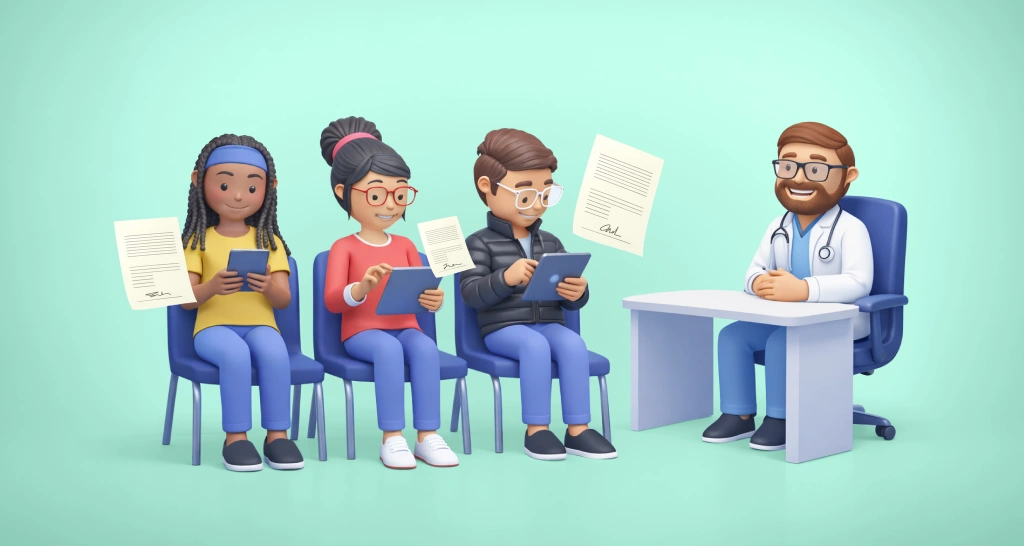
How Electronic Signatures in Healthcare Work, From Intake Form to Patient Record
See how electronic signatures in healthcare work, step by step: which forms to move online, the benefits for staff and patients, and what HIPAA asks for.
 Discover our mission, commitment to our customers, and leadership team.
 Stay updated with our latest news and announcements.
 Learn about the latest BoldSign products and company news.
 Earn ongoing referral fees by embedding and referring BoldSign to clients.
 Connect with us if you have any questions or need help.
 Your business is protected with BoldSign.
 Earn commission by promoting BoldSign via your site, blog, or socials.
 Join our team and build innovative software solutions.
 See the love for BoldSign from users about their experience.
Browse general articles and updates for BoldSign’s eSignature platform. Stay informed about features, tips, and best practices for secure digital signing.
See how electronic signatures in healthcare work, step by step: which forms to move online, the benefits for staff and patients, and what HIPAA asks for.
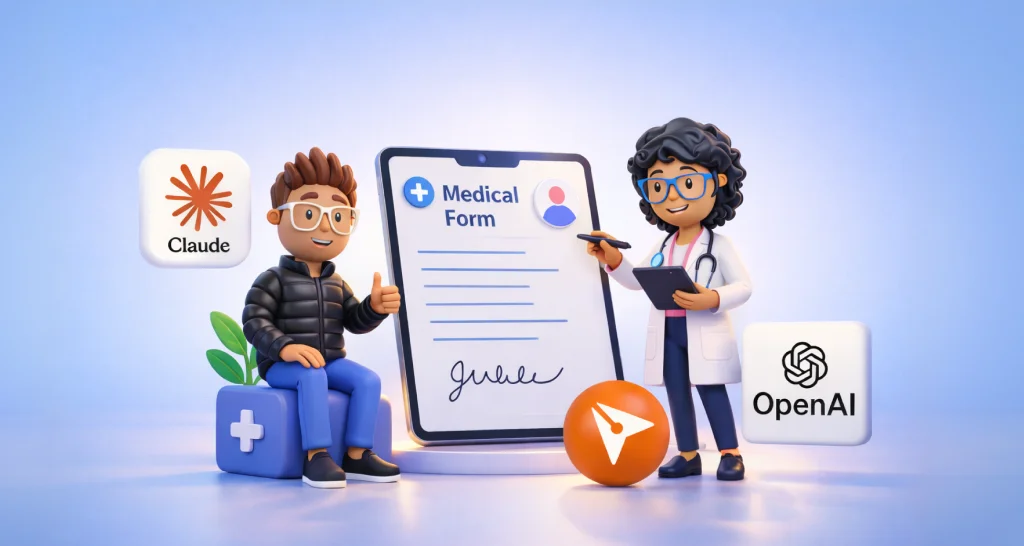
See what AI for health teams looks like with Claude for Healthcare, and how we turn AI-prepared forms into signed, HIPAA-ready records from $15 per user.

How long to keep e-signed records under the ESIGN Act and US federal rules, what to keep with each signature, and how we store and delete signed files.
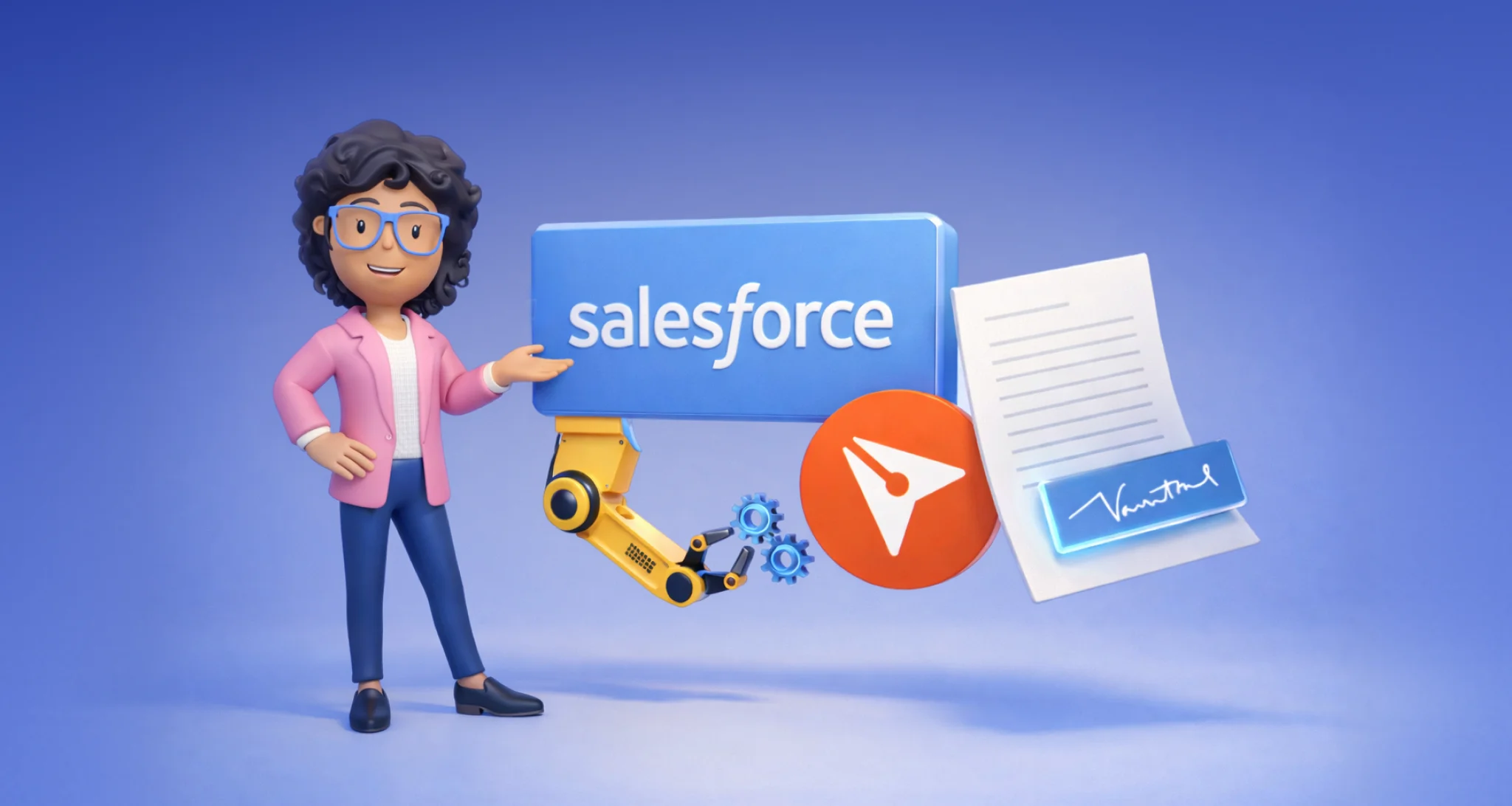
Our eSignature for Salesforce sends contracts from records, fills templates from fields, tracks status and saves signed PDFs. See setup and add-on cost.
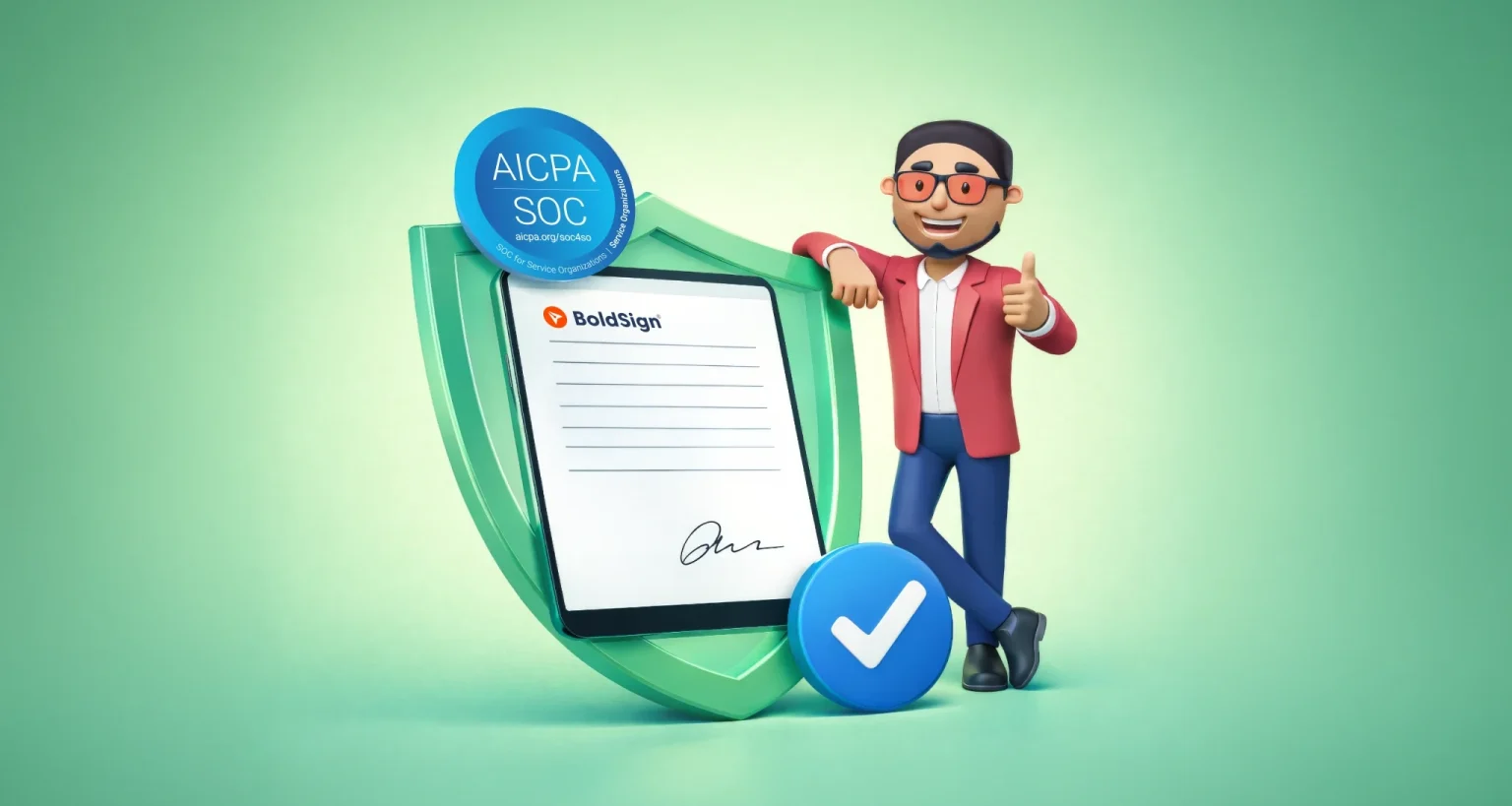
Learn what a SOC 2 Type 2 report shows about an e-signature provider, how it differs from Type 1, and what to check in its scope, dates and audit controls.
BoldSign is now on the HubSpot Marketplace. Learn what the app adds to your records, how to install and connect it, and which plan you need to use it.

Nonprofit board governance relies on signed approvals. See how volunteer boards sign resolutions and budgets online, and what nonprofit pricing costs.
Our free 64-page eBook helps you choose the right electronic signature platform, from signature types and legal rules to security, features and rollout.
Leave a review of BoldSign and unlock a $20 donation to World Central Kitchen. Make an impact in just five minutes!
Add ID verification to rental applications: each applicant shows a government ID and a selfie before signing, and the check is kept in your audit trail.
Missed the BoldSign webinar? Explore new QES, AI‑assisted fields, WhatsApp notifications, and more new features designed for faster, compliant eSigning.
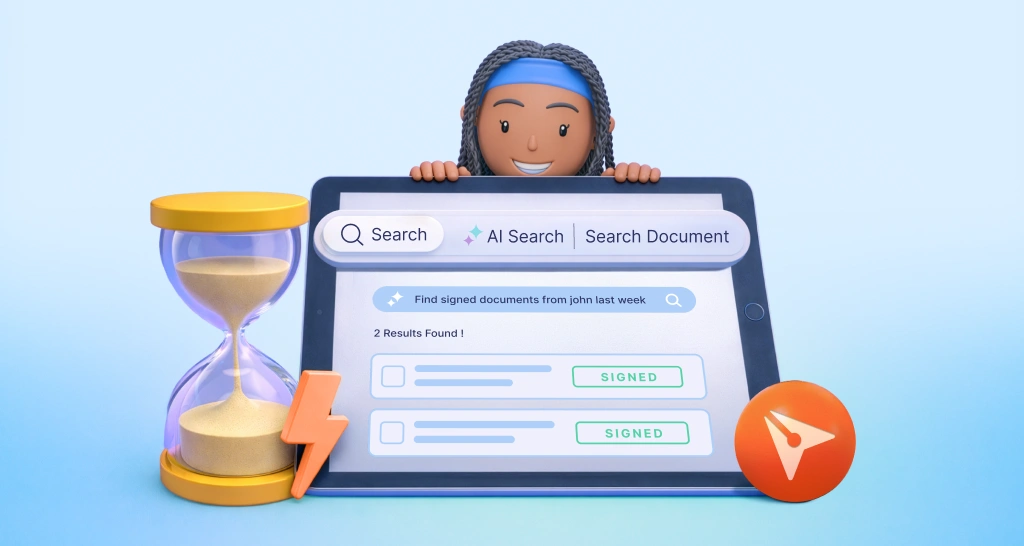
AI document search in BoldSign finds documents and templates from one plain sentence. Search by signer, status, date or tag, with no filters to set up.