

Webinar Show Notes – Automate Google Sheets with BoldSign & Zapier
Missed the BoldSign webinar? See how Zapier and Google Sheets automate e-signature workflows. No code needed, just smart Zaps and seamless integration.
 Discover our mission, commitment to our customers, and leadership team.
 Stay updated with our latest news and announcements.
 Learn about the latest BoldSign products and company news.
 Earn ongoing referral fees by embedding and referring BoldSign to clients.
 Connect with us if you have any questions or need help.
 Your business is protected with BoldSign.
 Earn commission by promoting BoldSign via your site, blog, or socials.
 Join our team and build innovative software solutions.
 See the love for BoldSign from users about their experience.
Browse general articles and updates for BoldSign’s eSignature platform. Stay informed about features, tips, and best practices for secure digital signing.
Missed the BoldSign webinar? See how Zapier and Google Sheets automate e-signature workflows. No code needed, just smart Zaps and seamless integration.
Embed eSignature forms in WordPress with no code: create a BoldSign bulk link, paste its embed code into a Custom HTML block, and let visitors sign there.
BoldSign’s August 2025 updates bring multi-signer QES, mobile template editing, hyperlink support, and smarter document delivery for faster workflows. Try now!
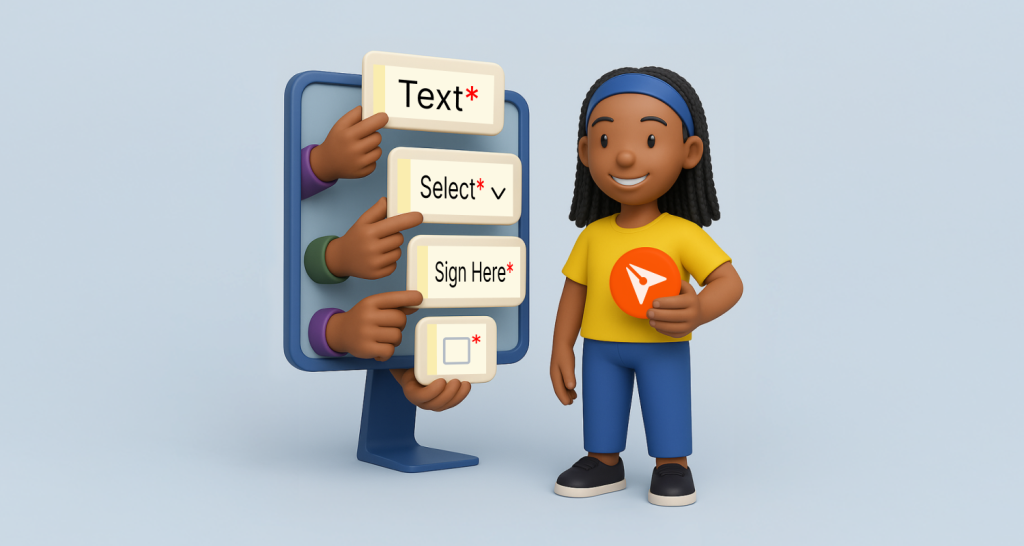
Learn how to configure BoldSign form fields for faster signing. This webinar recap shows smart field setup, autofill, & validation tips for smoother workflows.

Save up to 80% on eSignatures with BoldSign for schools and counties. Streamline contracts, forms, and approvals with secure, easy-to-use digital signing.
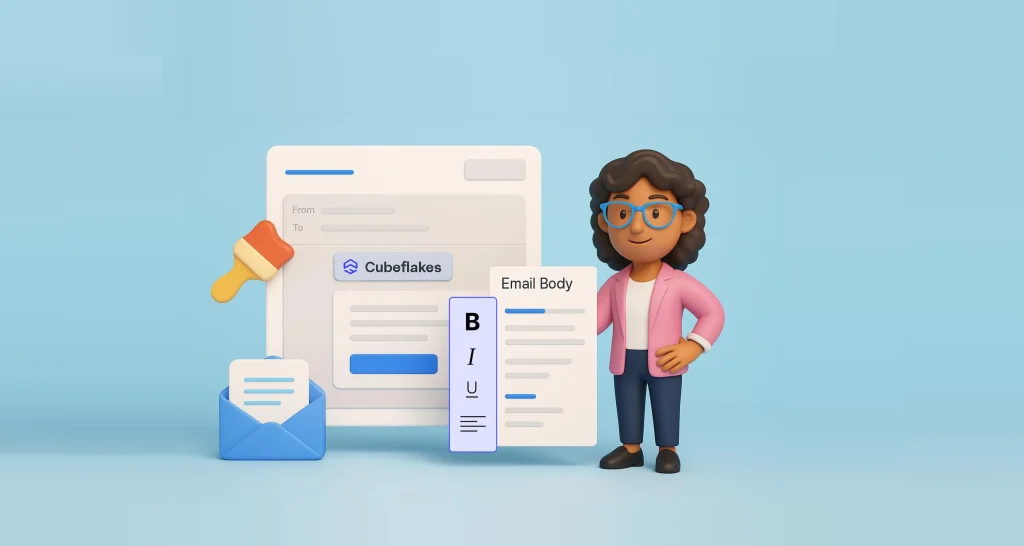
Learn how to customize each eSignature email in BoldSign: create a brand, edit the subject and body with placeholders, get approval and choose your plan.

Our webinar recap shows how to collect signatures on a WordPress page with one bulk link, with no code needed, for petitions, events and volunteer forms.

Multichannel delivery lets you send each signer a request by email, SMS, email and SMS, or WhatsApp. See when each channel fits and how to set each up.
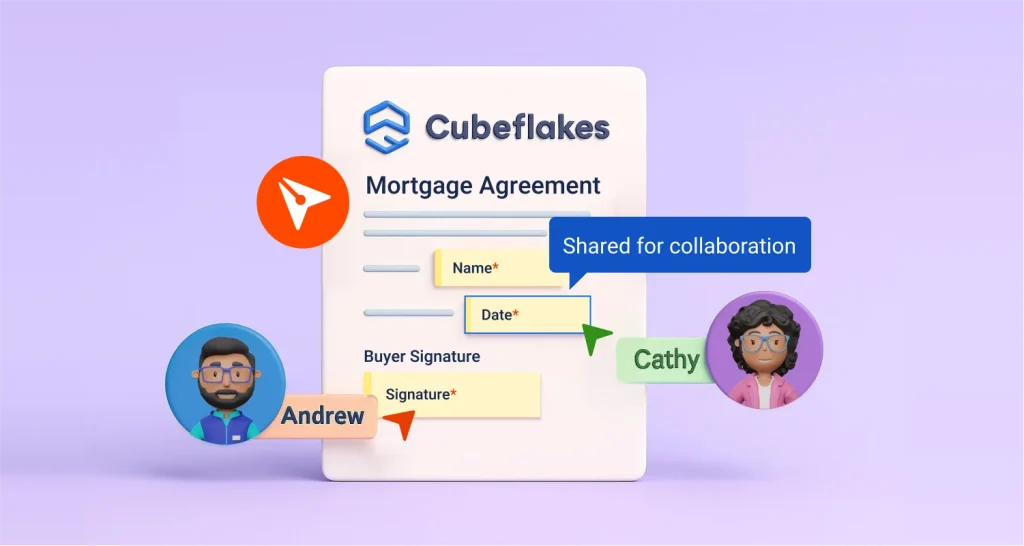
Learn how collaborative fields let two or more signers edit one form field while signing, with initials, re-sign approval and a full record of changes.
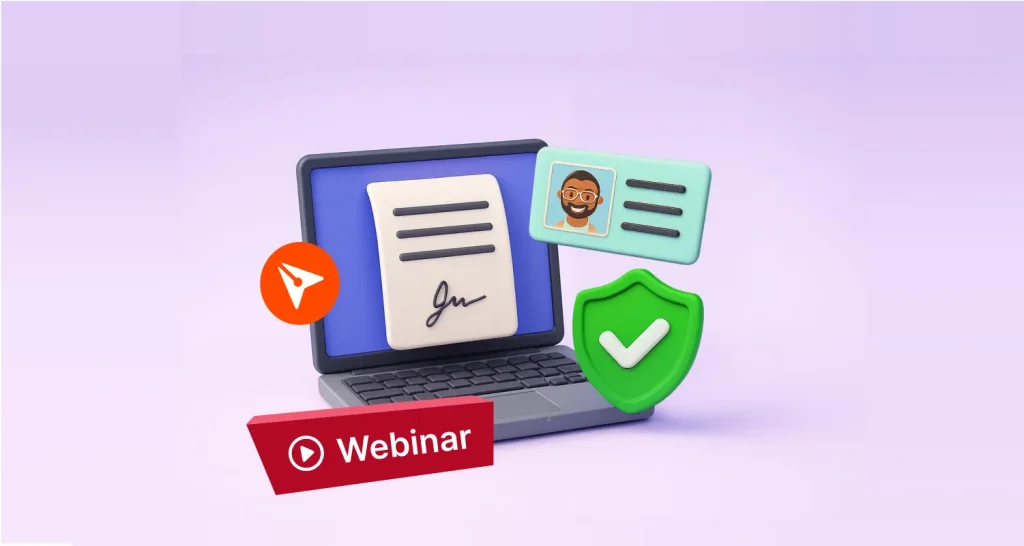
Watch our ID verification webinar recap: how to turn on signer ID checks in BoldSign, pick the right settings, and review a failed check by hand if needed.
Check out what’s new in BoldSign® July 2025 updates: AI form detection, Edit Document API, Entra ID sync, and mobile upgrades for smarter e-signing.
Learn how AI form field placement in BoldSign finds the lines and boxes in your PDF or Word file and adds signature, date and text fields to a template.