


Make Dynamic Documents Effortless with BoldSign Text Tags: Webinar
Tired of manual field mapping? Join BoldSign’s free webinar to embed Text Tags, auto-convert to fields & scale .NET workflows. Reserve your spot. Demo included!
 Discover our mission, commitment to our customers, and leadership team.
 Stay updated with our latest news and announcements.
 Learn about the latest BoldSign products and company news.
 Earn ongoing referral fees by embedding and referring BoldSign to clients.
 Connect with us if you have any questions or need help.
 Your business is protected with BoldSign.
 Earn commission by promoting BoldSign via your site, blog, or socials.
 Join our team and build innovative software solutions.
 See the love for BoldSign from users about their experience.
Tired of manual field mapping? Join BoldSign’s free webinar to embed Text Tags, auto-convert to fields & scale .NET workflows. Reserve your spot. Demo included!

Learn how to configure BoldSign form fields for faster signing. This webinar recap shows smart field setup, autofill, & validation tips for smoother workflows.

Learn how collaborative fields let two or more signers edit one form field while signing, with initials, re-sign approval and a full record of changes.

Learn how AI form field placement in BoldSign finds the lines and boxes in your PDF or Word file and adds signature, date and text fields to a template.

Use formula fields in the BoldSign web app to add up totals, count days between dates and show or hide fields, so each document does the math for you.

Learn how to edit an in-progress document in BoldSign: fix signer details, add recipients, change settings and update form fields without starting over.

Learn the difference between checkboxes and radio buttons, when to use each in a form, and how to add both fields to a document you send with BoldSign.

Group checkbox fields in the BoldSign API set how many boxes a signer must tick. See the four validation rules, sample code in five languages and the plan.

Learn how to clone a document with form fields in BoldSign, which field values carry over to the copy, and when a reusable template is the better choice.

Text tags let you place signature, date and text fields in a document by typing short codes. See the syntax, the API call and the field types we support.
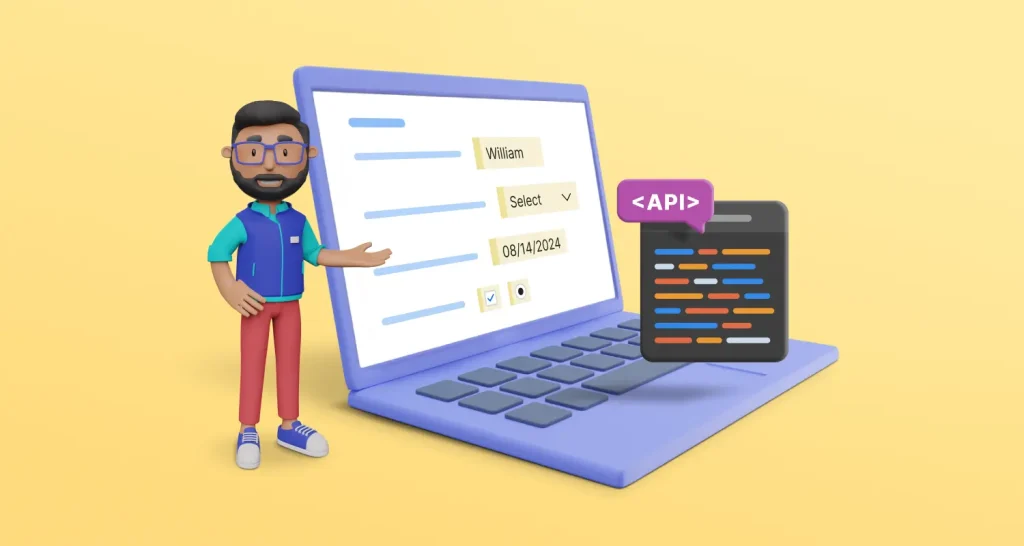
Prefill form fields after you send a document for eSignature: find each field ID, then call the BoldSign Prefill Fields API with the values you need now.
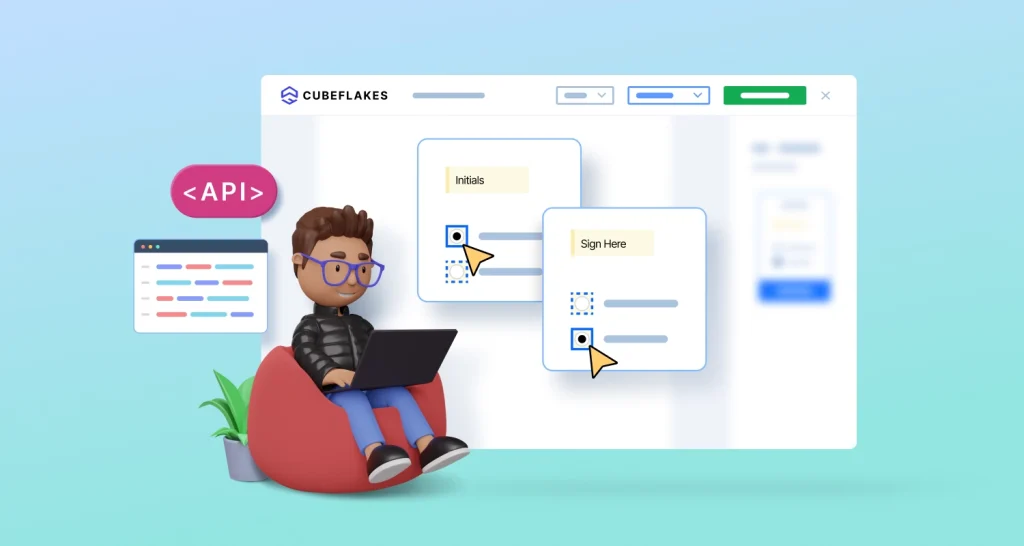
Learn to add conditional fields to eSignature documents with the BoldSign API. Show a field when a signer picks a checkbox, radio button or dropdown item.