


Top 6 BoldSign Features Our Users Rely On Every Day
See the top 6 BoldSign features our users rely on, from signer checks and branding to SMS delivery and reminders, and which of our plans includes each.
 Discover our mission, commitment to our customers, and leadership team.
 Stay updated with our latest news and announcements.
 Learn about the latest BoldSign products and company news.
 Earn ongoing referral fees by embedding and referring BoldSign to clients.
 Connect with us if you have any questions or need help.
 Your business is protected with BoldSign.
 Earn commission by promoting BoldSign via your site, blog, or socials.
 Join our team and build innovative software solutions.
 See the love for BoldSign from users about their experience.
Rowan contributes to the BoldSign blogs and helps the articles team. He is passionate about writing high-quality and informative content. His interests include reading books, writing, and exploring.
See the top 6 BoldSign features our users rely on, from signer checks and branding to SMS delivery and reminders, and which of our plans includes each.
Learn how to edit an in-progress document in BoldSign: fix signer details, add recipients, change settings and update form fields without starting over.

Learn how to clone a document with form fields in BoldSign, which field values carry over to the copy, and when a reusable template is the better choice.
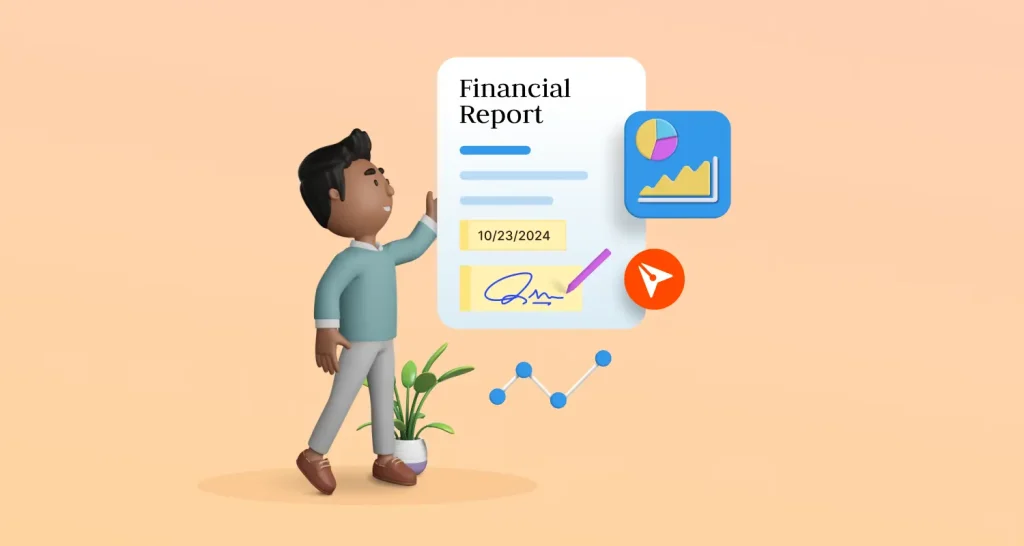
Learn how to send a financial statement for signature, check who signs, track progress and keep investor documents secure online with BoldSign eSignatures.
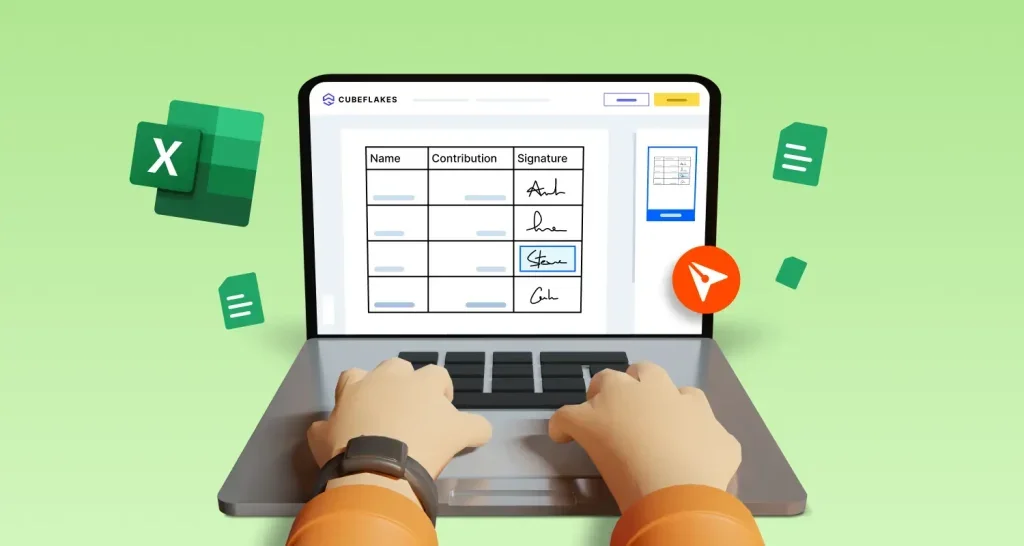
Learn how to insert a signature in Excel with a signature image, an Excel signature line or an eSignature, and which method records who signed and when.
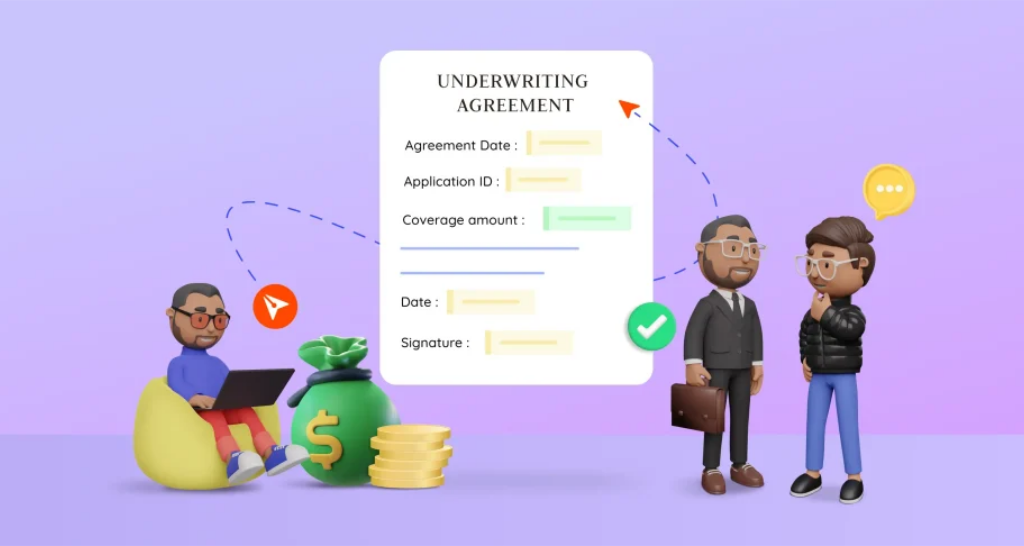
Get underwriting agreements signed online: add each signer in order, check who is signing, track every sign-off and keep an audit trail with BoldSign.
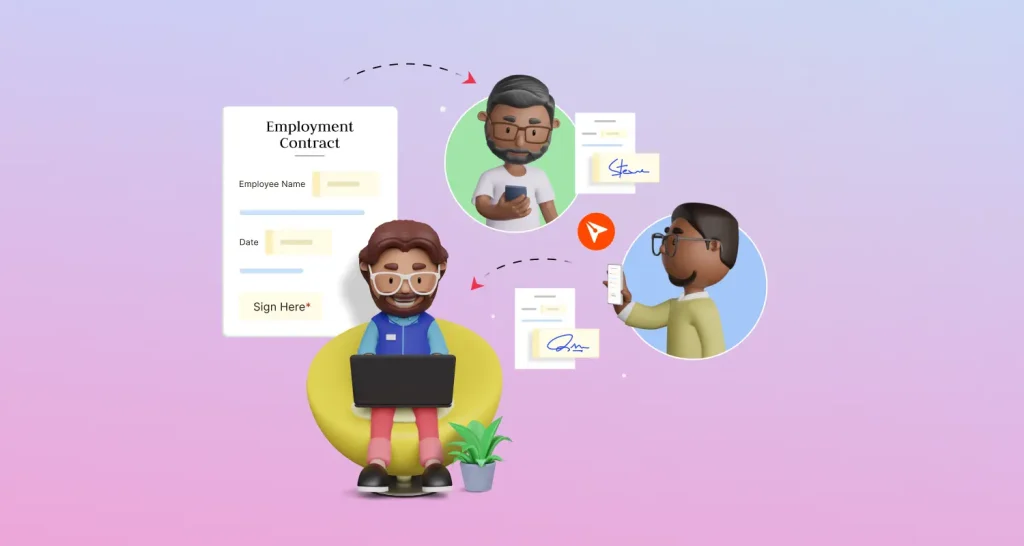
See how HR teams send employment contracts and offer letters for e-signature, one at a time or many at once, with saved templates and a full audit trail.
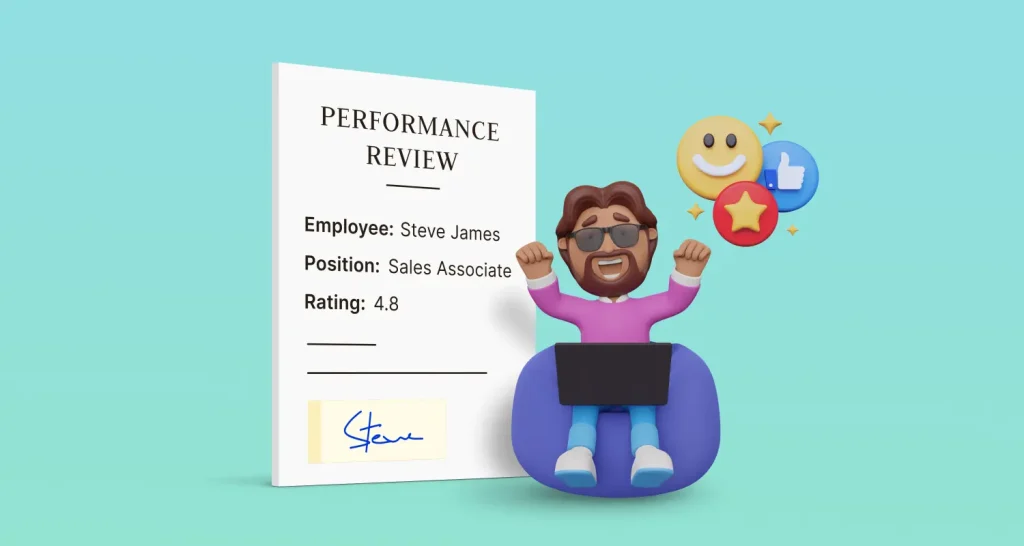
Send HR performance reviews for eSignature with templates, a signing order, reminders and an audit trail, so each review gets signed and filed on time.