

How to Sign Documents Electronically with BoldSign
Learn how to sign a document electronically with BoldSign, how to send one for signature, and how the audit trail records each step. Start a free trial.
 Discover our mission, commitment to our customers, and leadership team.
 Stay updated with our latest news and announcements.
 Learn about the latest BoldSign products and company news.
 Earn ongoing referral fees by embedding and referring BoldSign to clients.
 Connect with us if you have any questions or need help.
 Your business is protected with BoldSign.
 Earn commission by promoting BoldSign via your site, blog, or socials.
 Join our team and build innovative software solutions.
 See the love for BoldSign from users about their experience.
Learn how to sign a document electronically with BoldSign, how to send one for signature, and how the audit trail records each step. Start a free trial.

Electronic signature benefits for business users: faster signing, lower paper costs, audit trails and signing on any device, with the features behind each.

See the top 6 BoldSign features our users rely on, from signer checks and branding to SMS delivery and reminders, and which of our plans includes each.

Free eSignature for nonprofits: send volunteer agreements, consent forms and grant papers to sign online. Verified nonprofits get our Growth plan free.
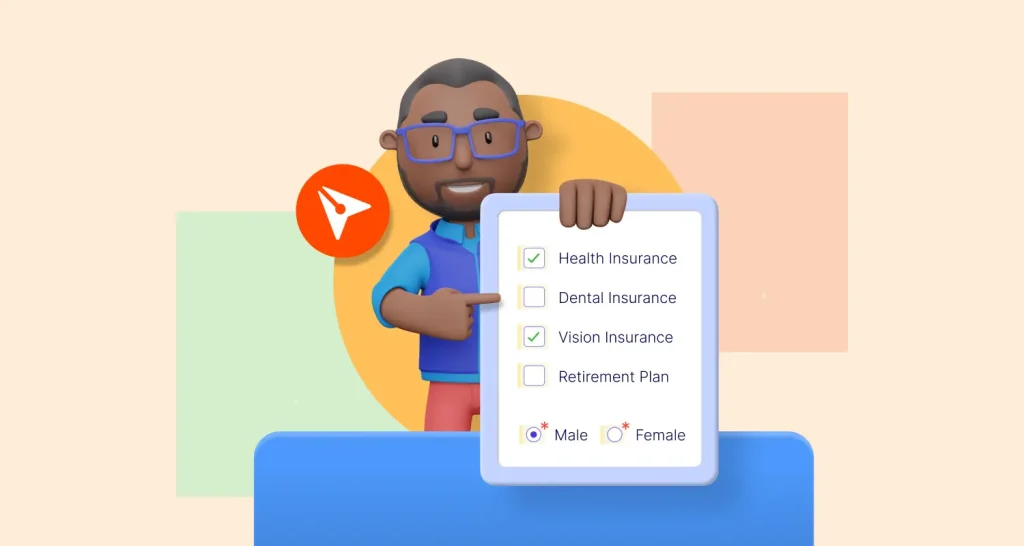
Learn the difference between checkboxes and radio buttons, when to use each in a form, and how to add both fields to a document you send with BoldSign.
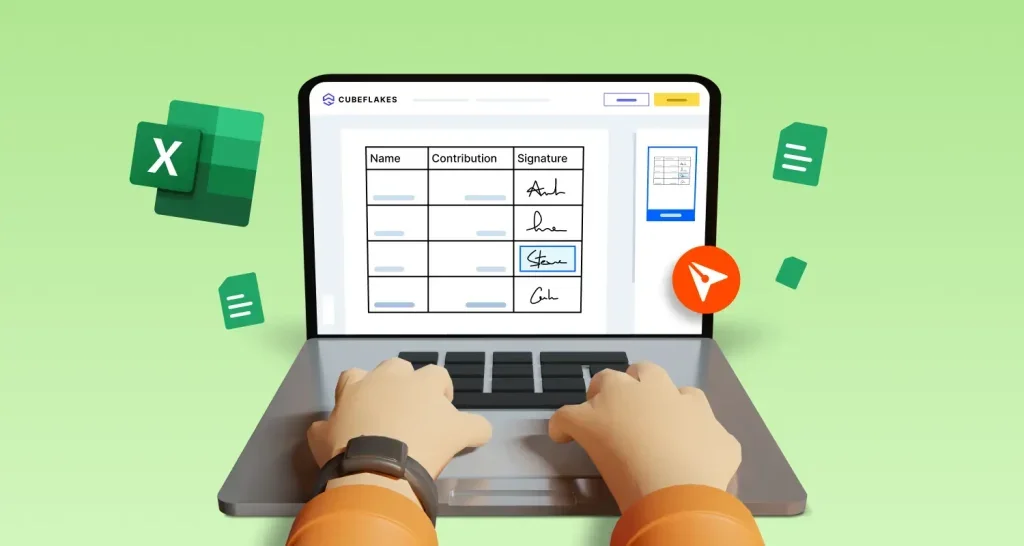
Learn how to insert a signature in Excel with a signature image, an Excel signature line or an eSignature, and which method records who signed and when.
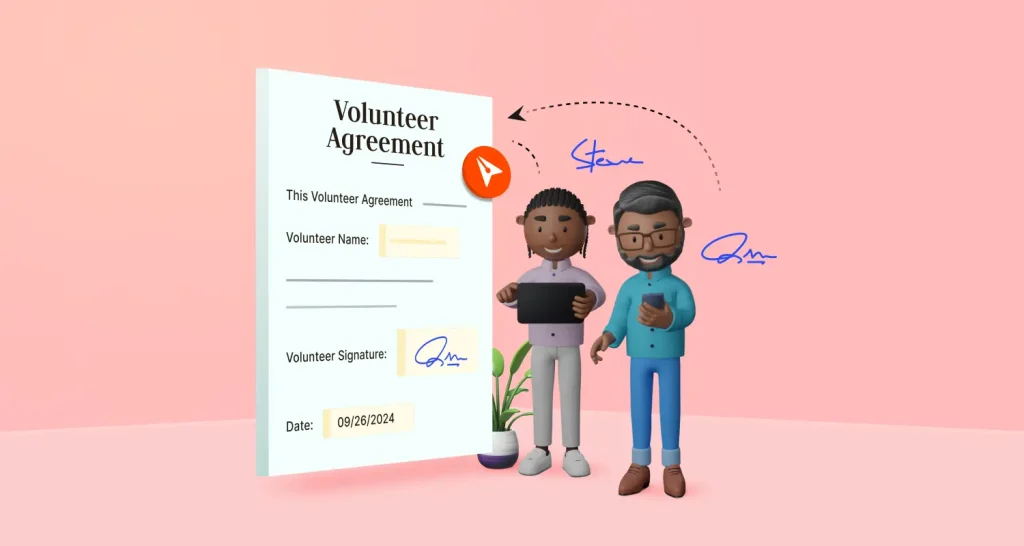
eSignature for nonprofits: send volunteer agreements from saved templates, let volunteers sign on a phone in their language, and track every signature.

Board signature software lets directors sign resolutions, minutes and policies online. See how to send board papers, check who signs and track approvals.
Six questions to ask when choosing an eSignature platform: features, security, the law, ease of use, mobile signing and cost, plus what to ask by size.
Clear answers to common electronic signature questions: is it legal, what can you sign, how safe is it, which free app to use and what our plans cost.
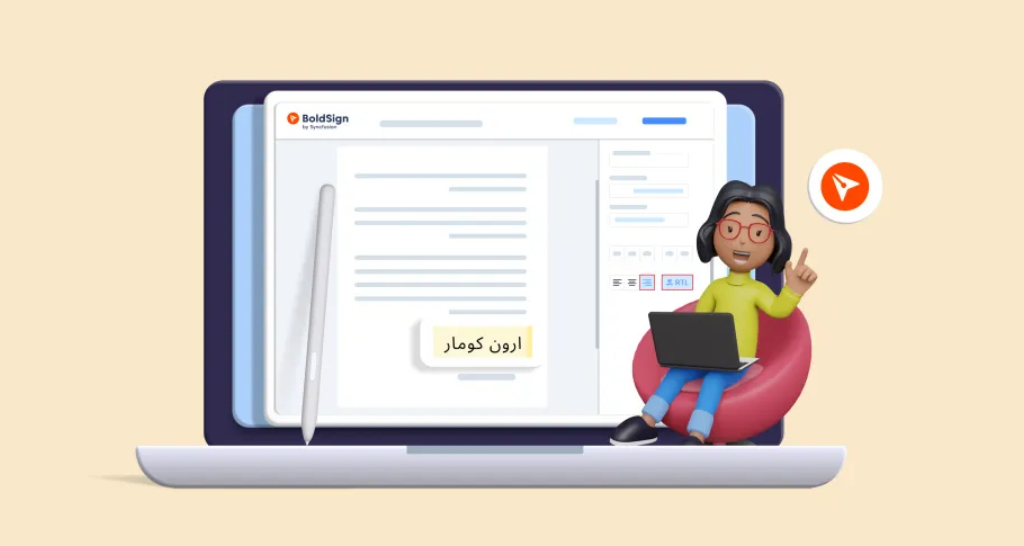
Sign Arabic documents electronically: turn on right-to-left text in BoldSign form fields so signers type Arabic correctly, then send, track and download.
An electronic signature buying guide: the questions to ask about features, legal records, security, limits, API access and cost before you pick a tool.