

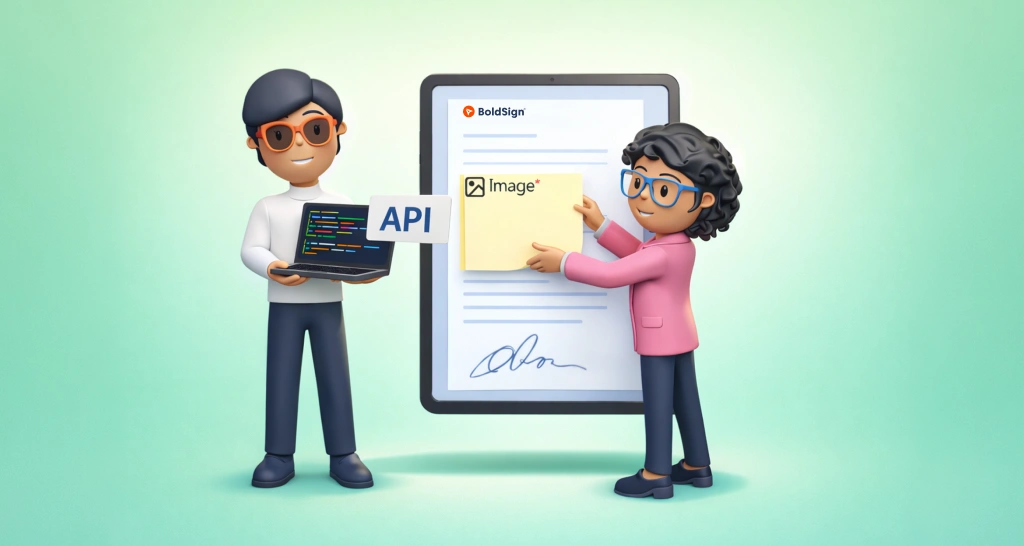
Collect Signer Information Using Image Form Fields via API
Add image form fields with the BoldSign API so signers upload an ID photo, receipt or picture while they sign, and the image stays in the signed document.
 Discover our mission, commitment to our customers, and leadership team.
 Stay updated with our latest news and announcements.
 Learn about the latest BoldSign products and company news.
 Earn ongoing referral fees by embedding and referring BoldSign to clients.
 Connect with us if you have any questions or need help.
 Your business is protected with BoldSign.
 Earn commission by promoting BoldSign via your site, blog, or socials.
 Join our team and build innovative software solutions.
 See the love for BoldSign from users about their experience.
Add image form fields with the BoldSign API so signers upload an ID photo, receipt or picture while they sign, and the image stays in the signed document.
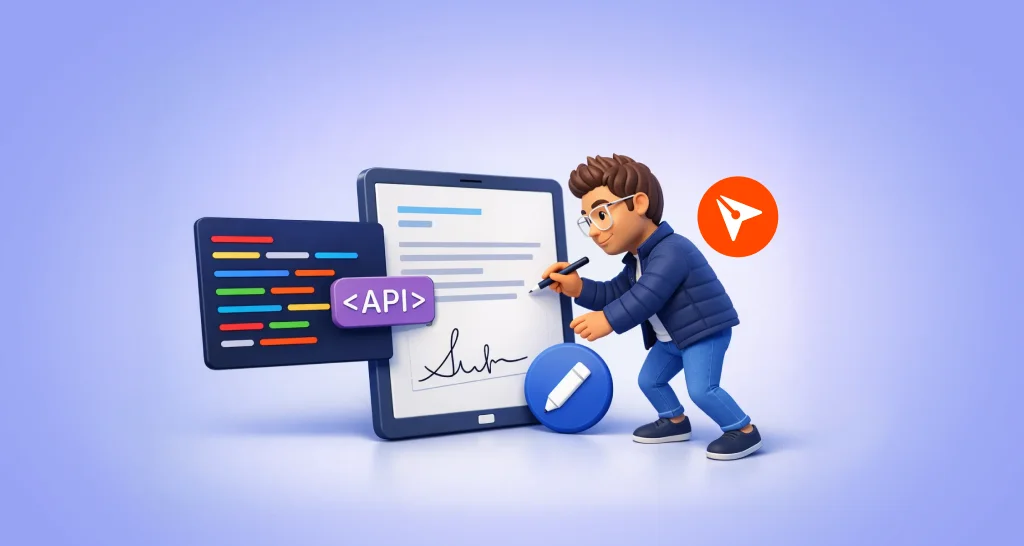
Use the BoldSign Edit Document API to change the signers, form fields, files and labels on a sent or draft document, with code samples in six languages.

WhatsApp QR Code Generator that lets you create instant chat links online. Customize your QR code and help users start WhatsApp conversations in one quick scan.
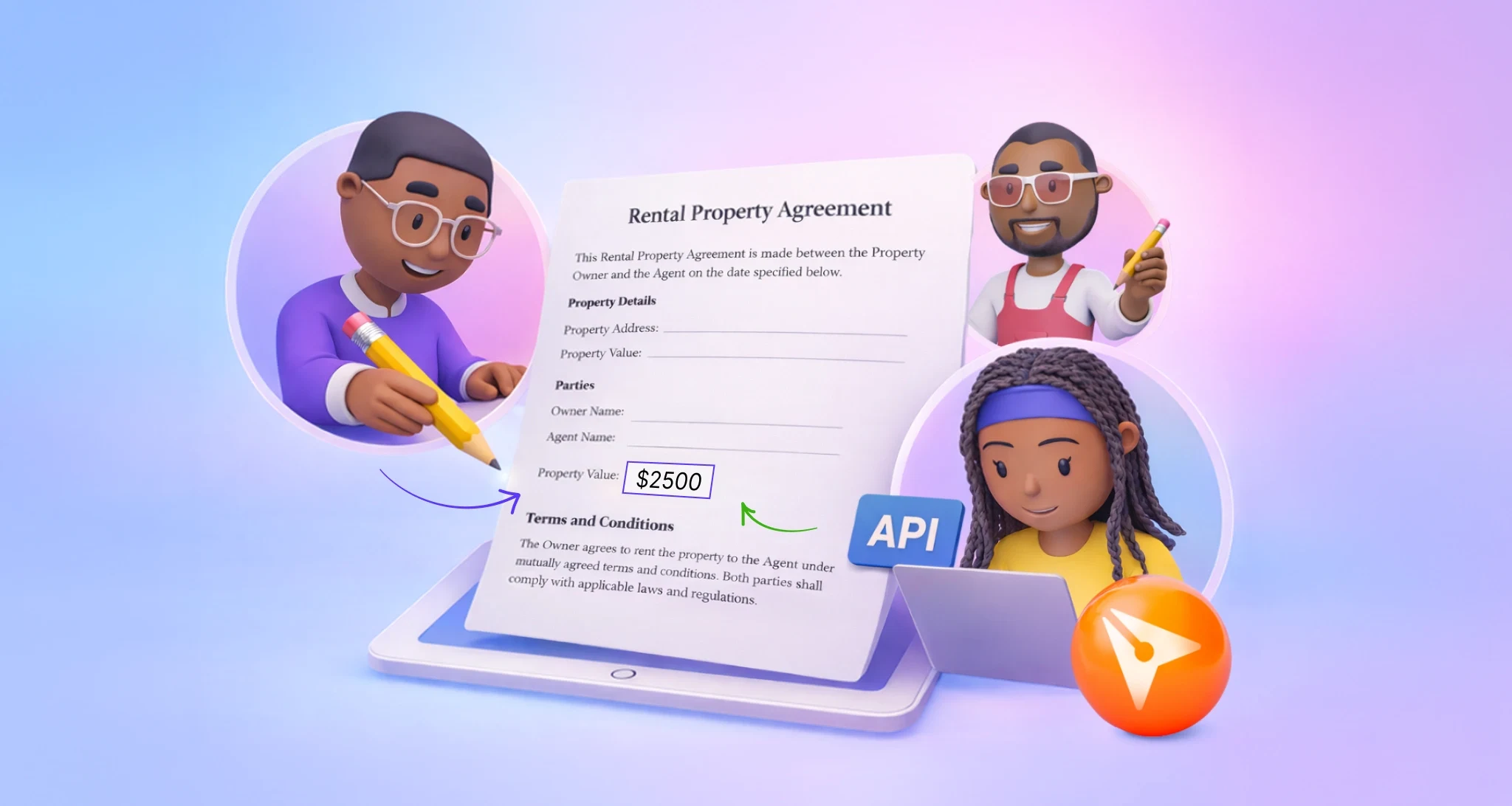
Set up collaborative fields with the BoldSign API. Choose who may edit a shared field, ask for initials or a fresh signature, and track each change made.
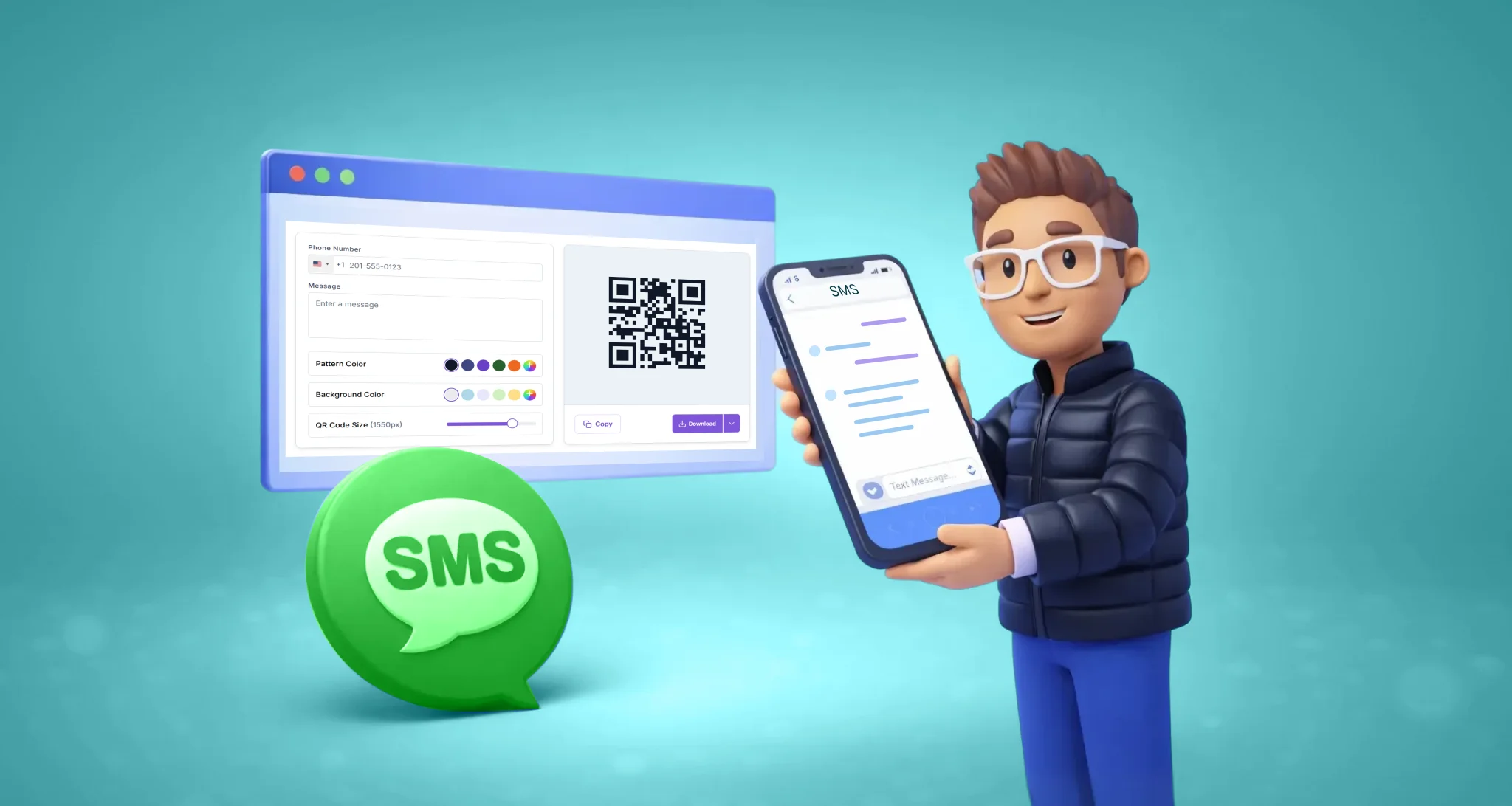
SMS QR code generator to create text QR codes instantly. Let customers scan, pre-fill messages, and start conversations faster. Free, no signup required.

See how push notifications in the BoldSign mobile app send real-time alerts on iOS and Android, which events trigger them, and how to change each one.

Use e-sign to build trust with customers: brand each request, write clear notes, show every step in an audit trail and follow up on time with BoldSign.
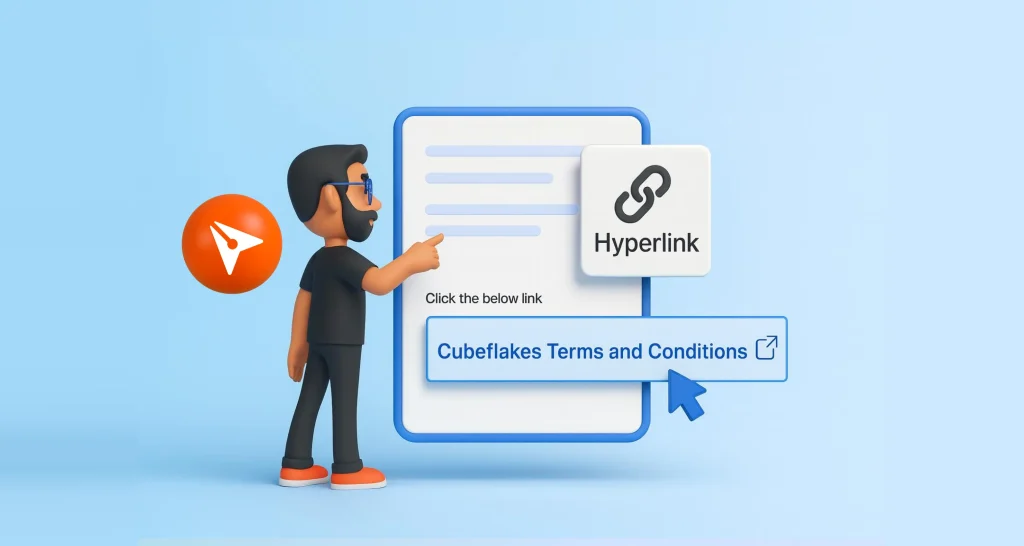
Learn how to add a hyperlink field to a document before you send it for signature, which link types it supports, and which BoldSign plans have the field.

Multichannel delivery lets you send each signer a request by email, SMS, email and SMS, or WhatsApp. See when each channel fits and how to set each up.
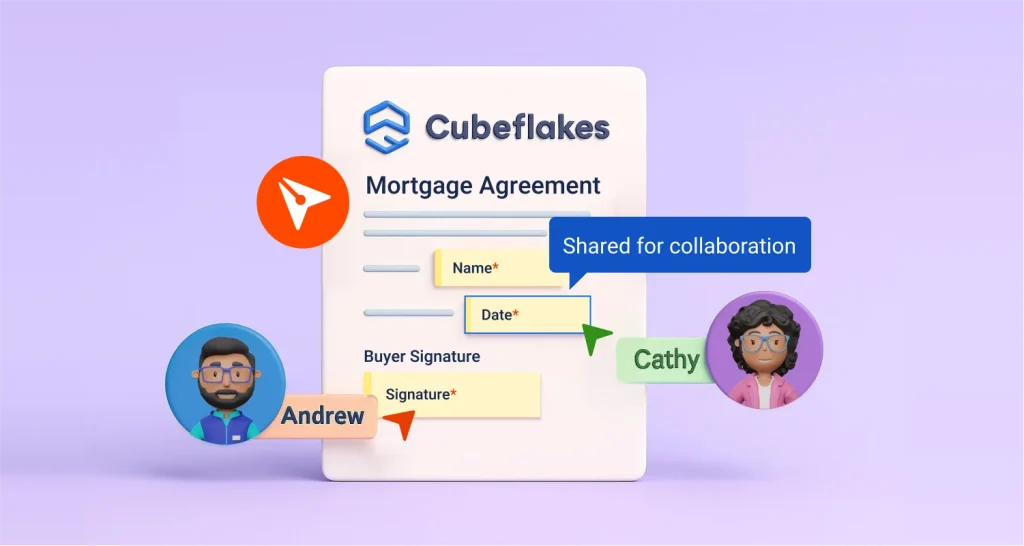
Learn how collaborative fields let two or more signers edit one form field while signing, with initials, re-sign approval and a full record of changes.
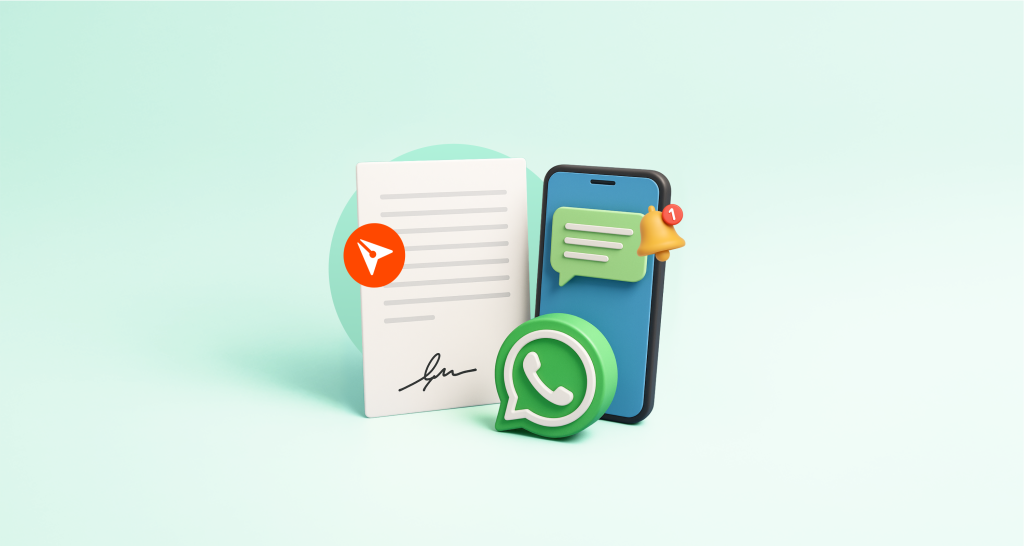
Streamline document signing with BoldSign! This webinar recap shows how SMS & WhatsApp delivery accelerate eSignatures for secure, efficient mobile solutions.

eSignature for education: send consent forms, enrollment forms and staff contracts to sign online, track every copy, and see what it costs for your school.