

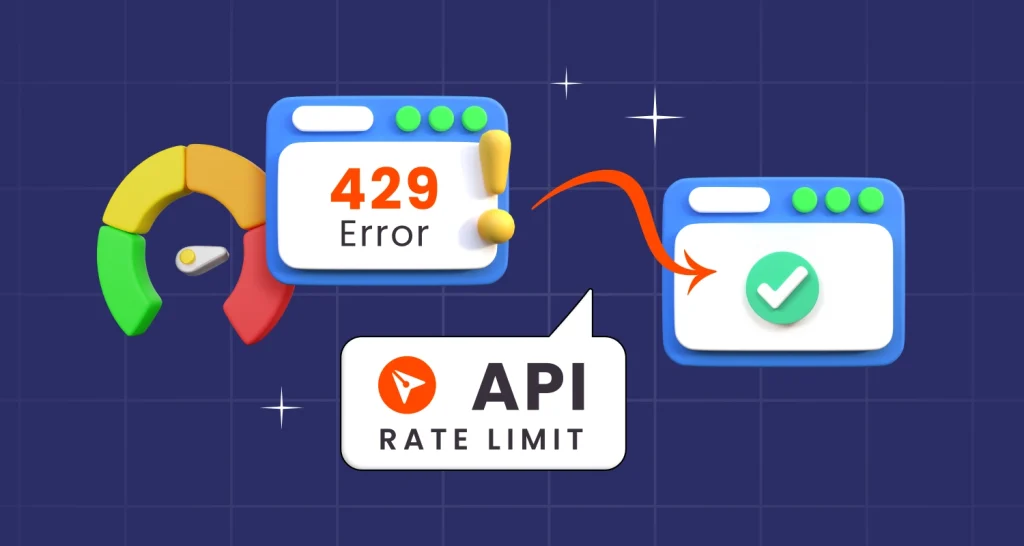
How to Manage BoldSign API Rate Limits: Practical Tips for Developers
BoldSign API rate limits explained: 2,000 requests an hour live, 50 in the sandbox, what a 429 error means, and simple ways to keep your app within them.
 Discover our mission, commitment to our customers, and leadership team.
 Stay updated with our latest news and announcements.
 Learn about the latest BoldSign products and company news.
 Earn ongoing referral fees by embedding and referring BoldSign to clients.
 Connect with us if you have any questions or need help.
 Your business is protected with BoldSign.
 Earn commission by promoting BoldSign via your site, blog, or socials.
 Join our team and build innovative software solutions.
 See the love for BoldSign from users about their experience.
Browse general articles and updates for BoldSign’s eSignature platform. Stay informed about features, tips, and best practices for secure digital signing.
BoldSign API rate limits explained: 2,000 requests an hour live, 50 in the sandbox, what a 429 error means, and simple ways to keep your app within them.

Connect BoldSign to Power Automate with no code. Set up the connector, pick a trigger, send from a template and file signed PDFs in SharePoint or OneDrive.

Set up auto backup to cloud storage for your signed documents. We save each file, its audit trail and attachments to Google Drive, OneDrive or Dropbox.
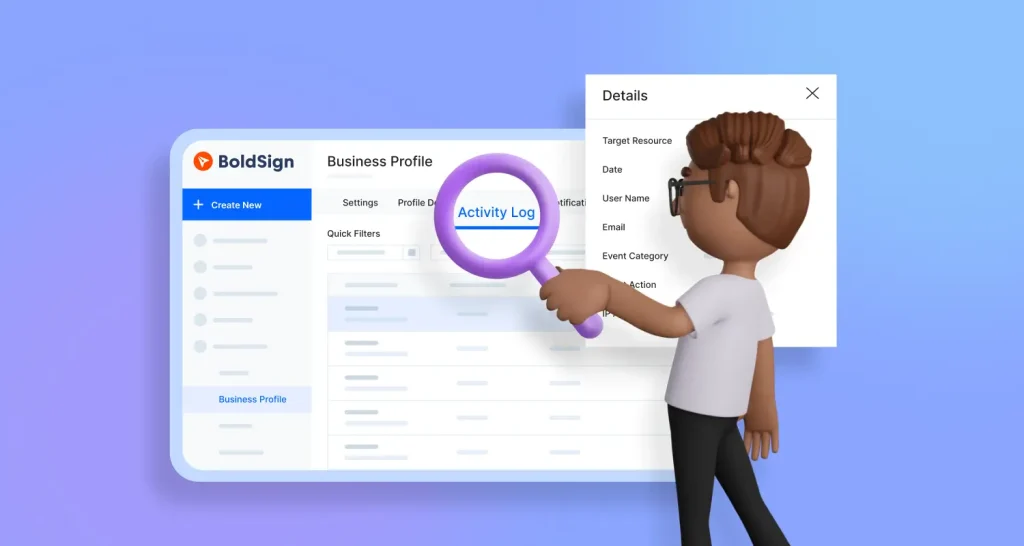
Learn how admins track organization activities in BoldSign with the activity log: what each entry shows, how to filter and export it, and who can see it.
Learn how to send a financial statement for signature, check who signs, track progress and keep investor documents secure online with BoldSign eSignatures.

Add eSignatures to your Python app with the BoldSign Python SDK: install it with pip, set your API key, send a document and track it until it is signed.
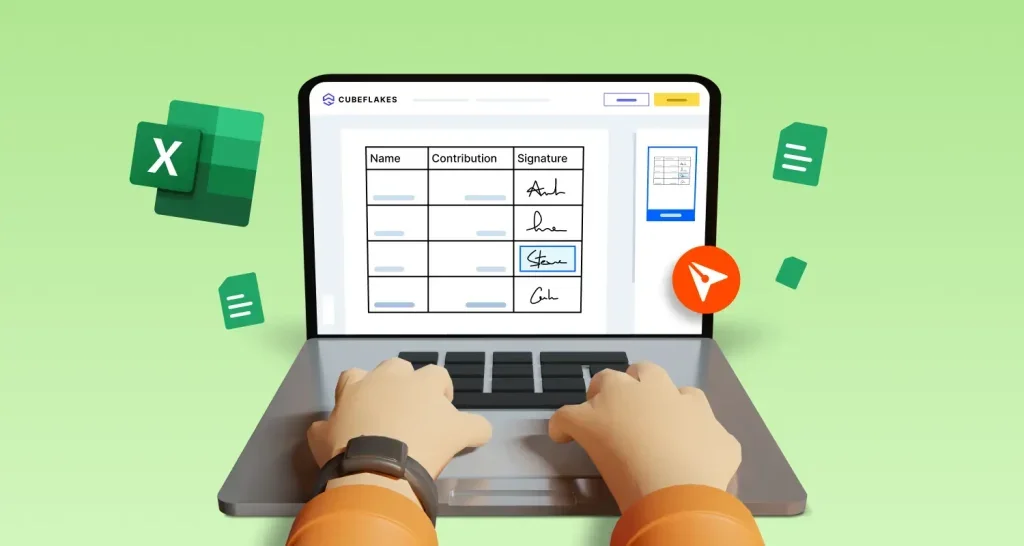
Learn how to insert a signature in Excel with a signature image, an Excel signature line or an eSignature, and which method records who signed and when.
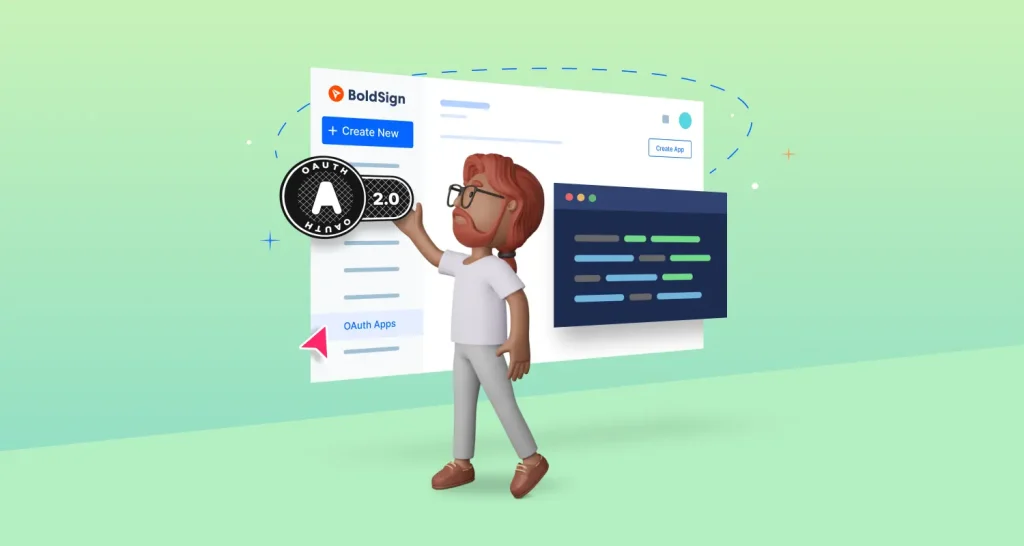
Connect your app to BoldSign with OAuth 2.0: create an OAuth app, run the authorization code and client credentials flows in Python, and refresh tokens.
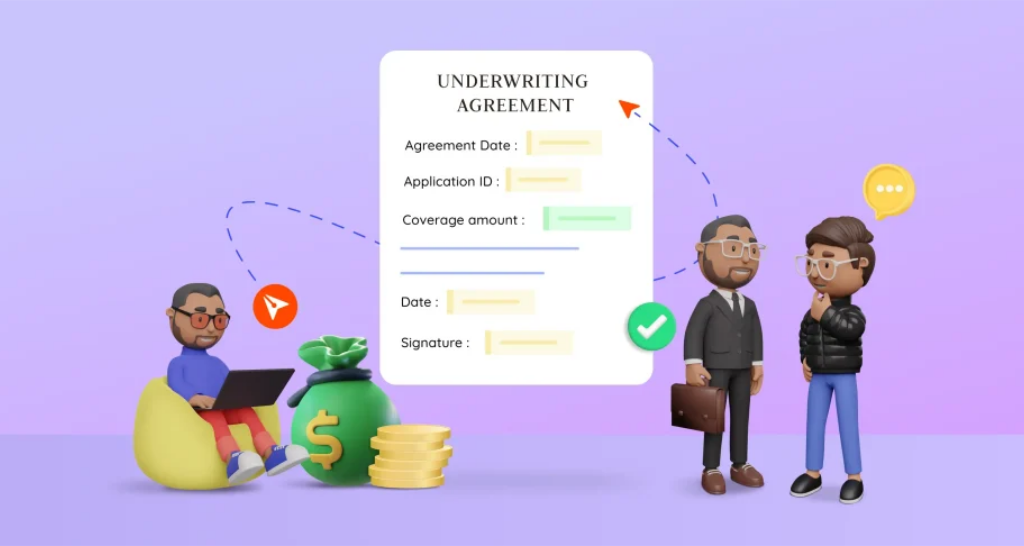
Get underwriting agreements signed online: add each signer in order, check who is signing, track every sign-off and keep an audit trail with BoldSign.
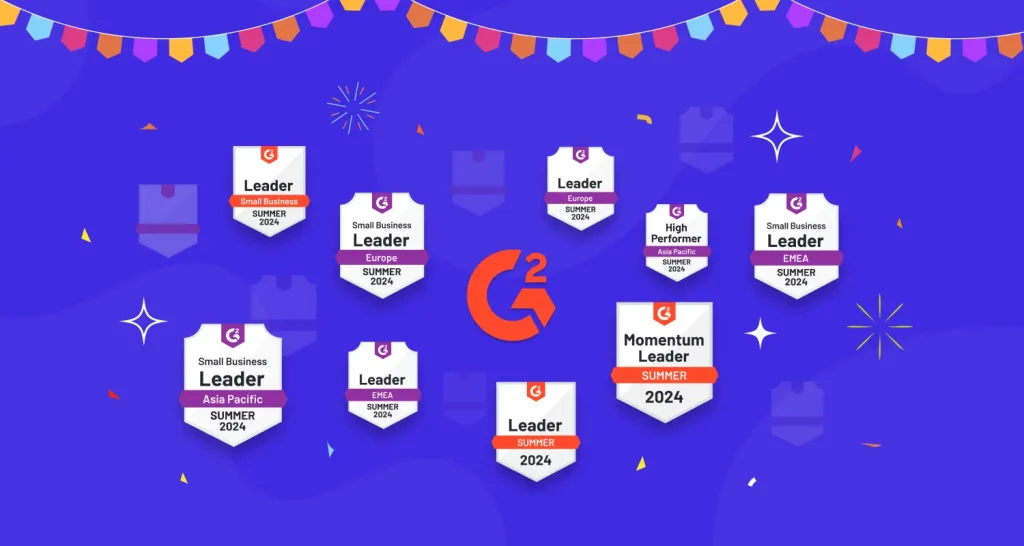
BoldSign earns 9 G2 Summer 2024 Leader badges for eSignature solutions based on user satisfaction and a growing global presence. Learn more about our success!
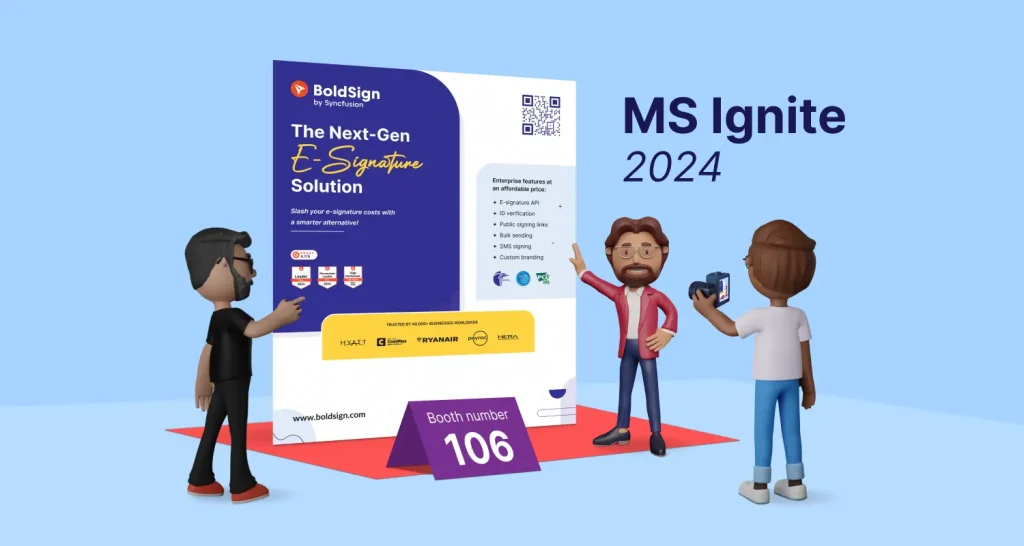
Meet BoldSign’s e-signature experts at Microsoft Ignite 2024. Explore demos, secure workflows, and smart features that simplify signing at Booth #106.
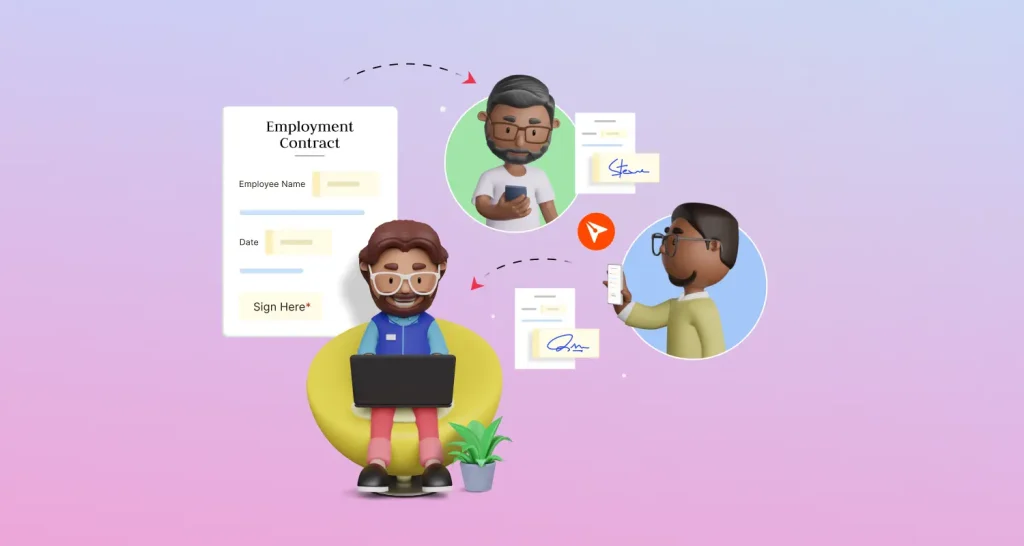
See how HR teams send employment contracts and offer letters for e-signature, one at a time or many at once, with saved templates and a full audit trail.